Free to download or share Christmas cards on apps like WhatsApp, Facebook, Messenger, Telegram, Viber, WeChat and more…

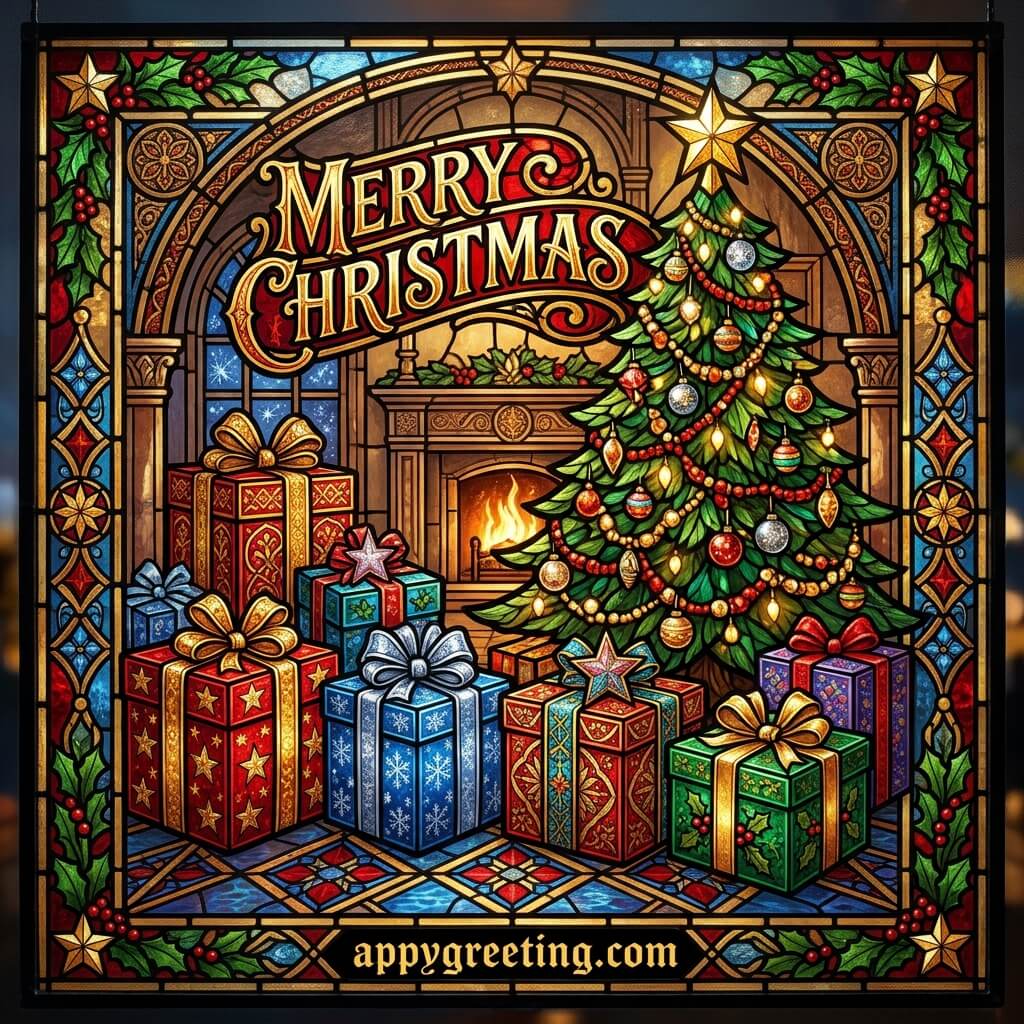
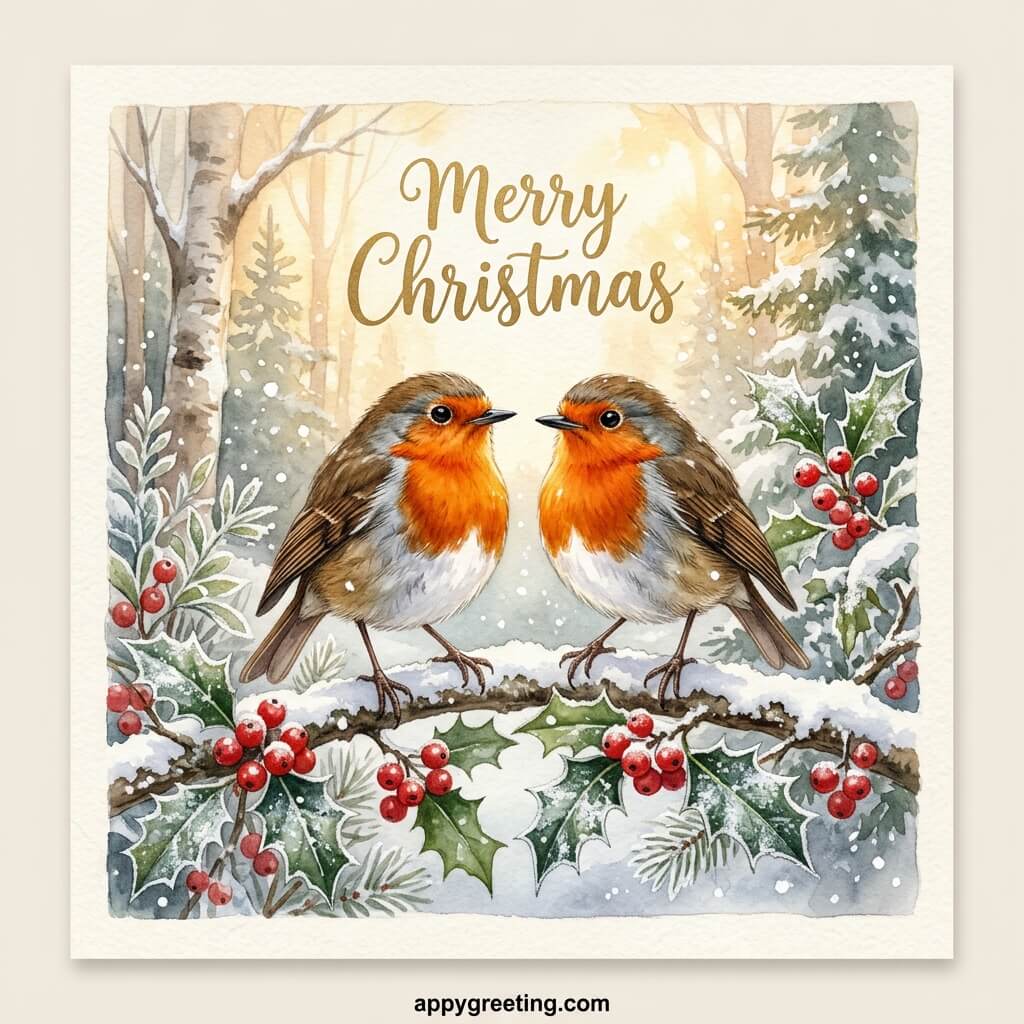
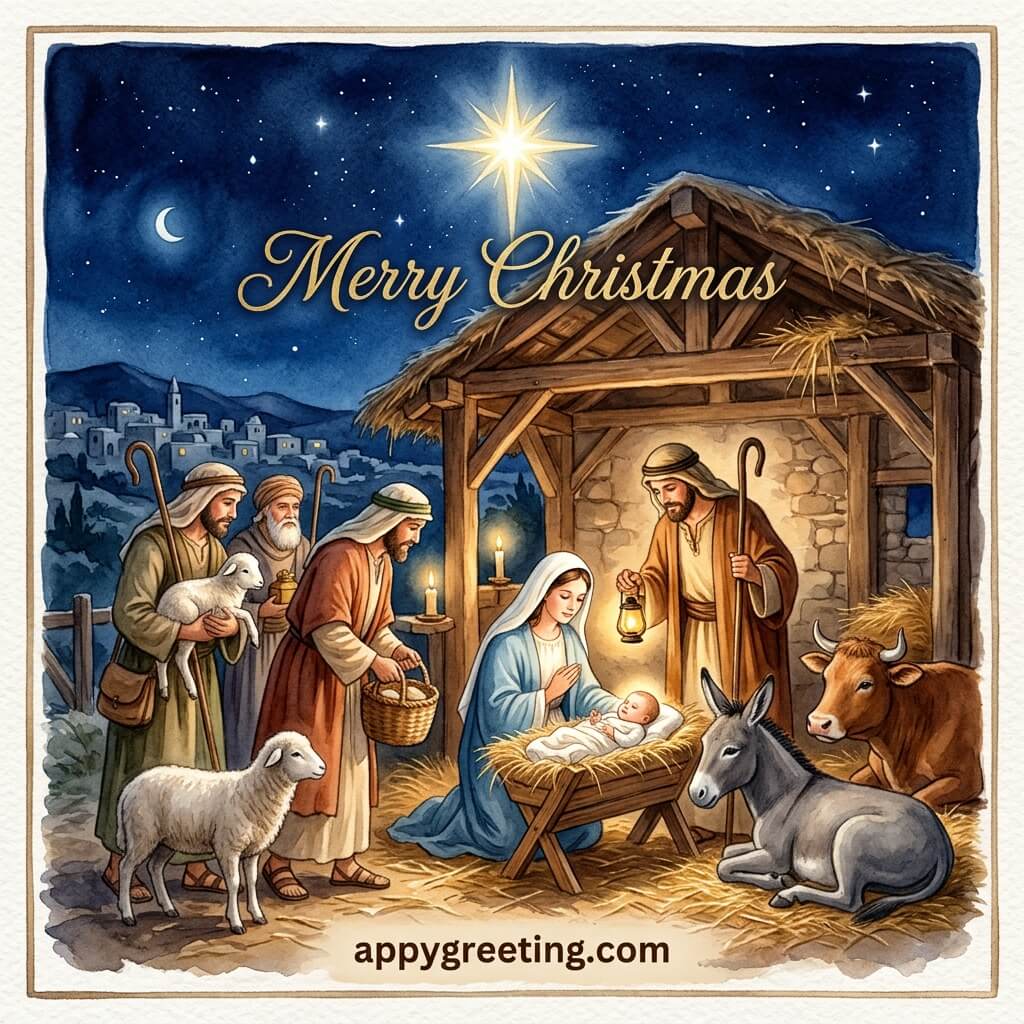
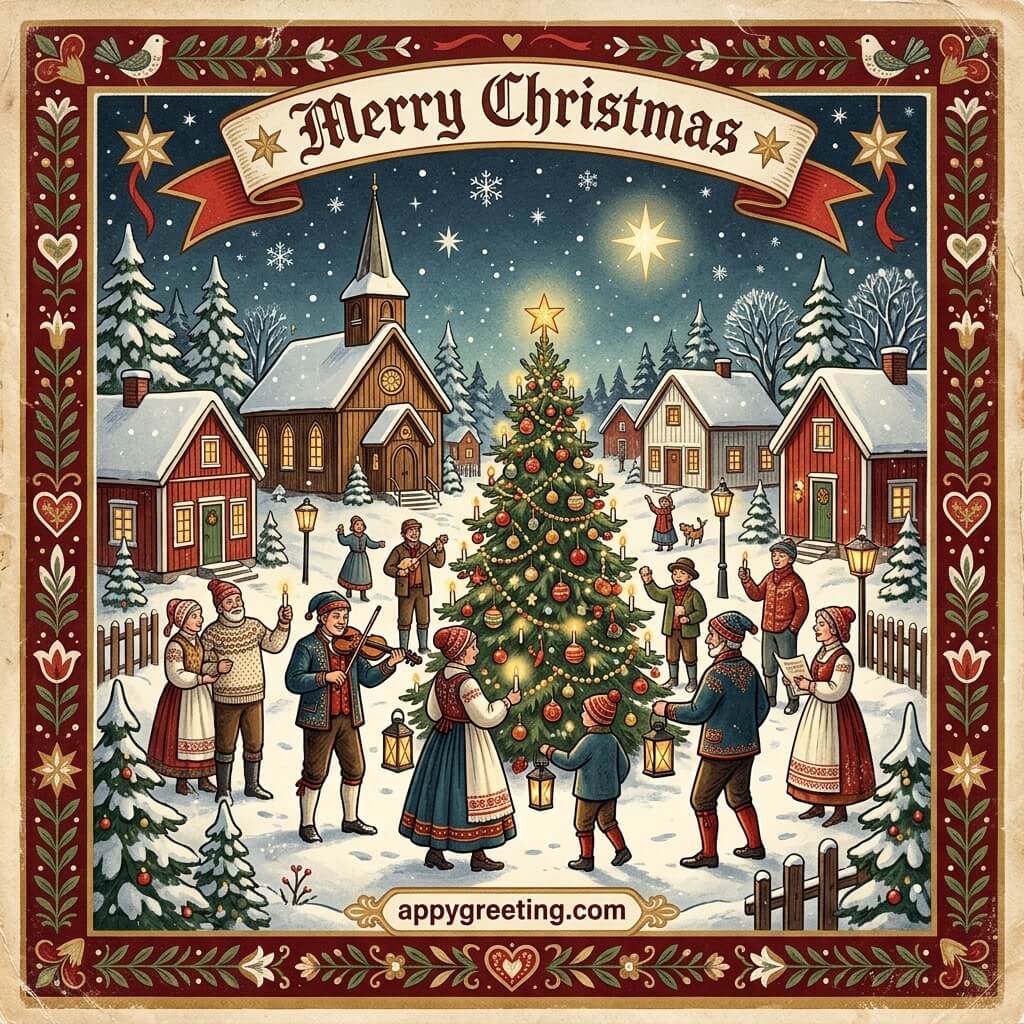




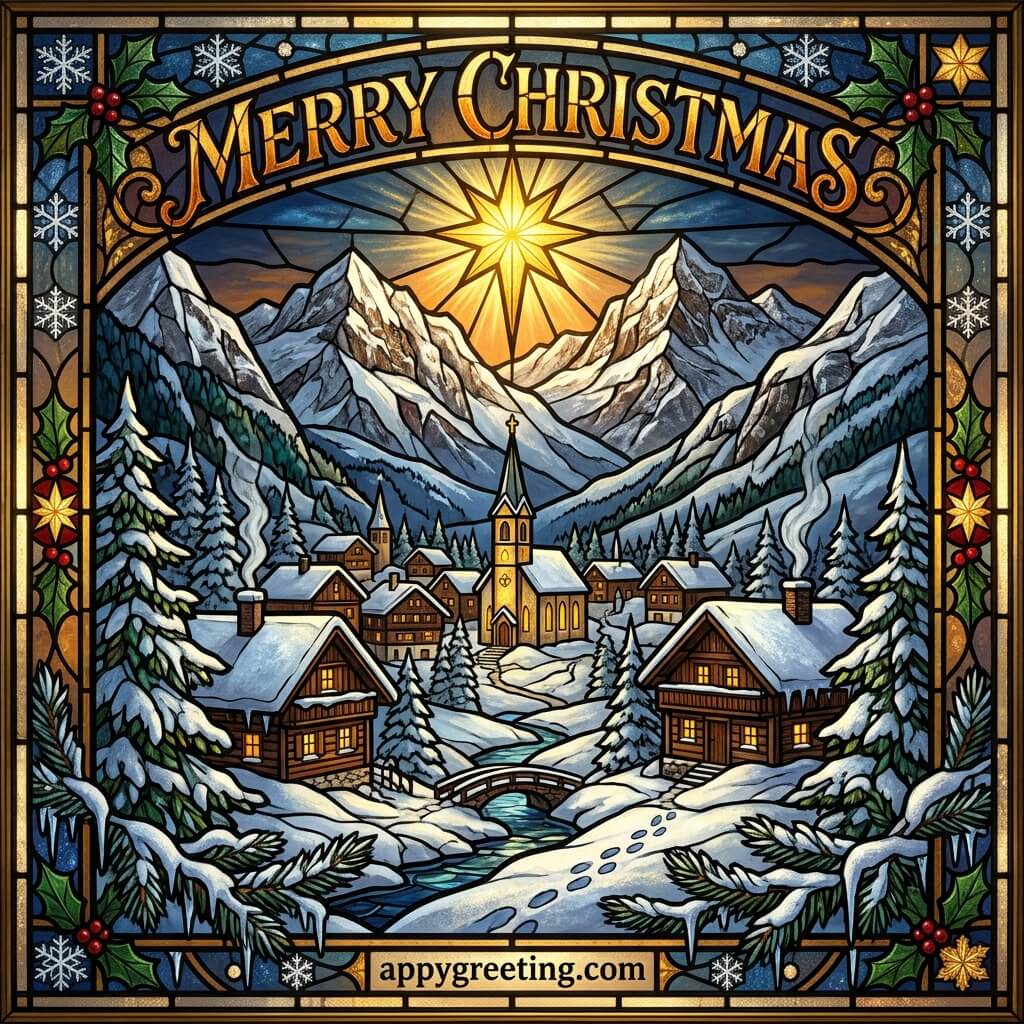

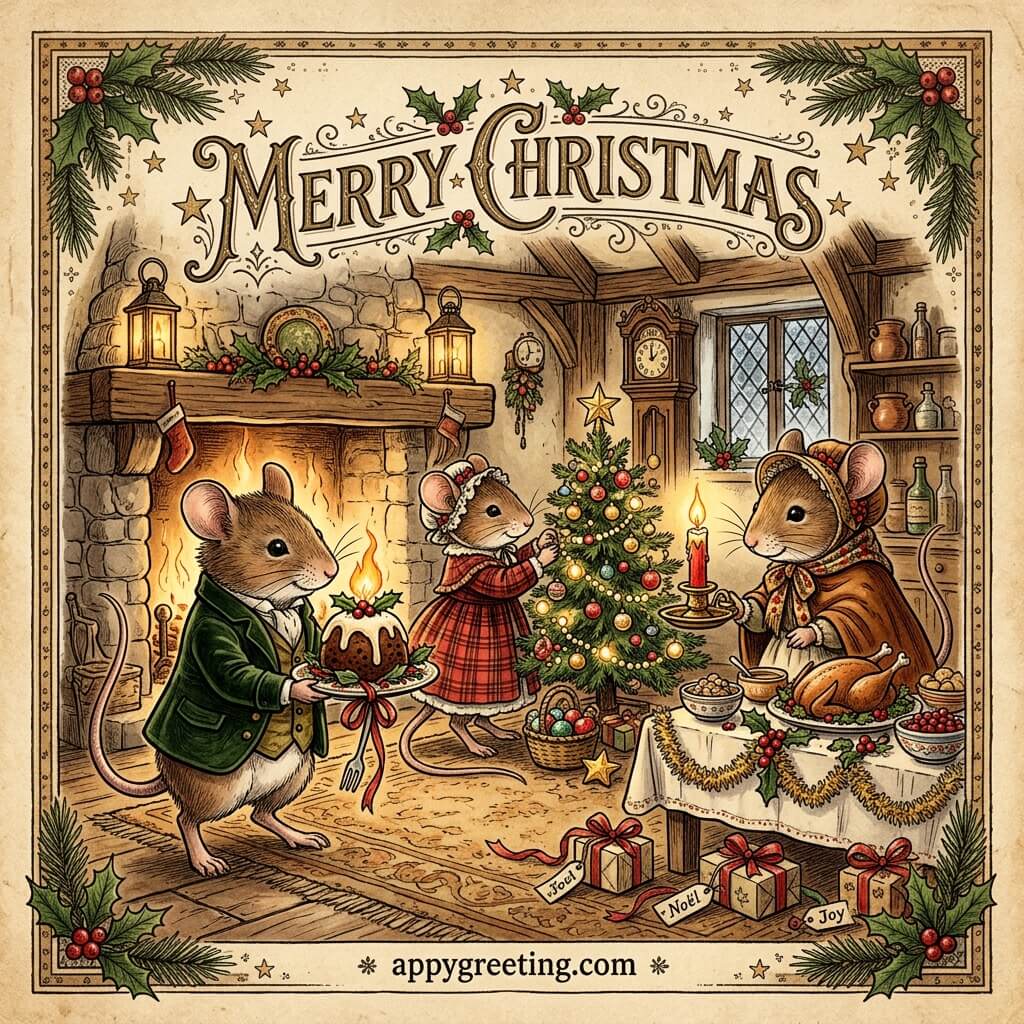
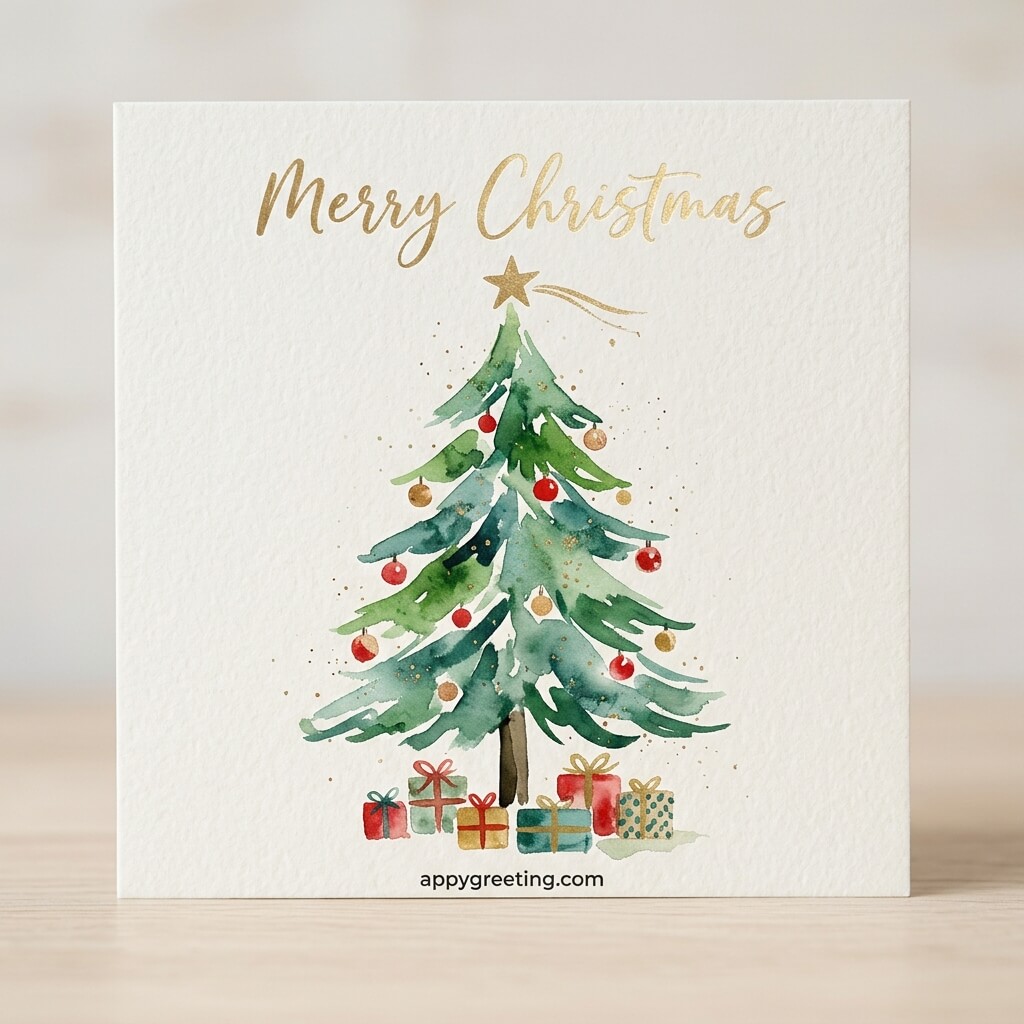


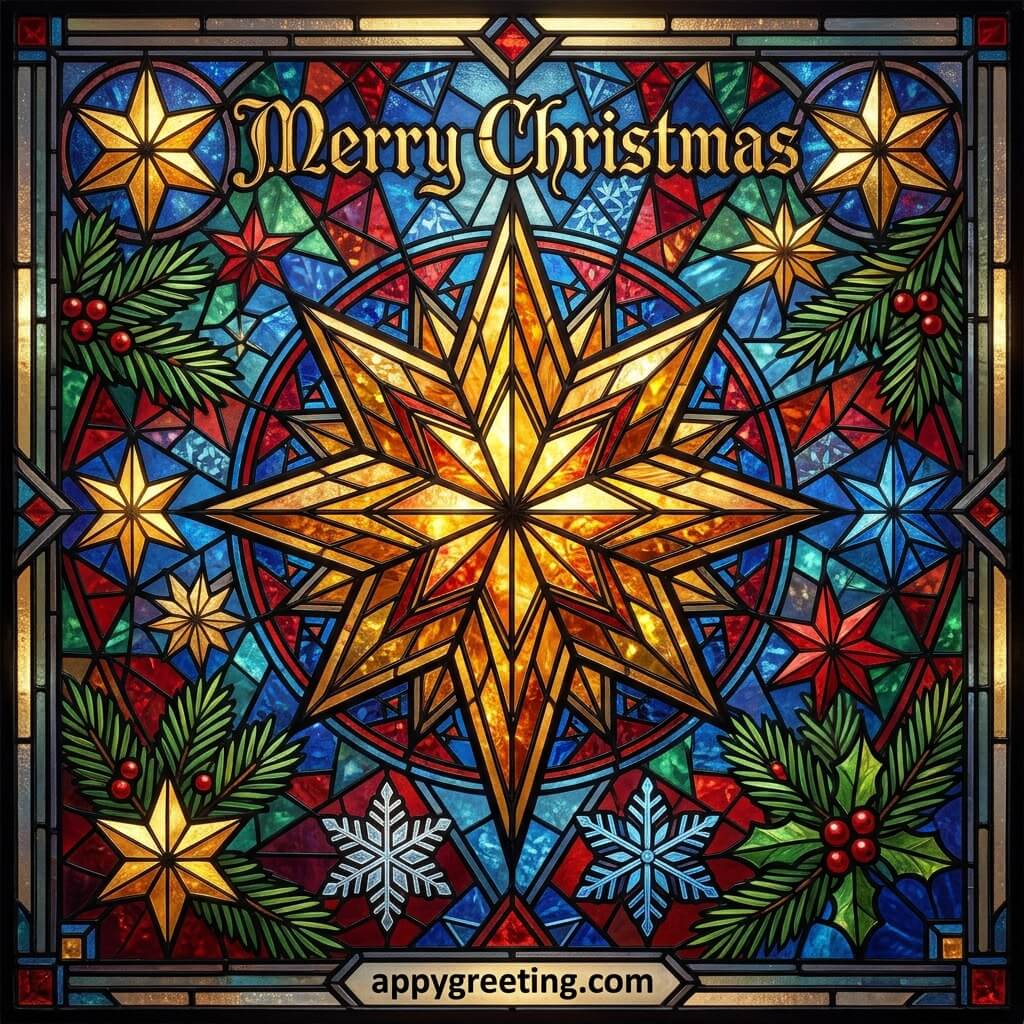

Free to download or share Christmas cards on apps like WhatsApp, Facebook, Messenger, Telegram, Viber, WeChat and more…
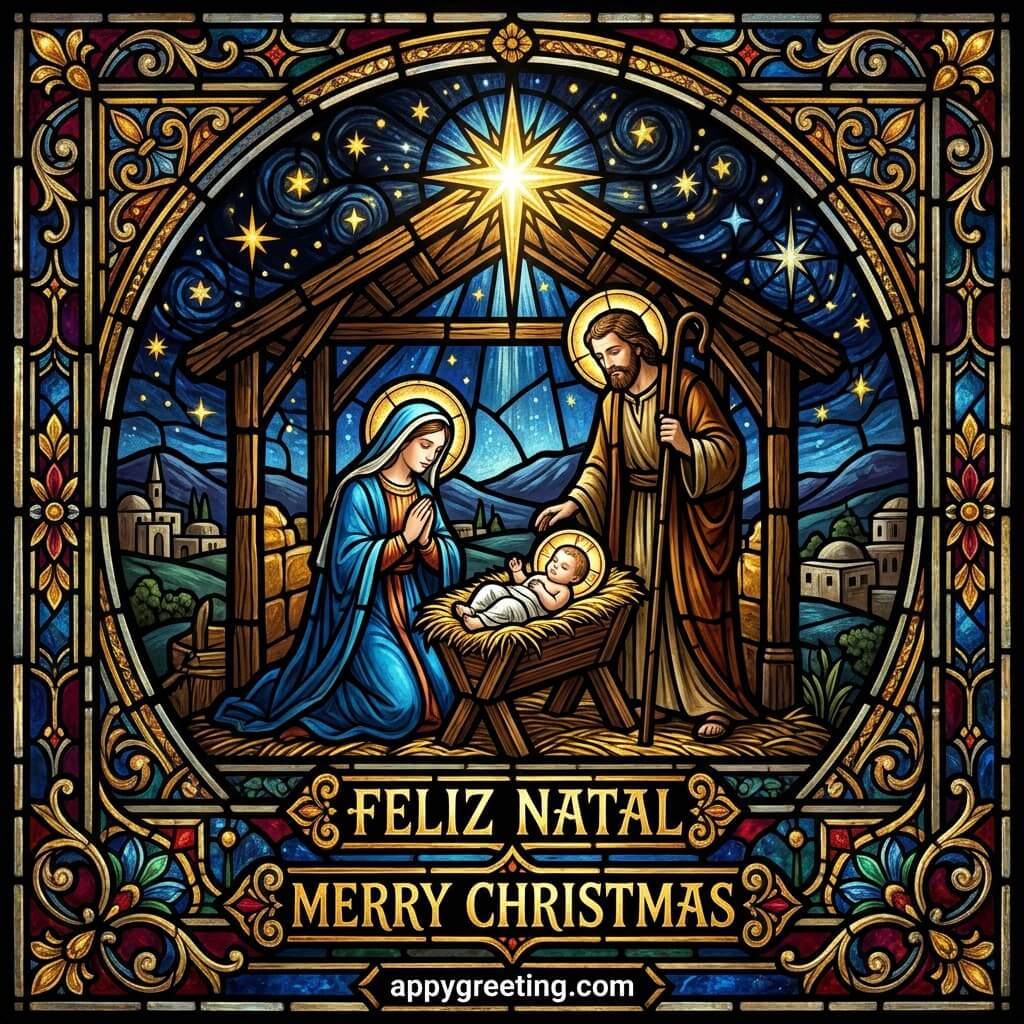
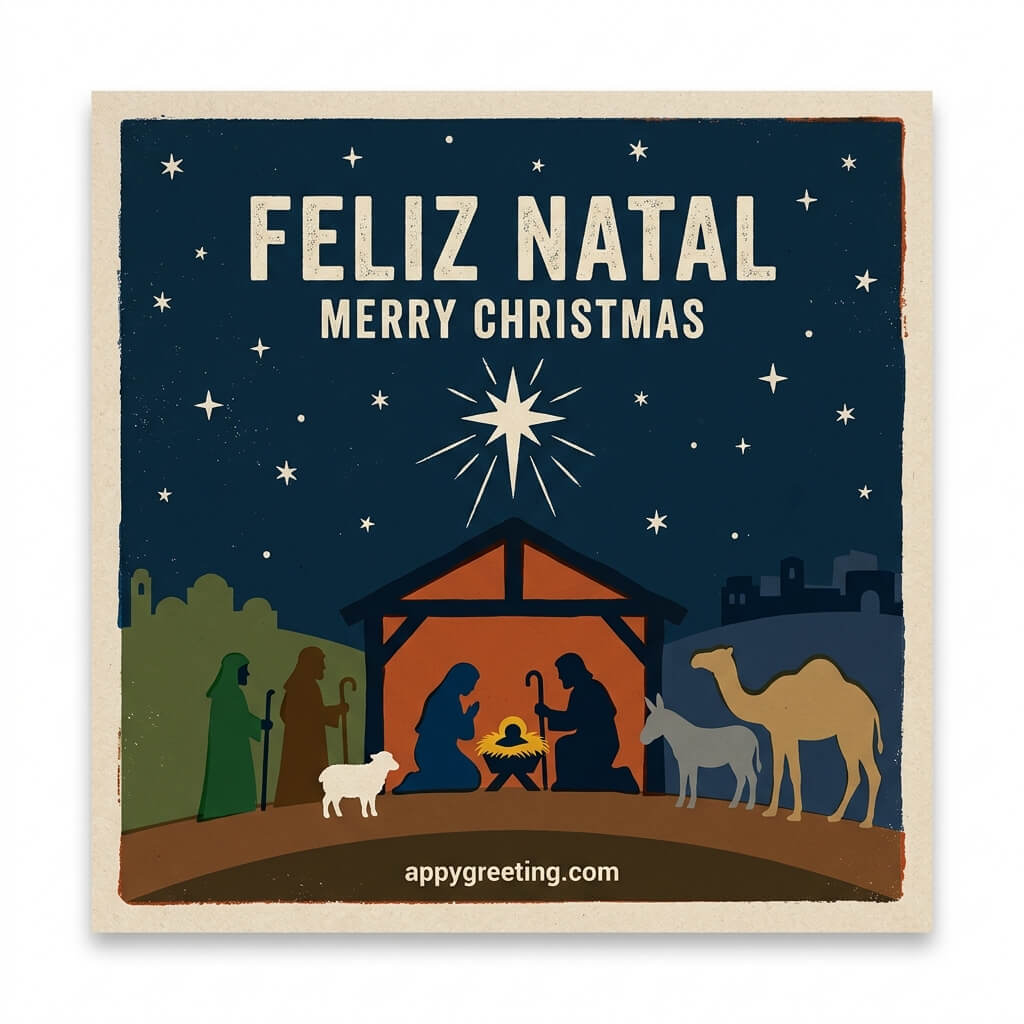
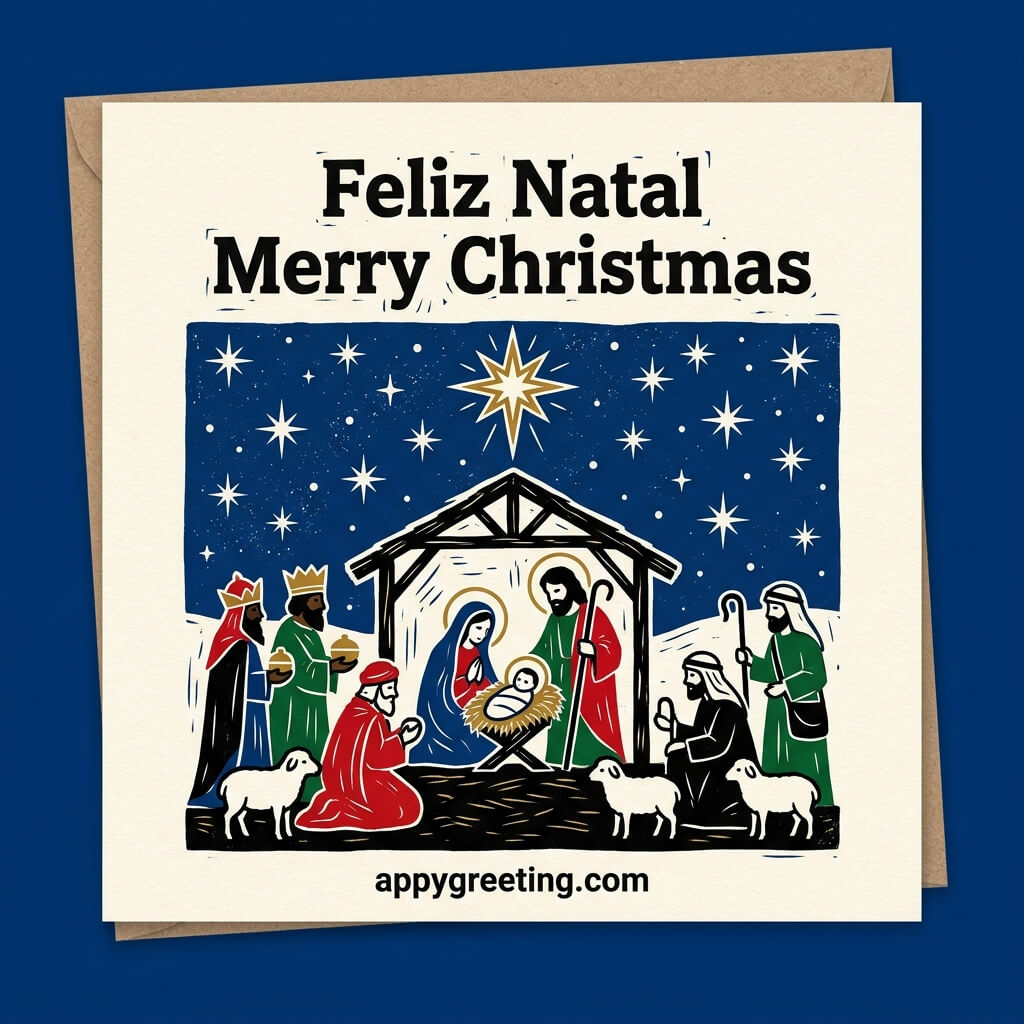
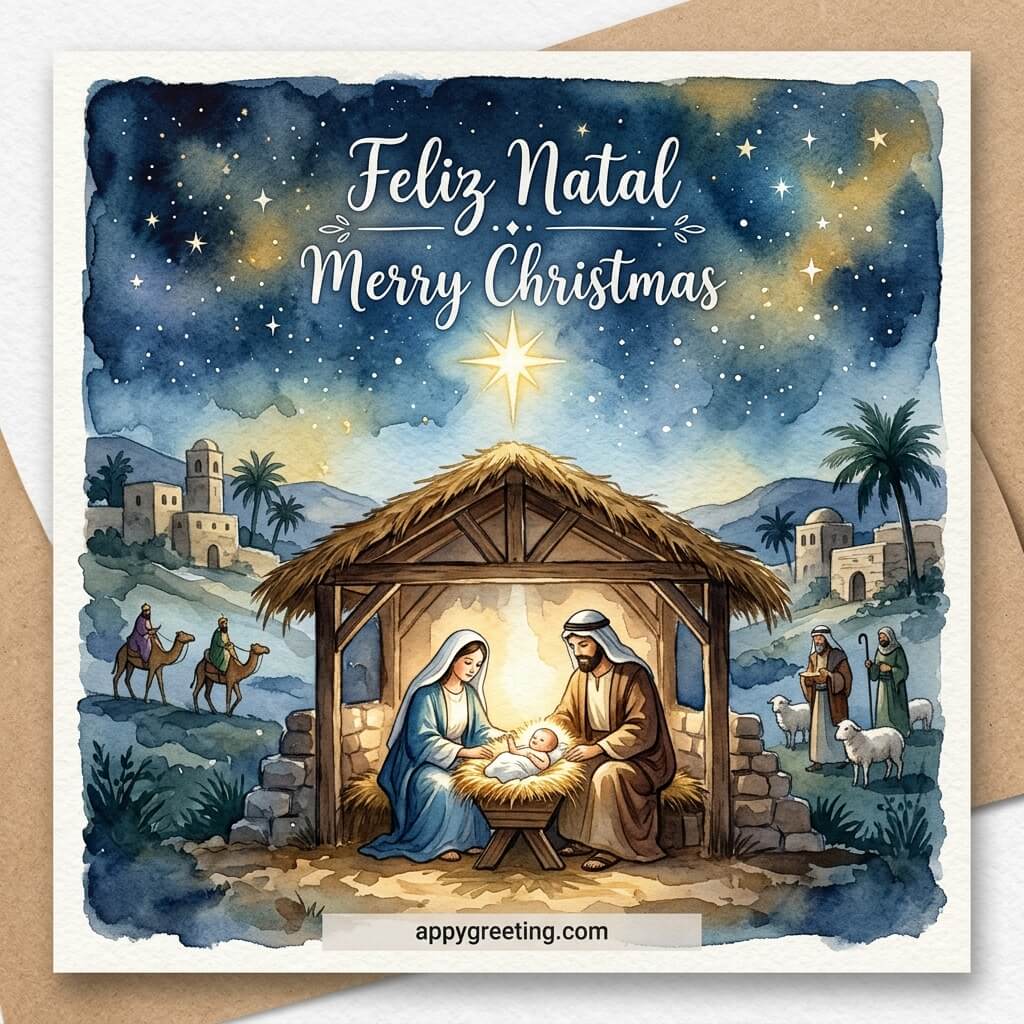
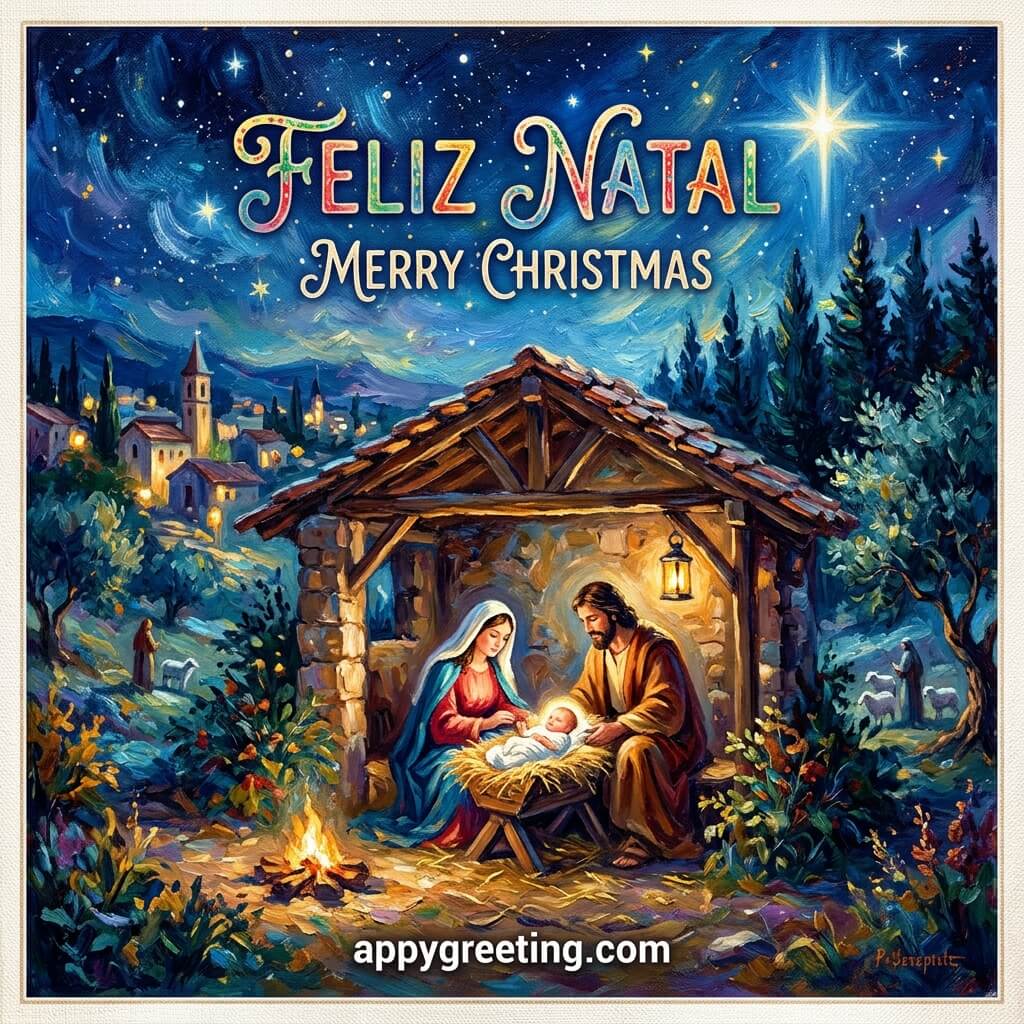
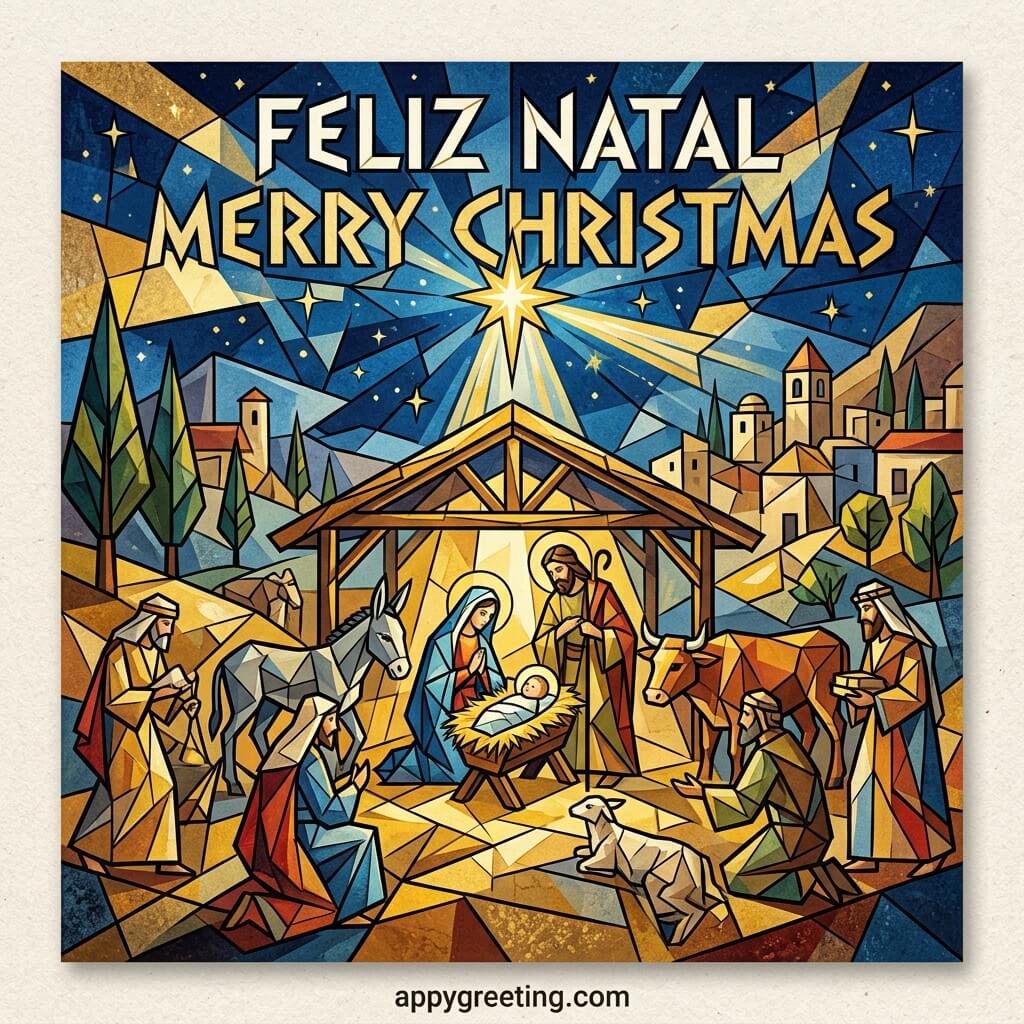
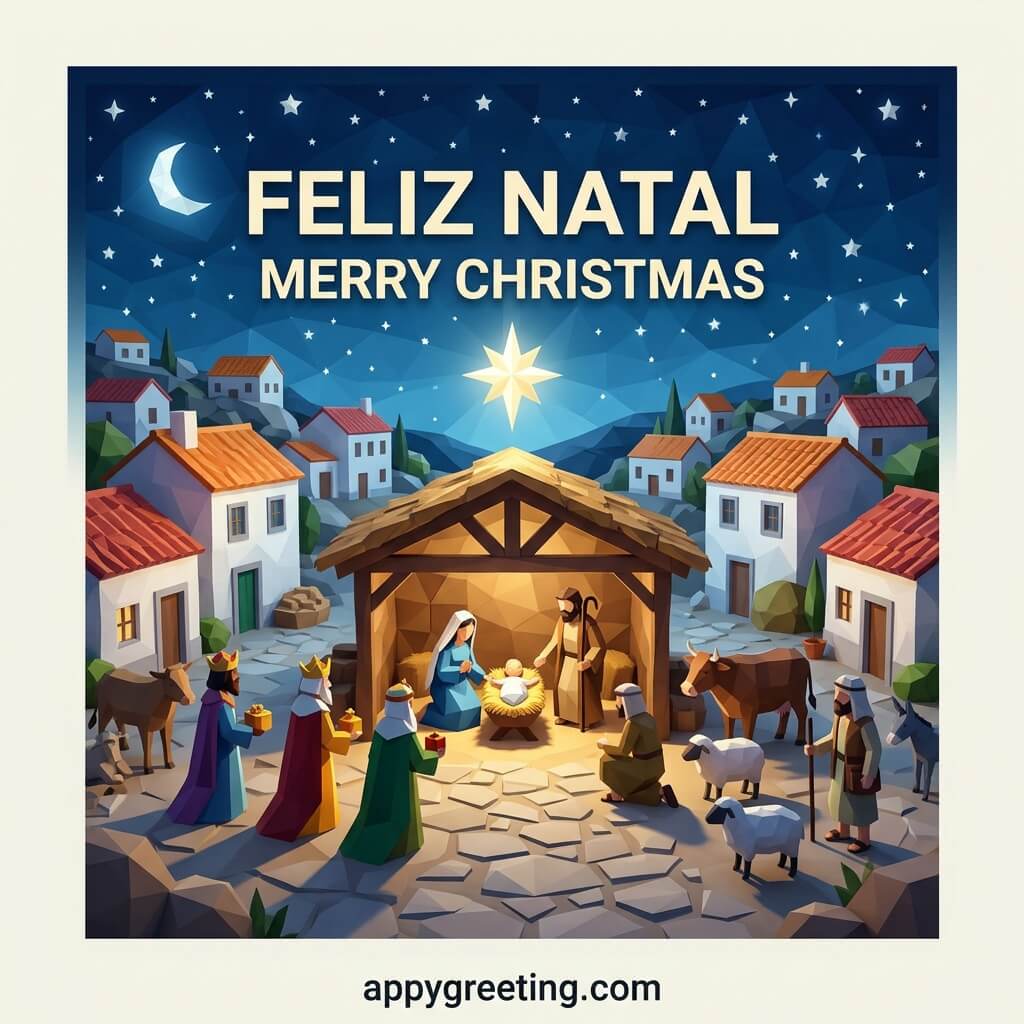
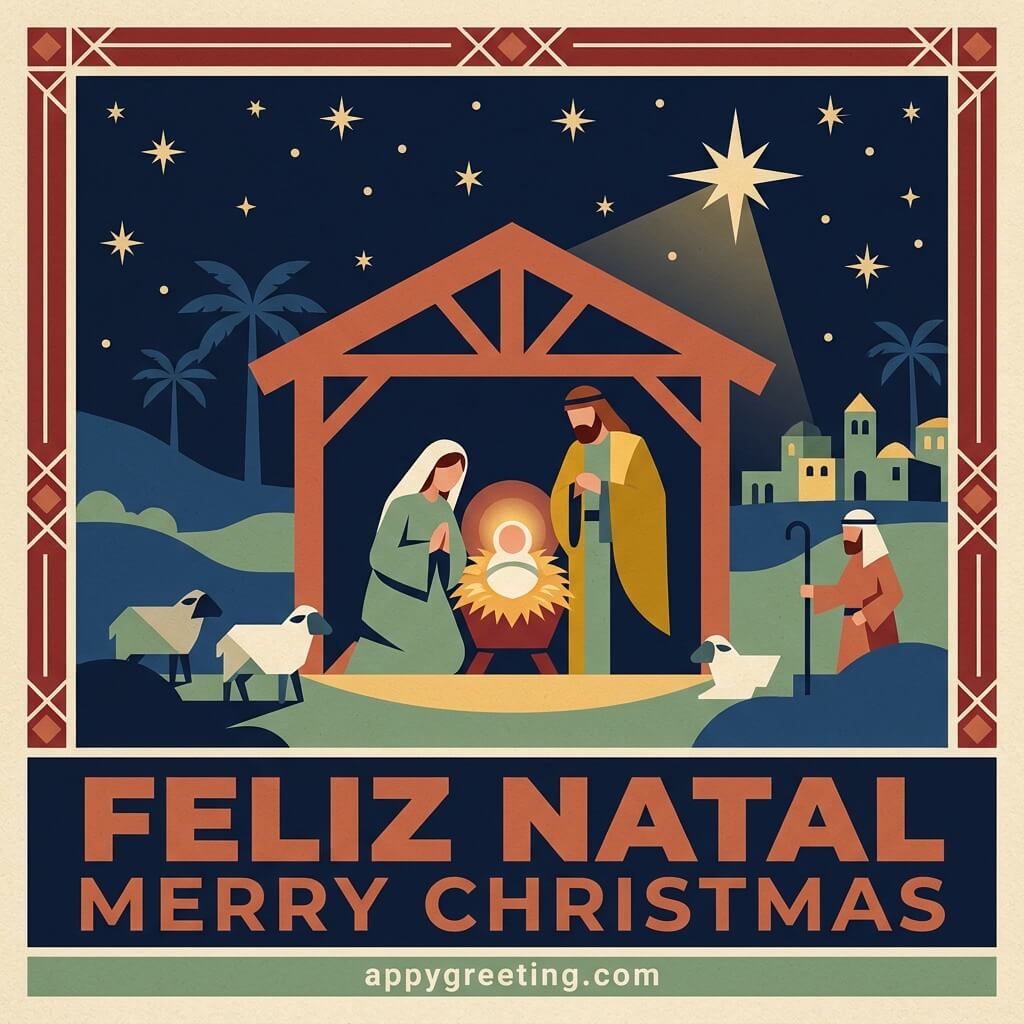
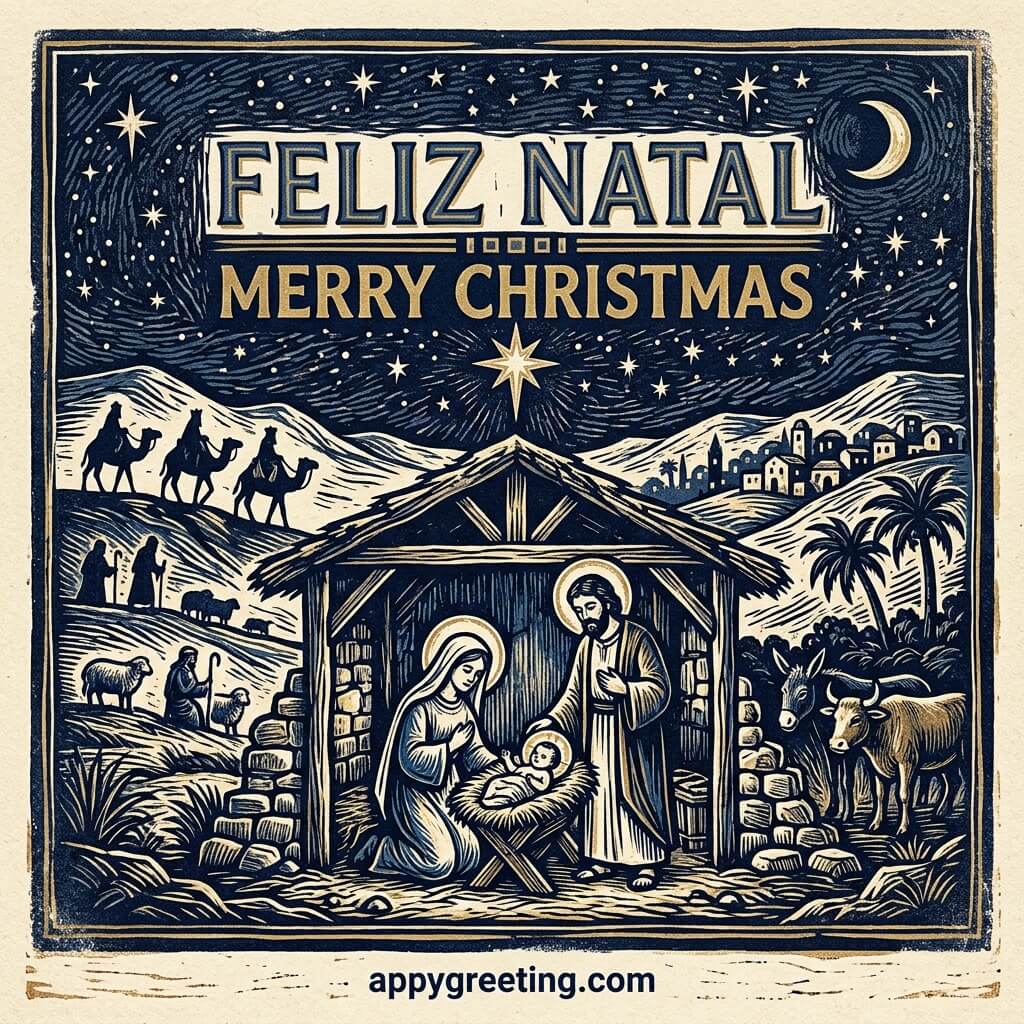
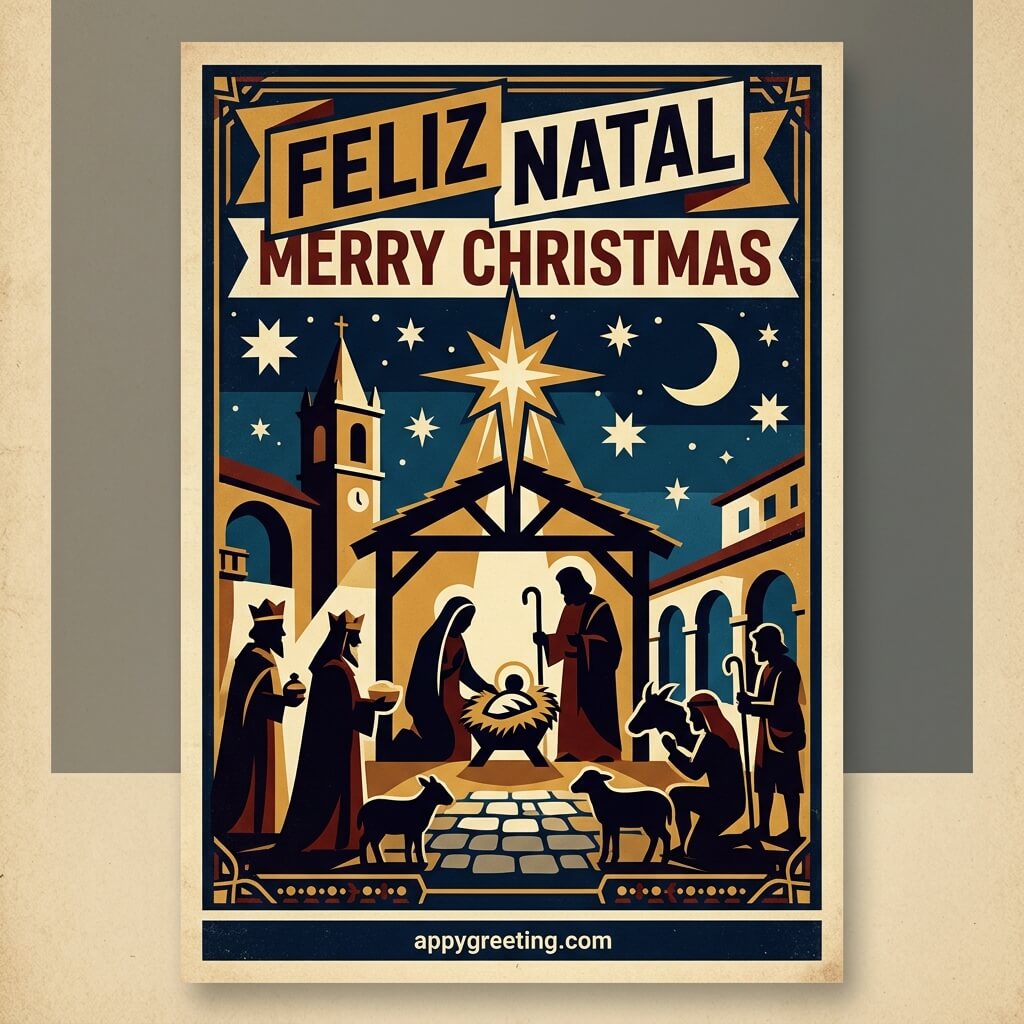
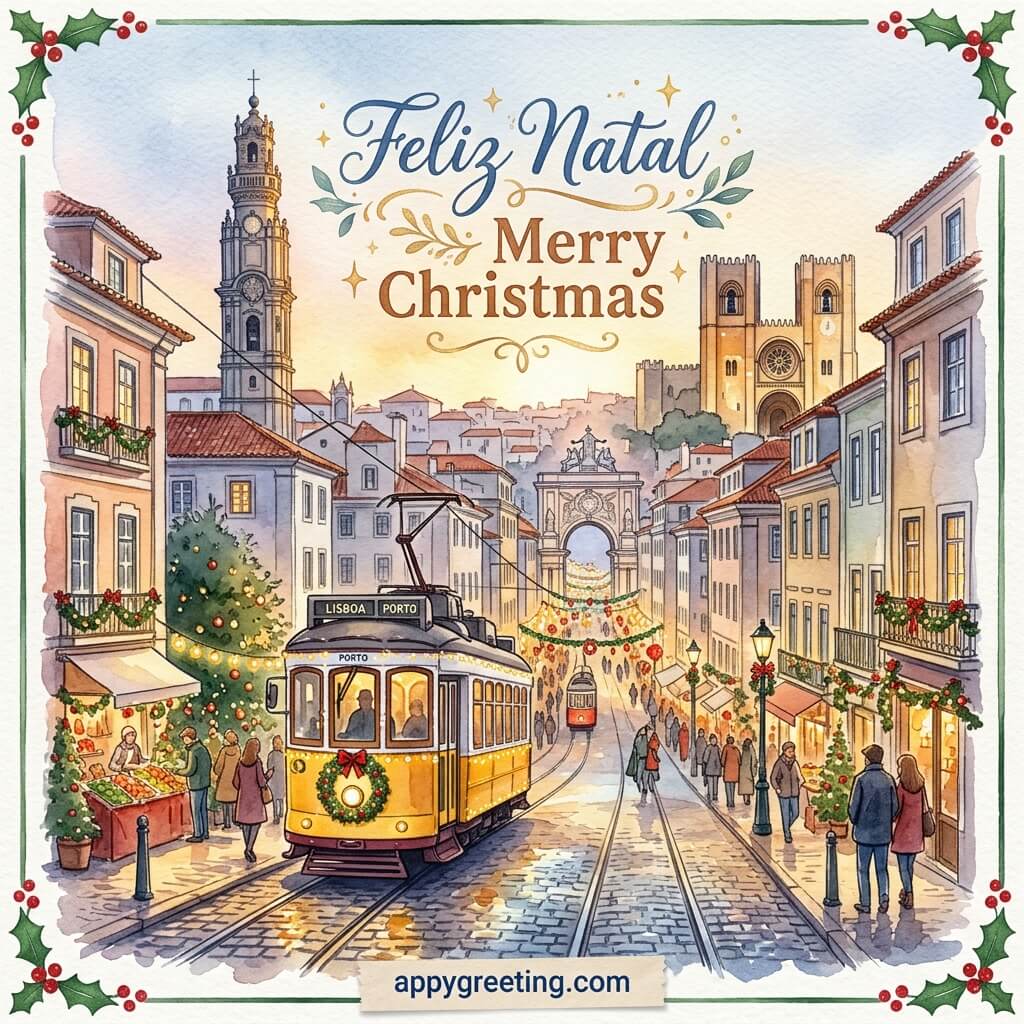
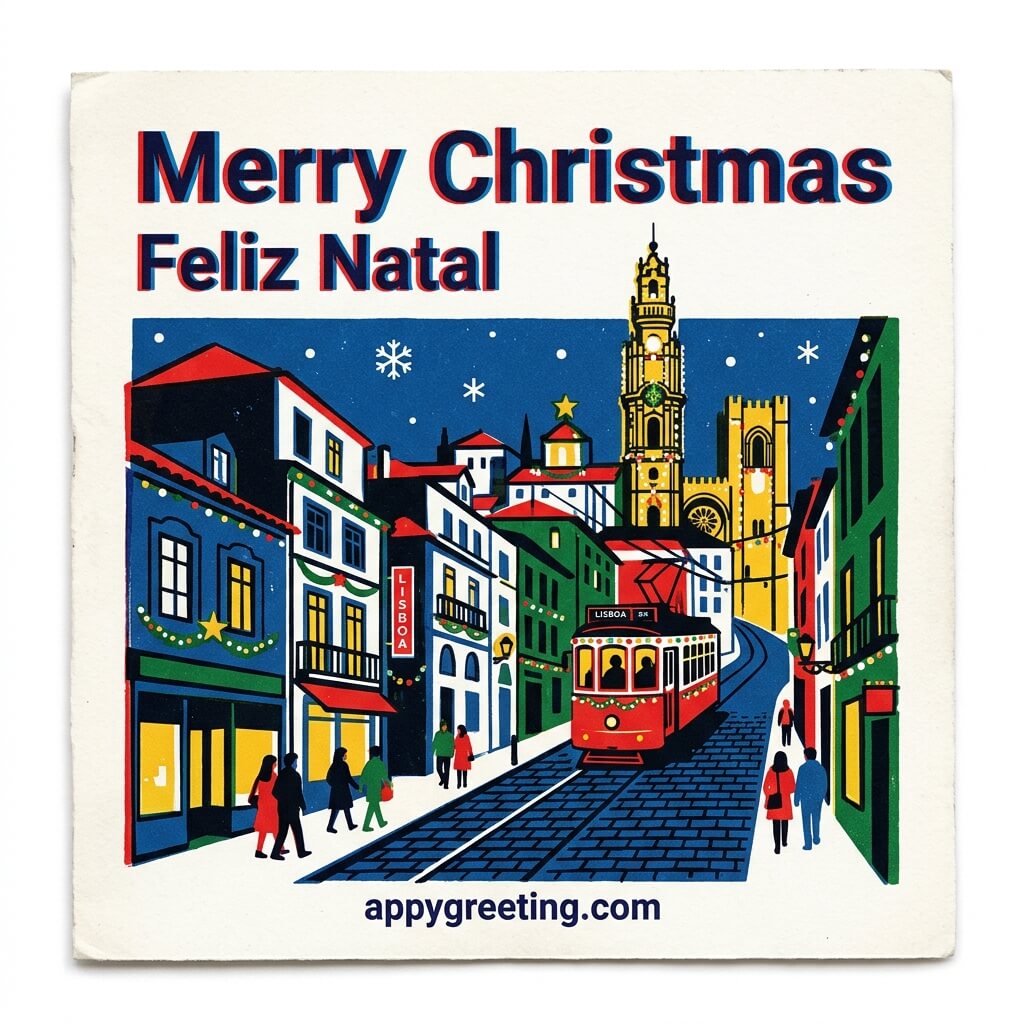
Portuguese Christmas cards in English and Portuguese that you can download or share on social media for free.






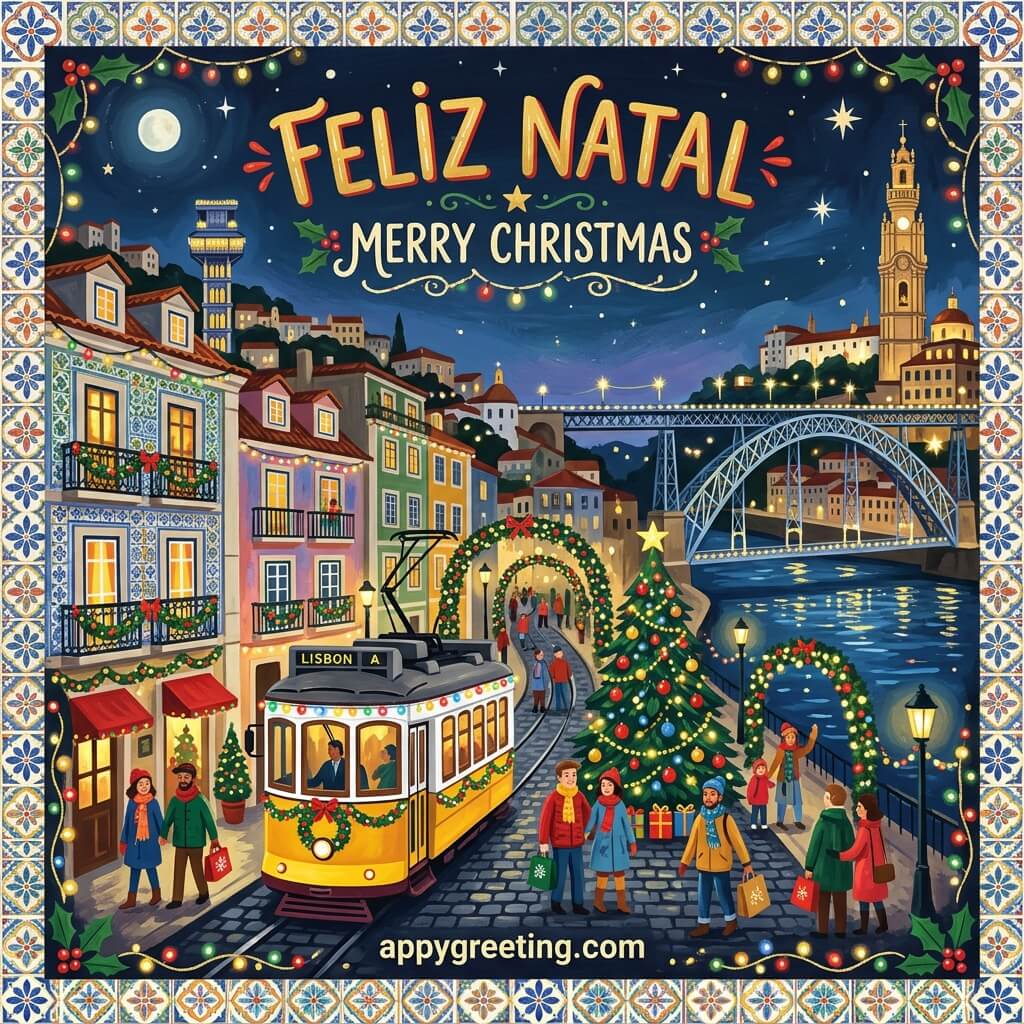
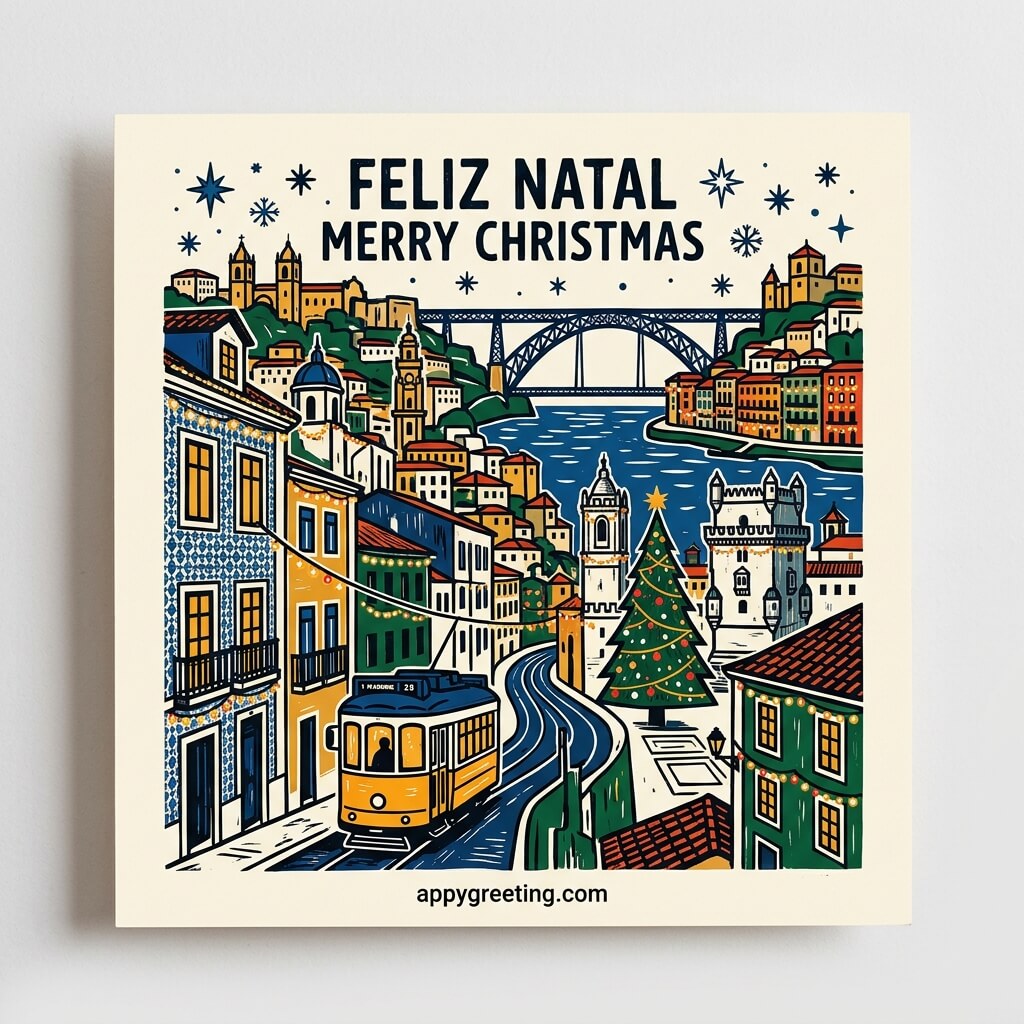


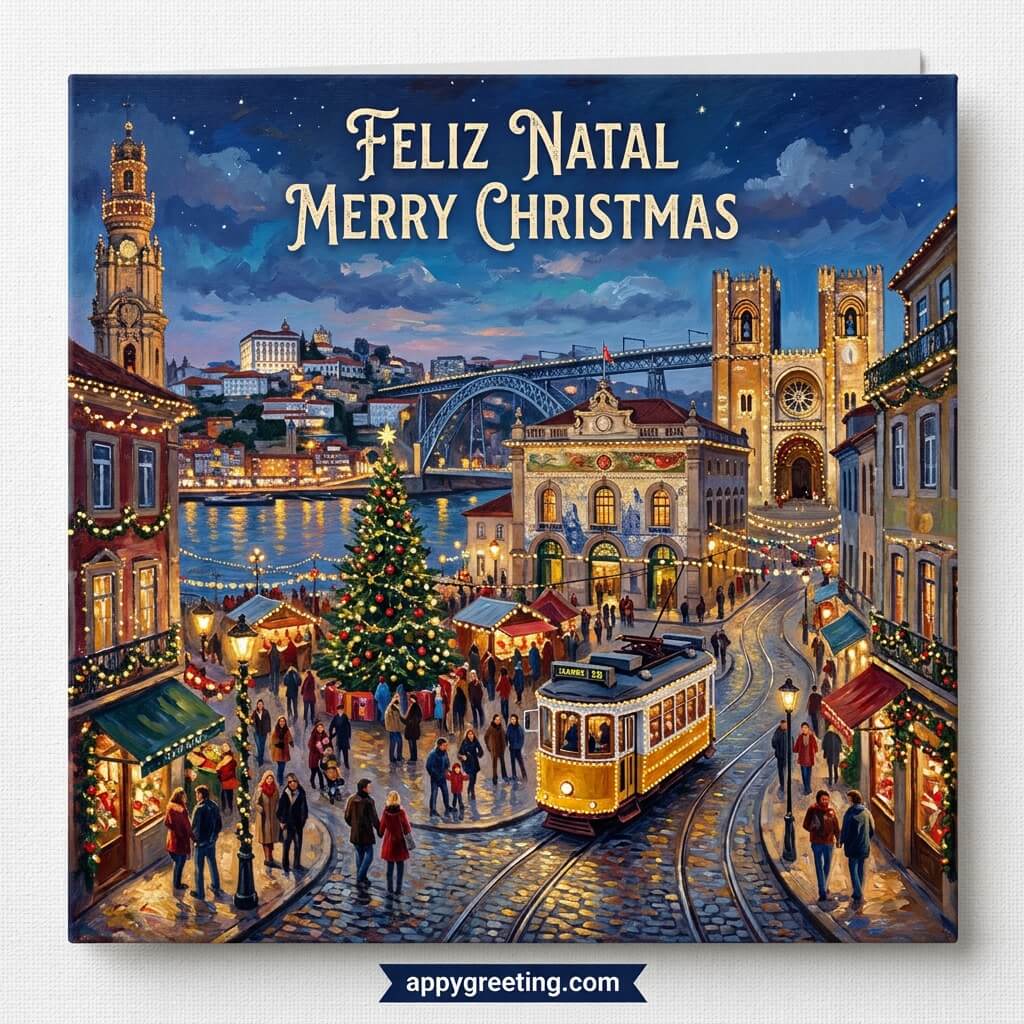


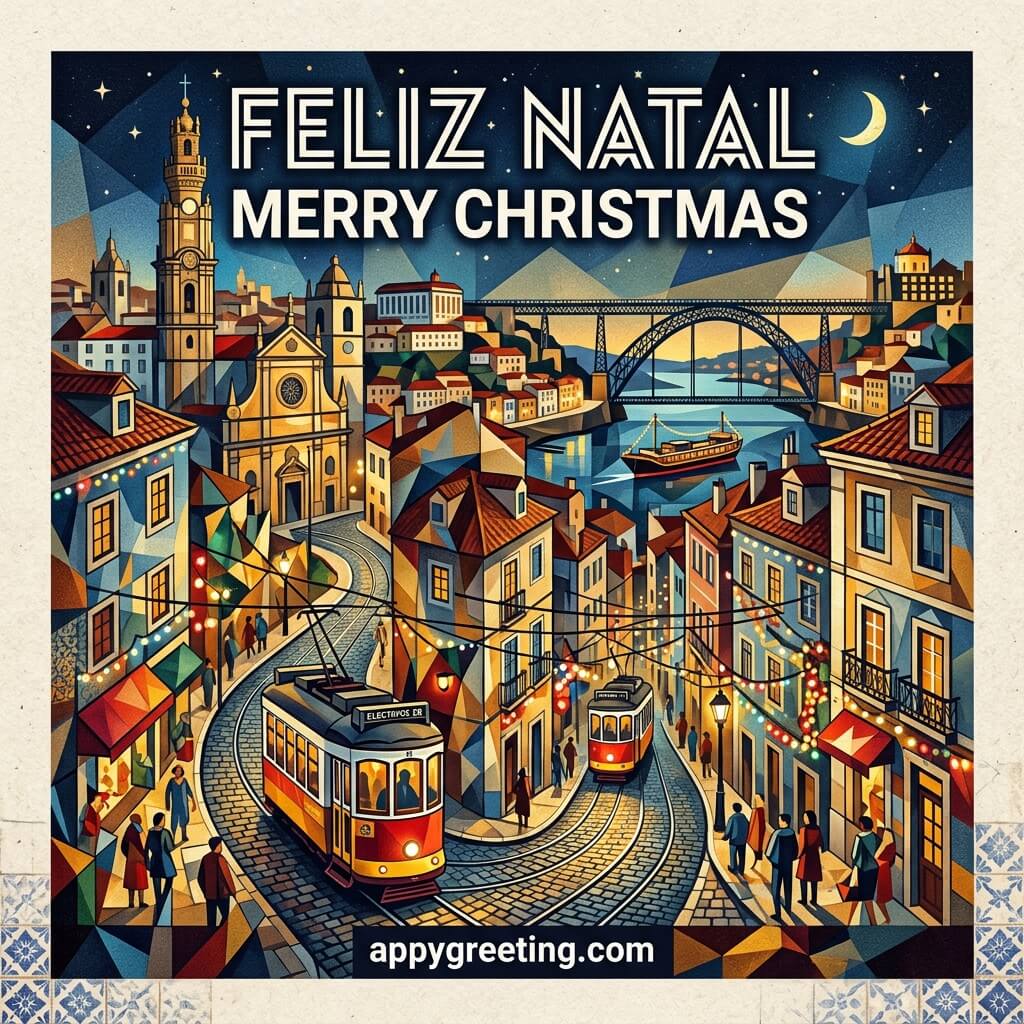


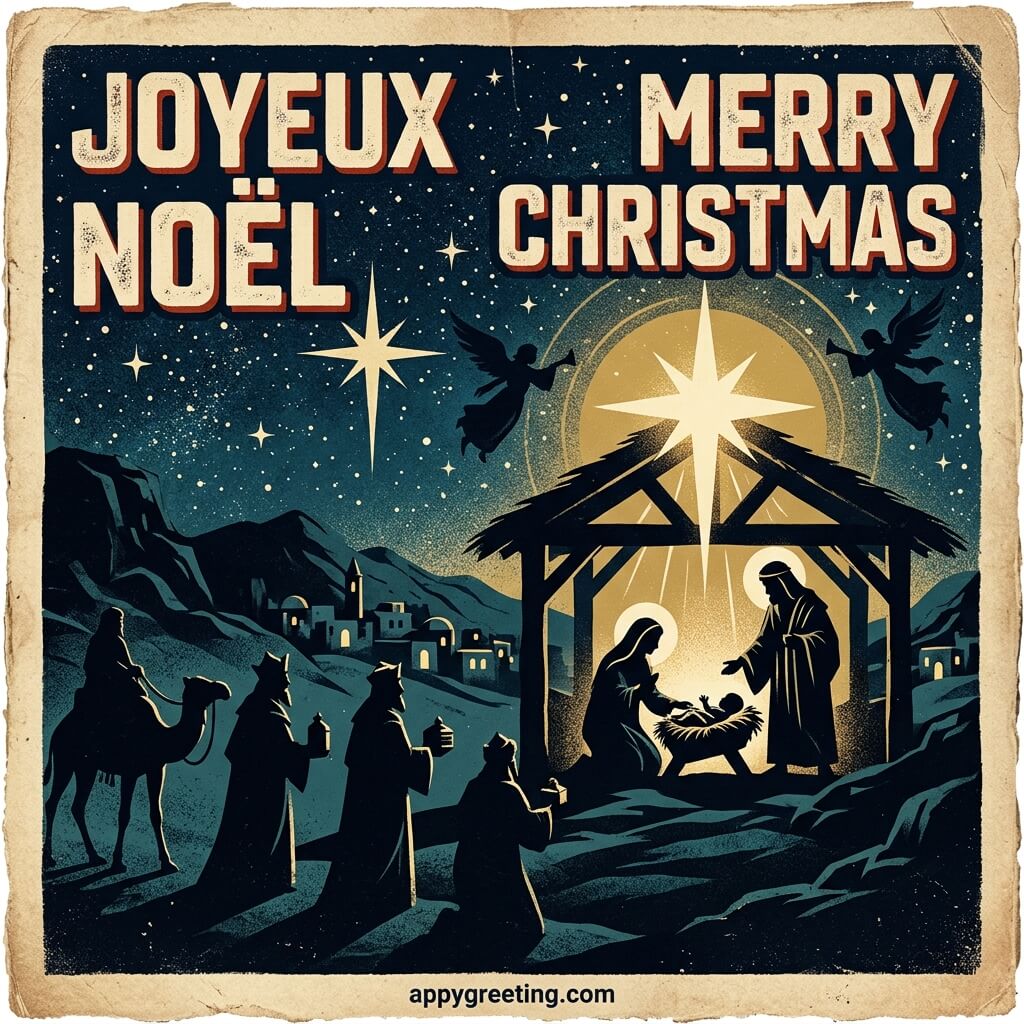
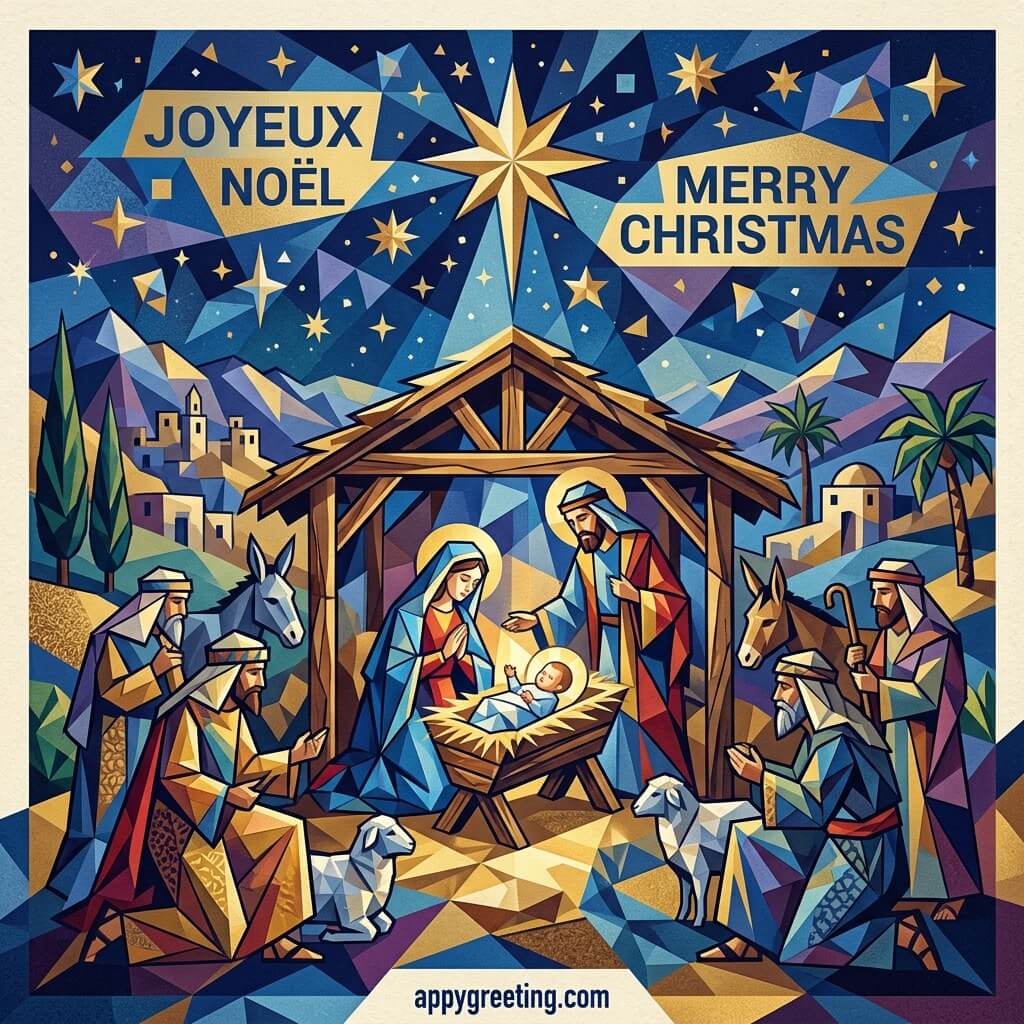
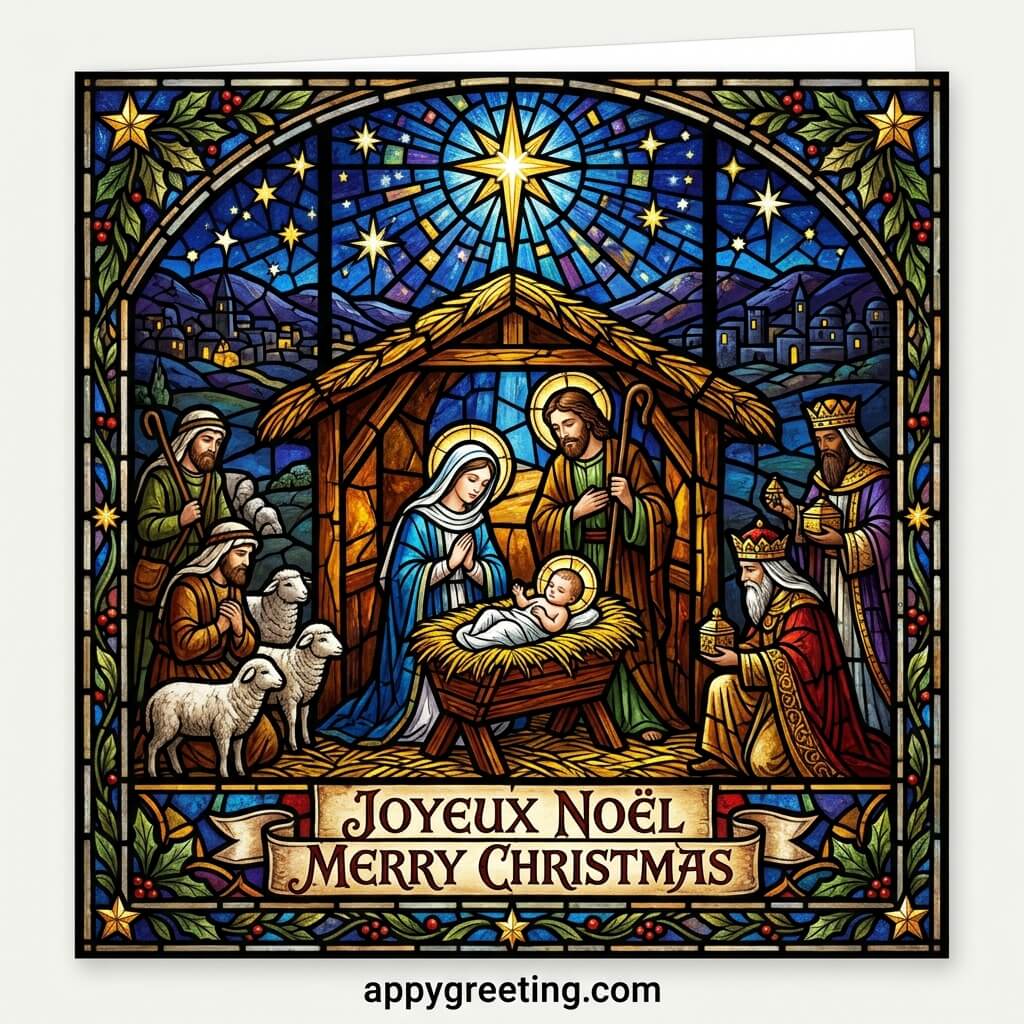
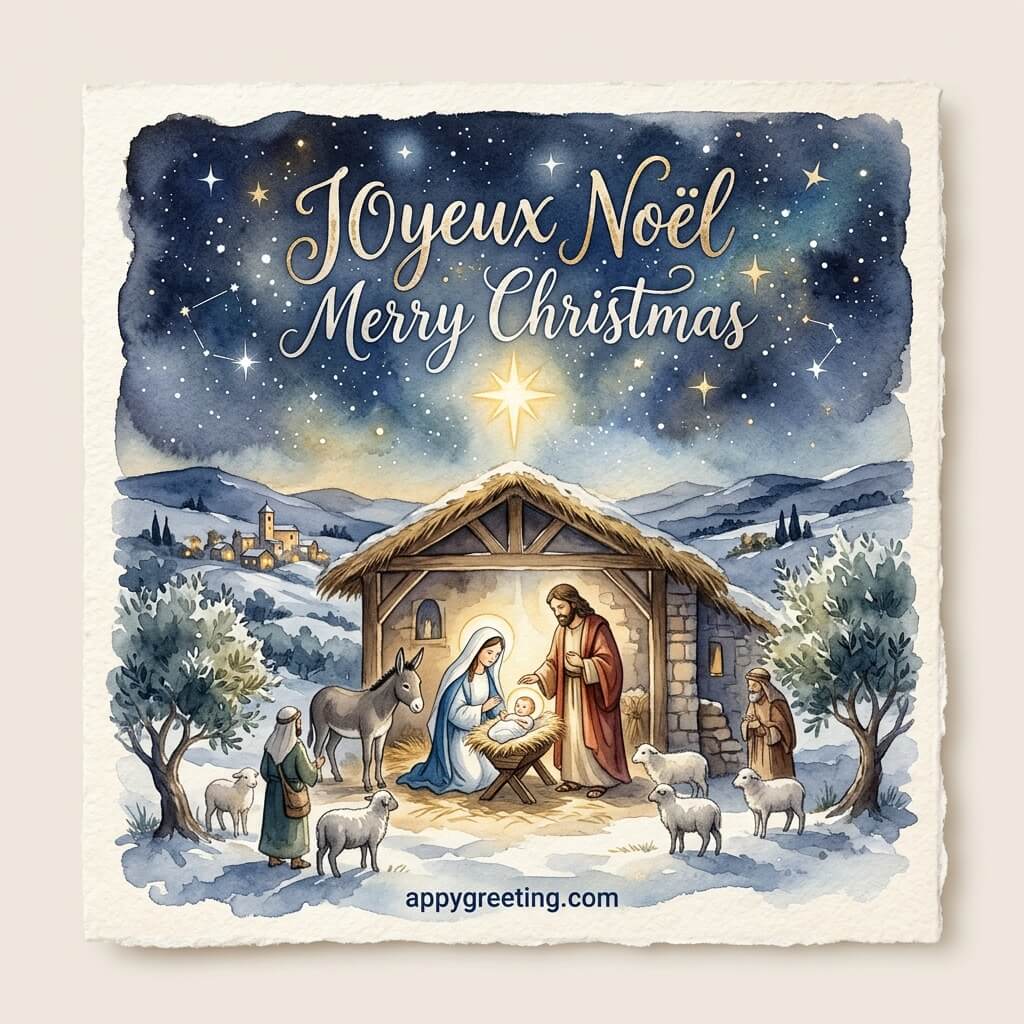
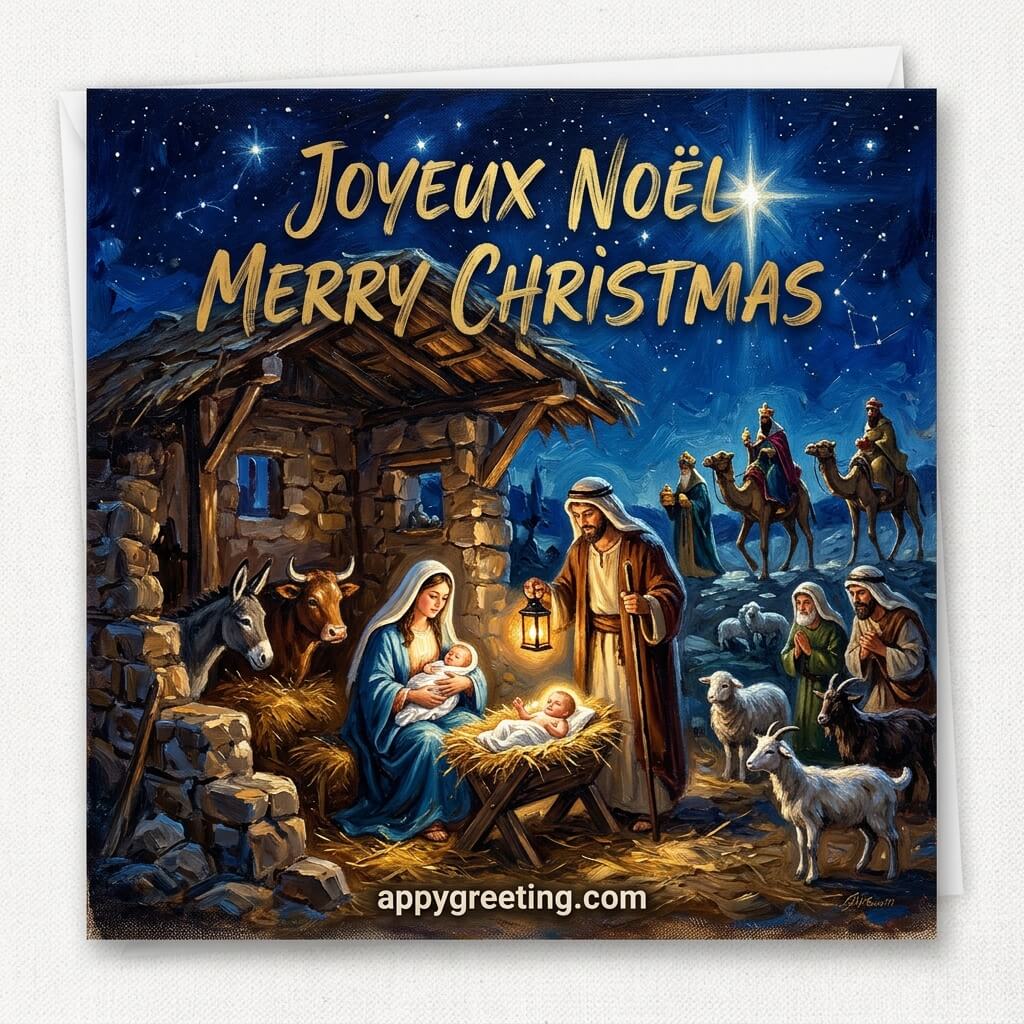
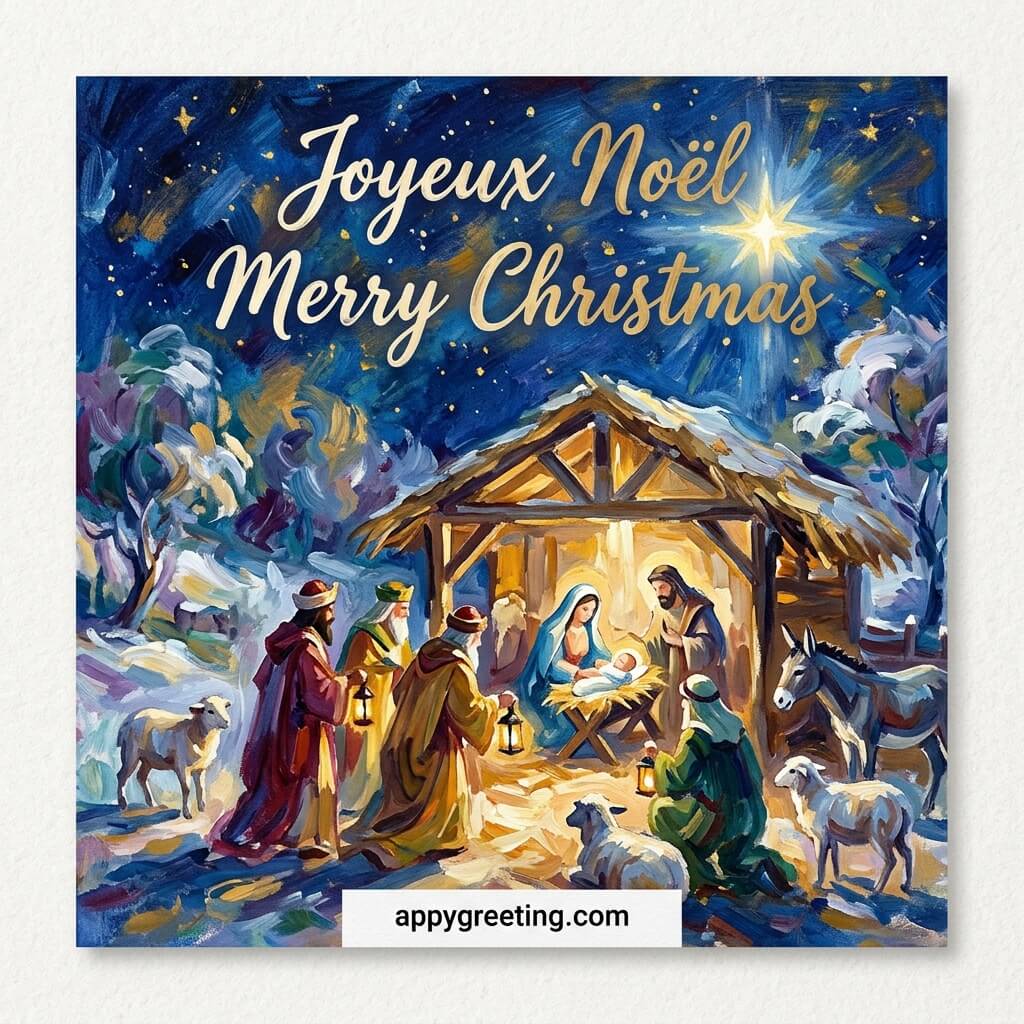
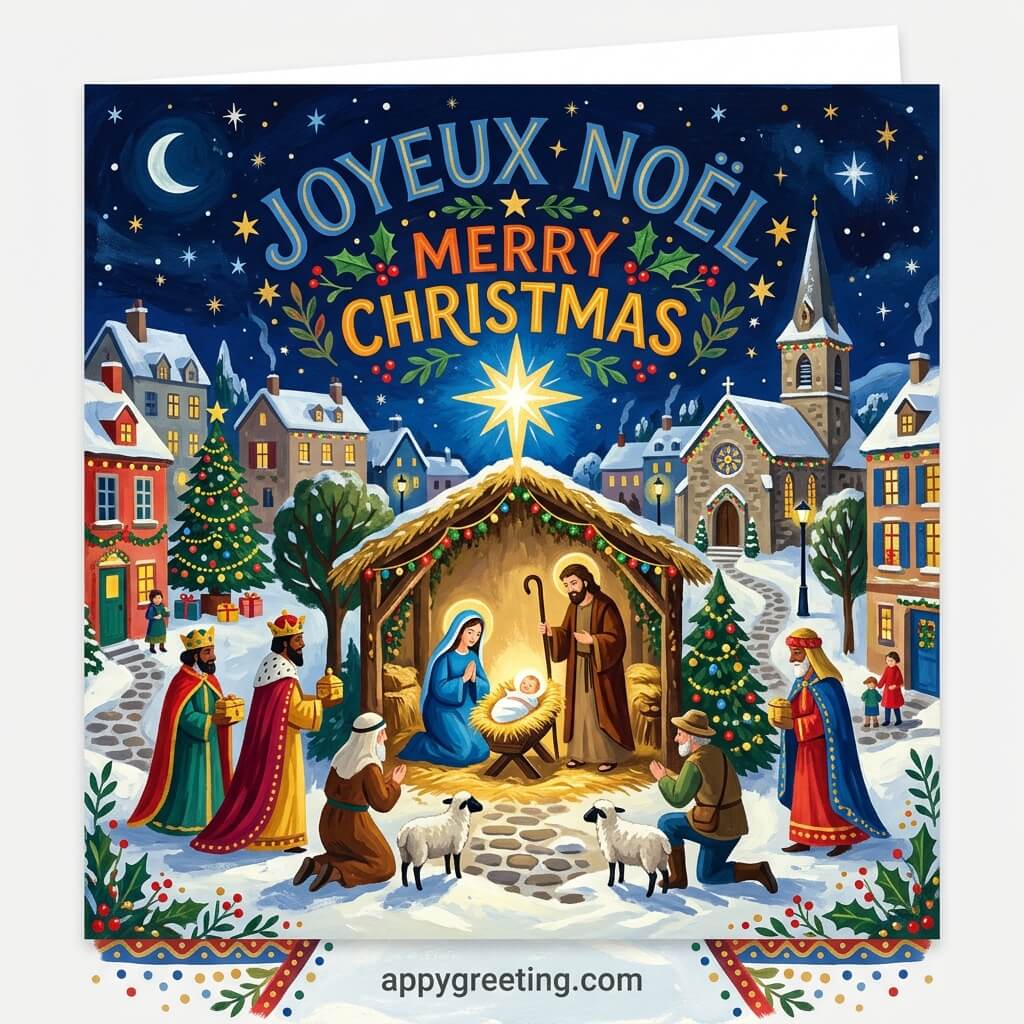
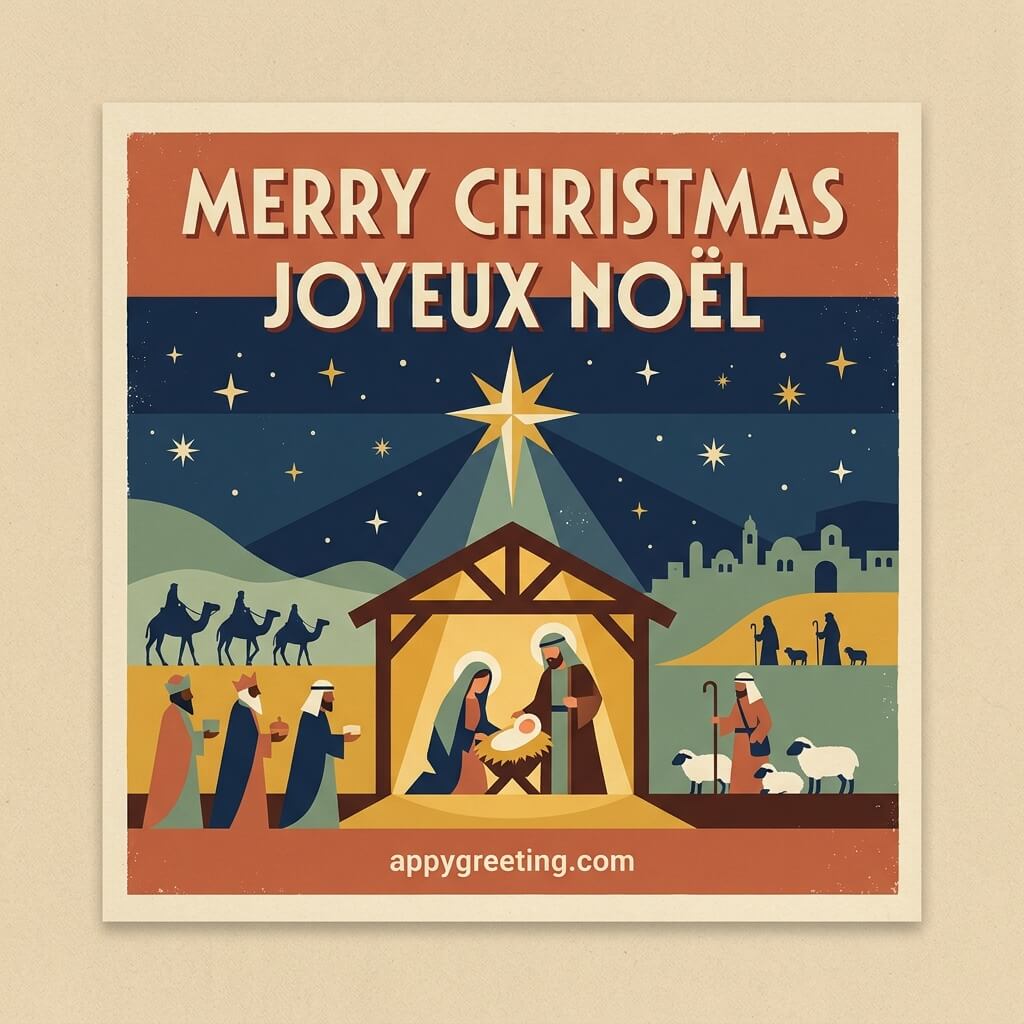
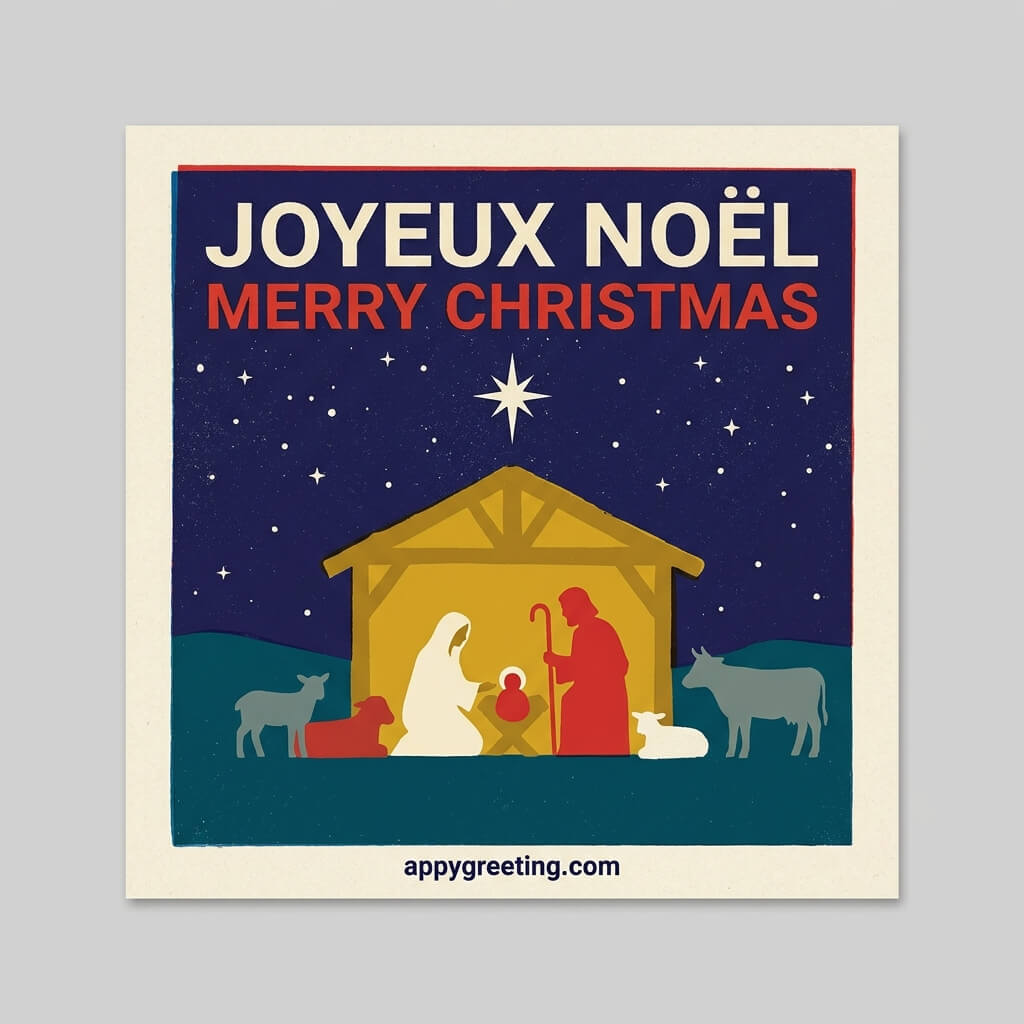
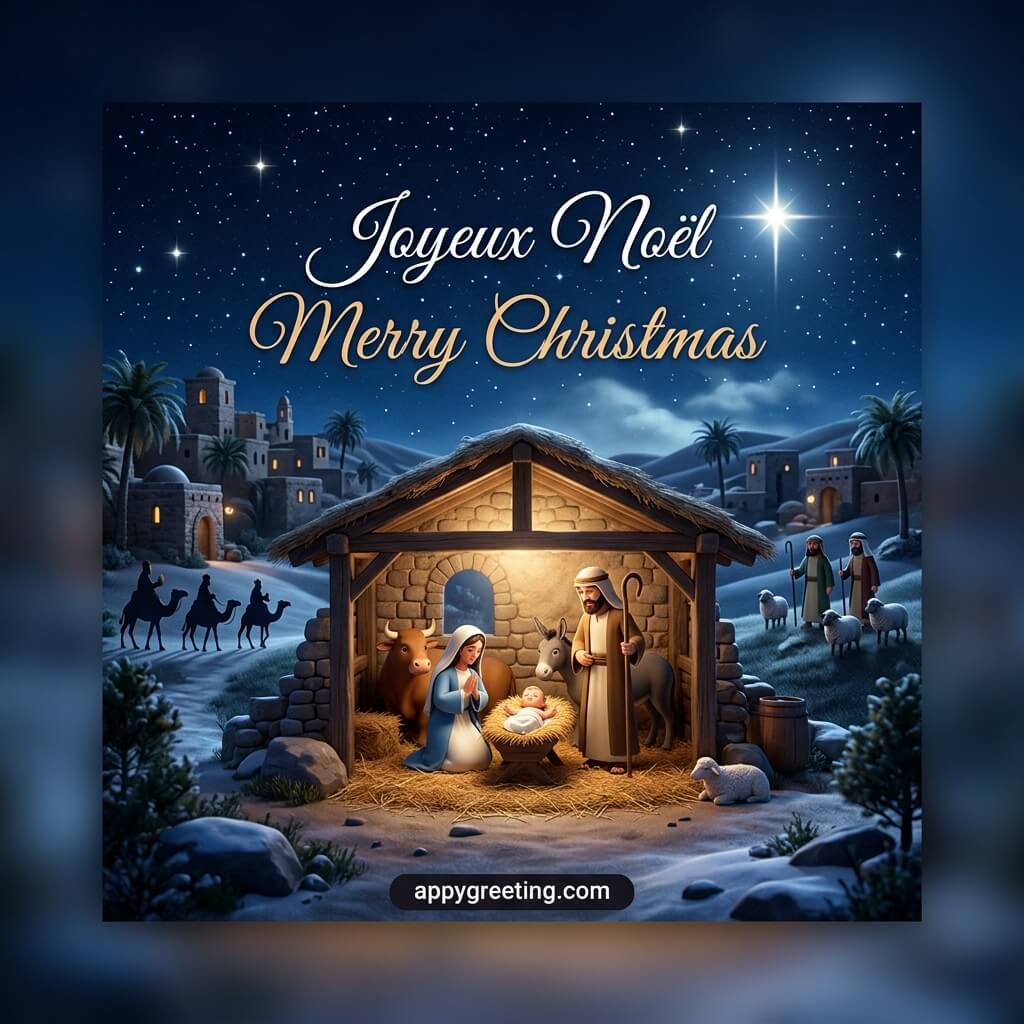
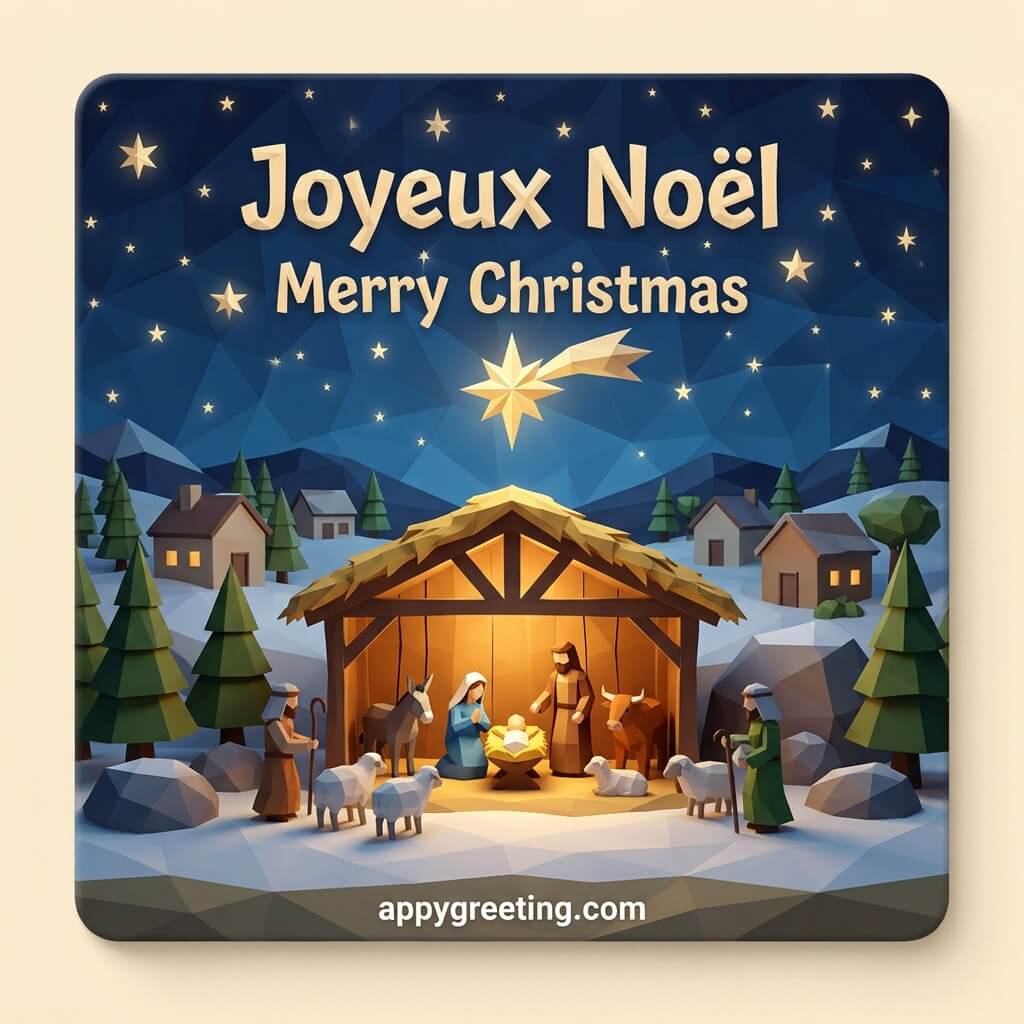
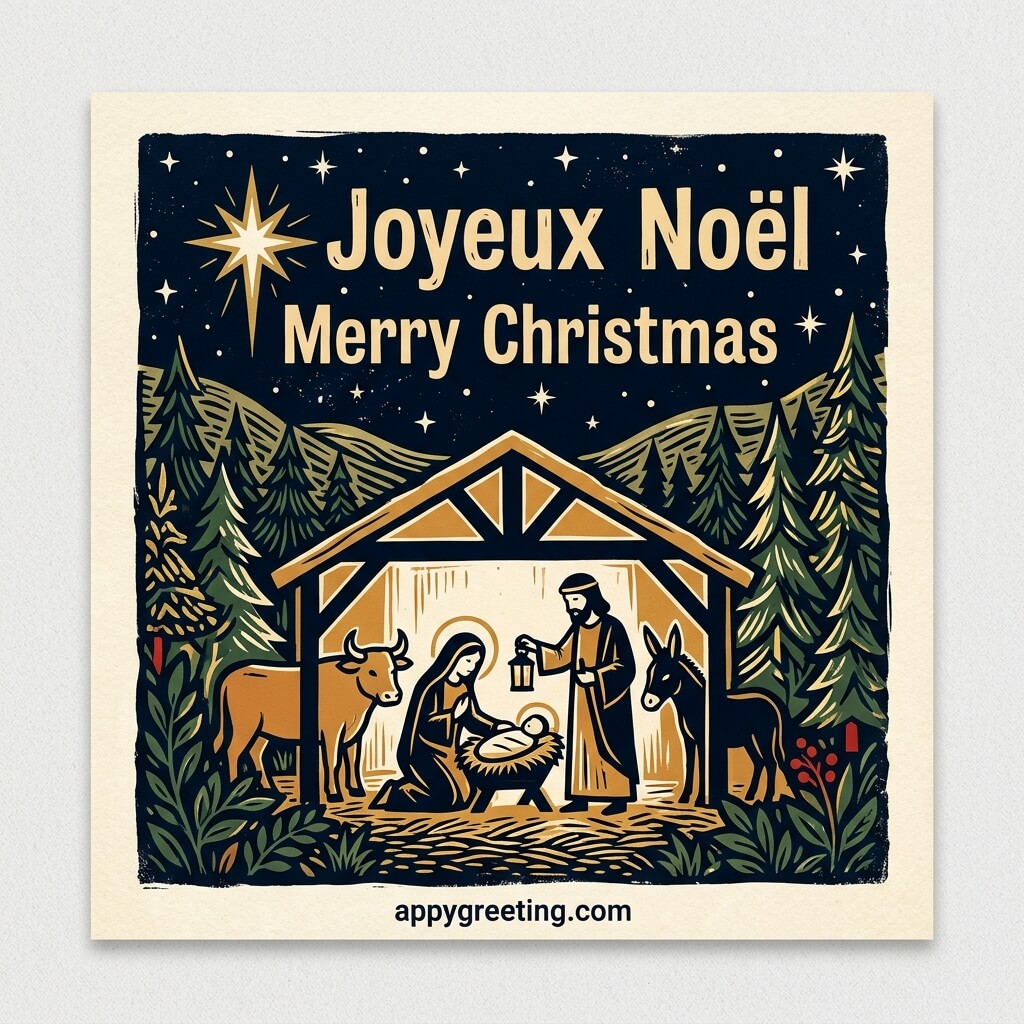
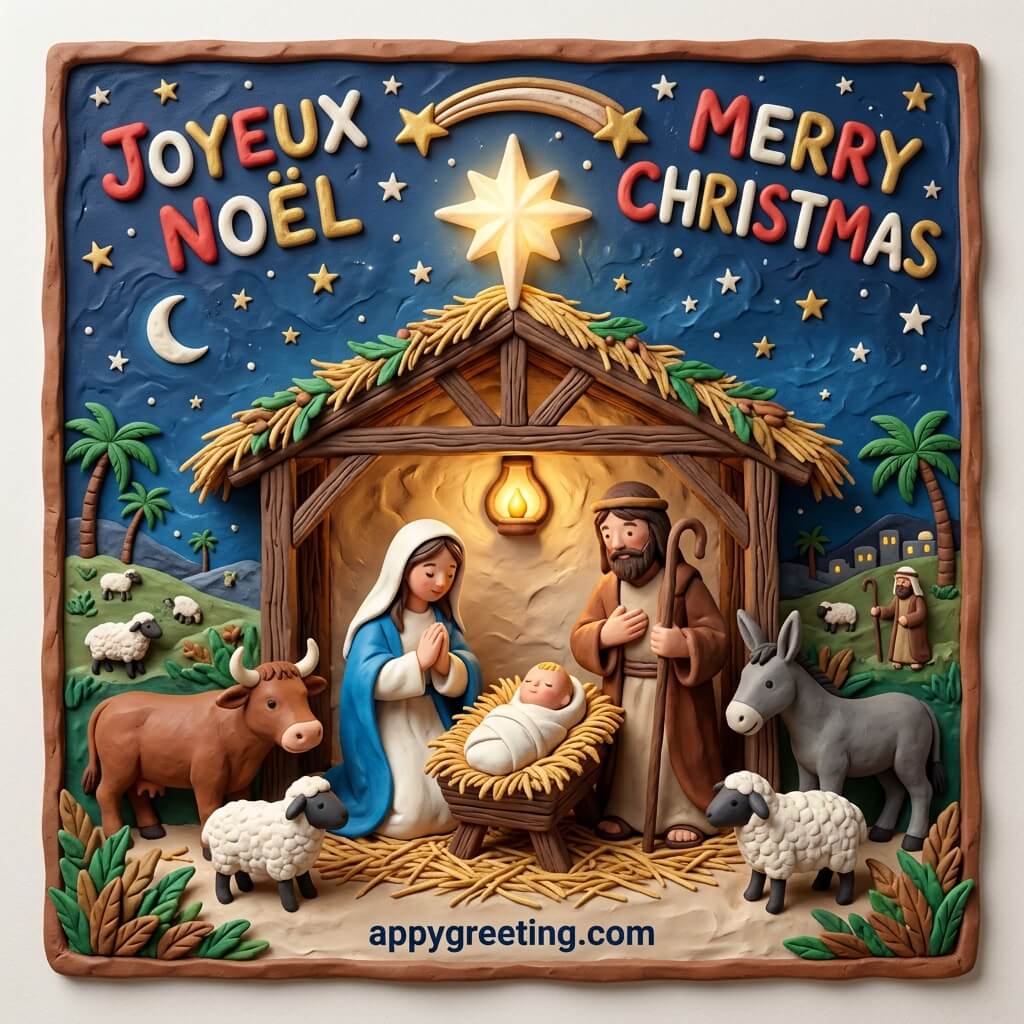
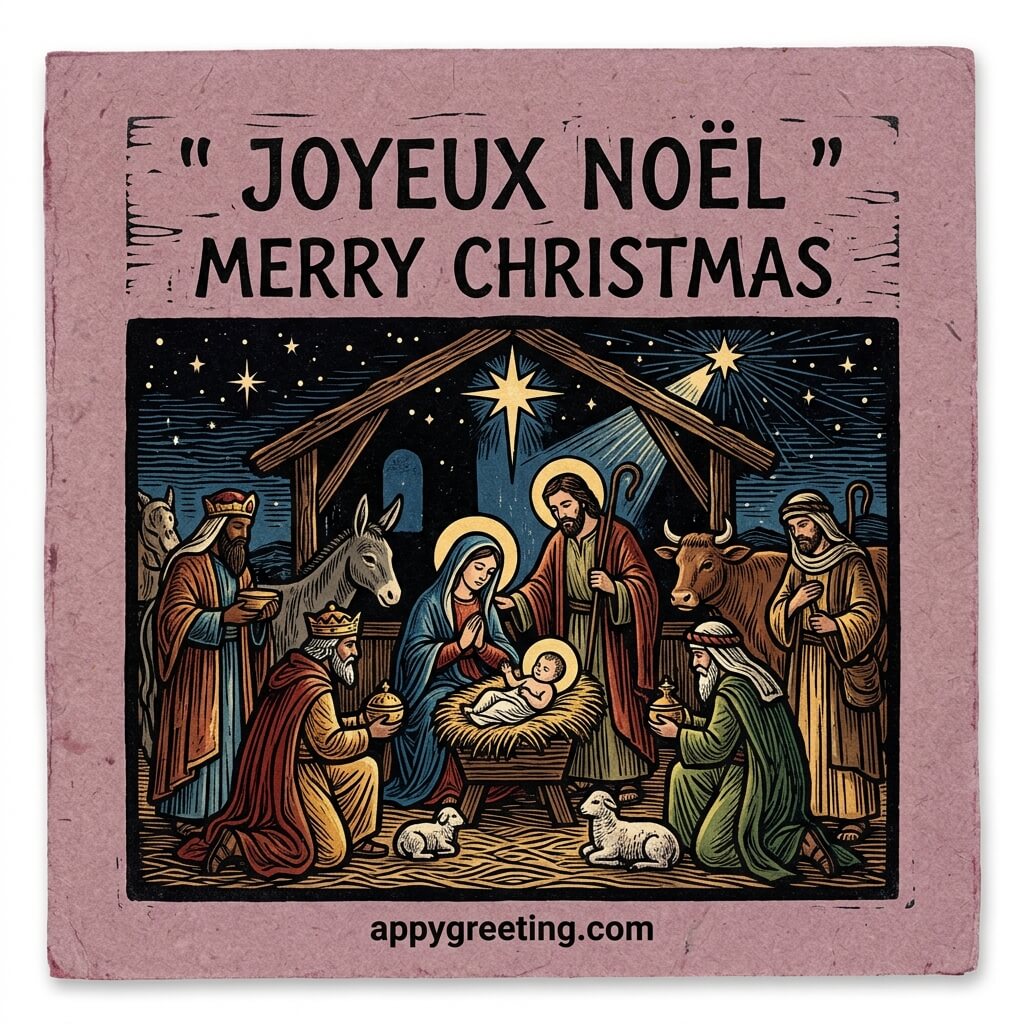
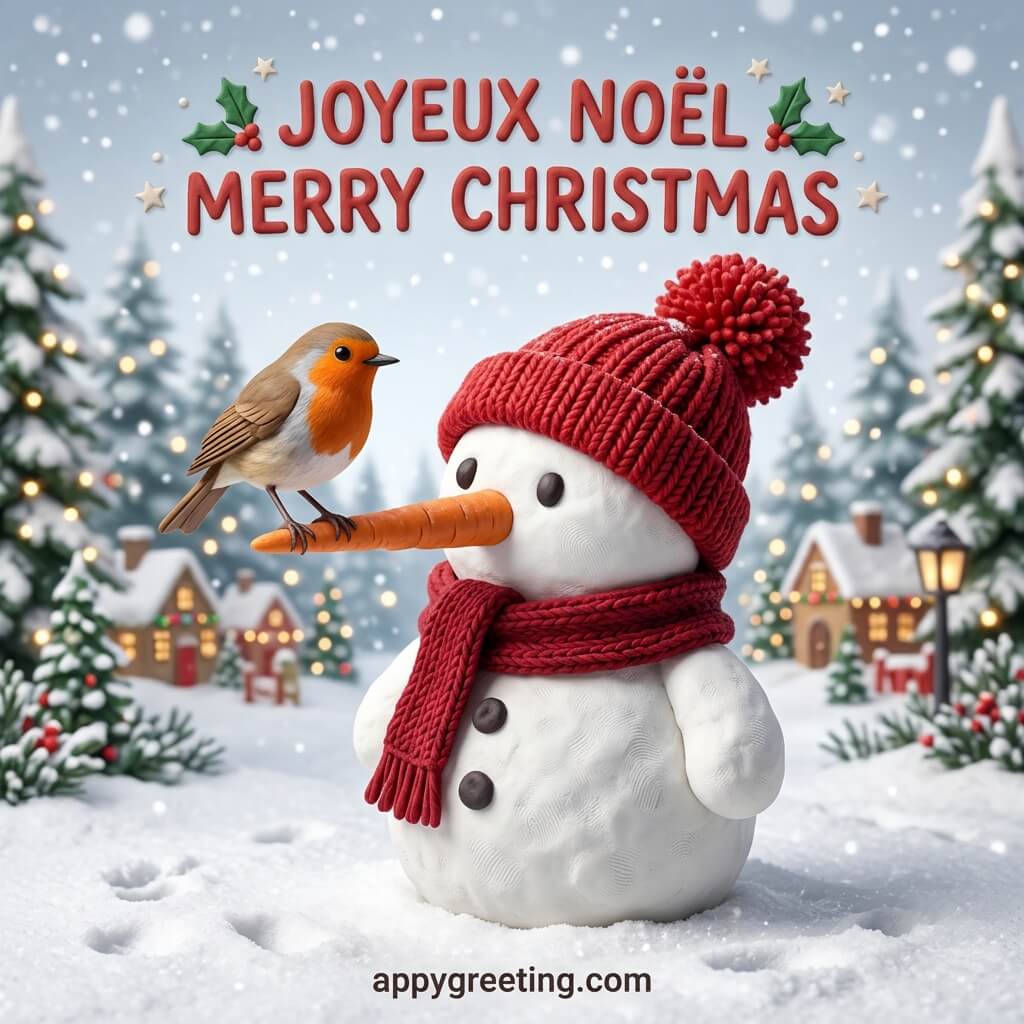
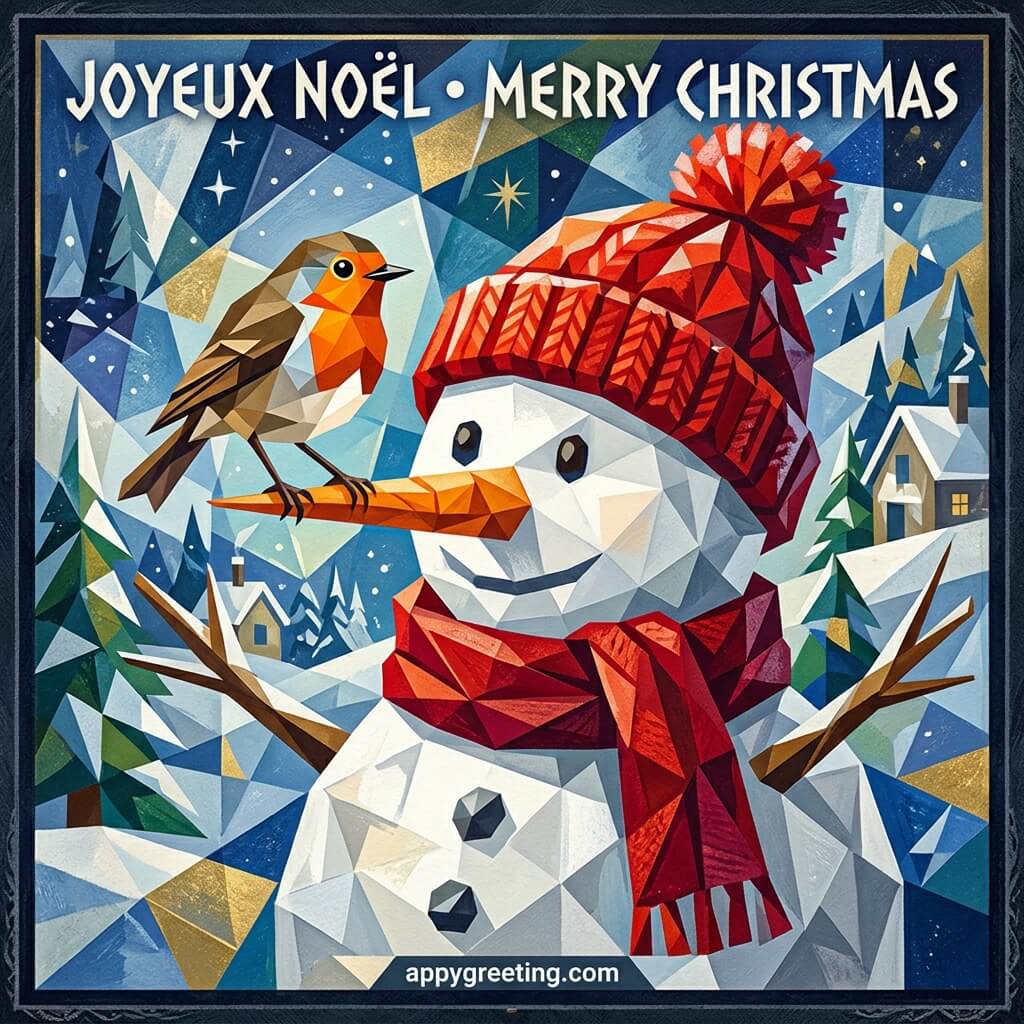
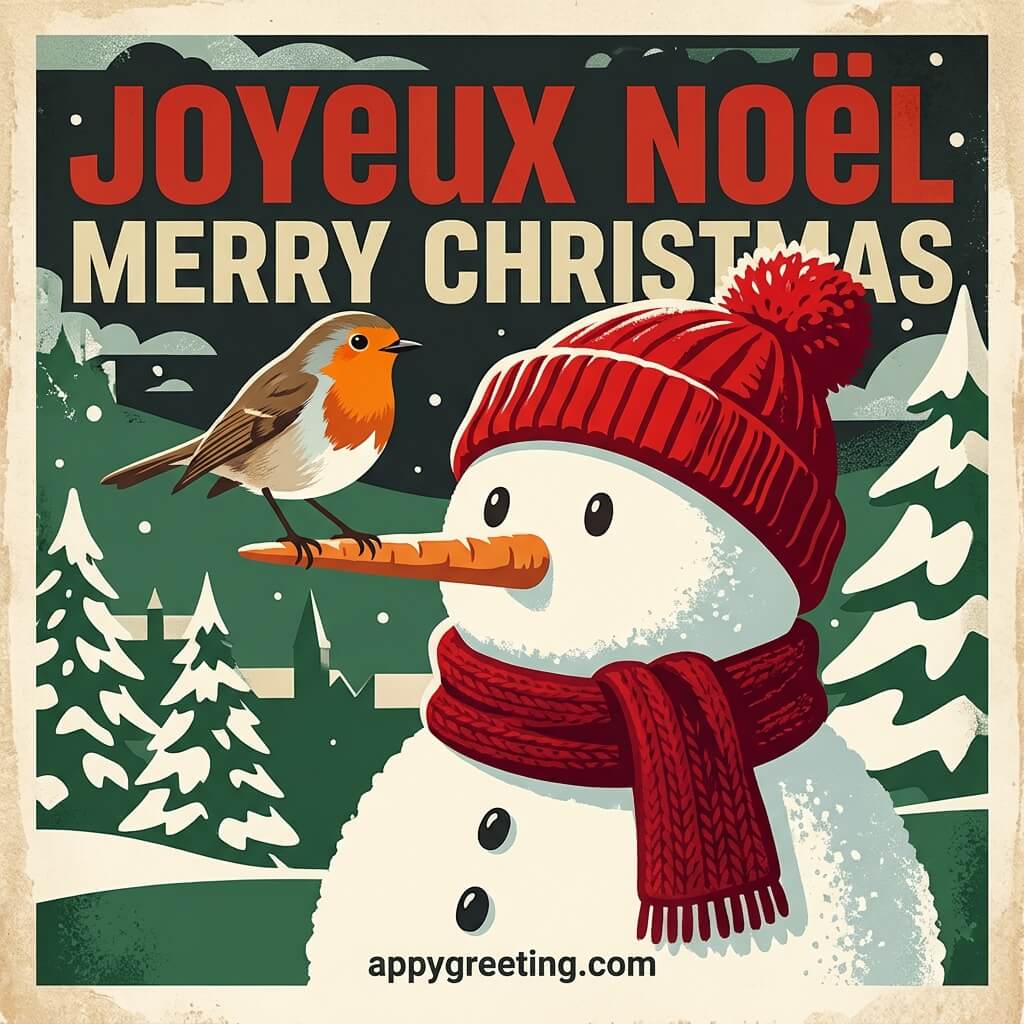
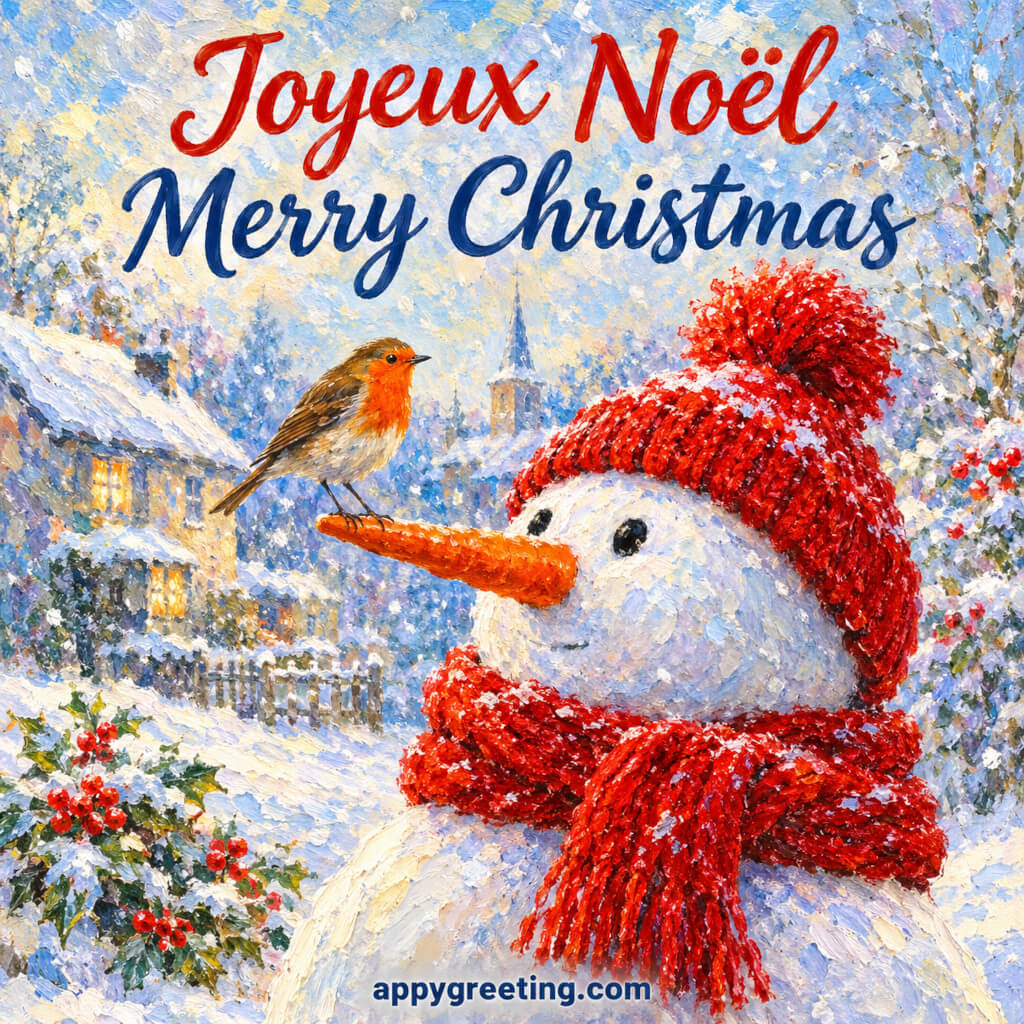
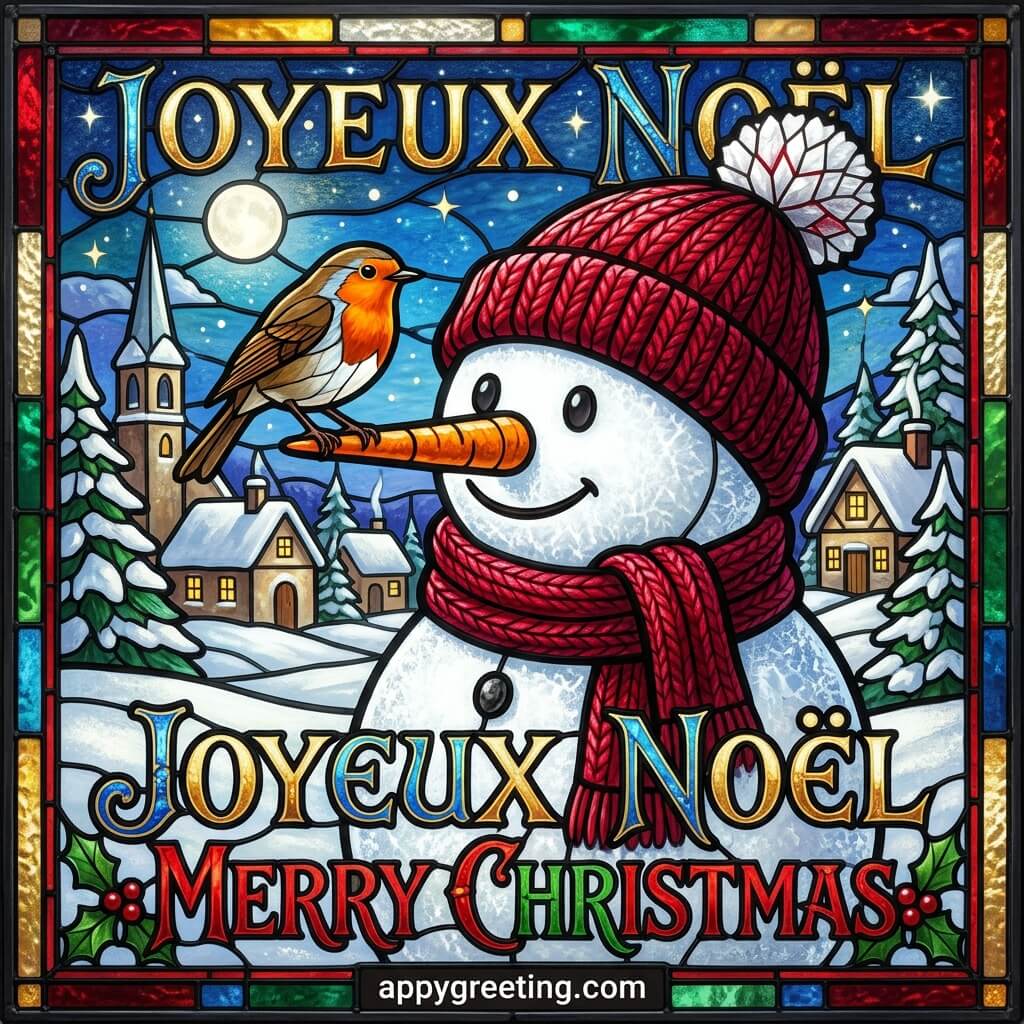
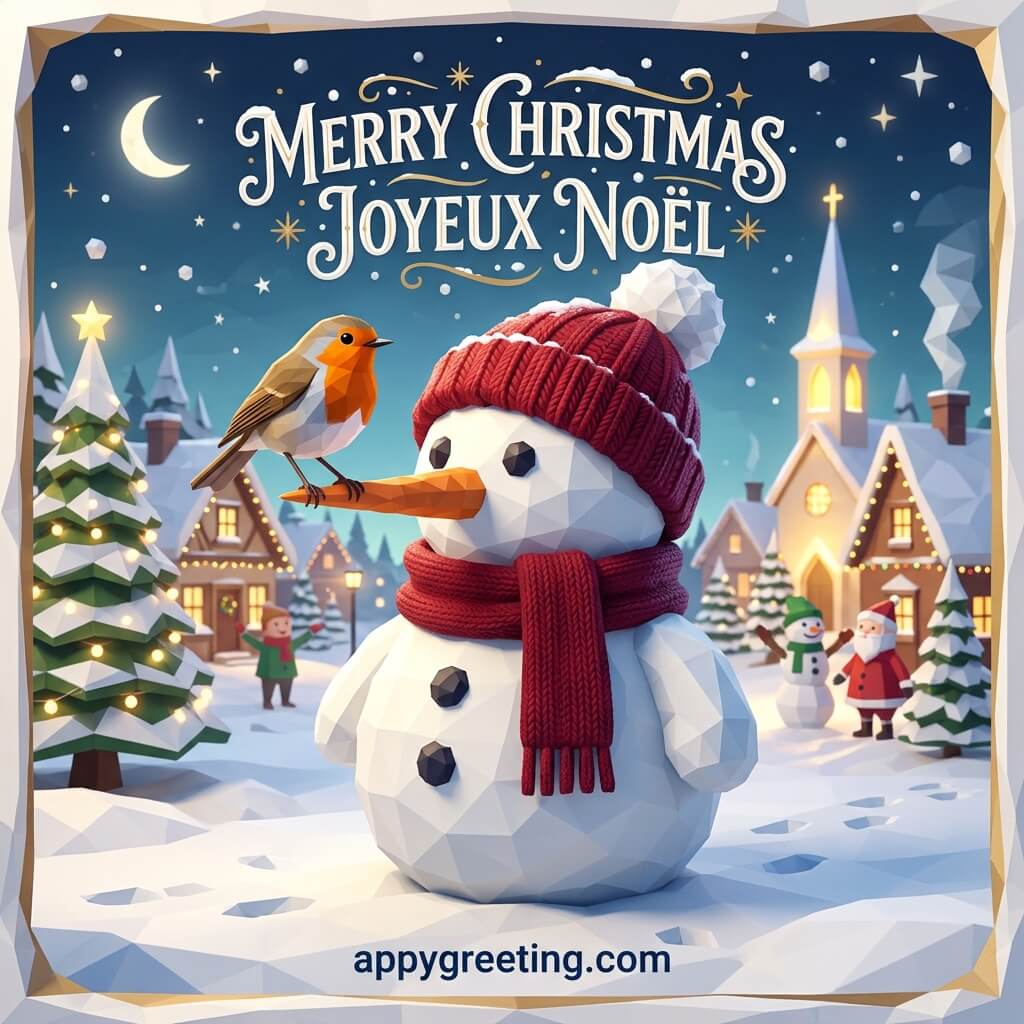
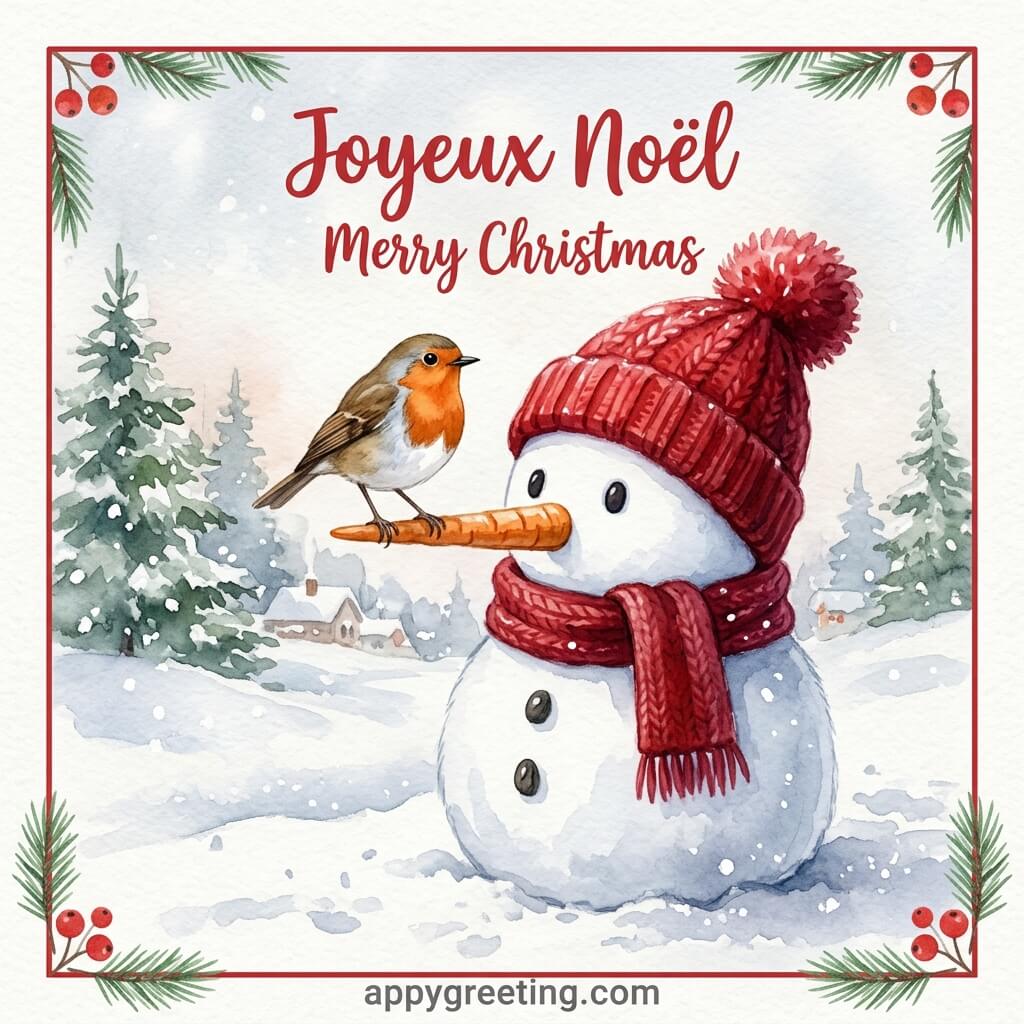
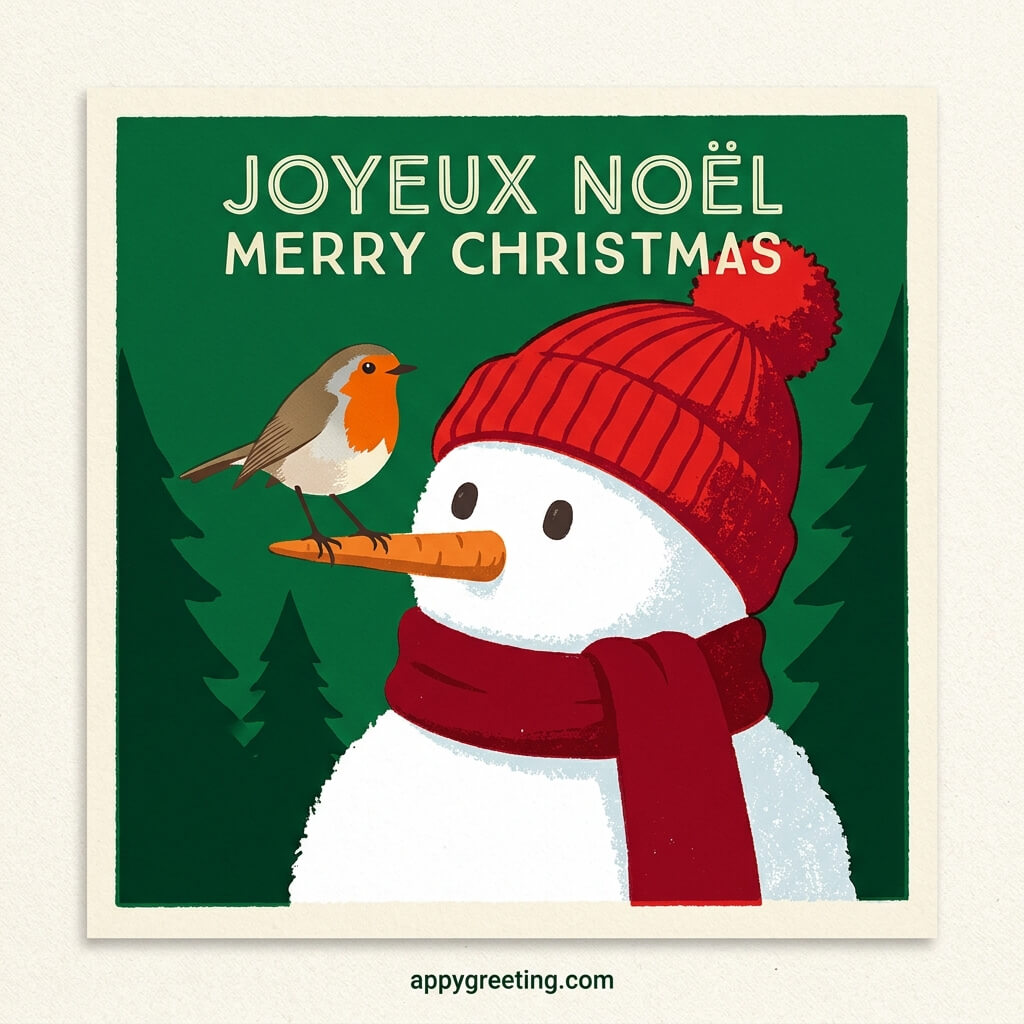
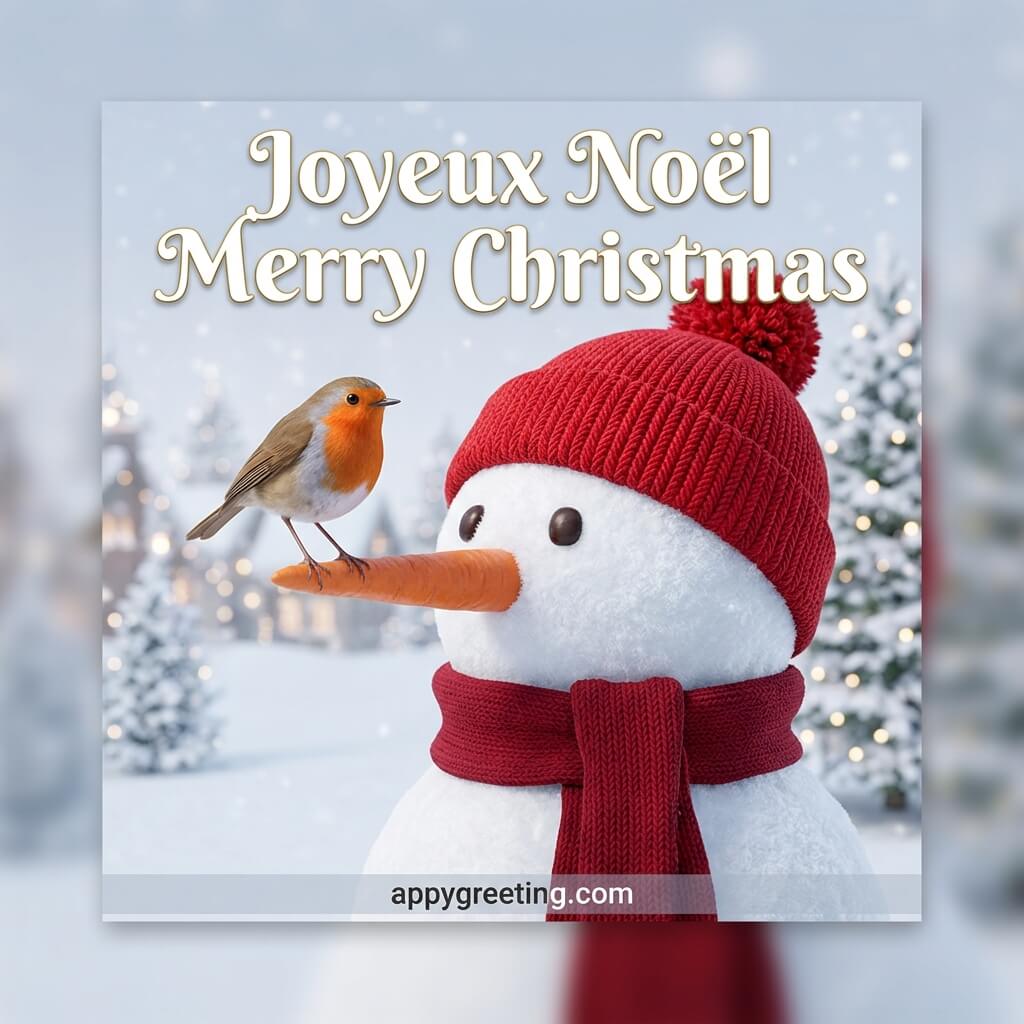
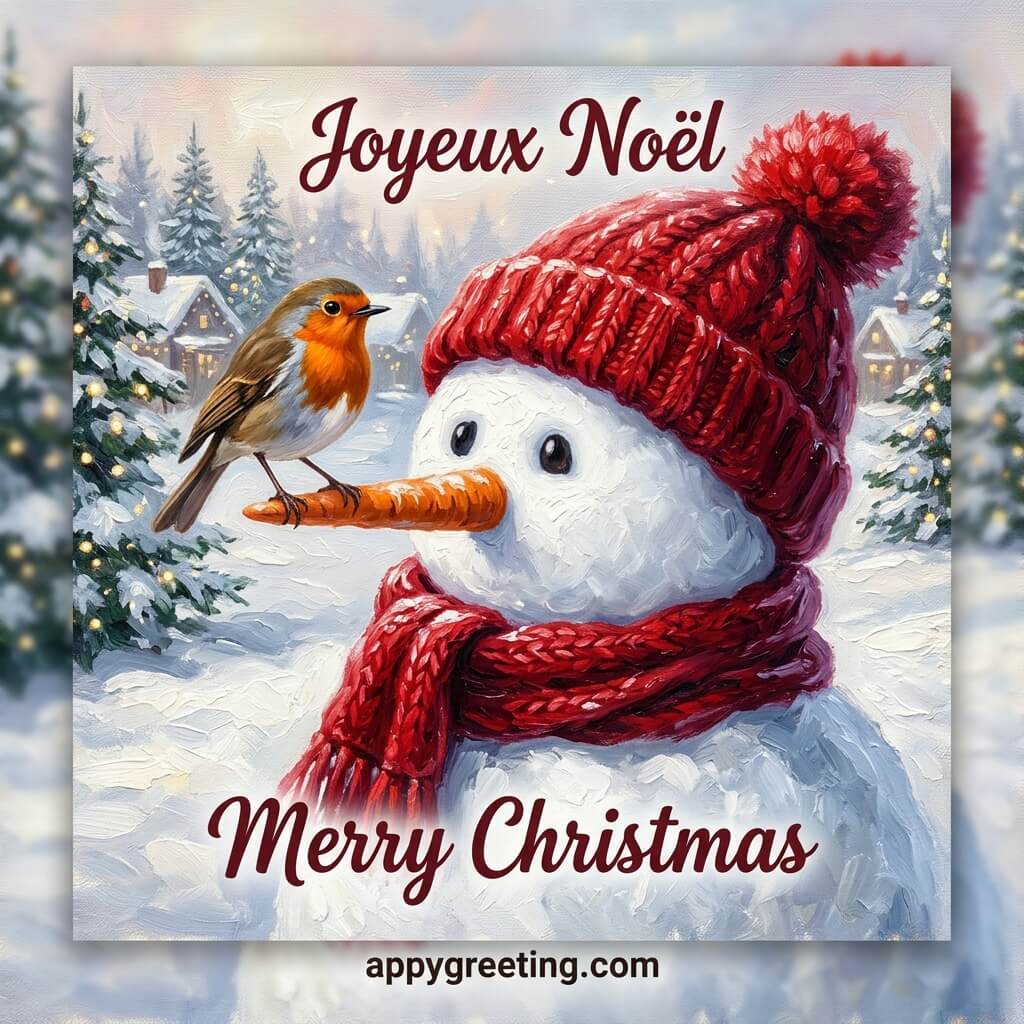
French Christmas cards in English and French that you can download or share on social media for free.

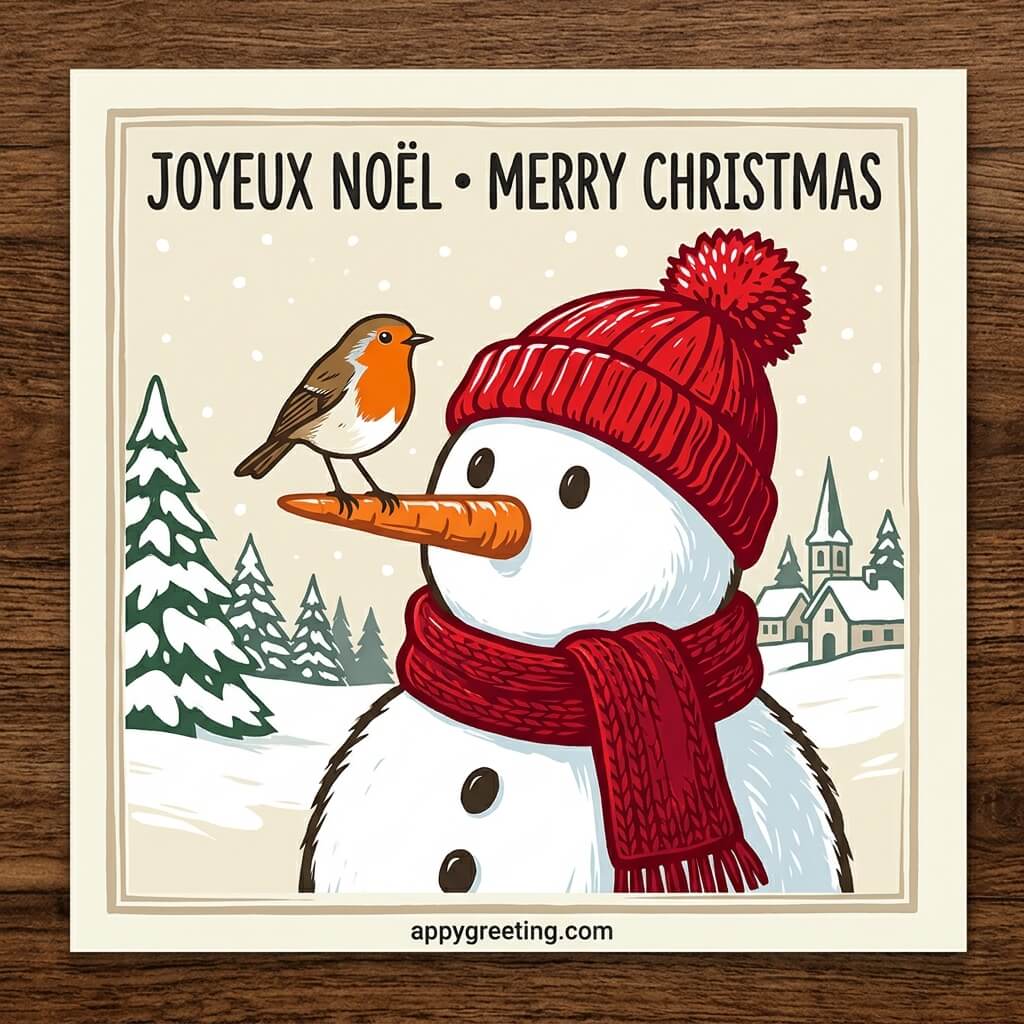
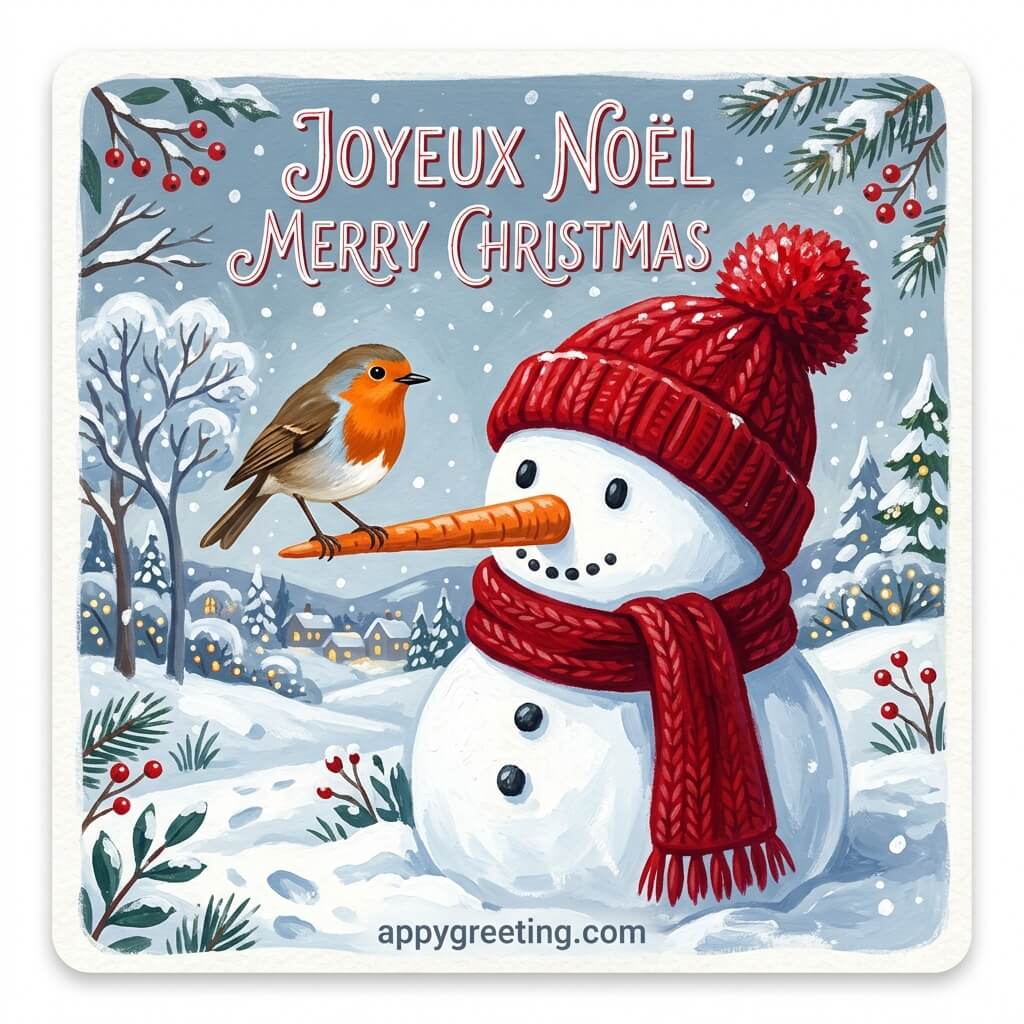
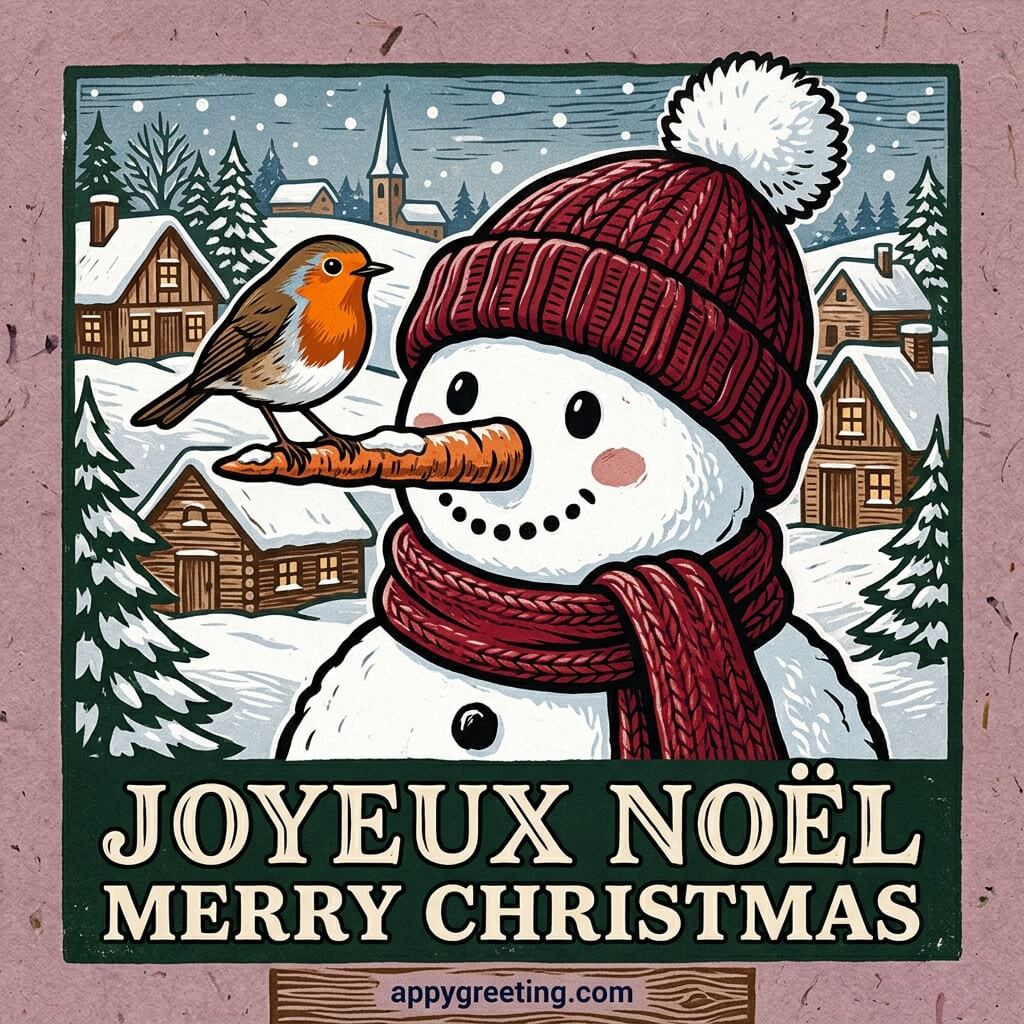
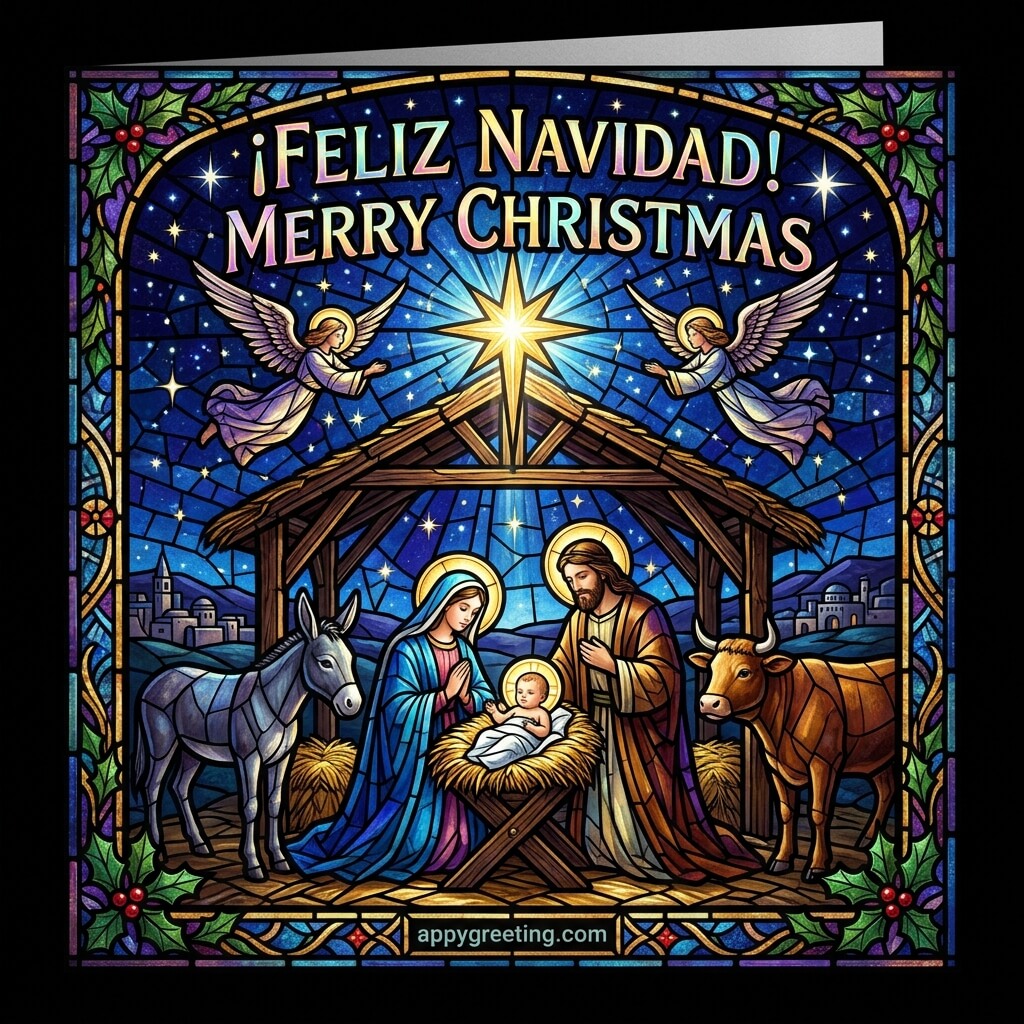
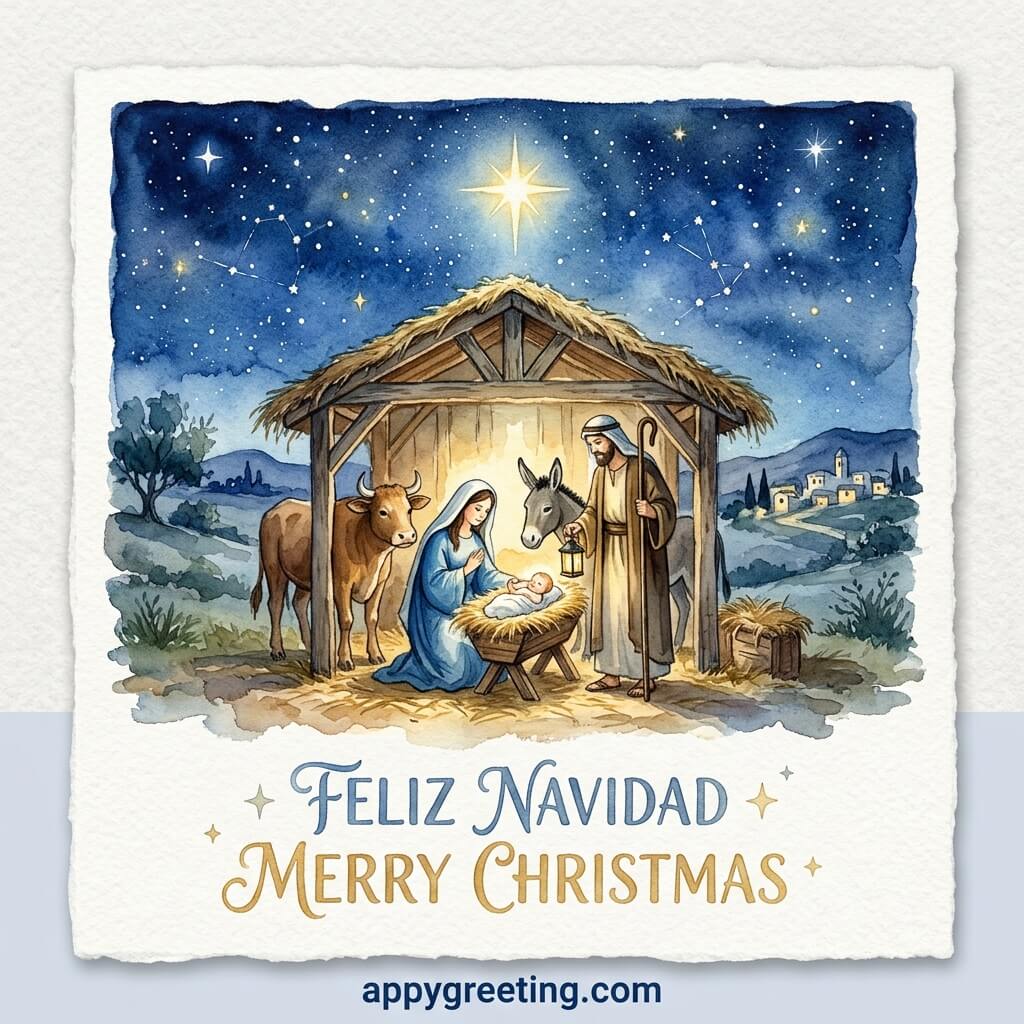
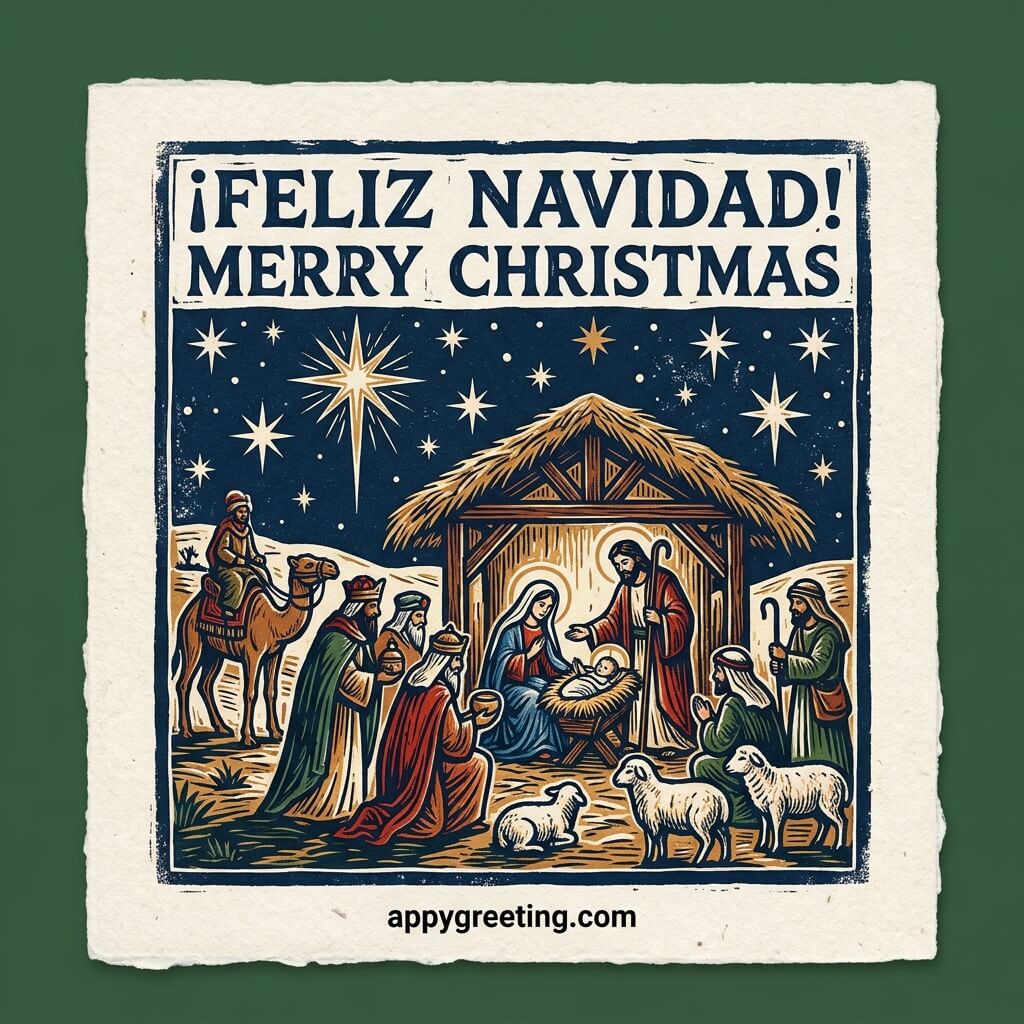
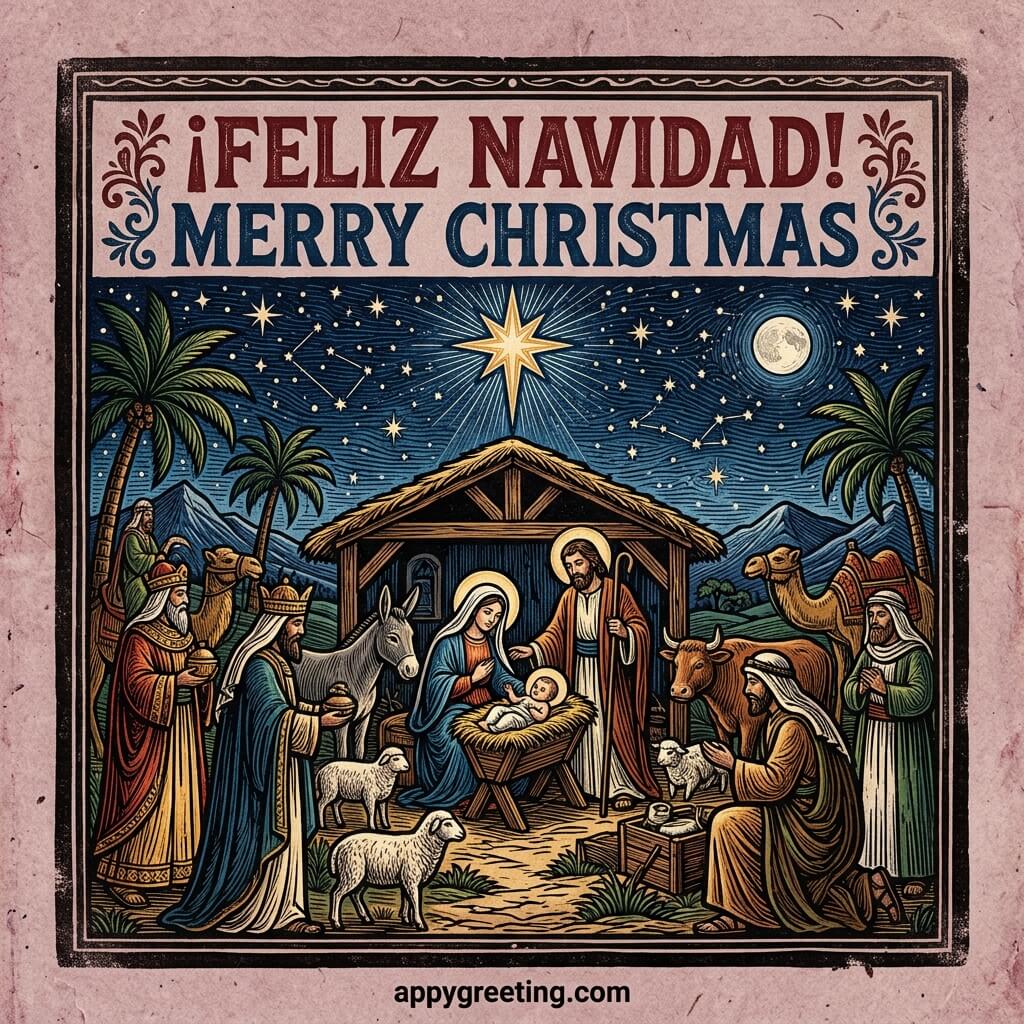
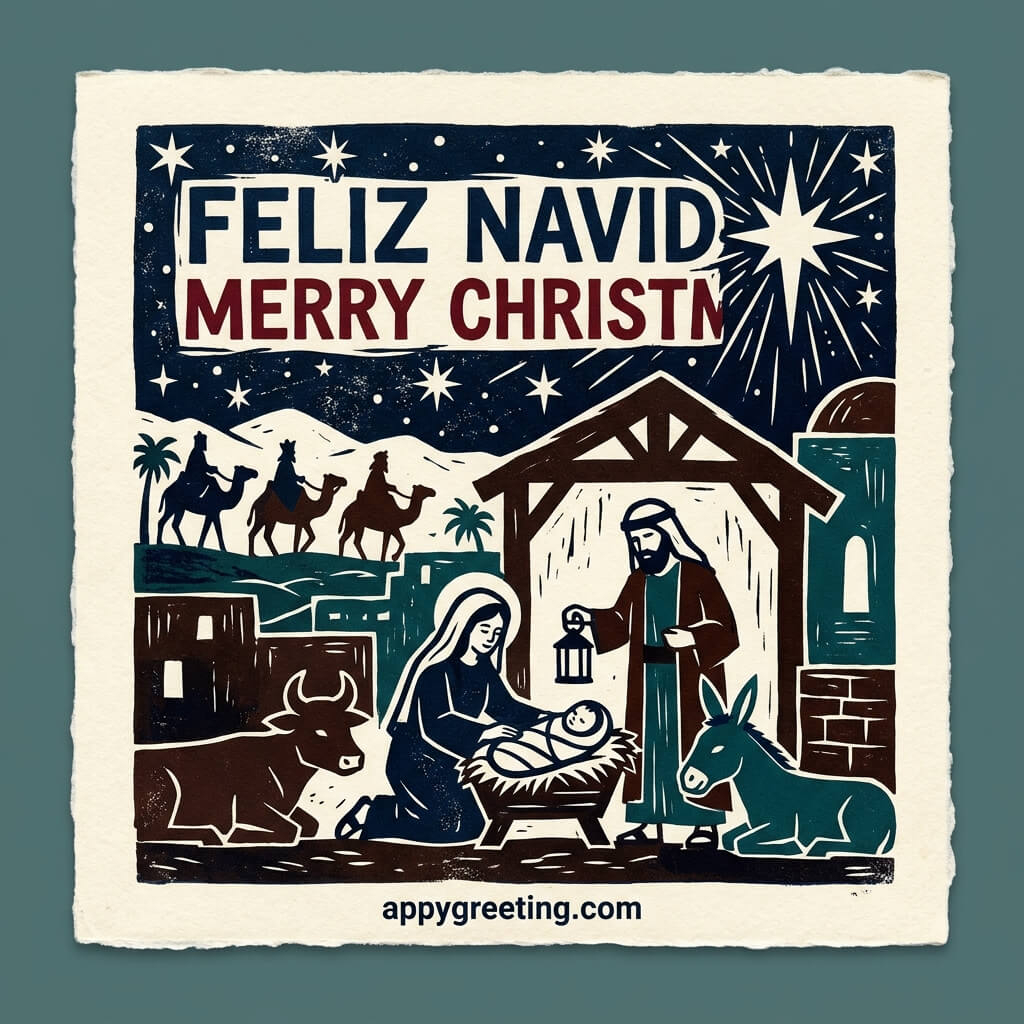
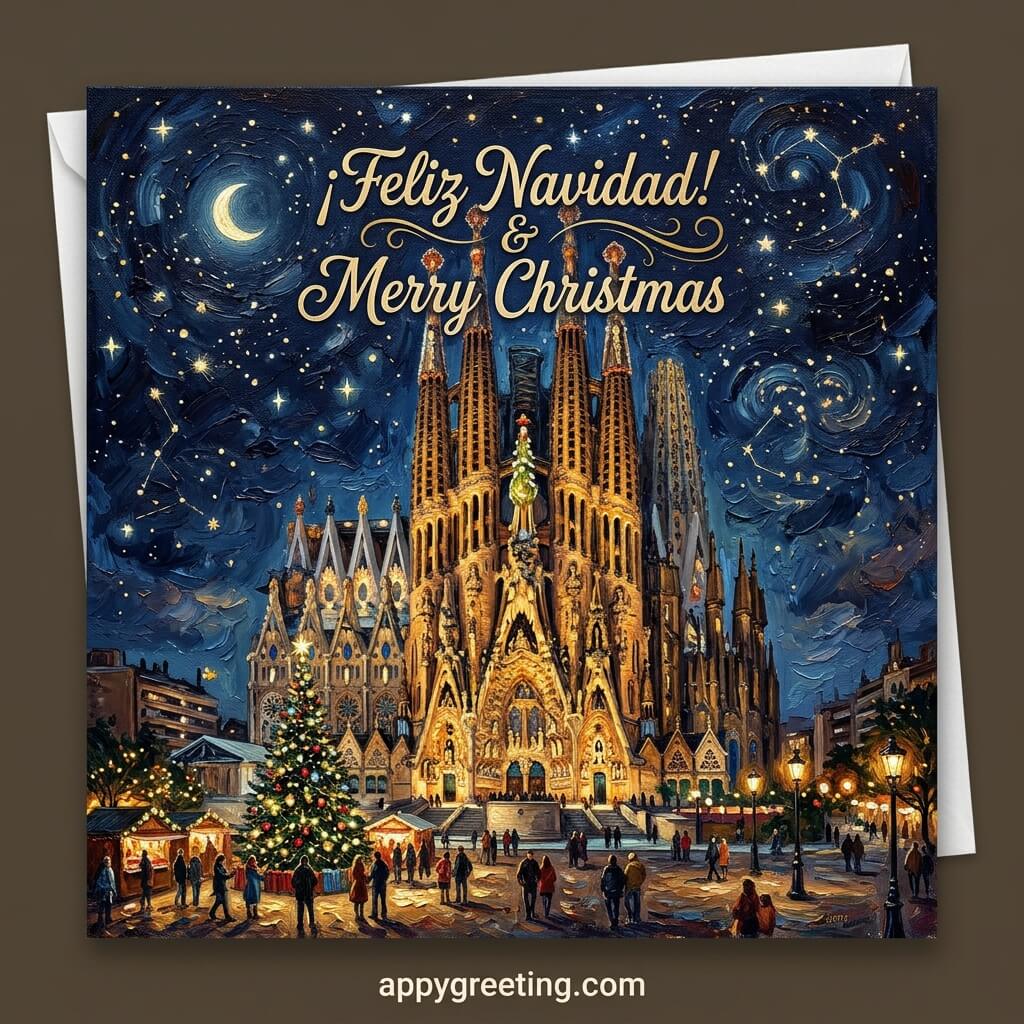
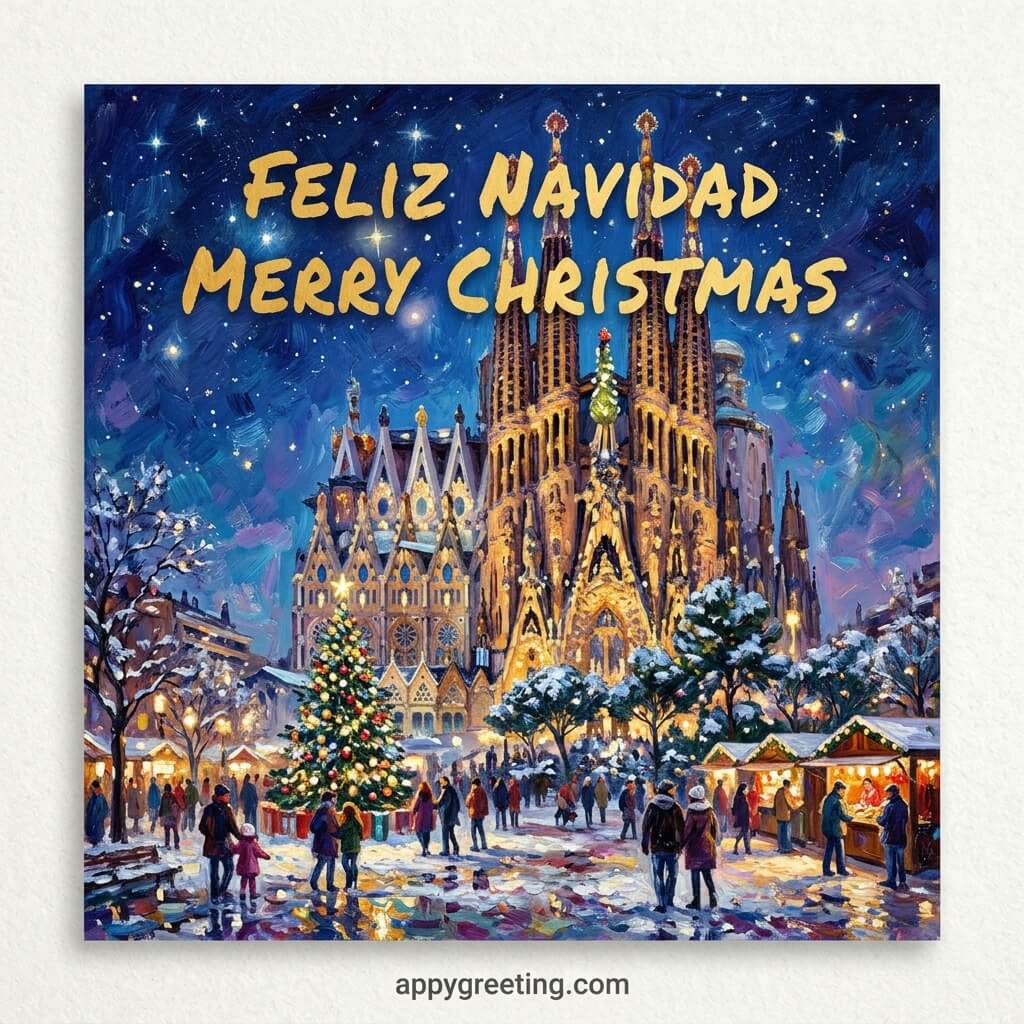
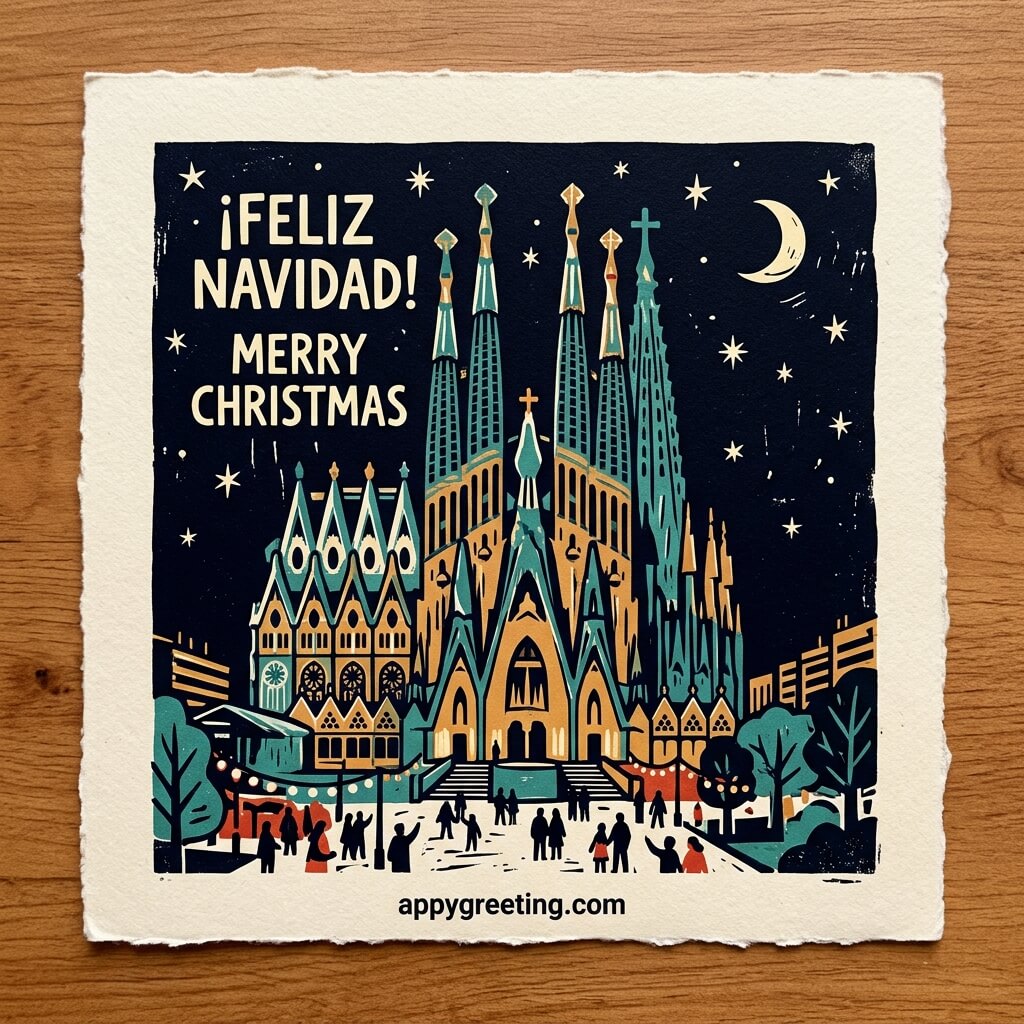
Spanish Christmas cards in English and Spanish that you can download or share on social media for free.
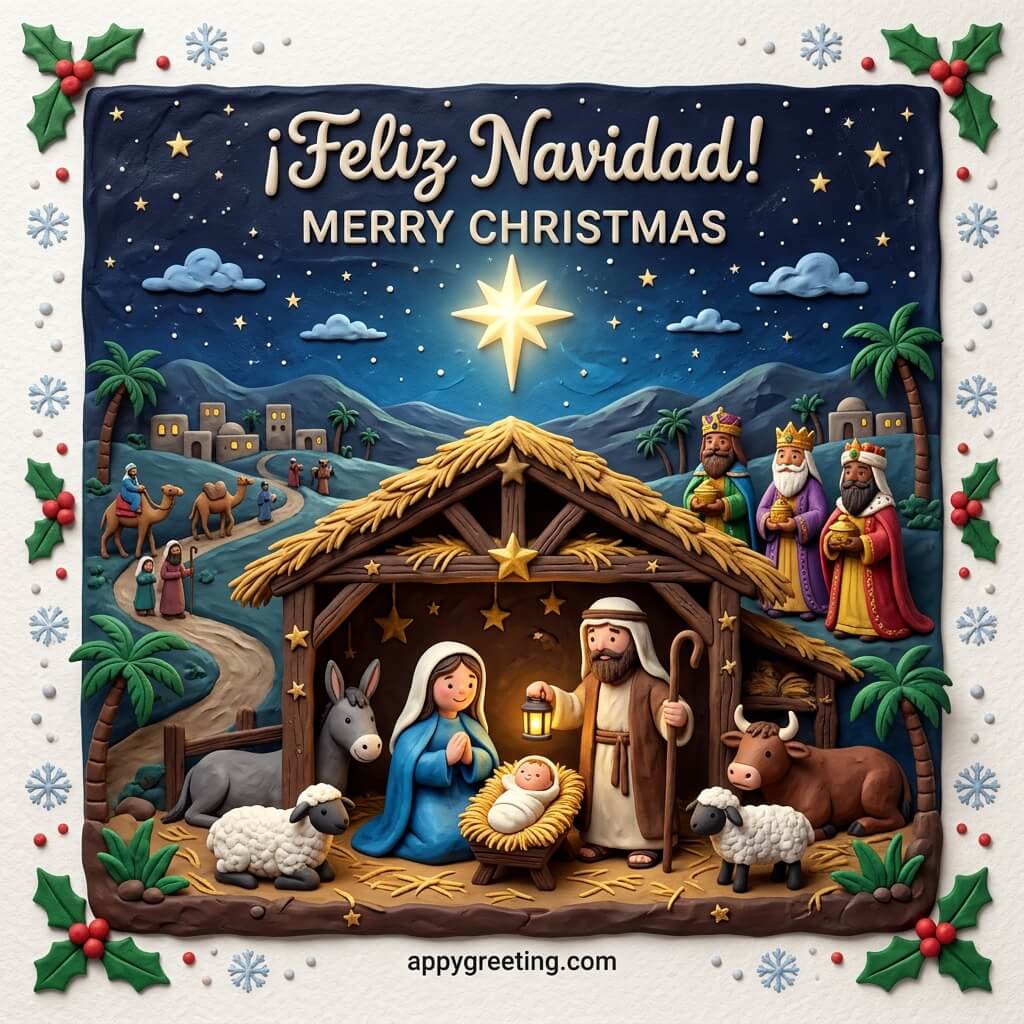




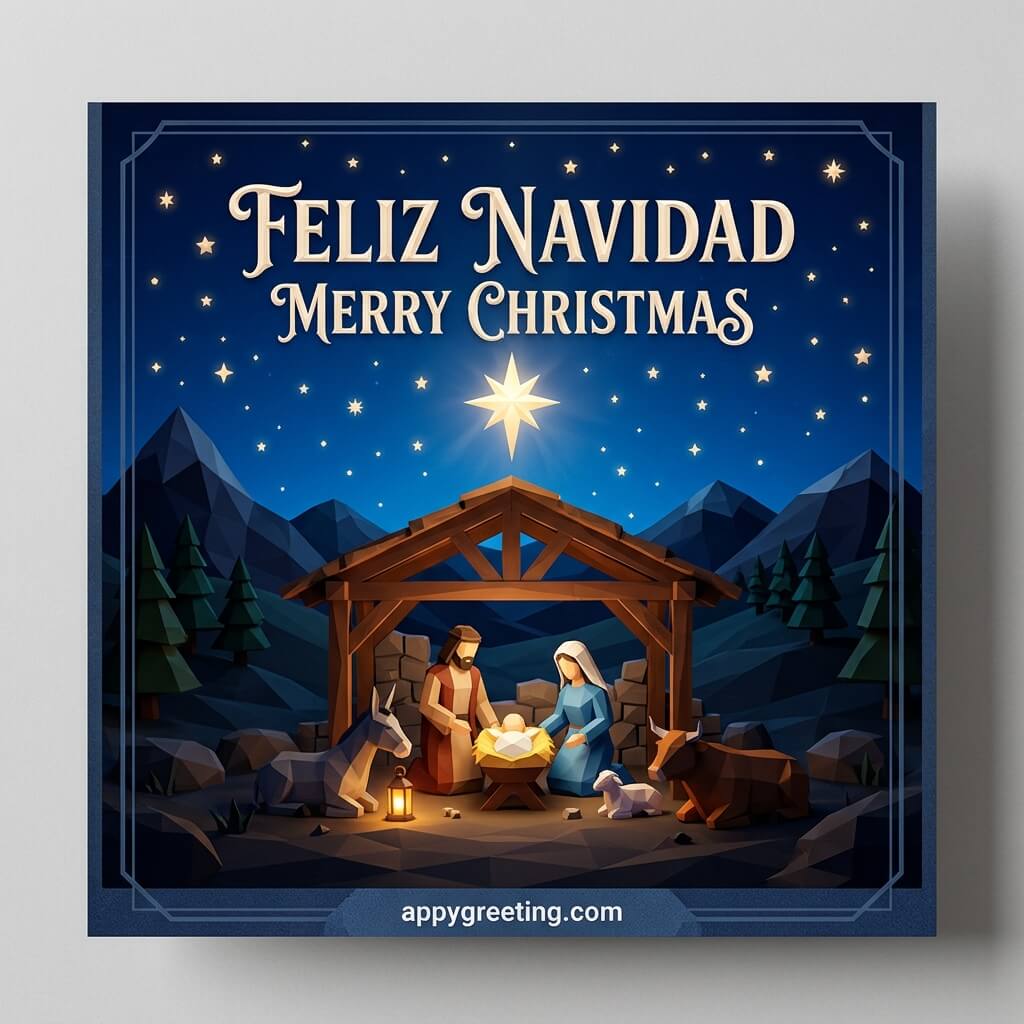
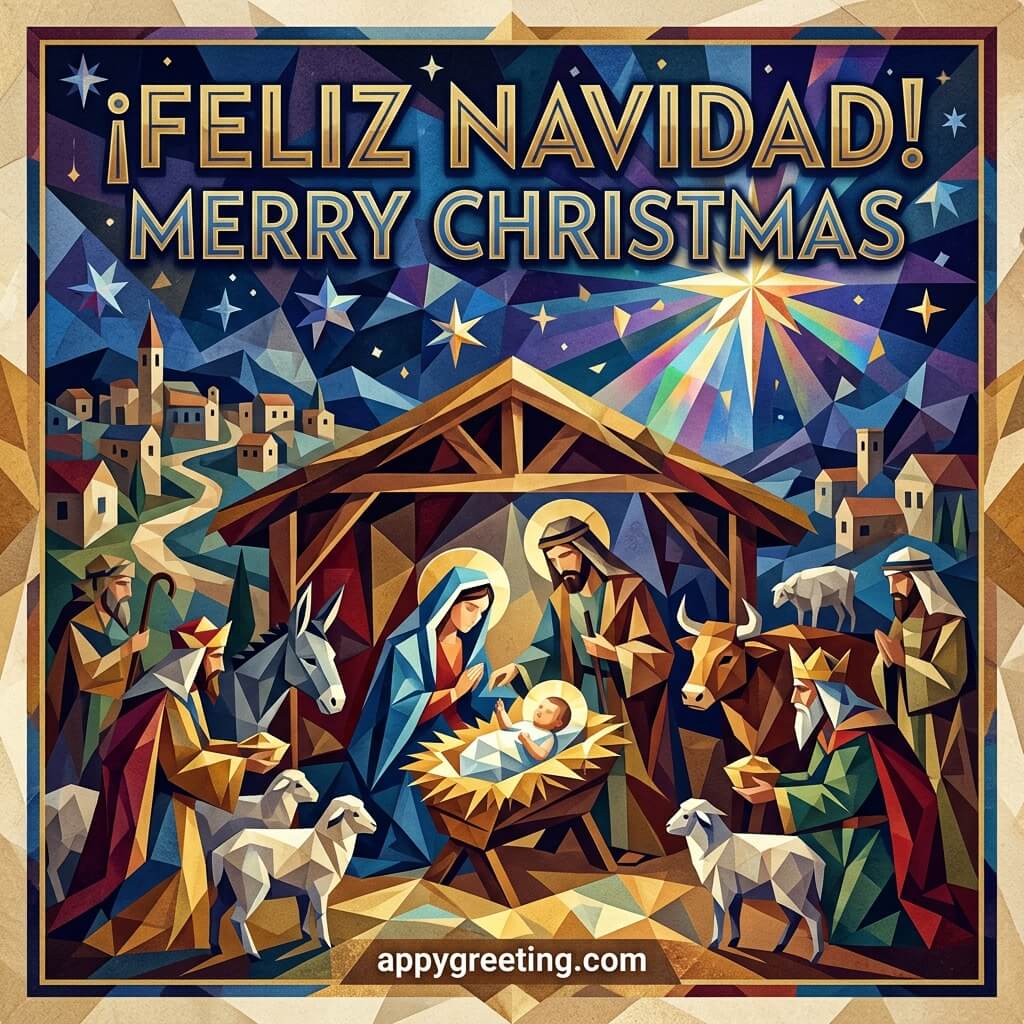
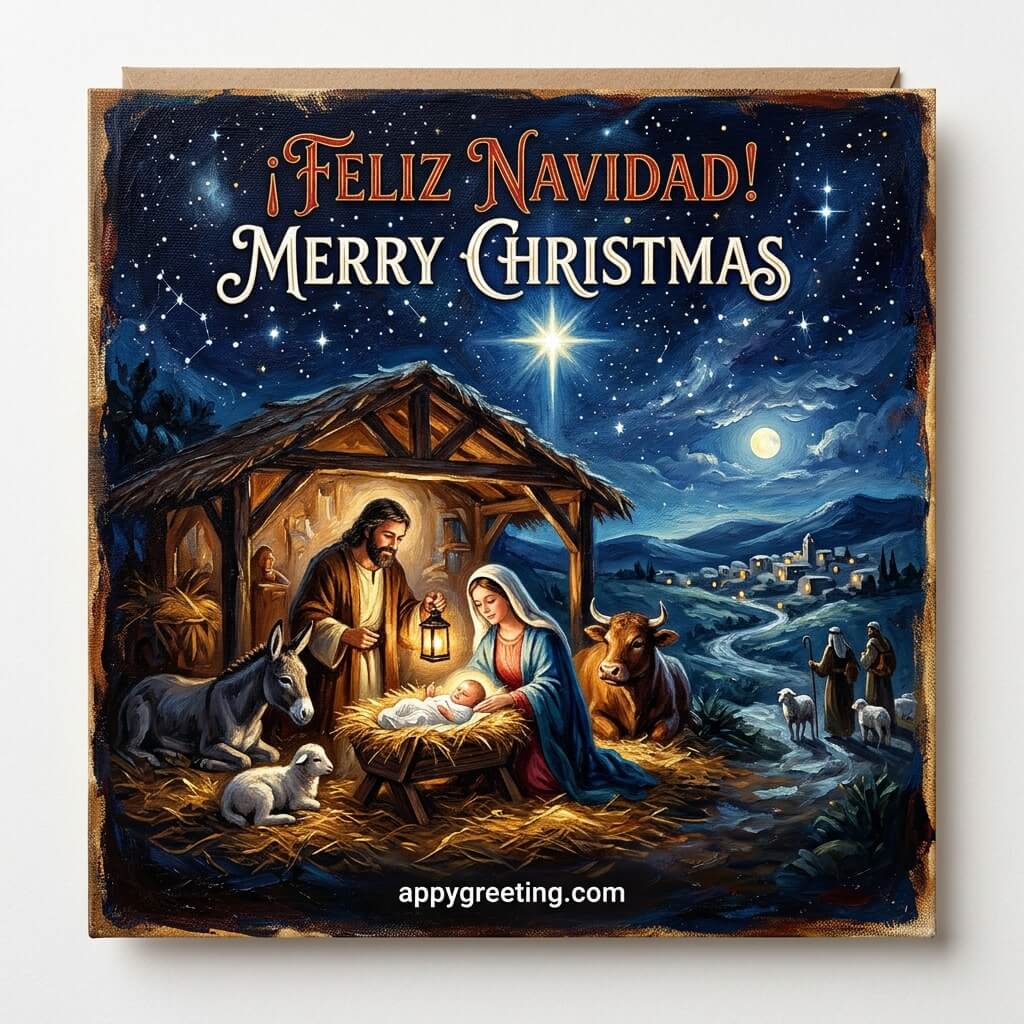
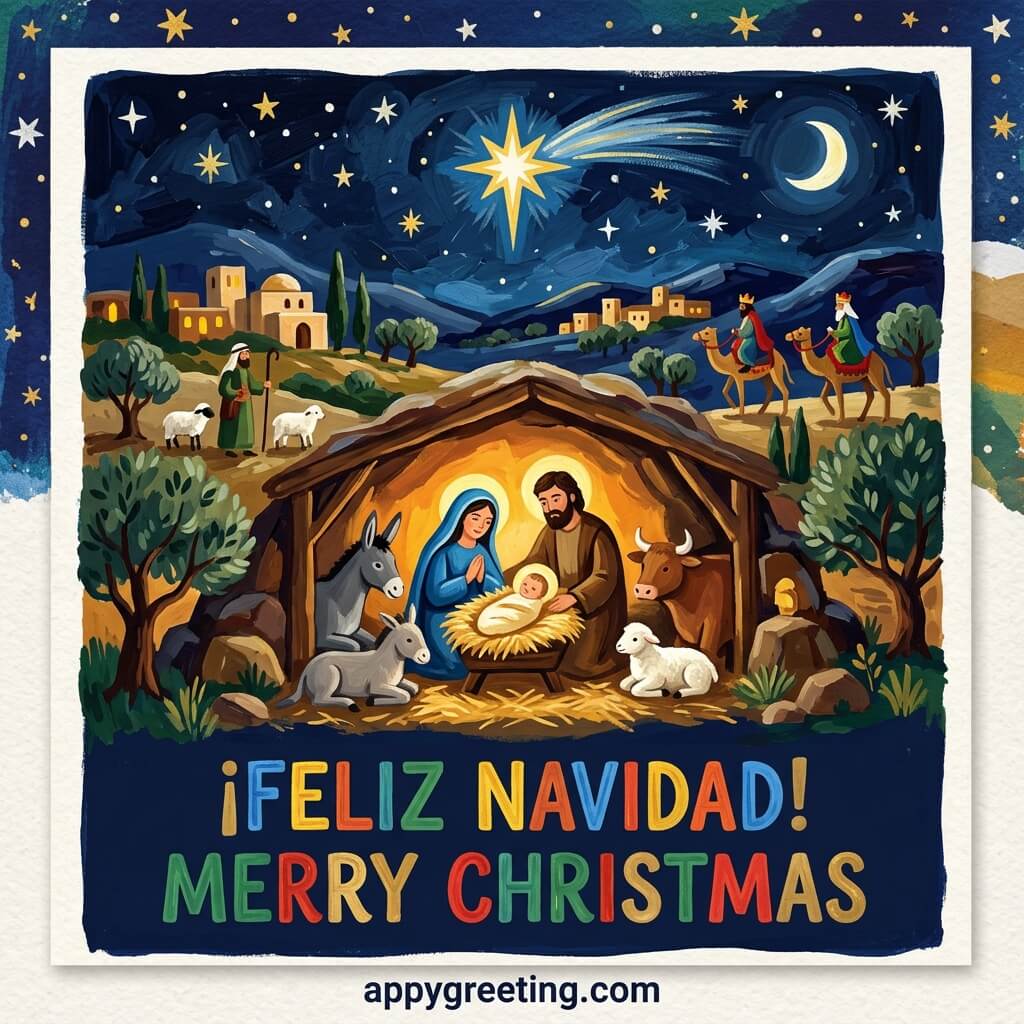







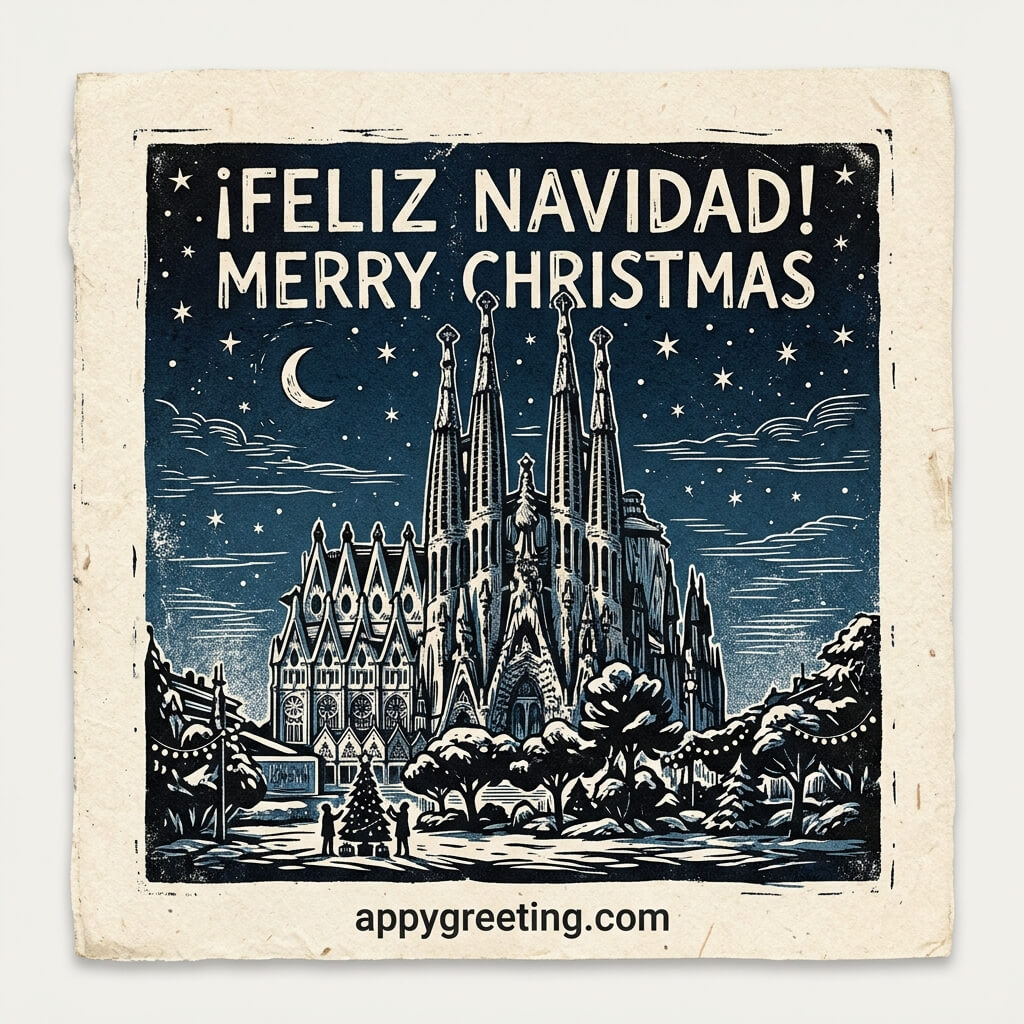
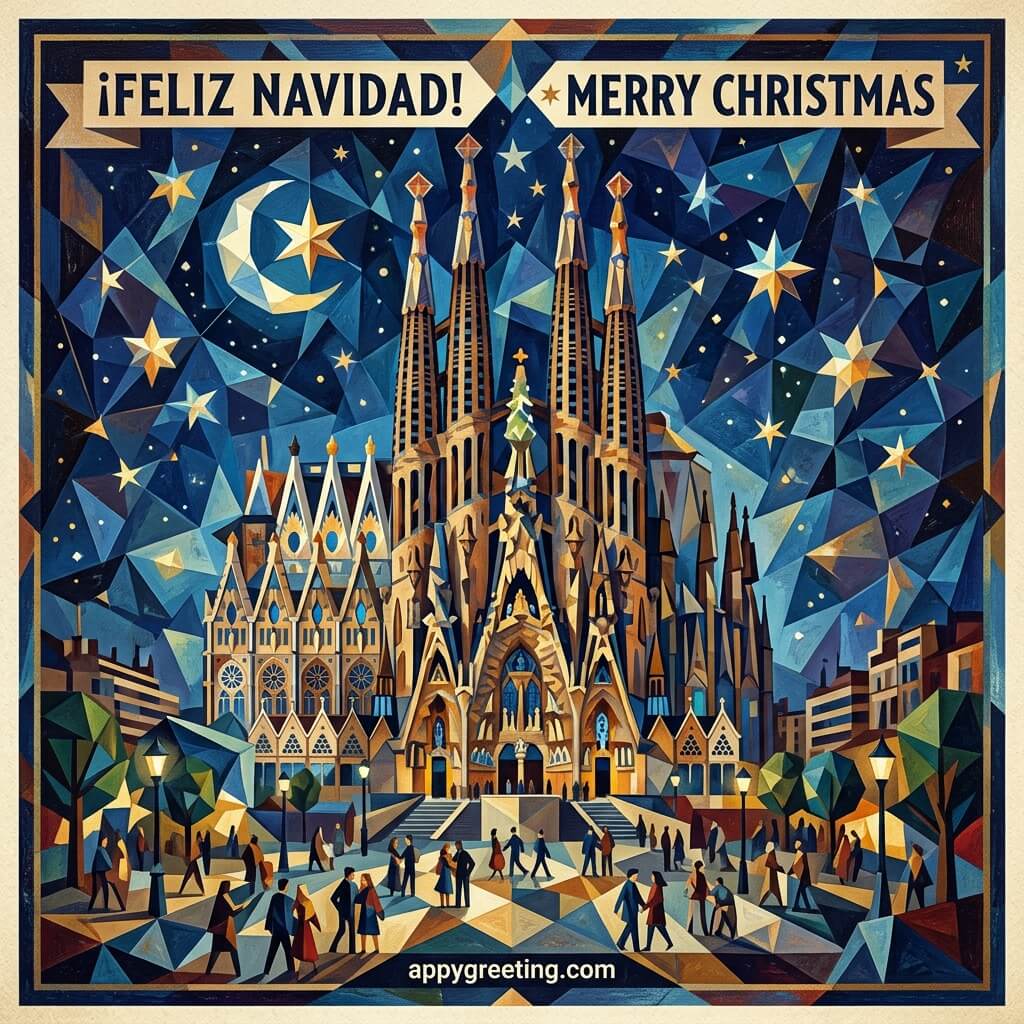
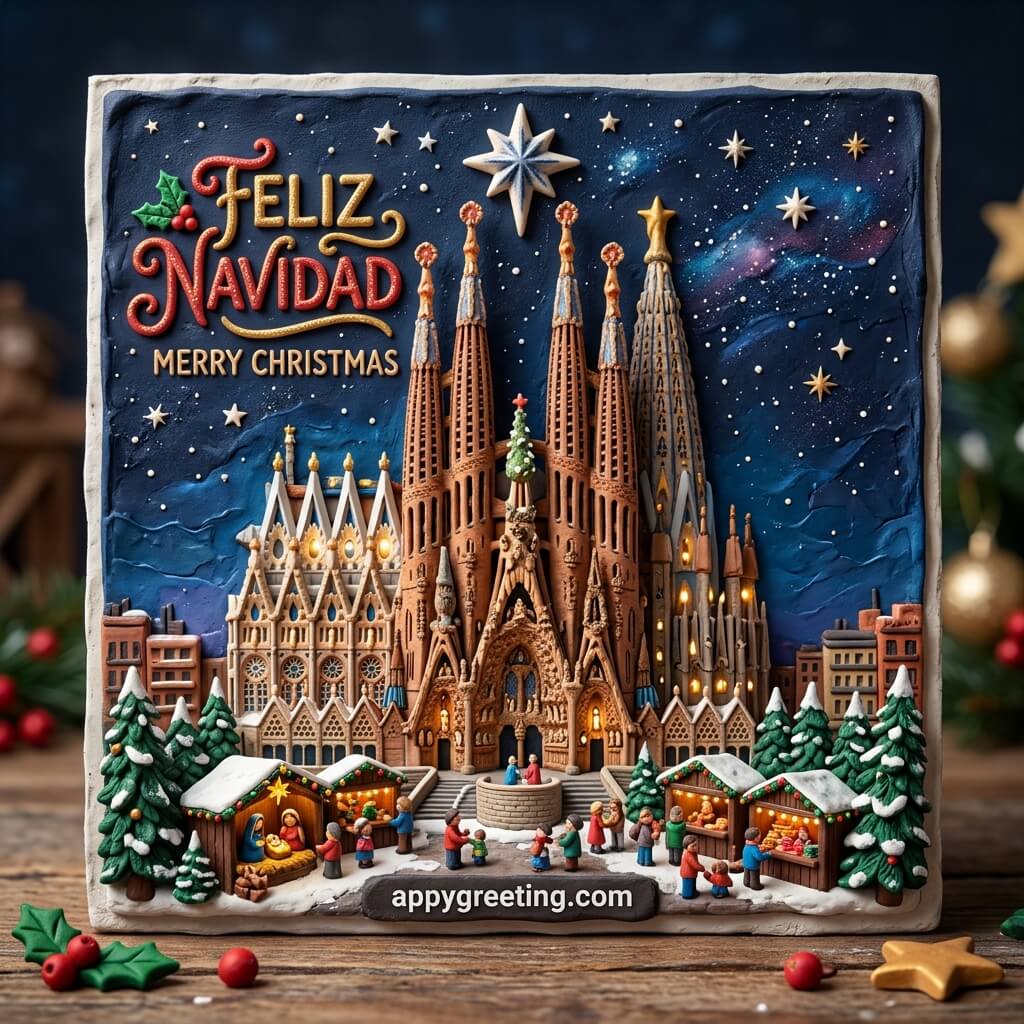
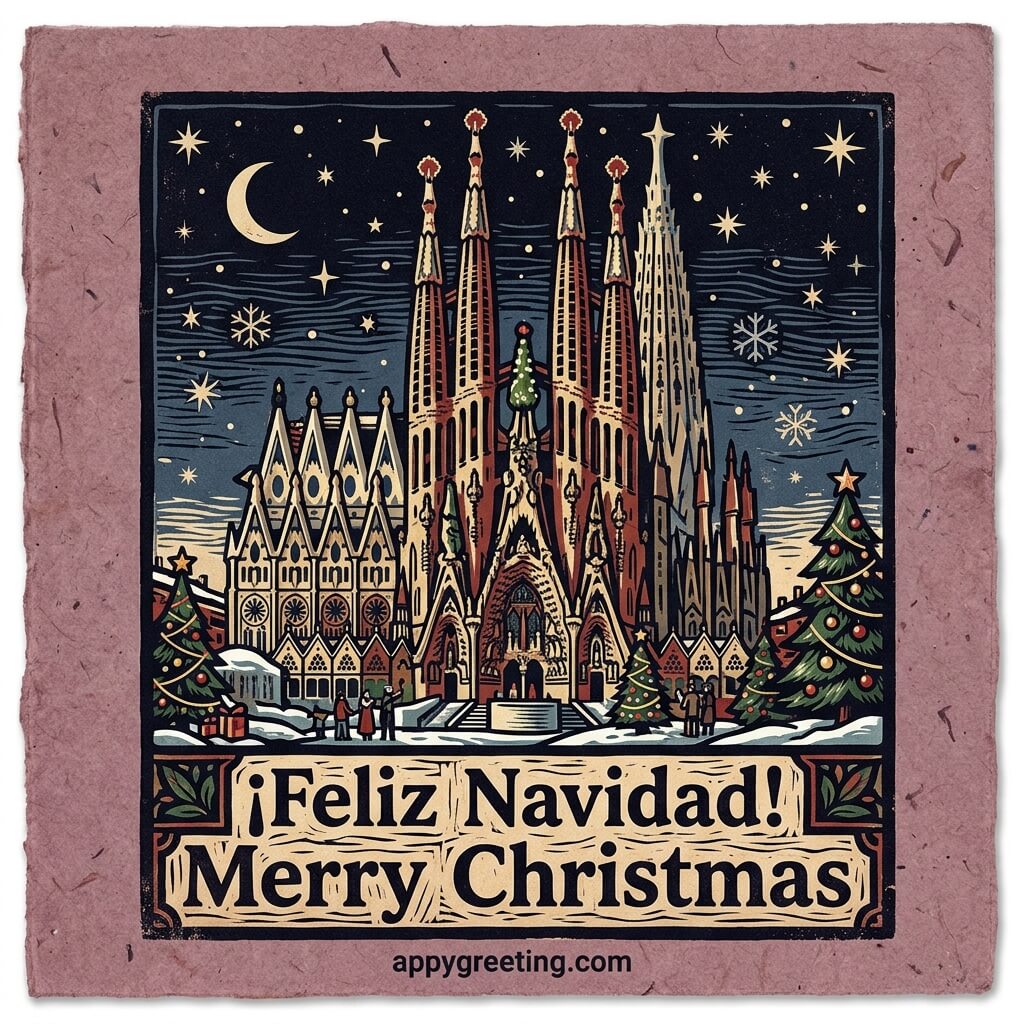
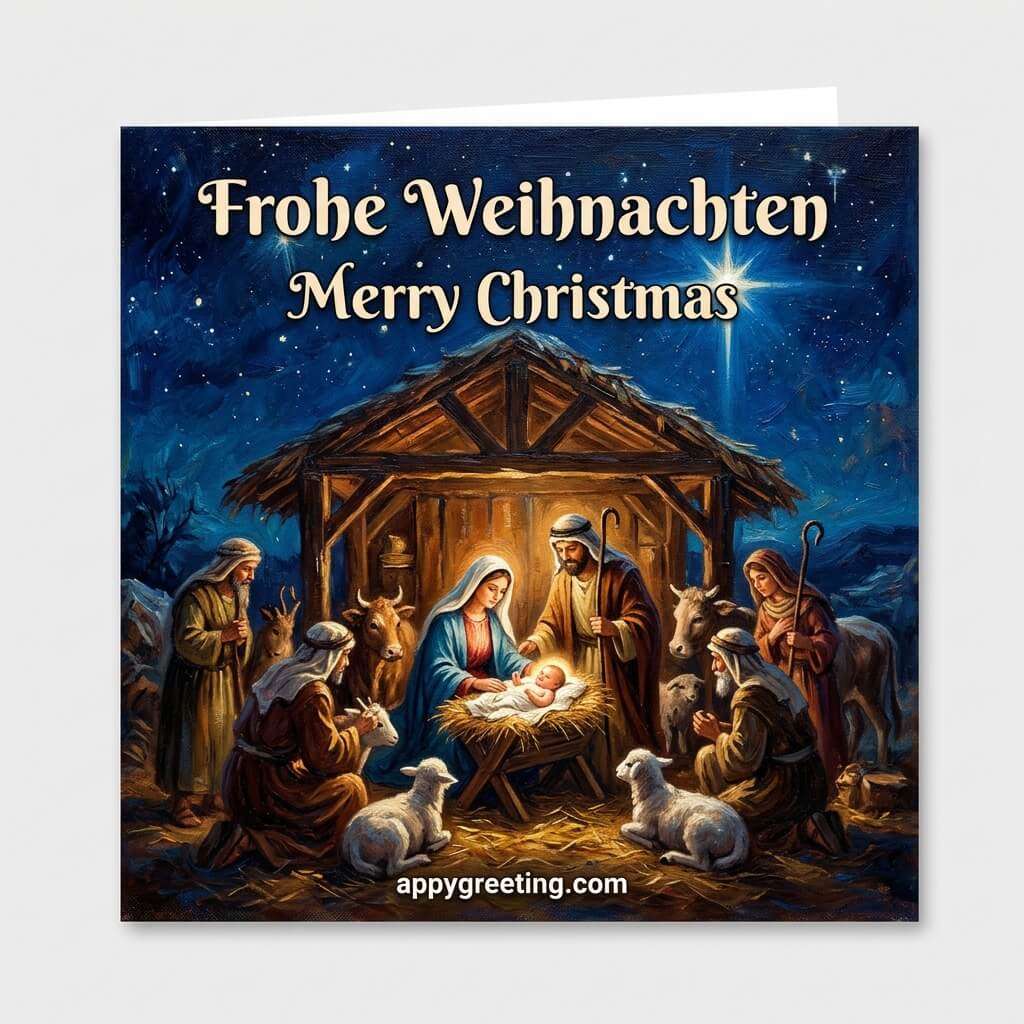
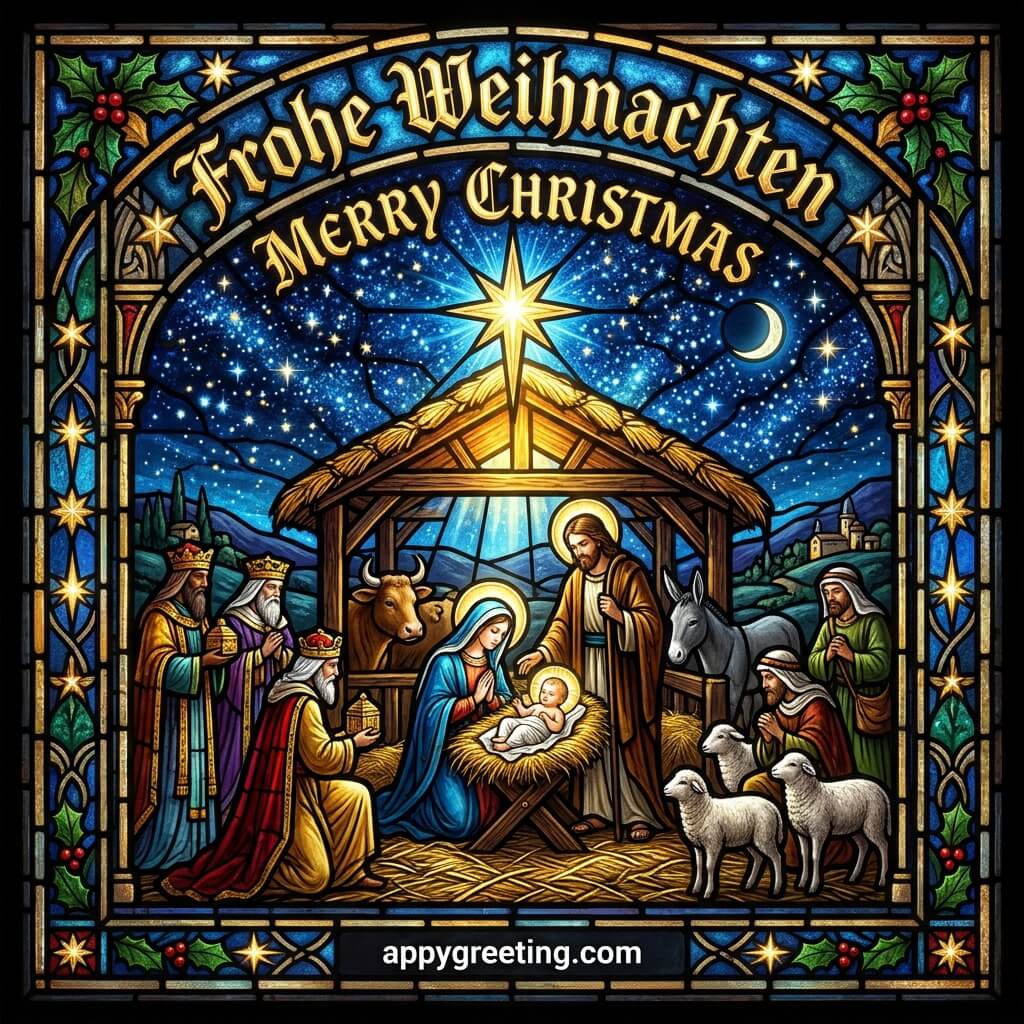
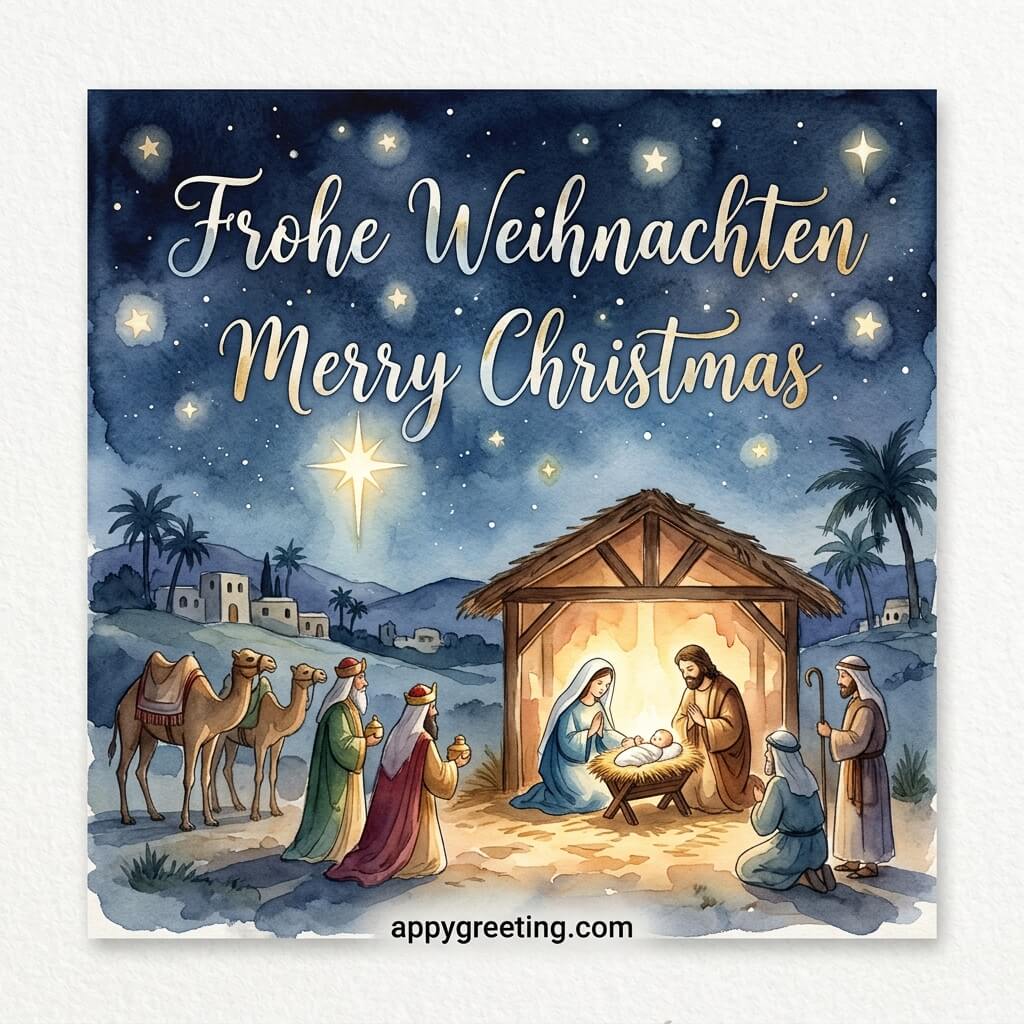
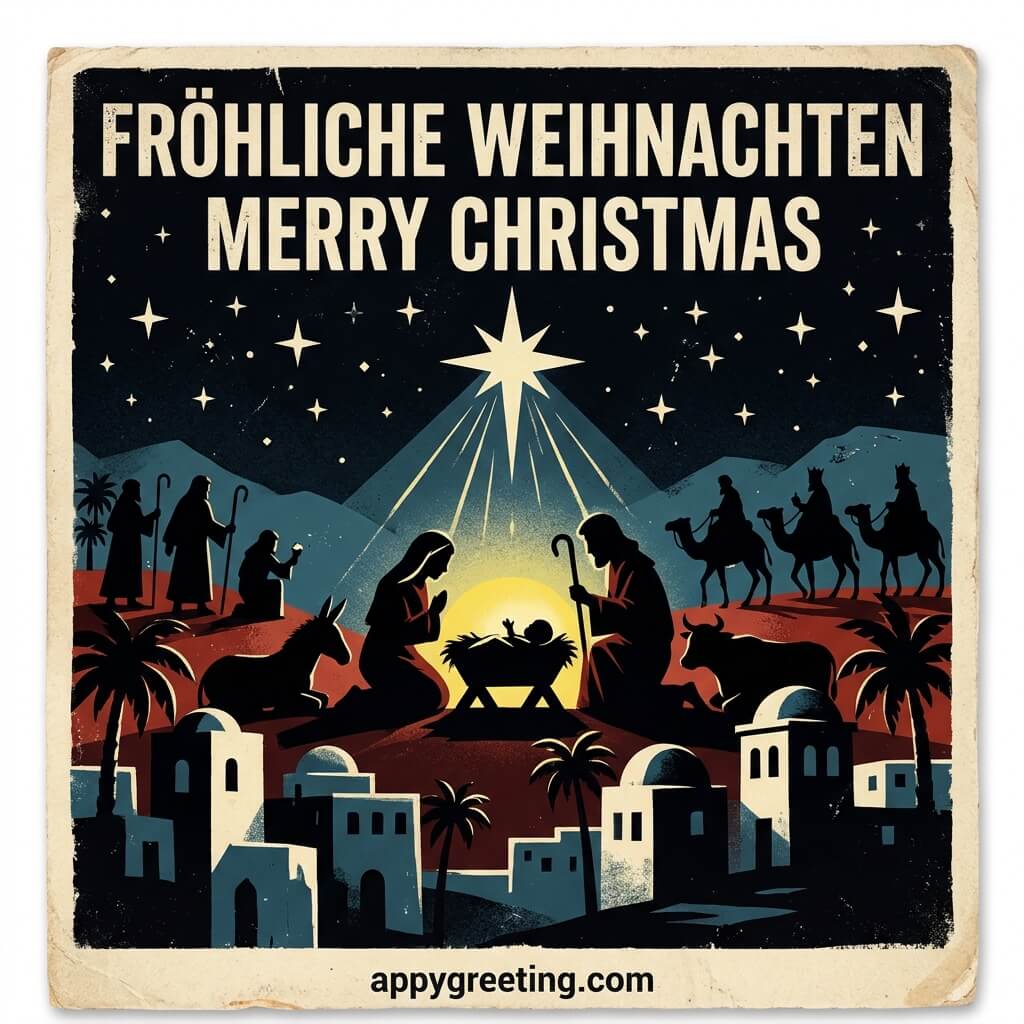
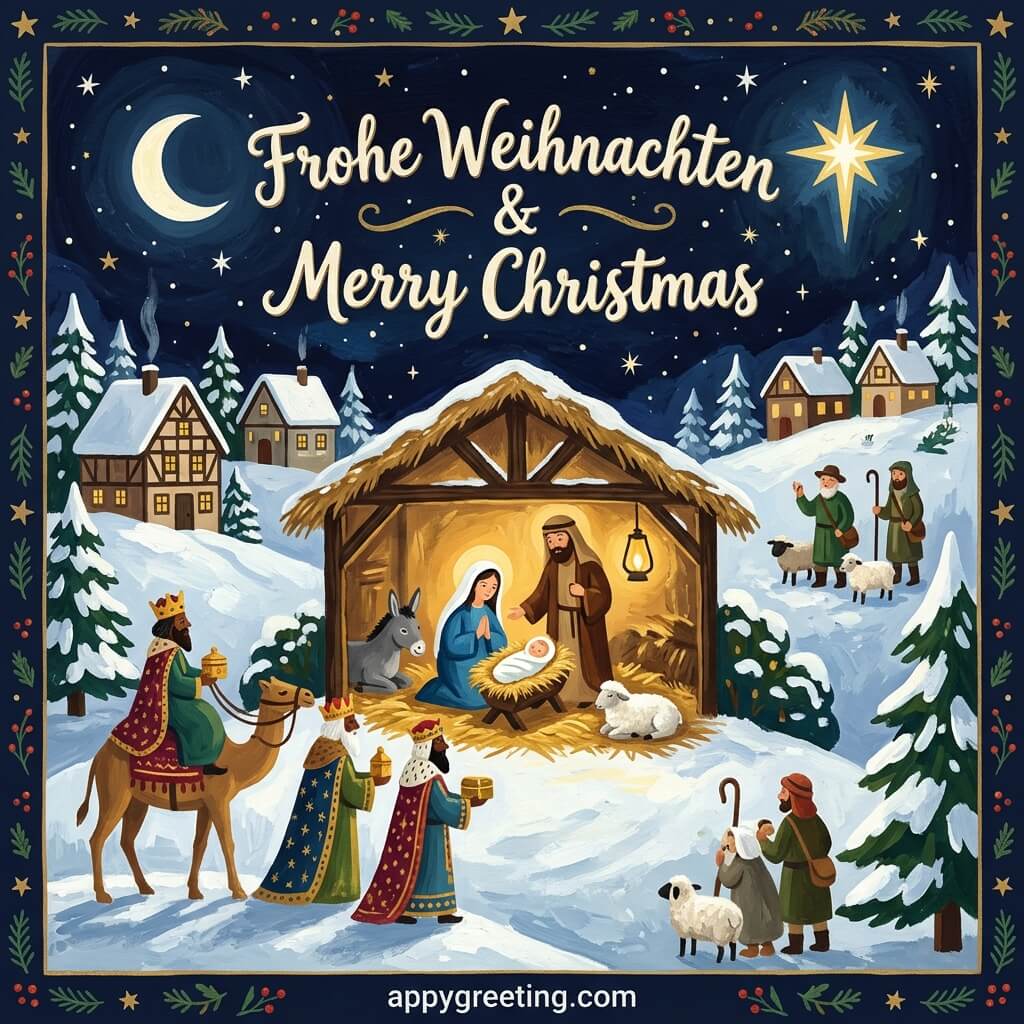
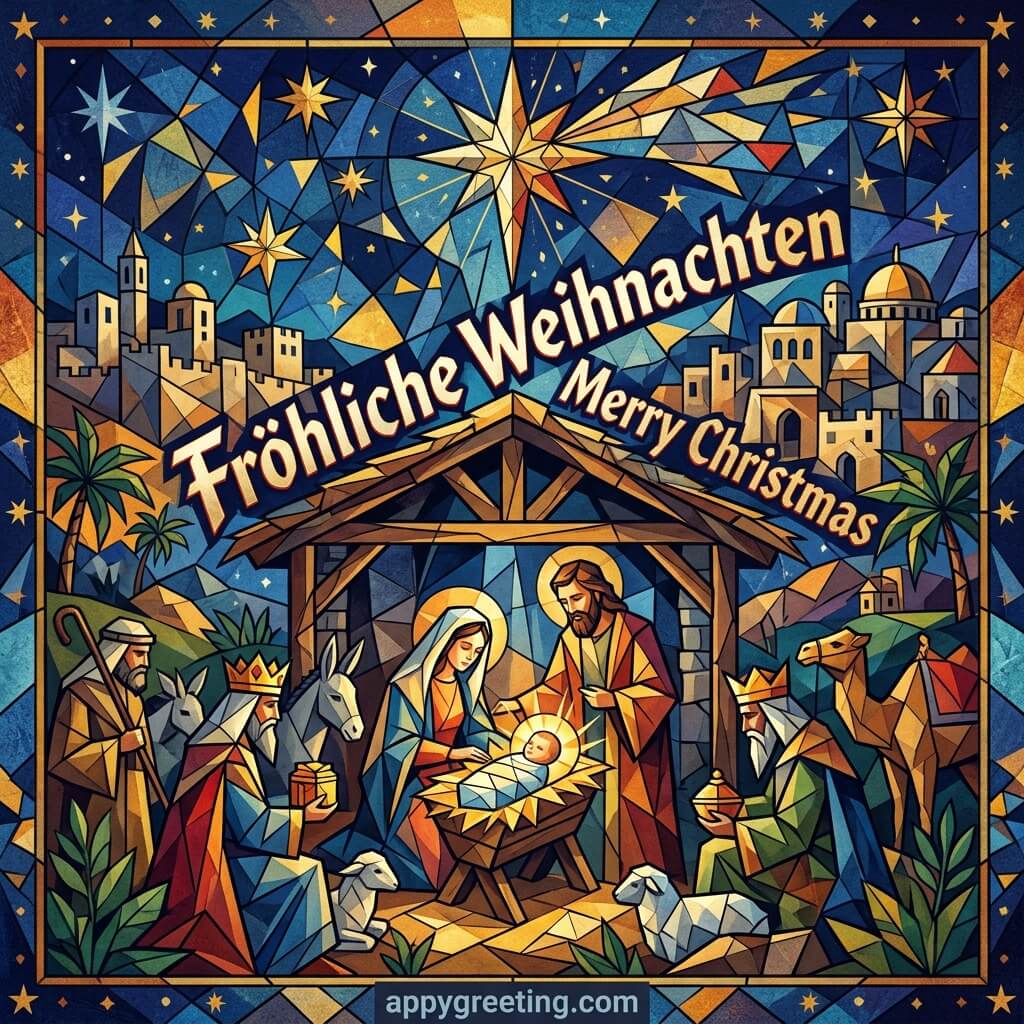
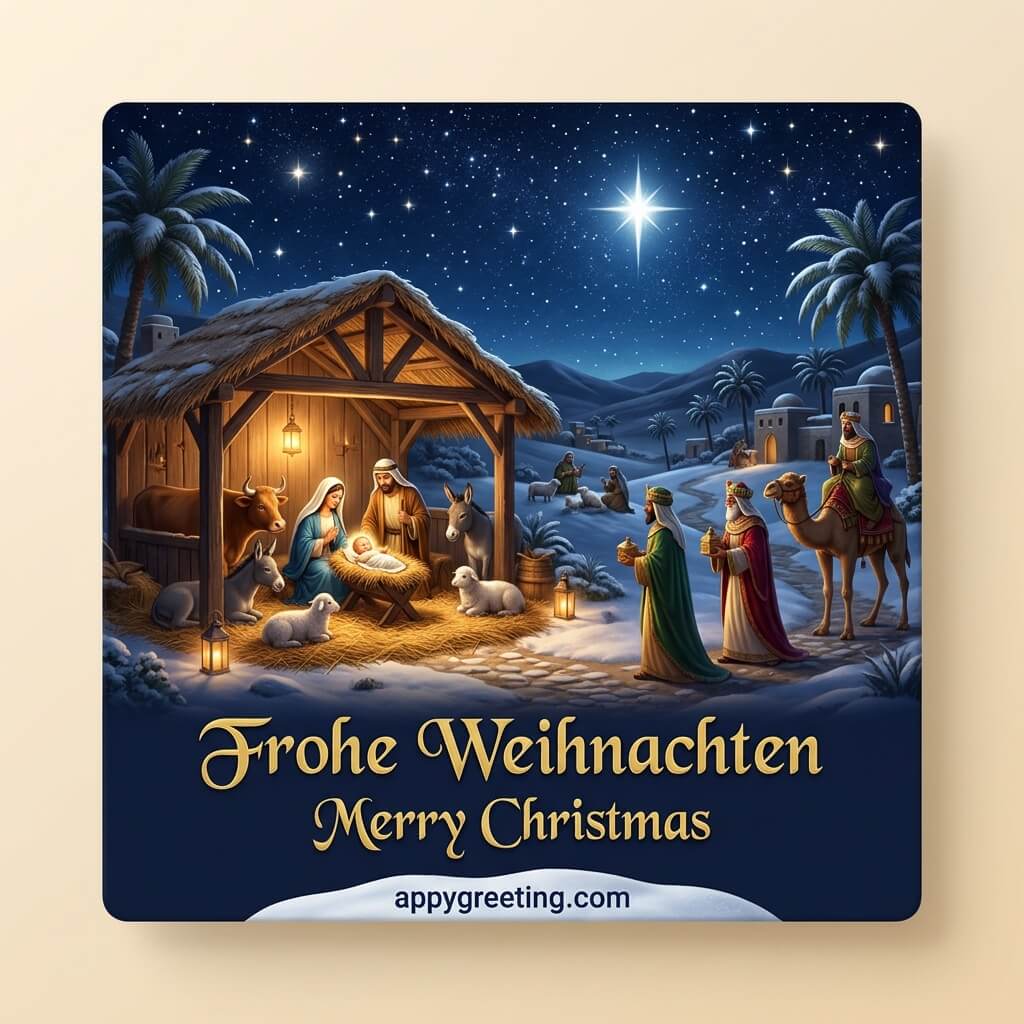
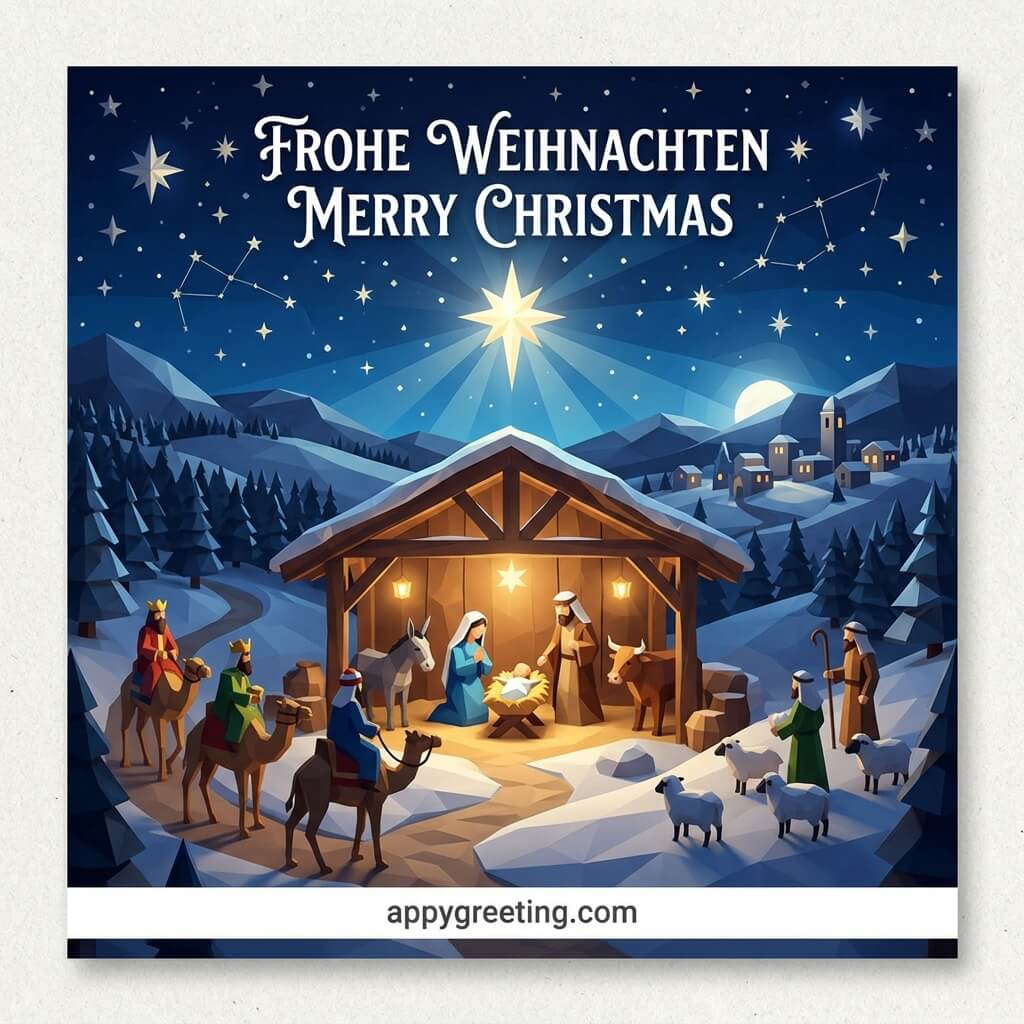
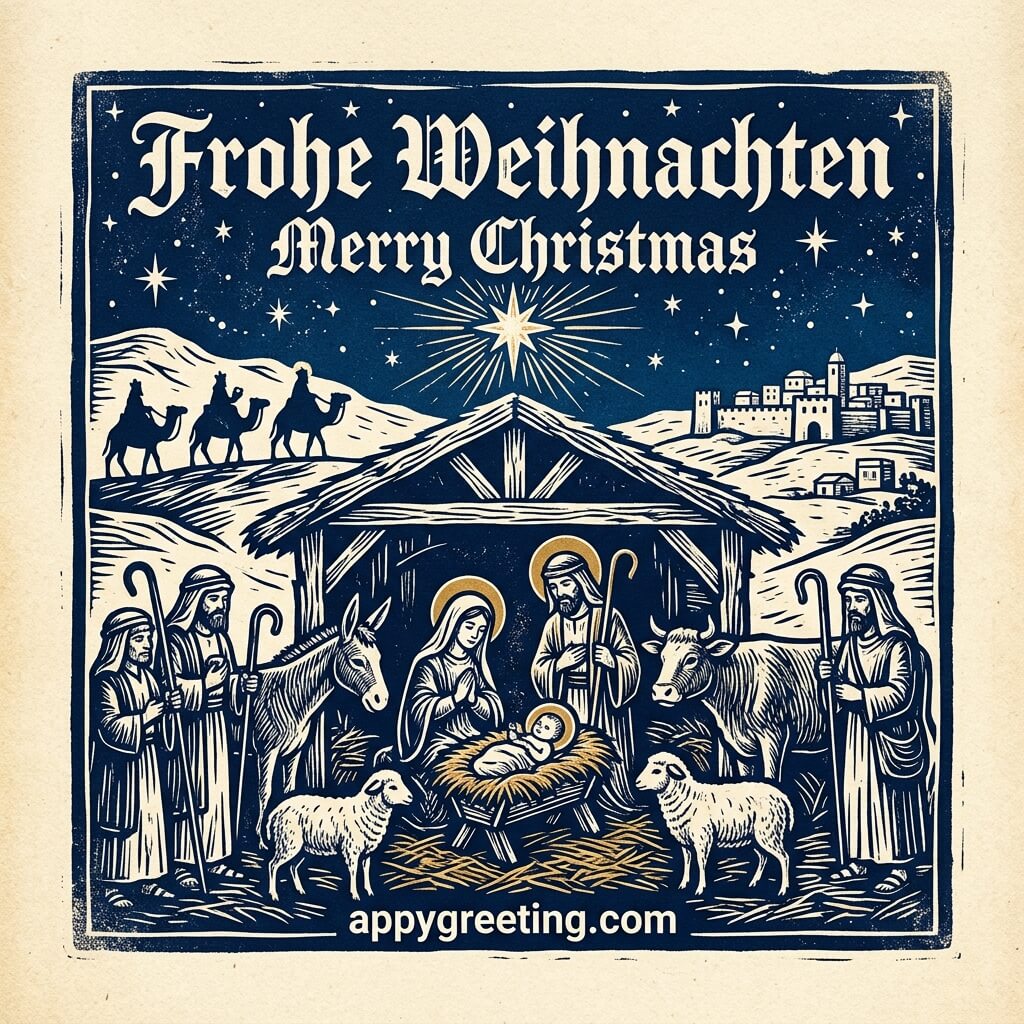
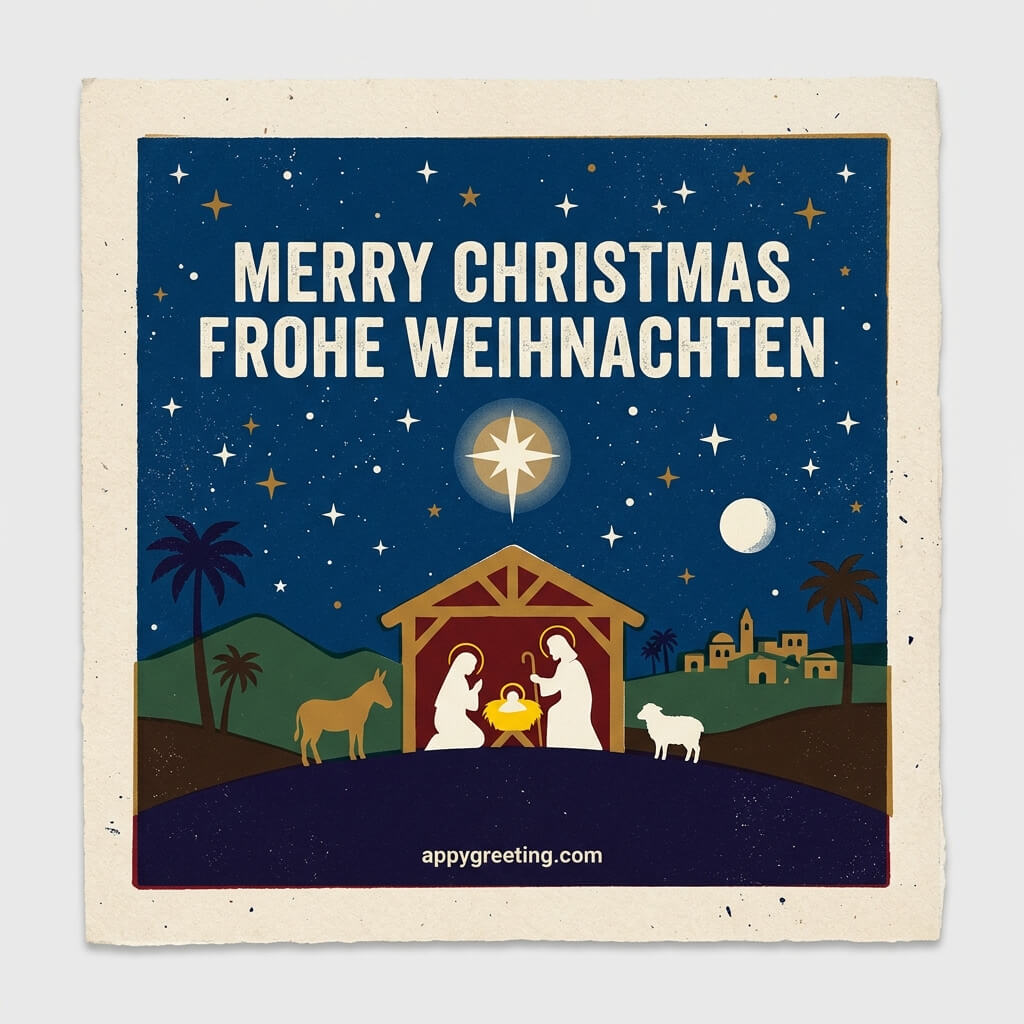
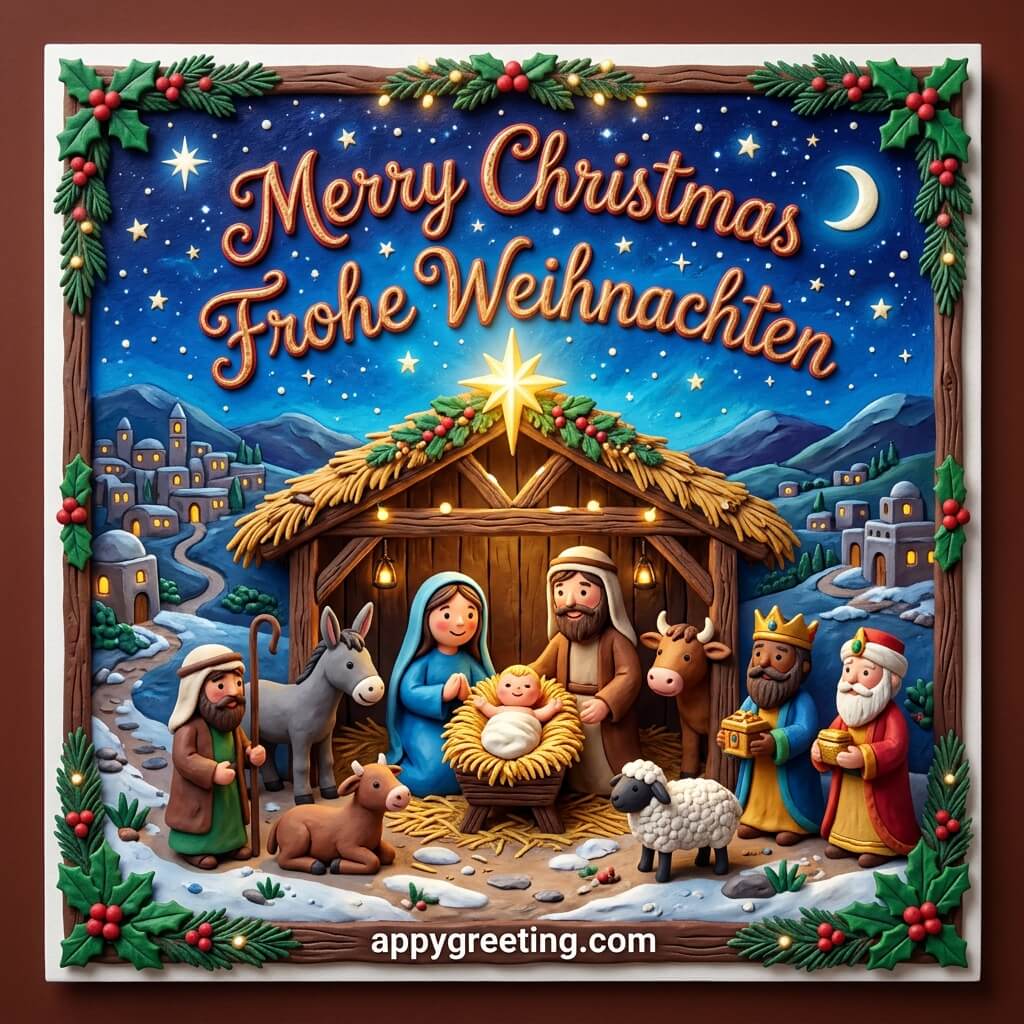
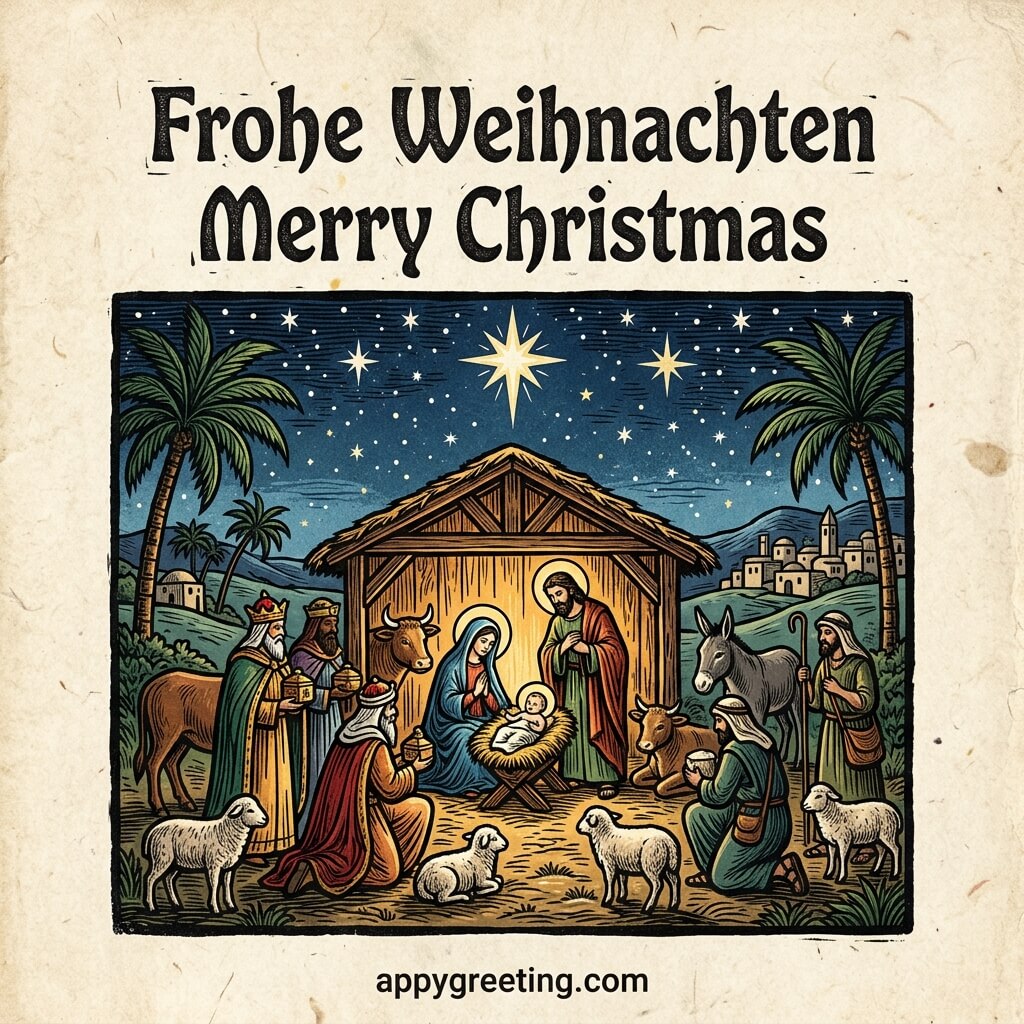
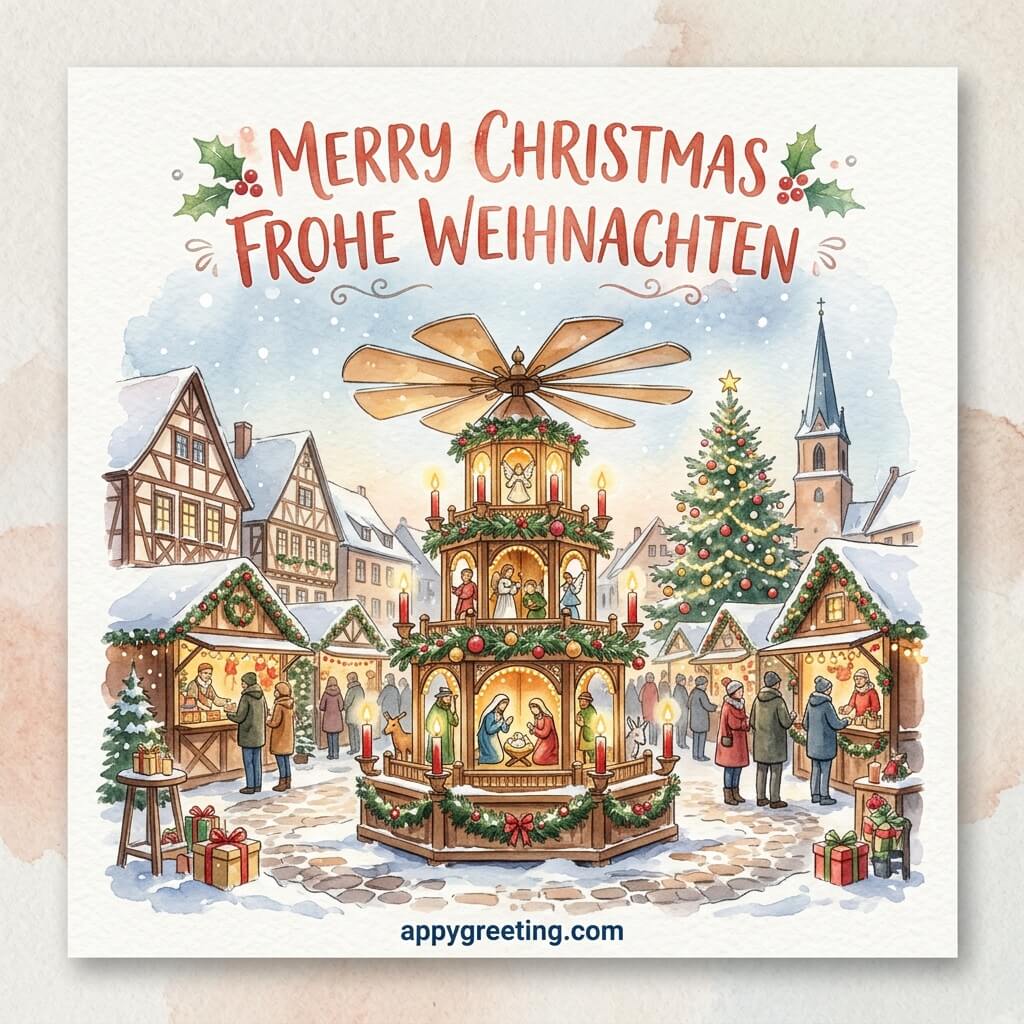
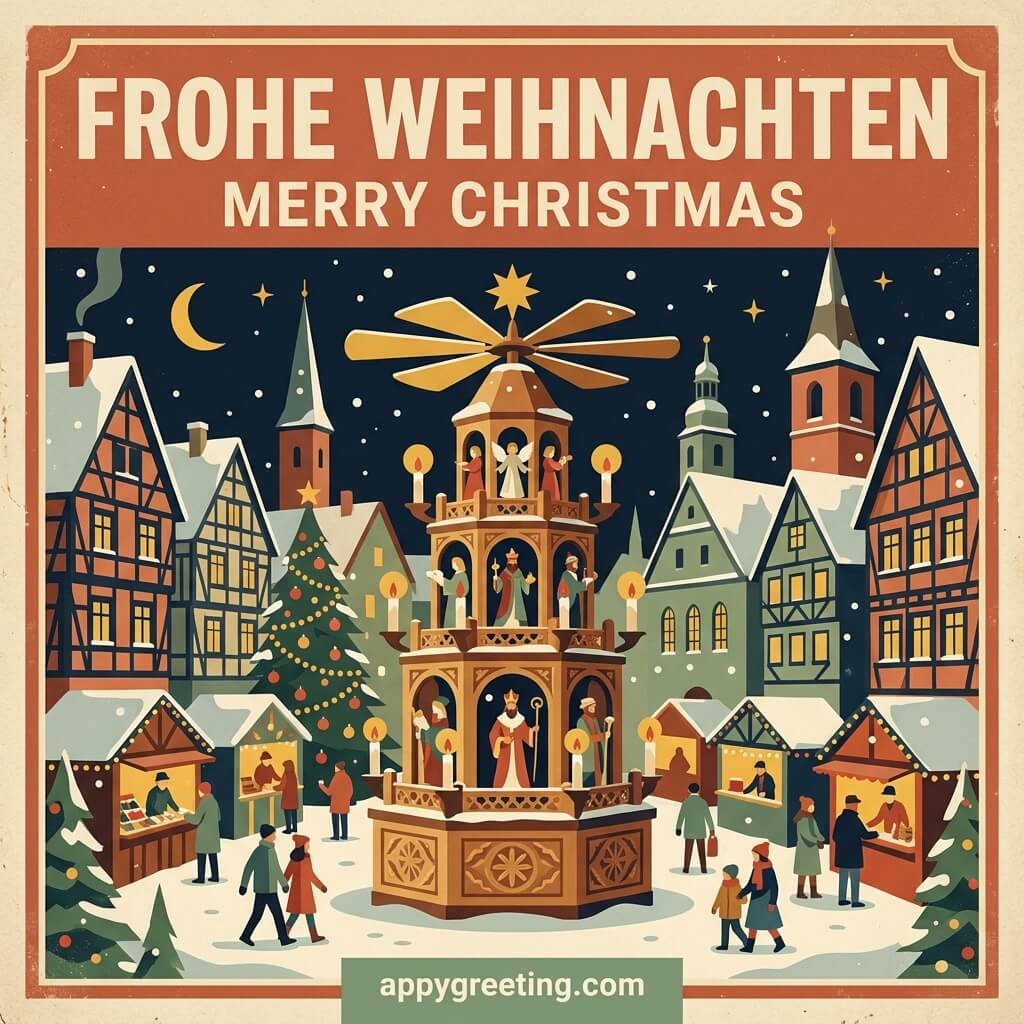
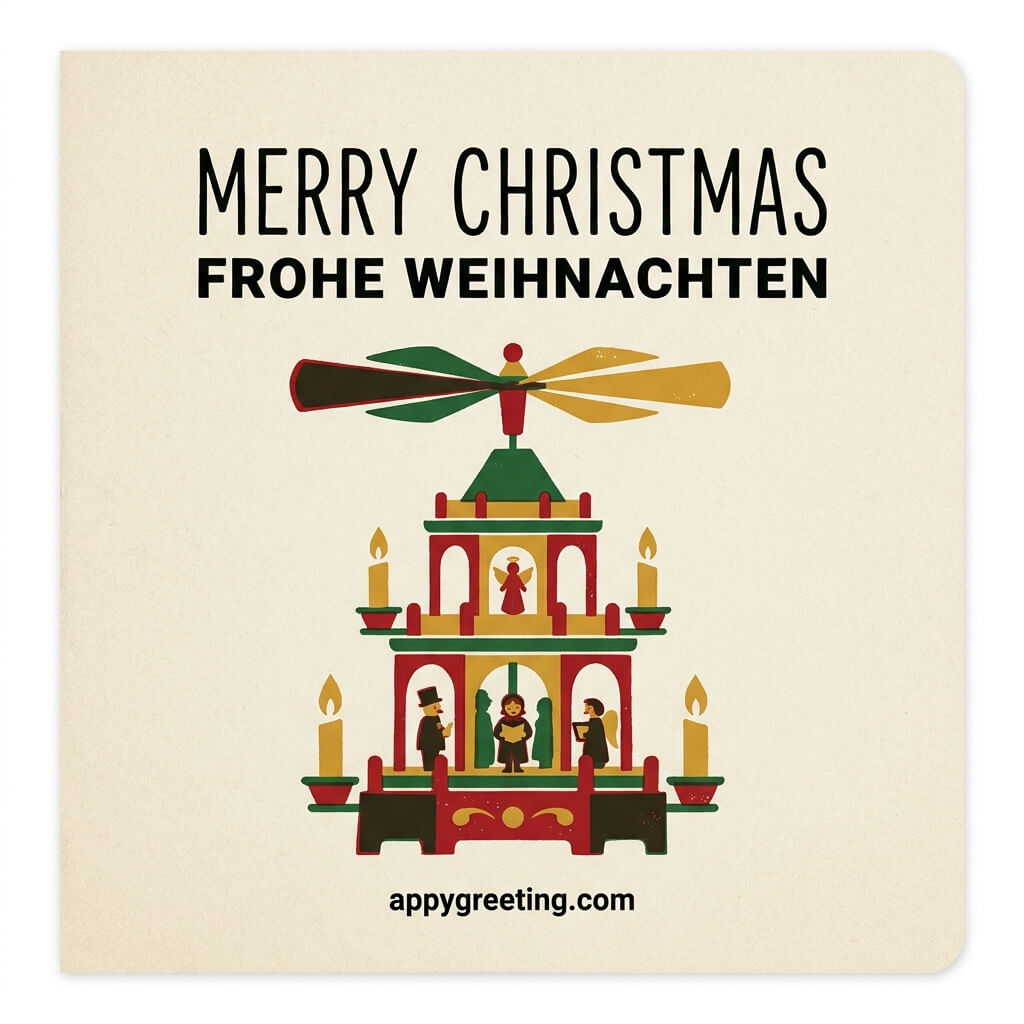
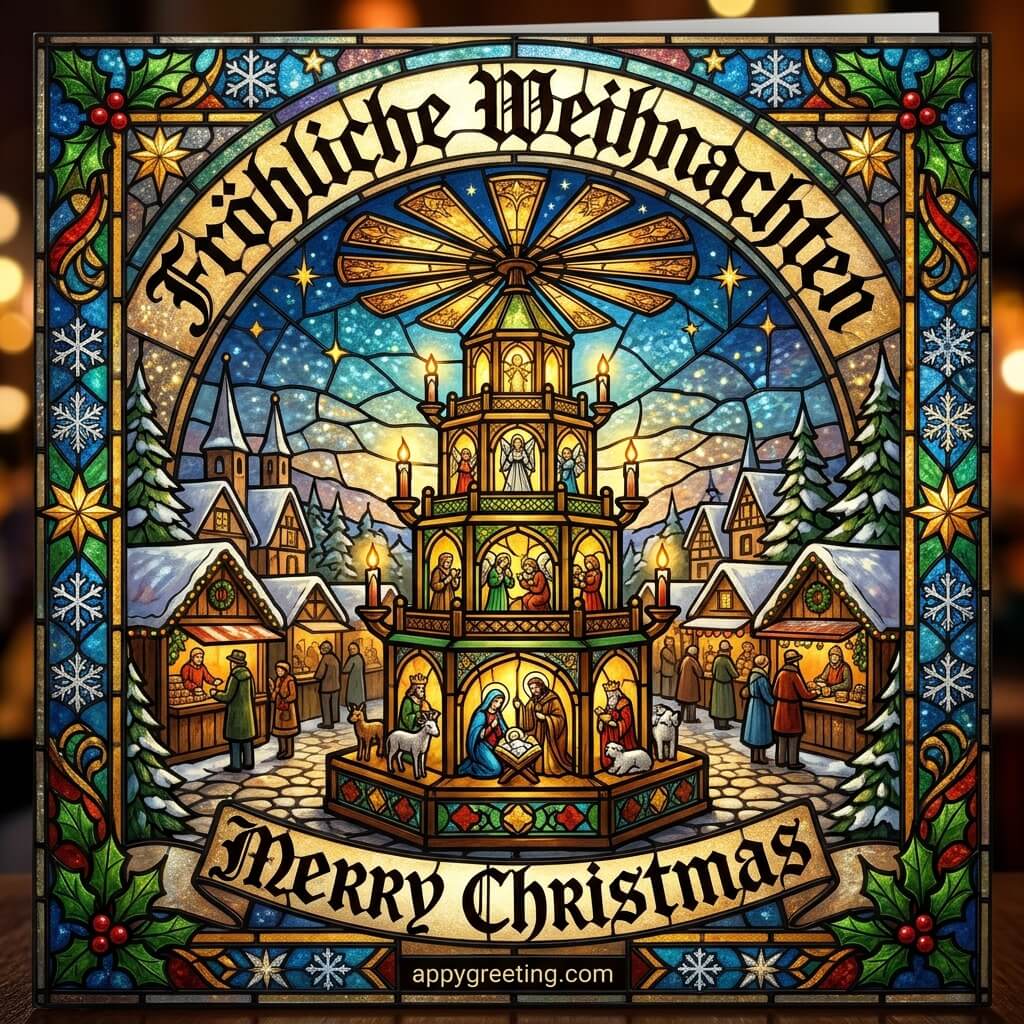
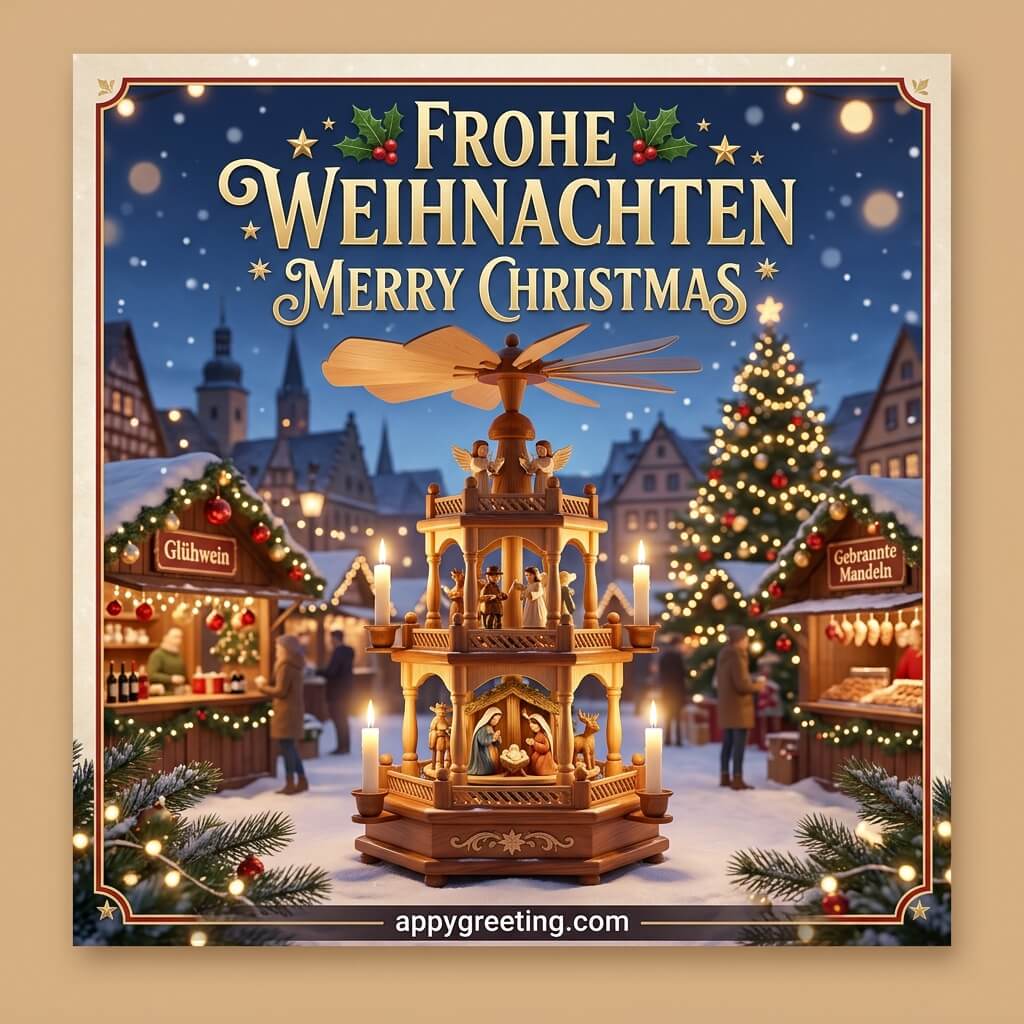
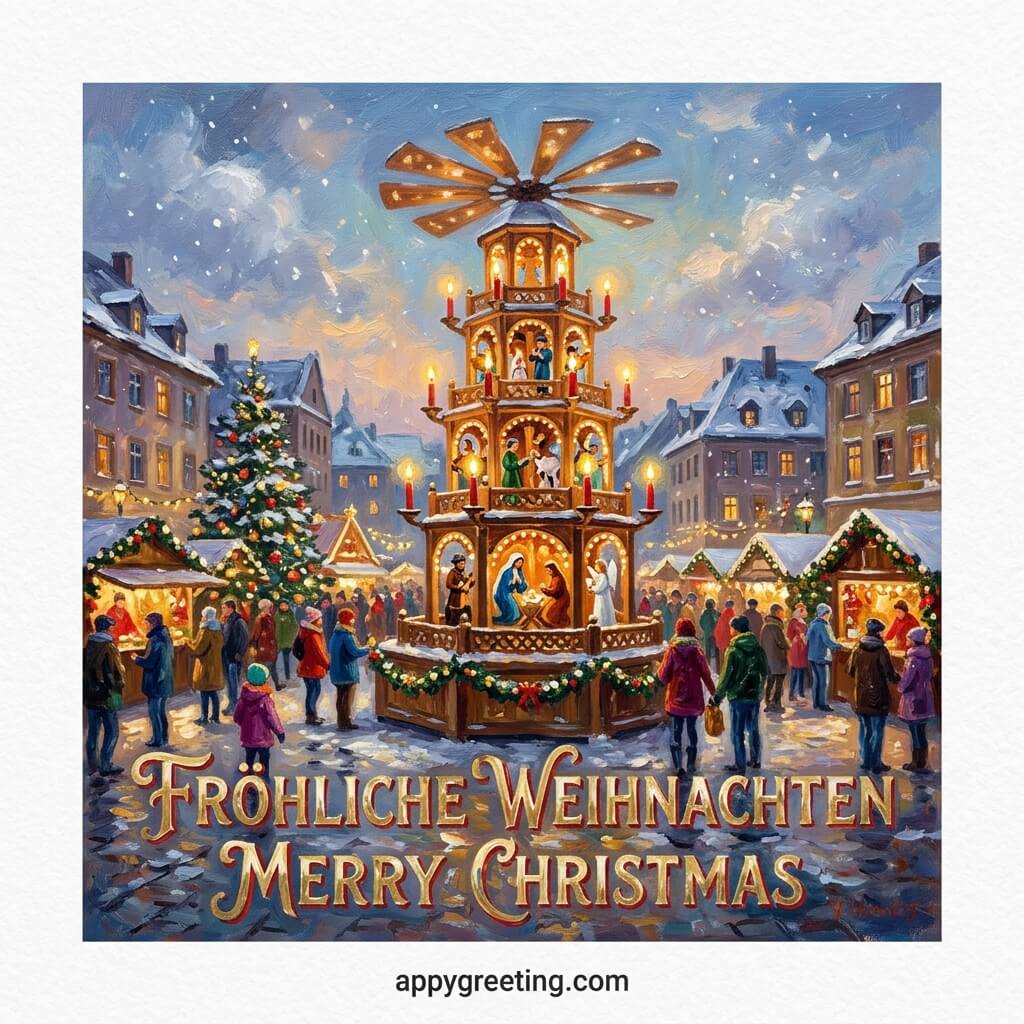
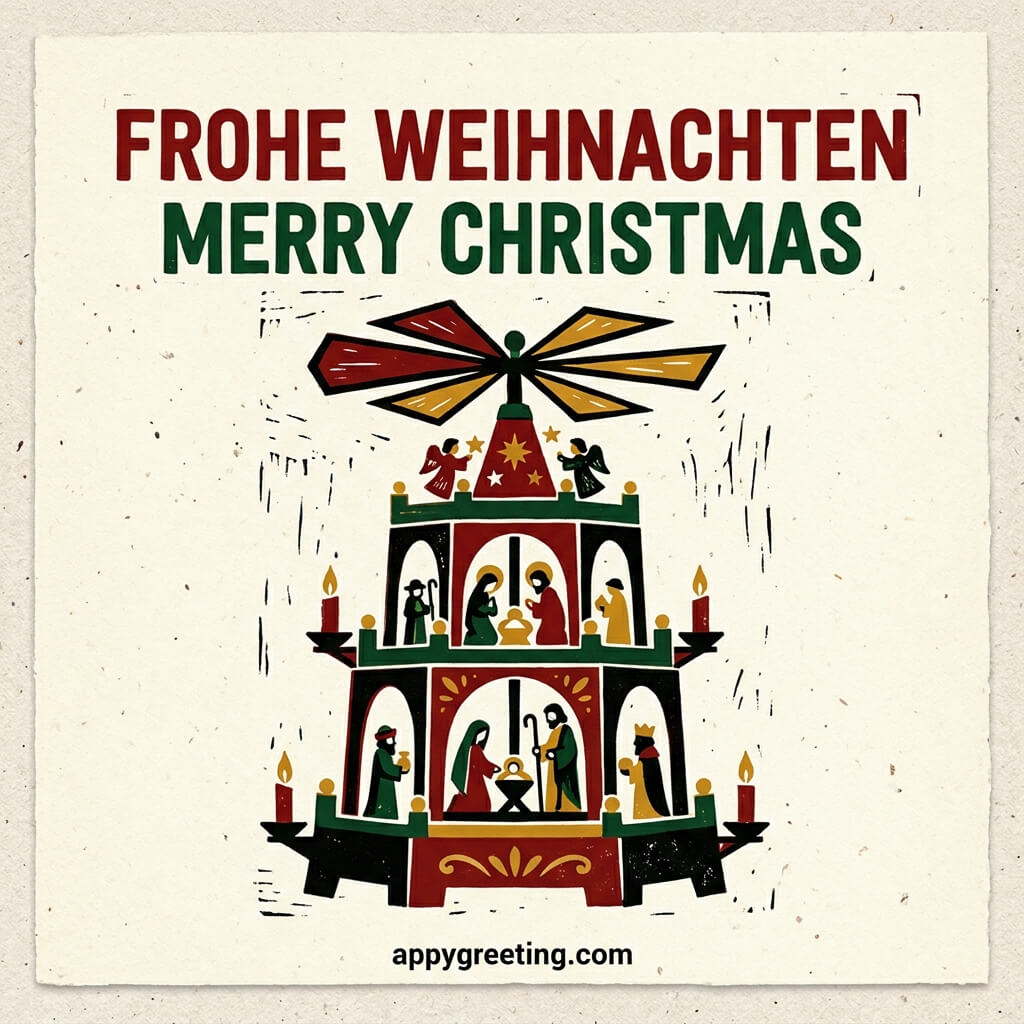
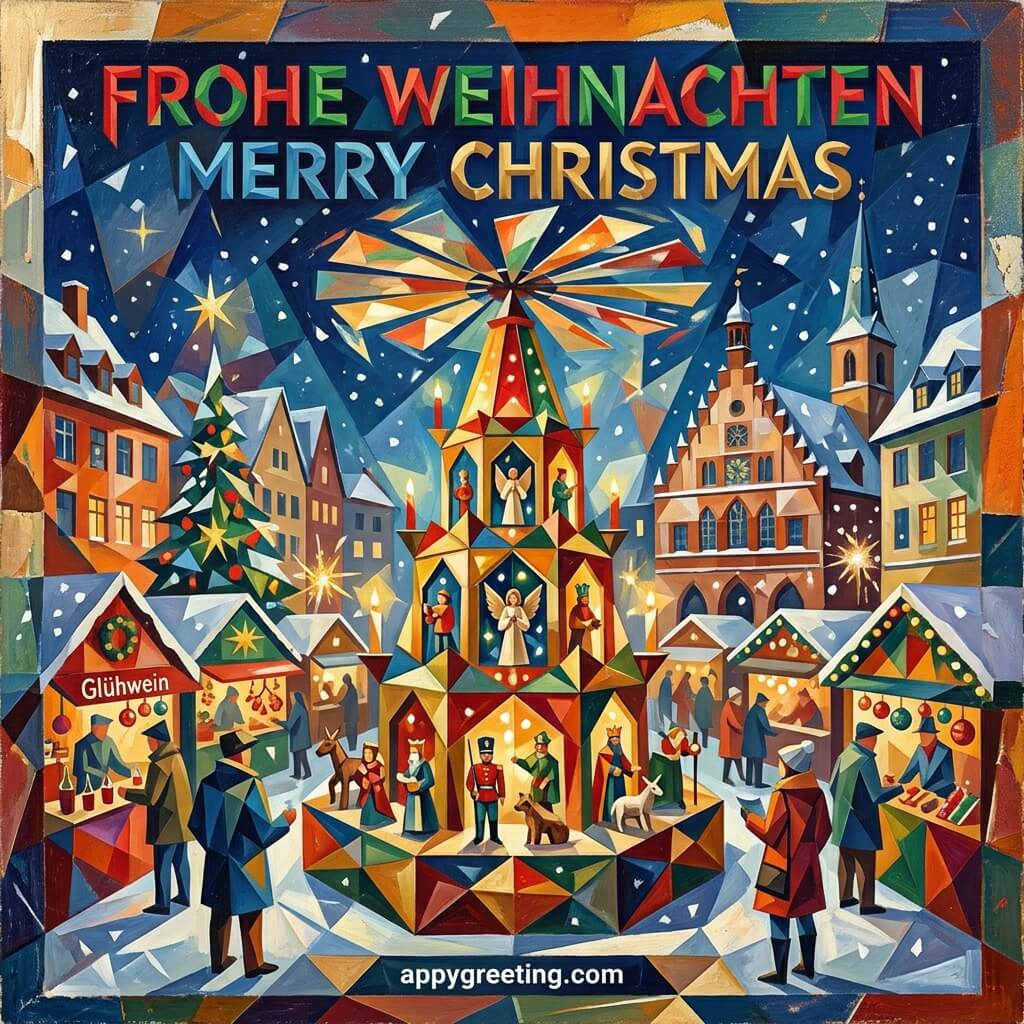
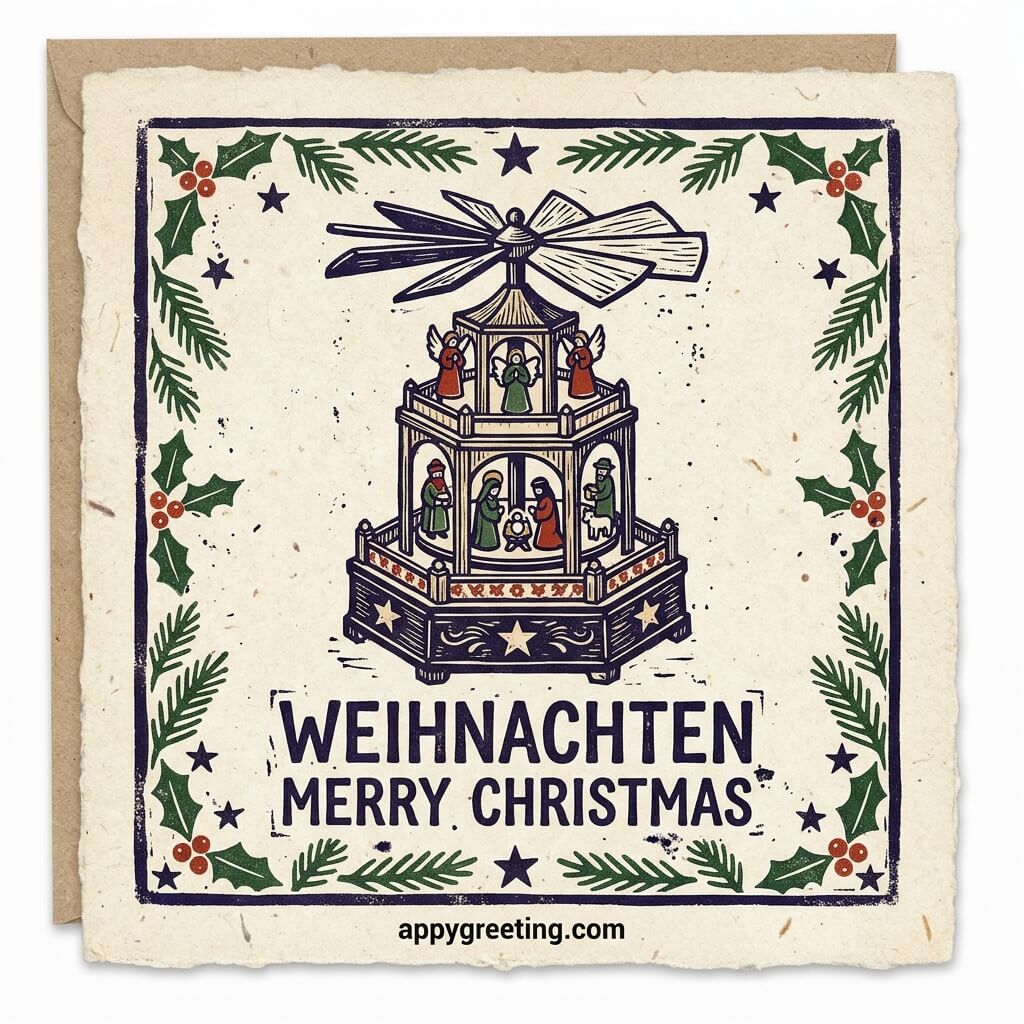
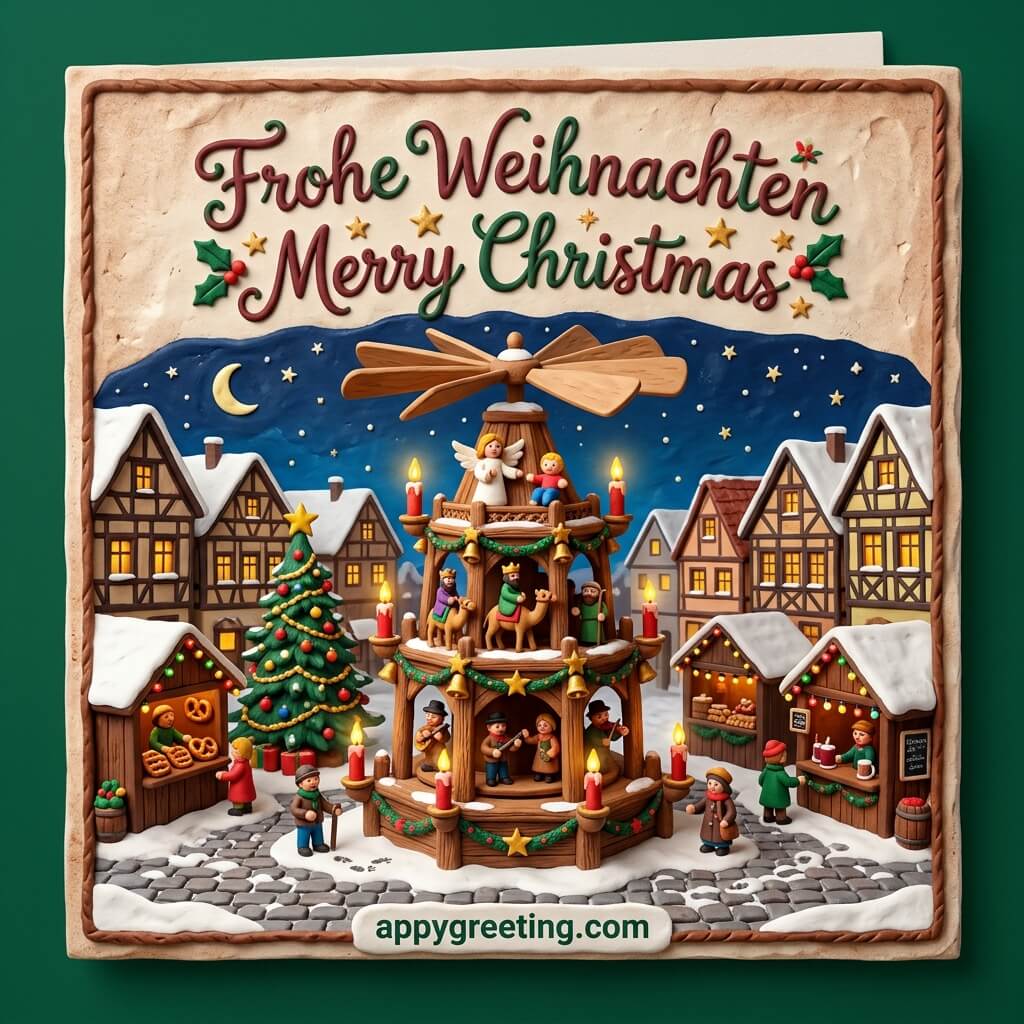
German Christmas cards in English and German that you can download or share on social media for free.






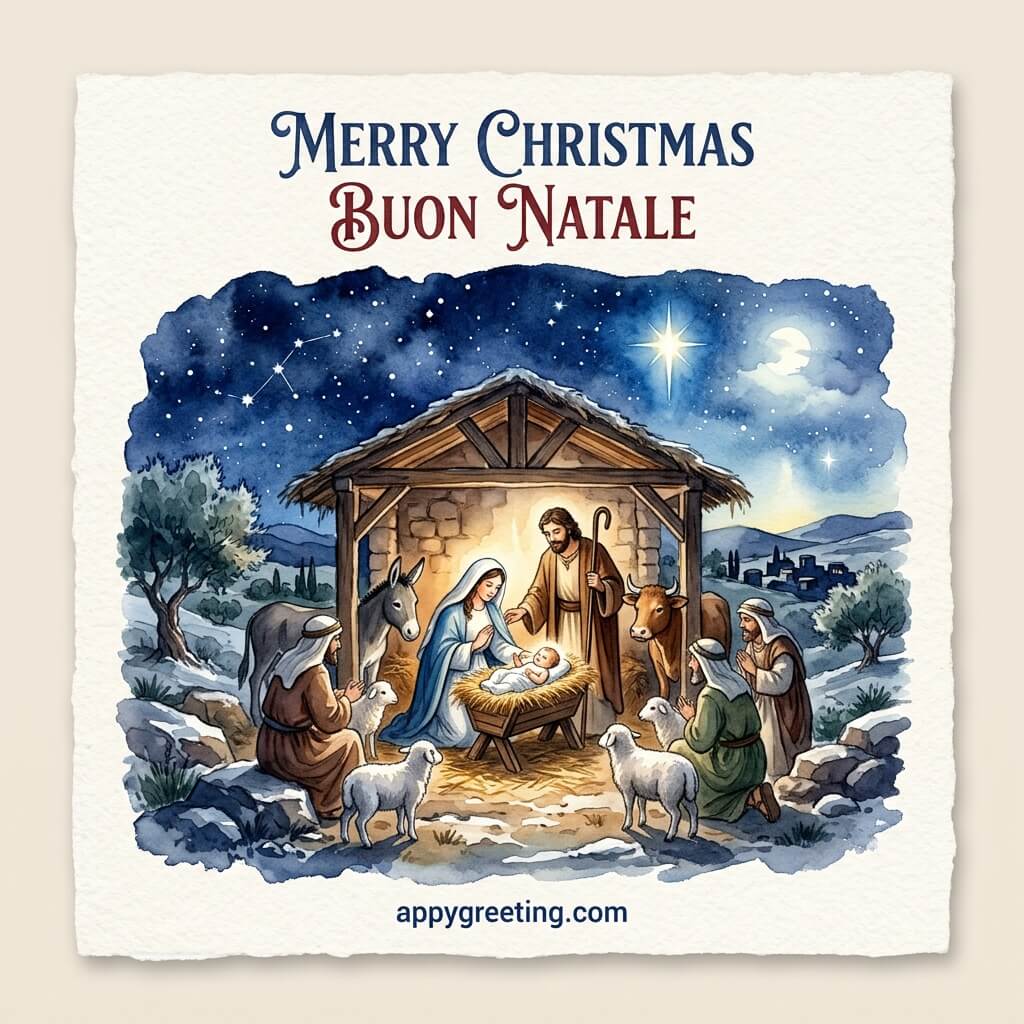
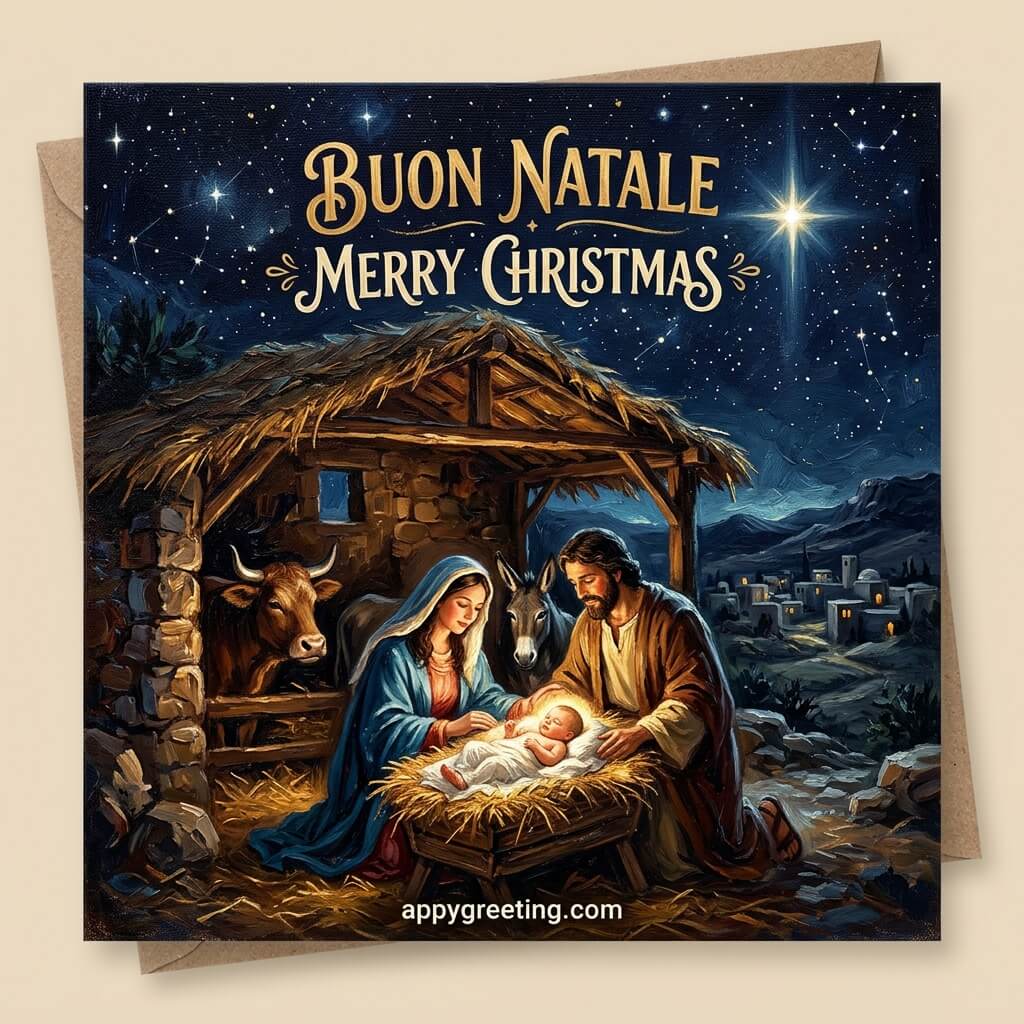
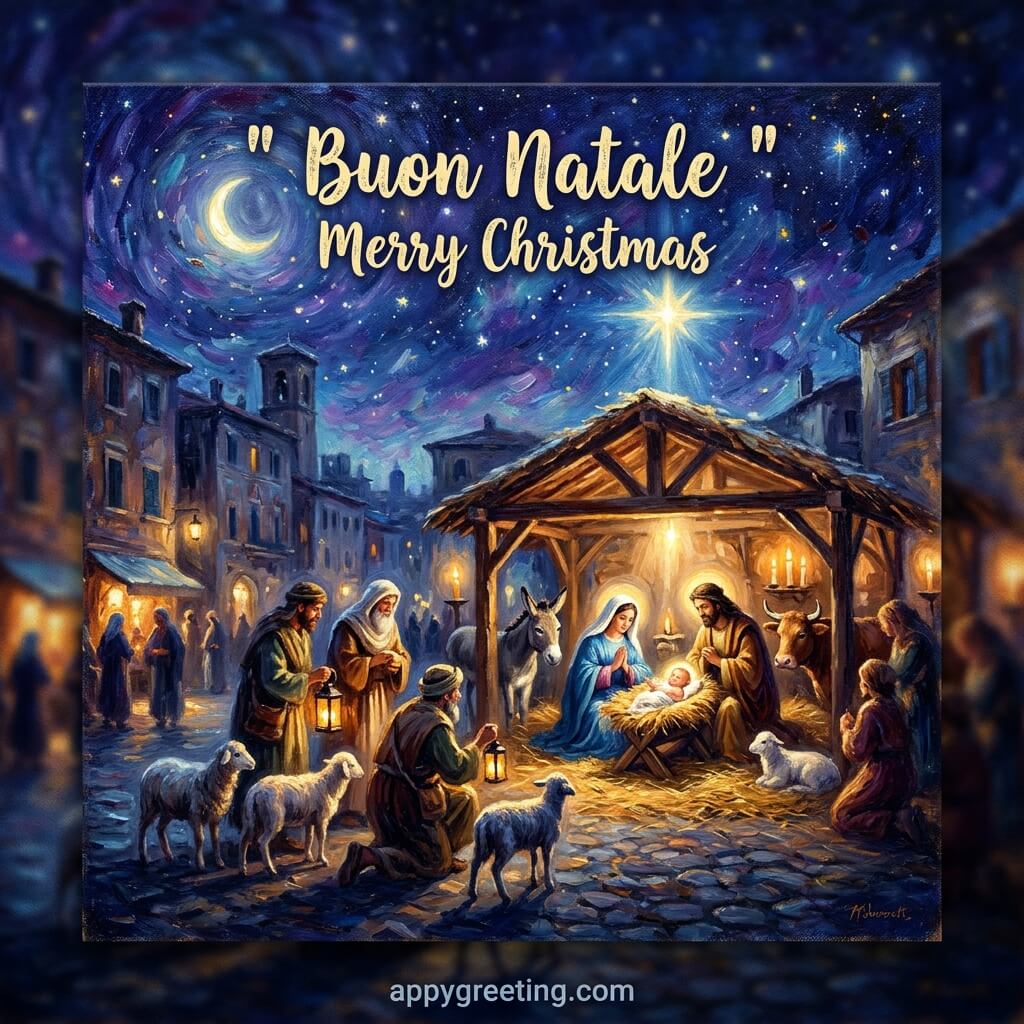
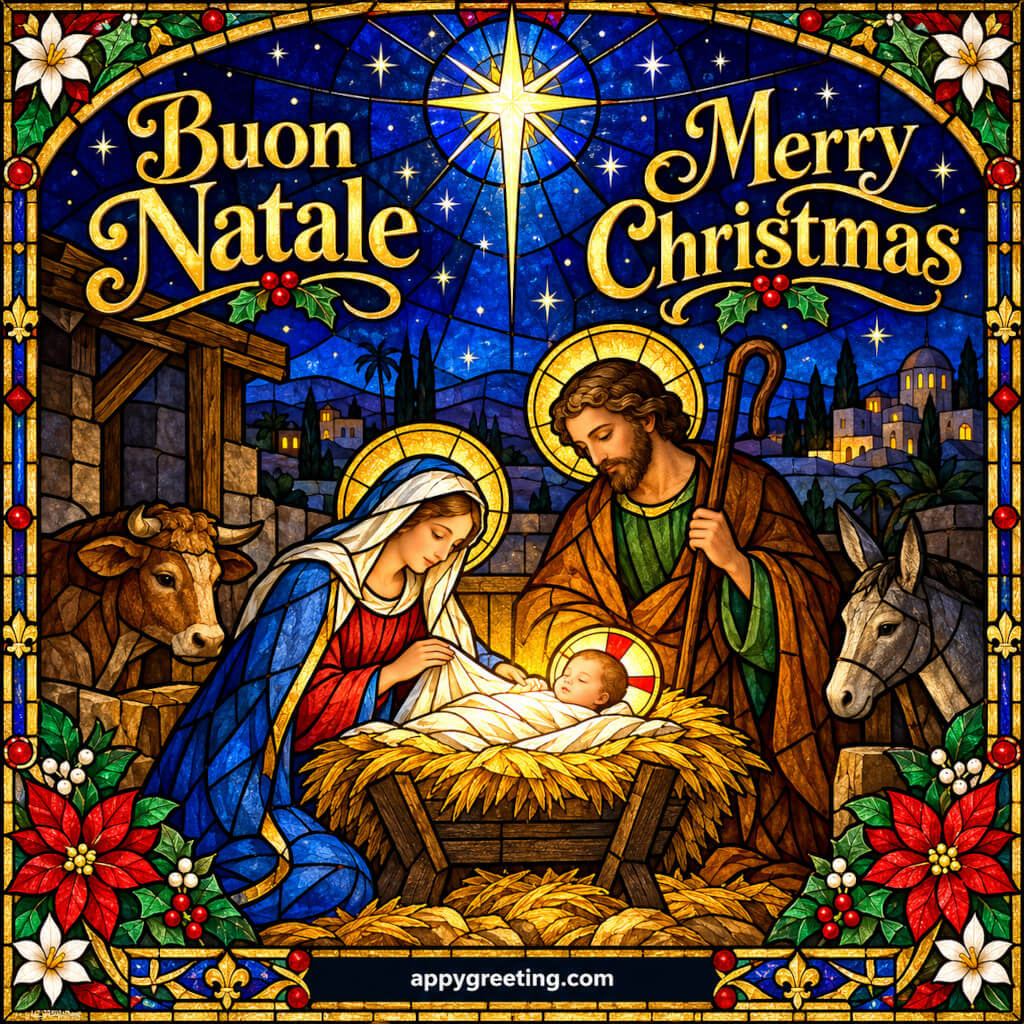
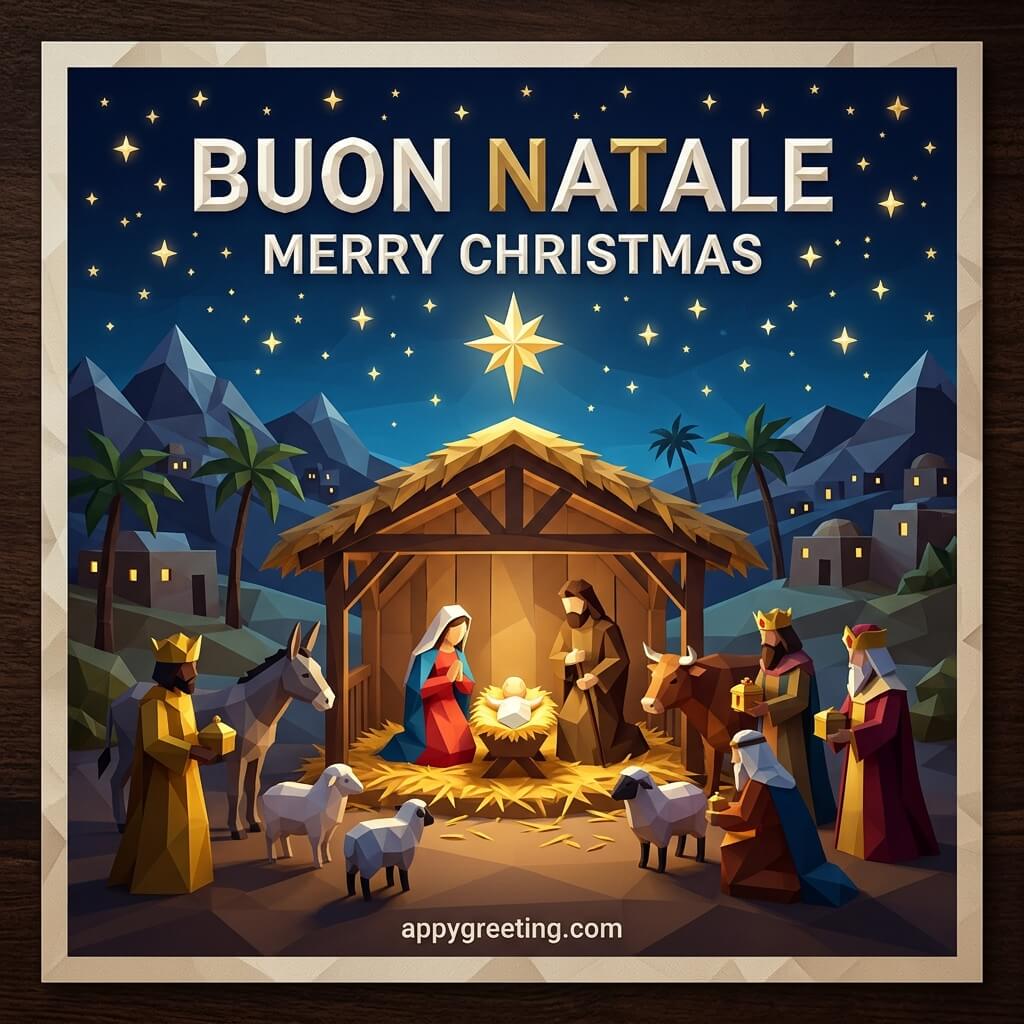
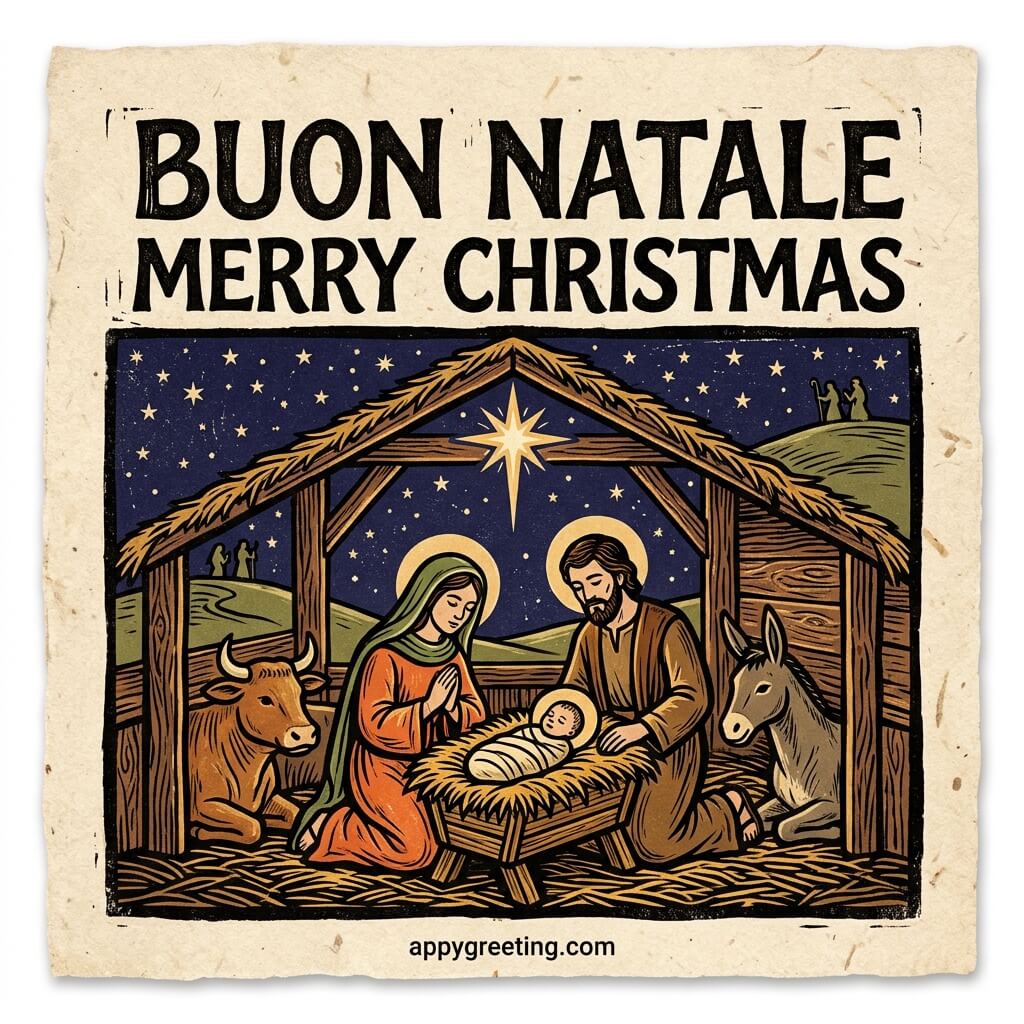
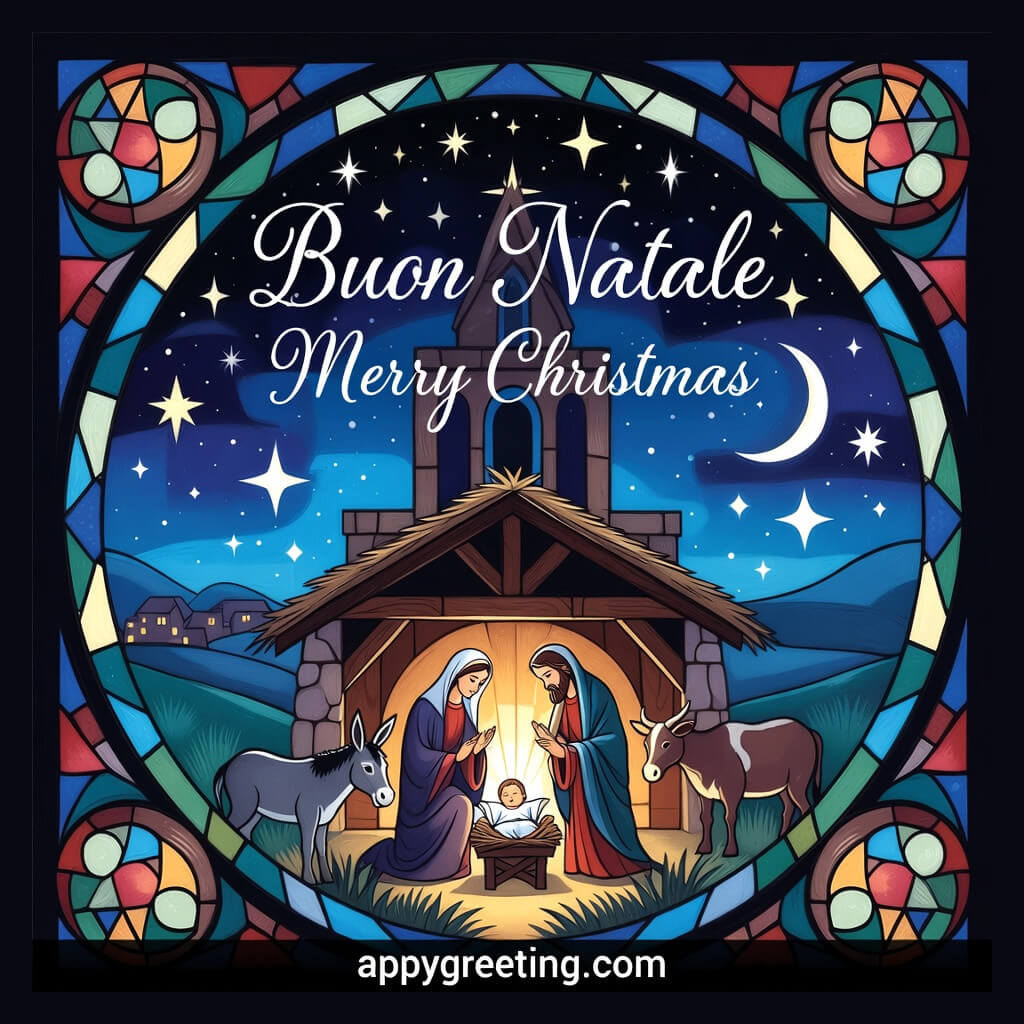
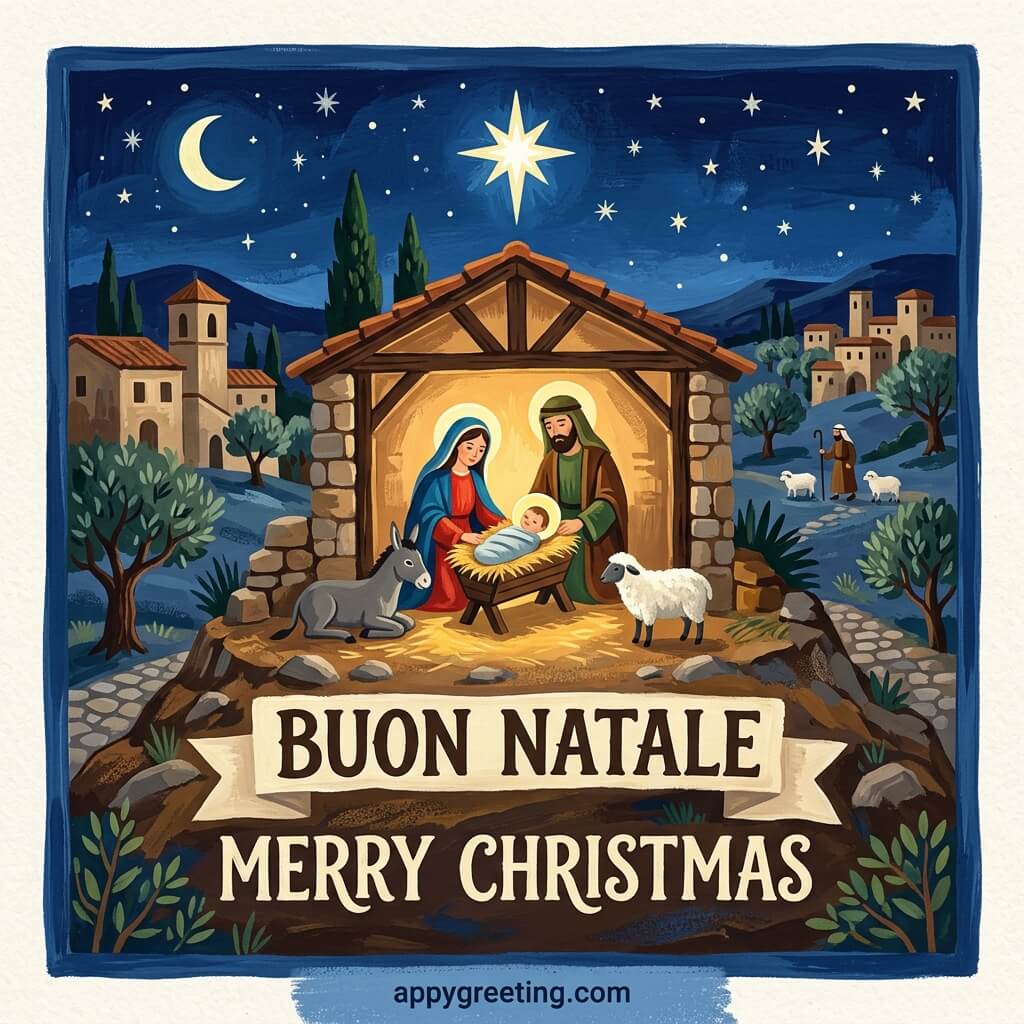
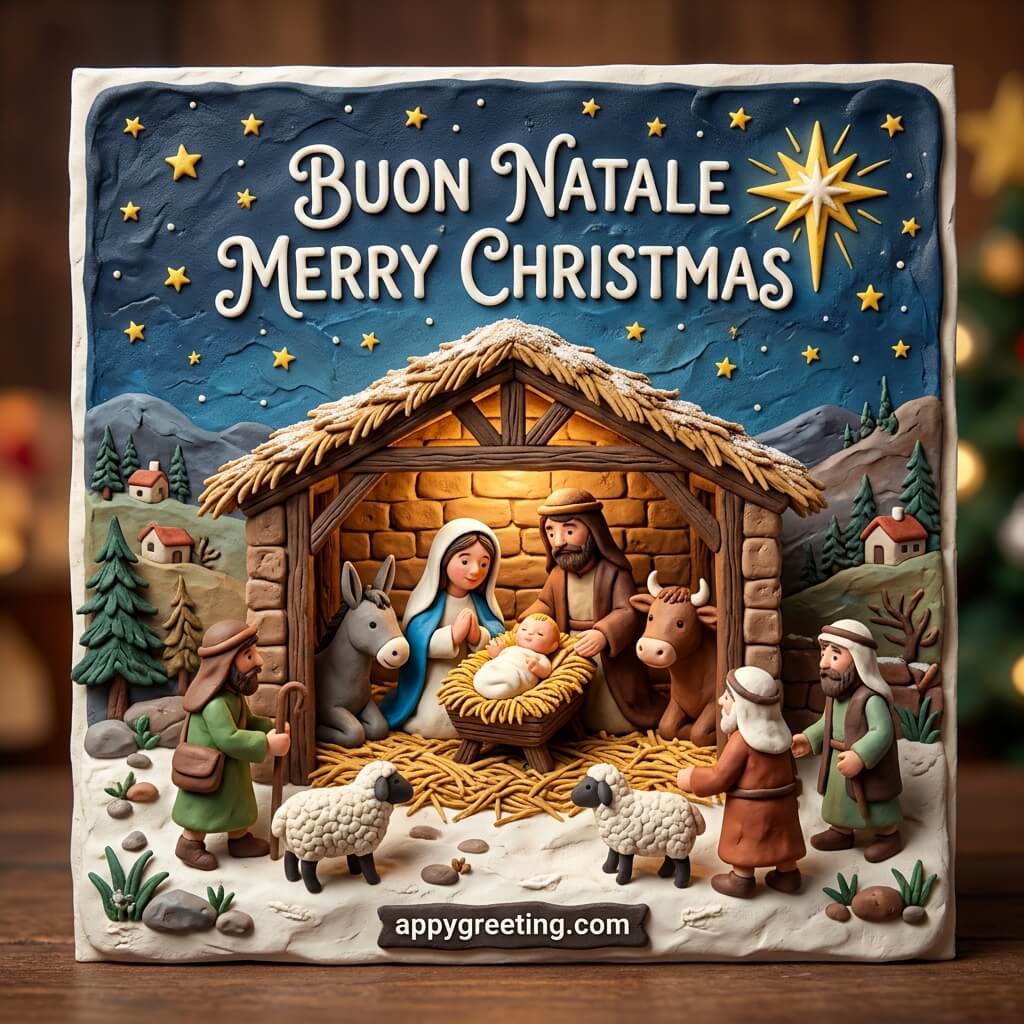
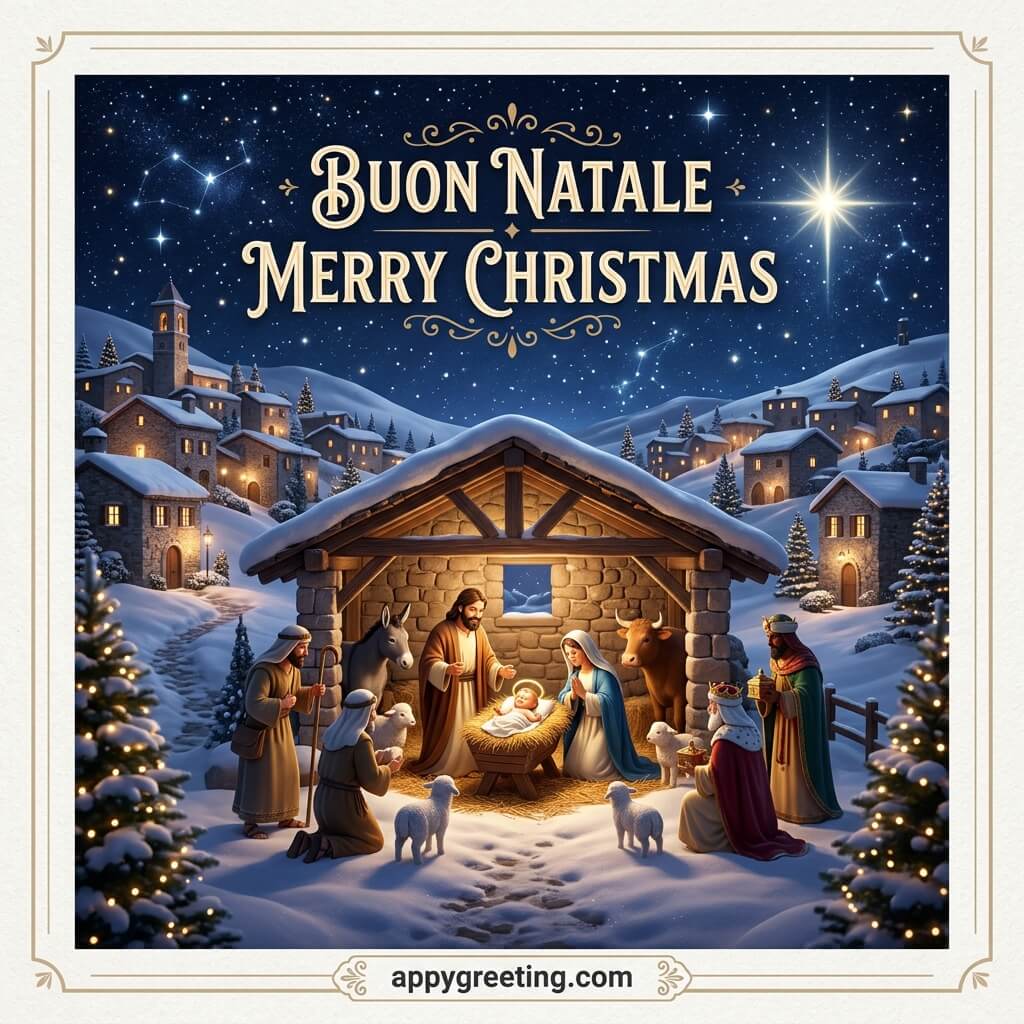
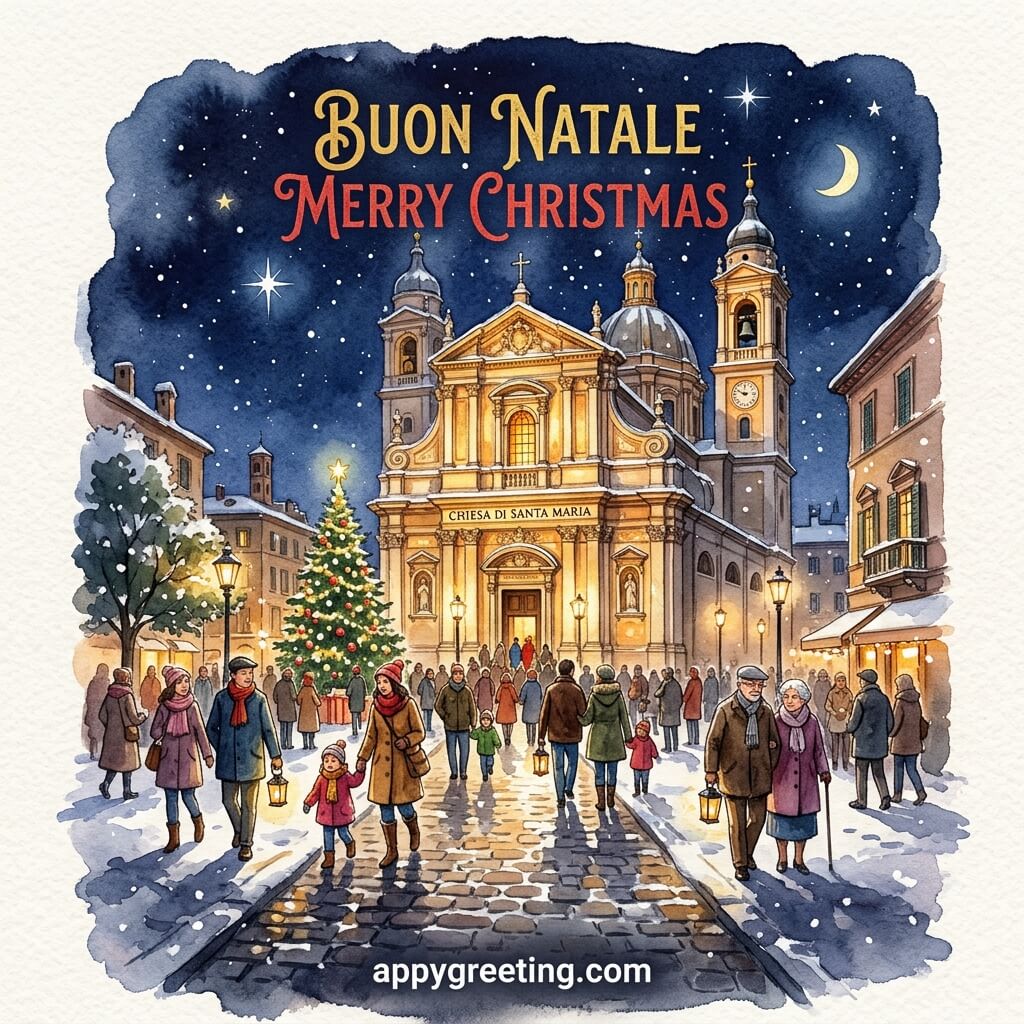
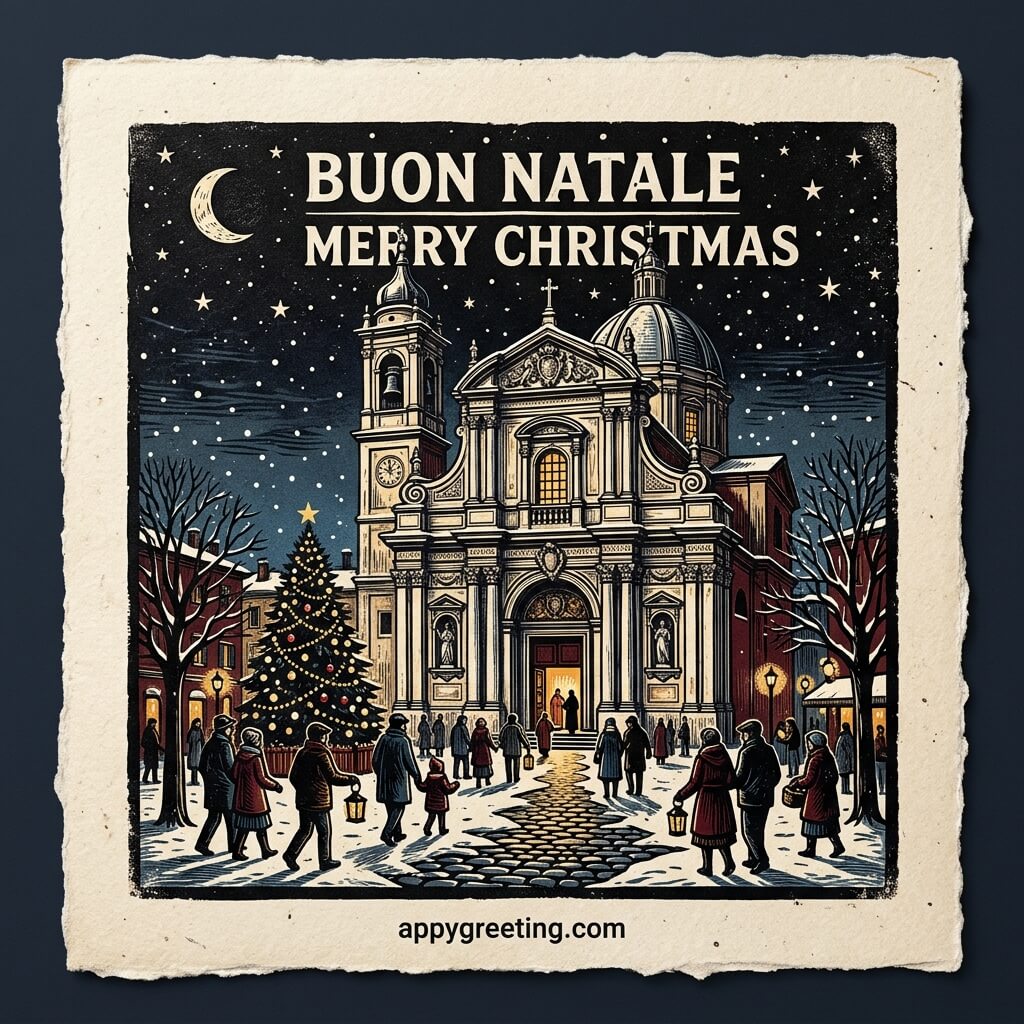
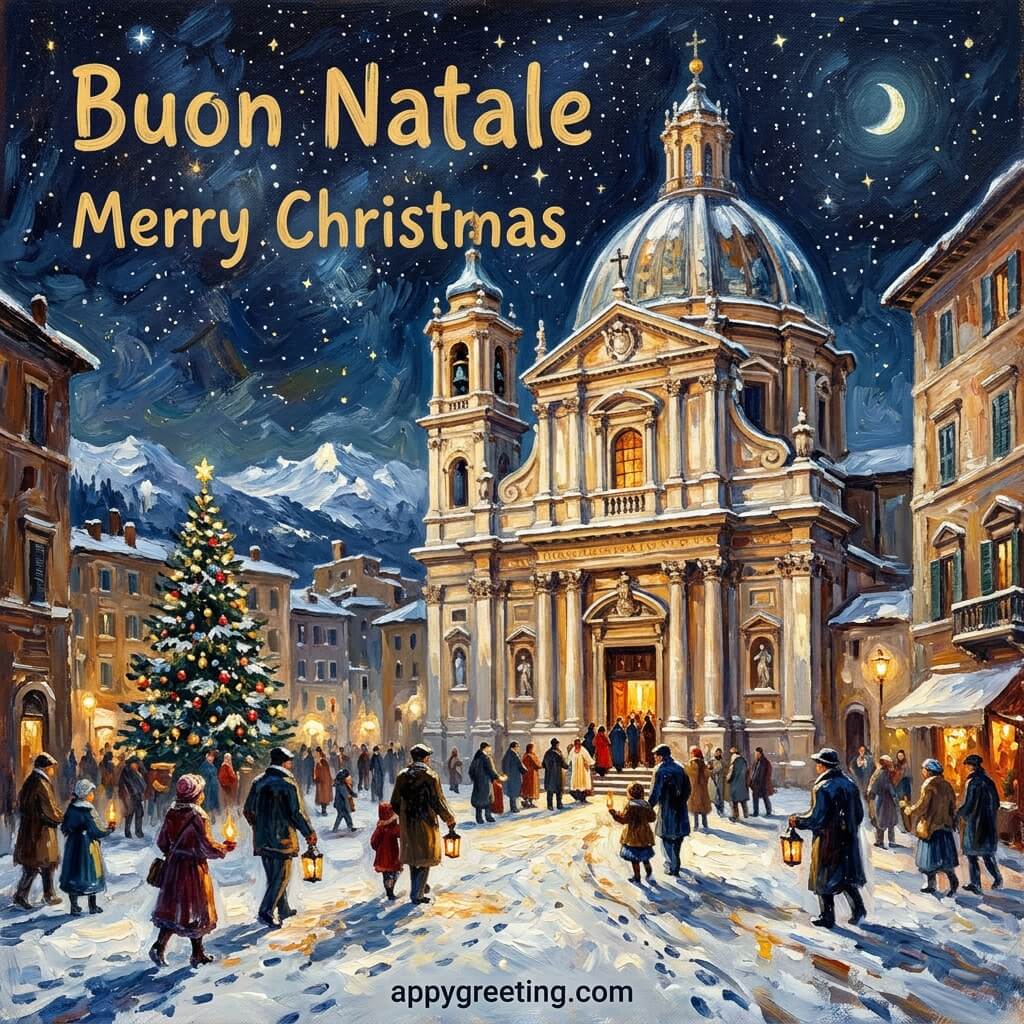
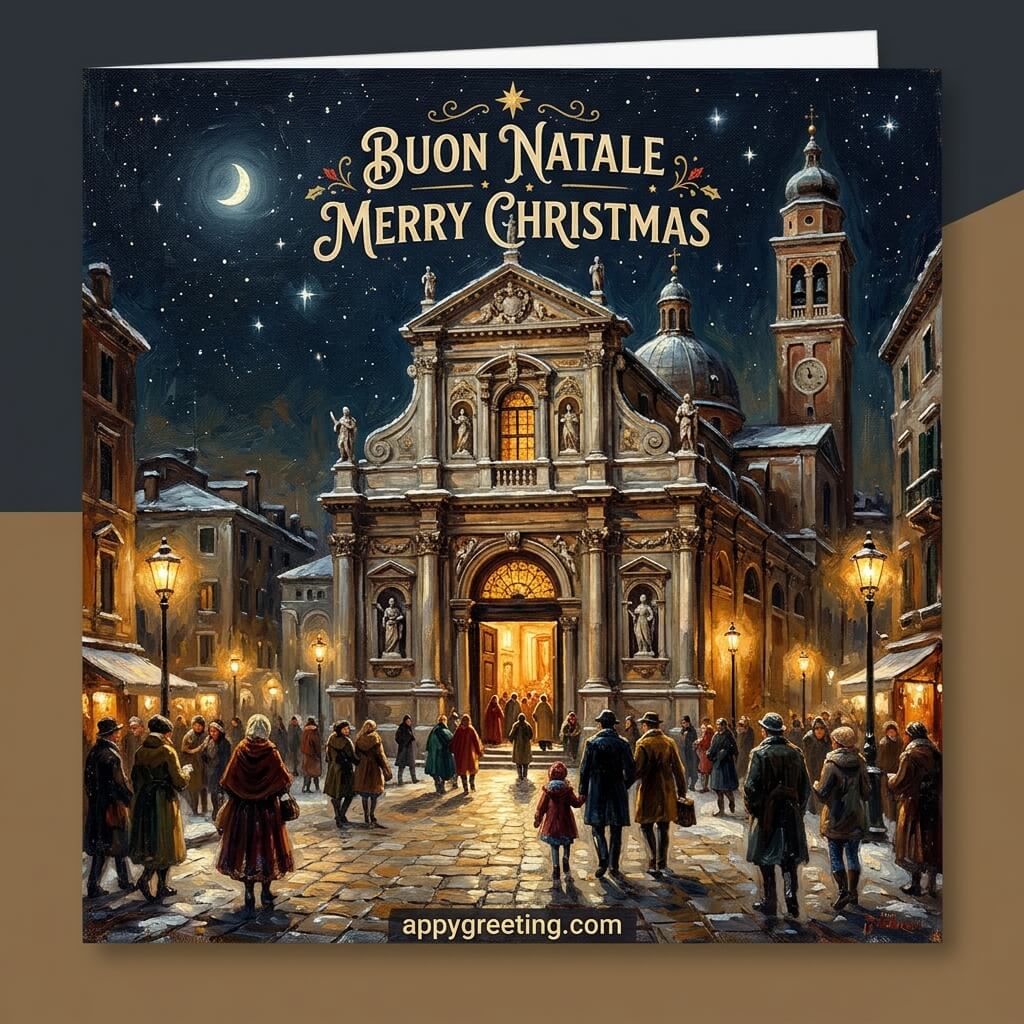
Italian Christmas cards in English and Italian that you can download or share on social media for free.
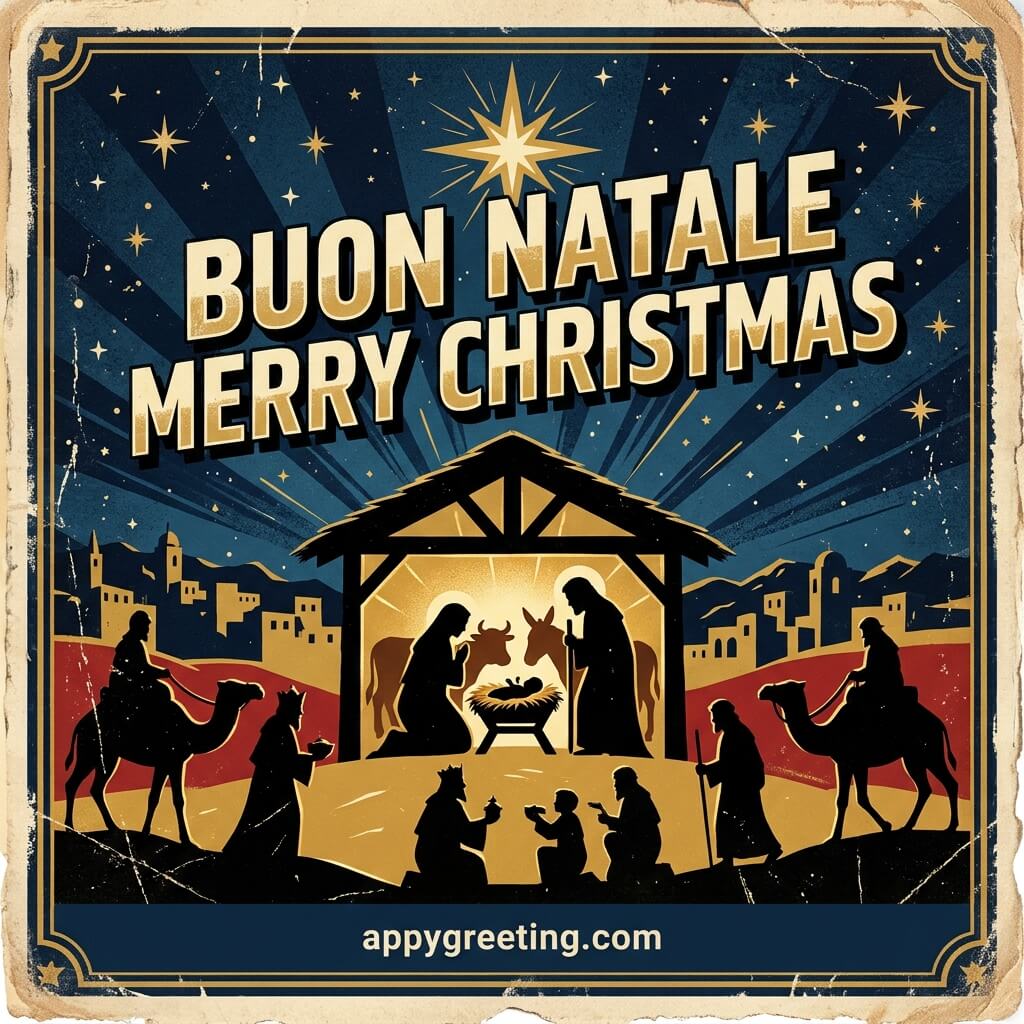
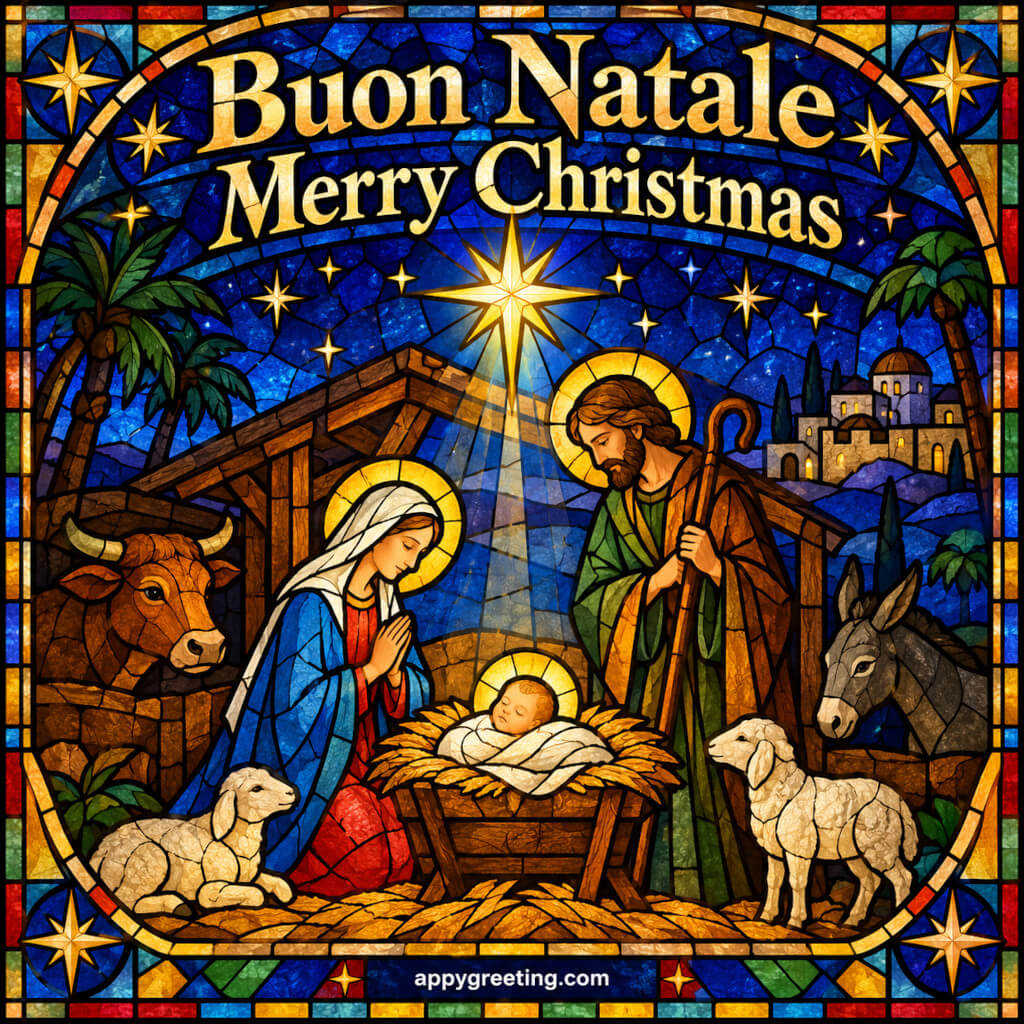
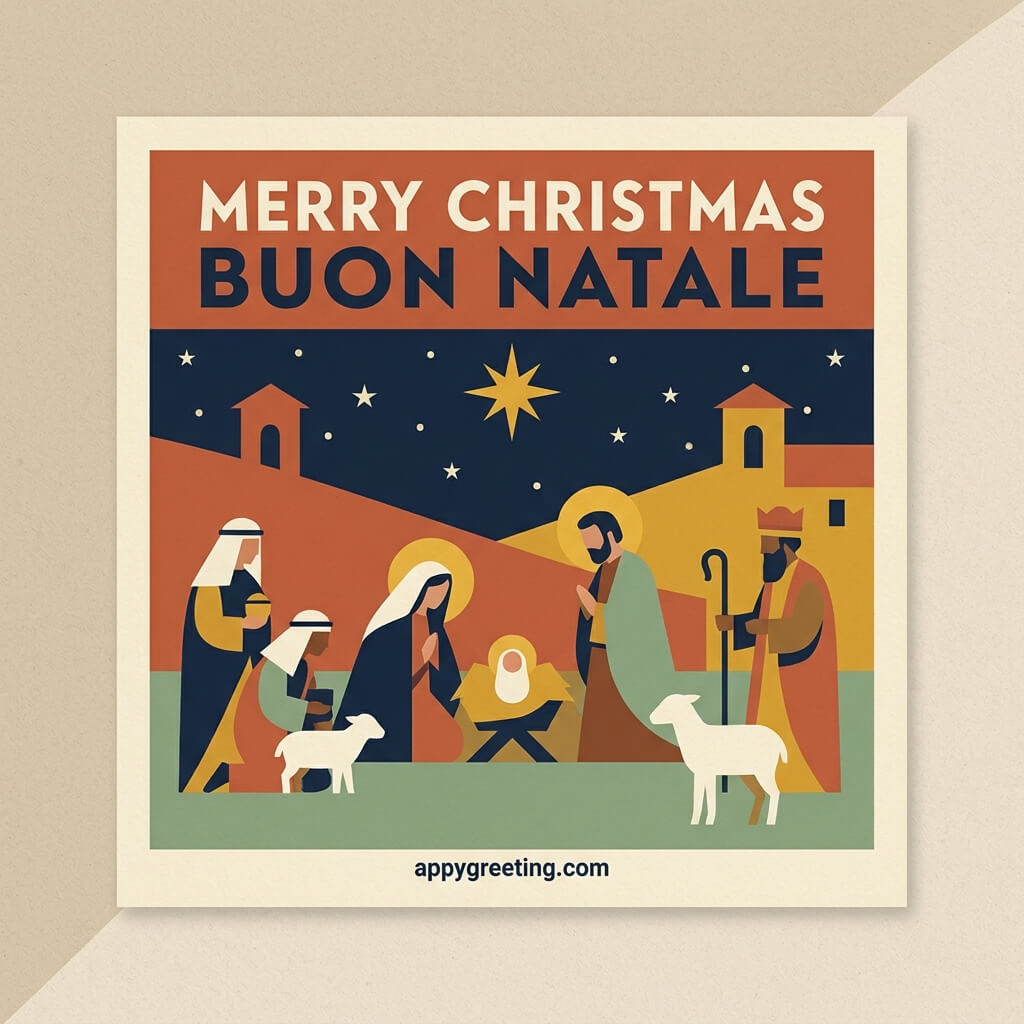
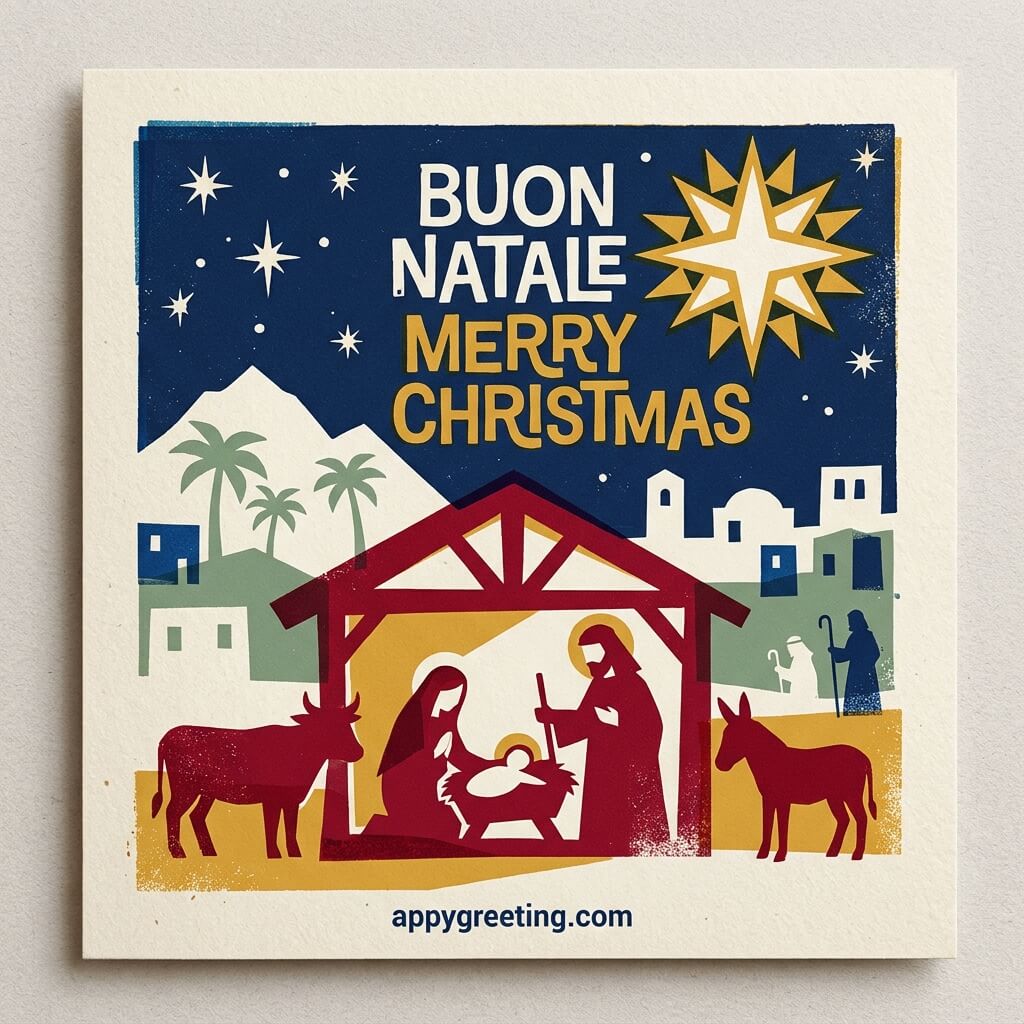
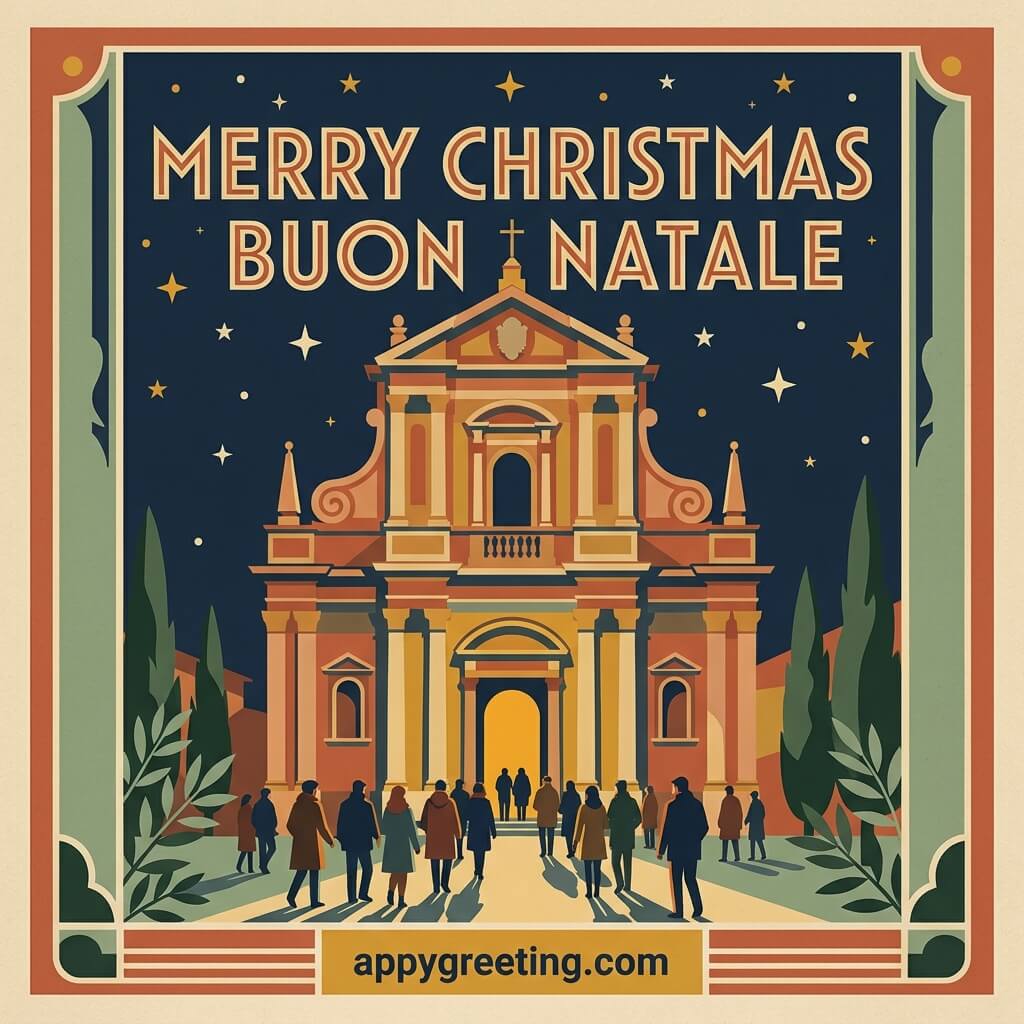
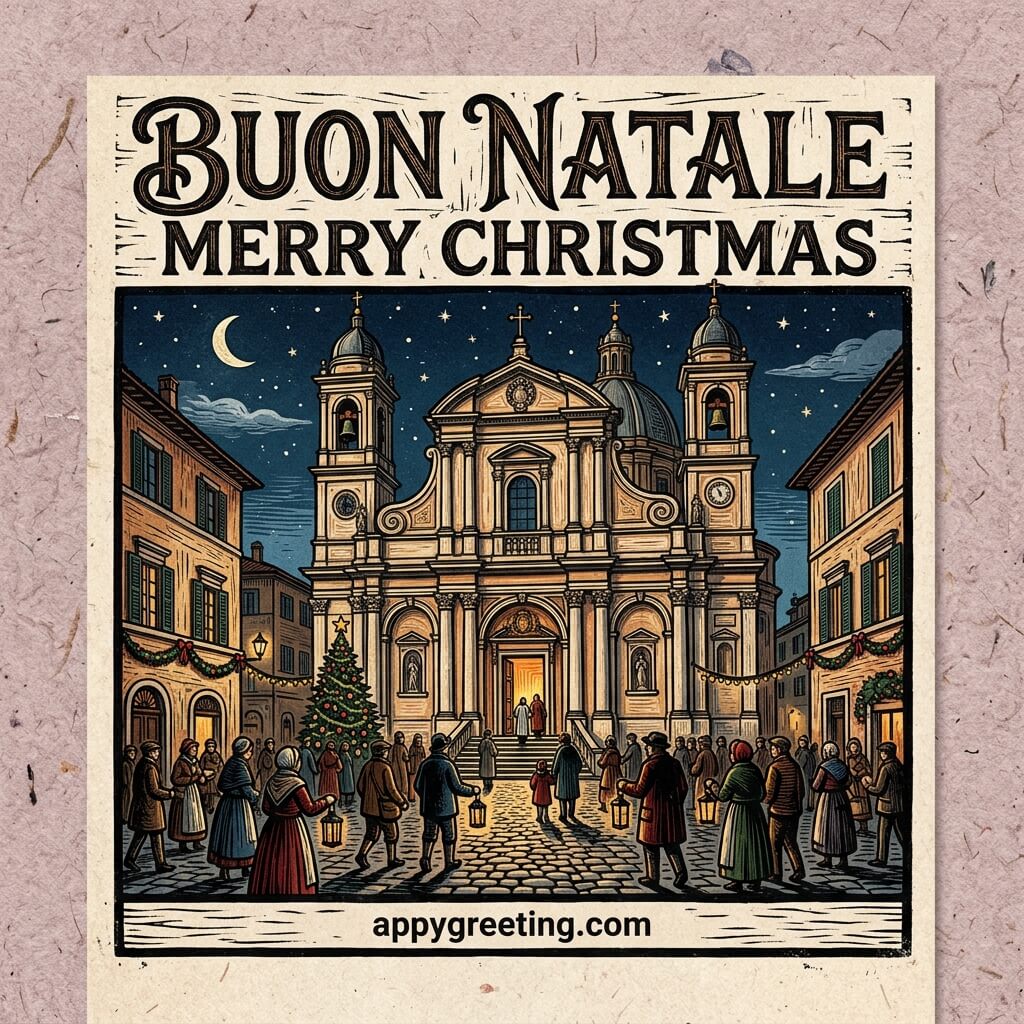
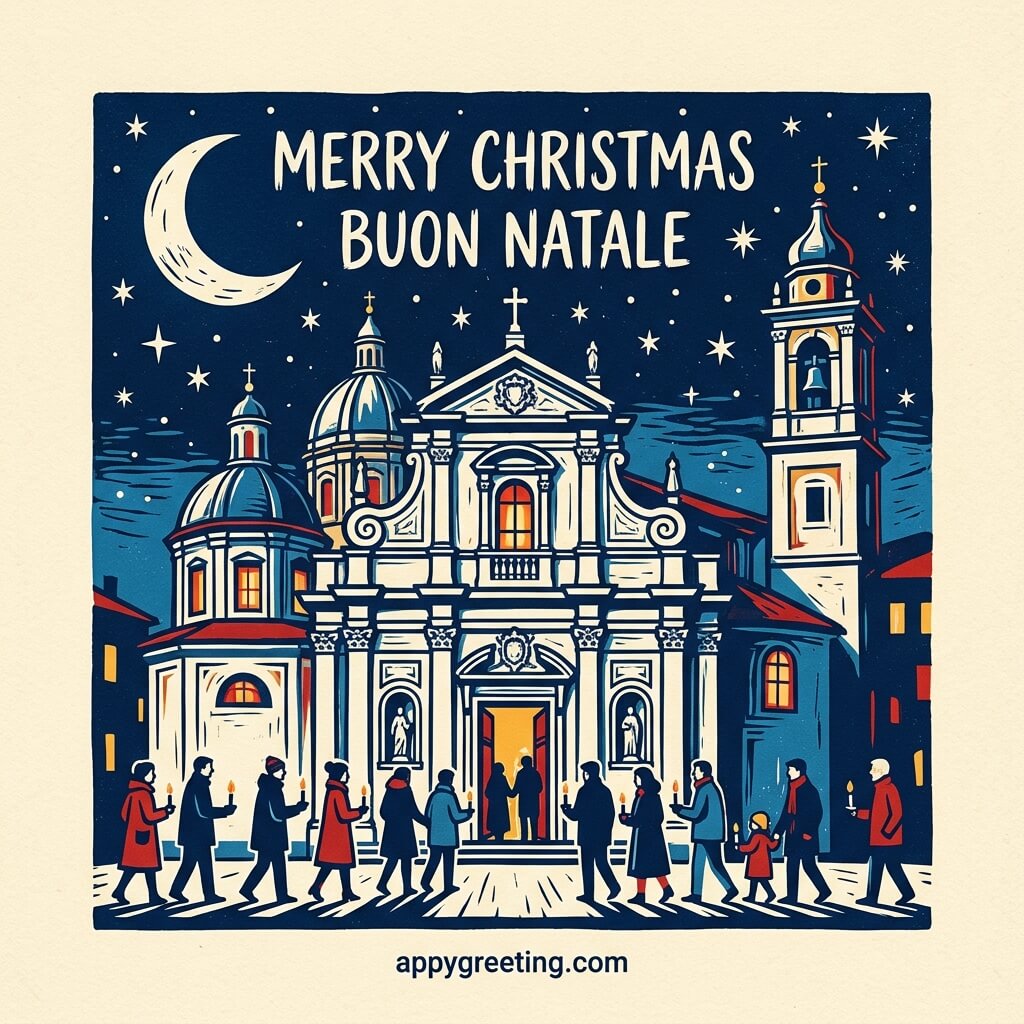
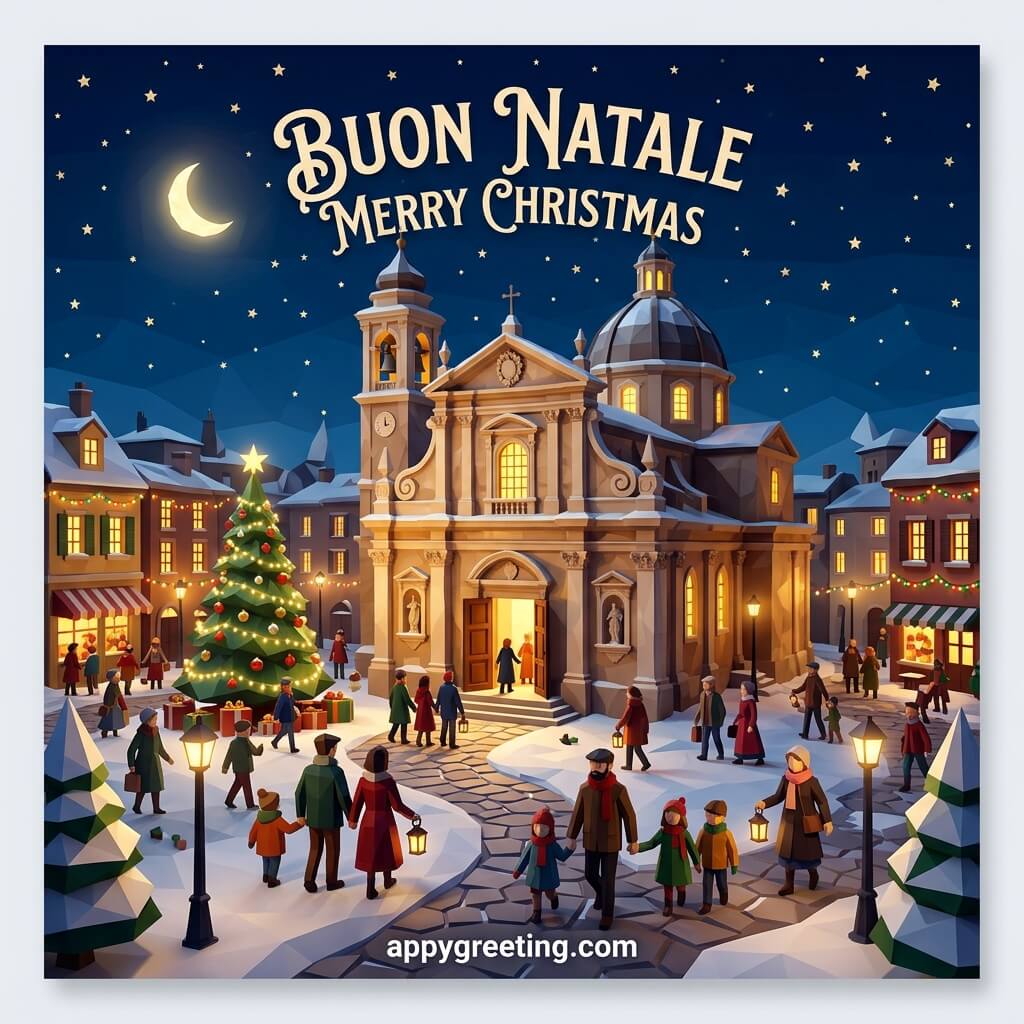
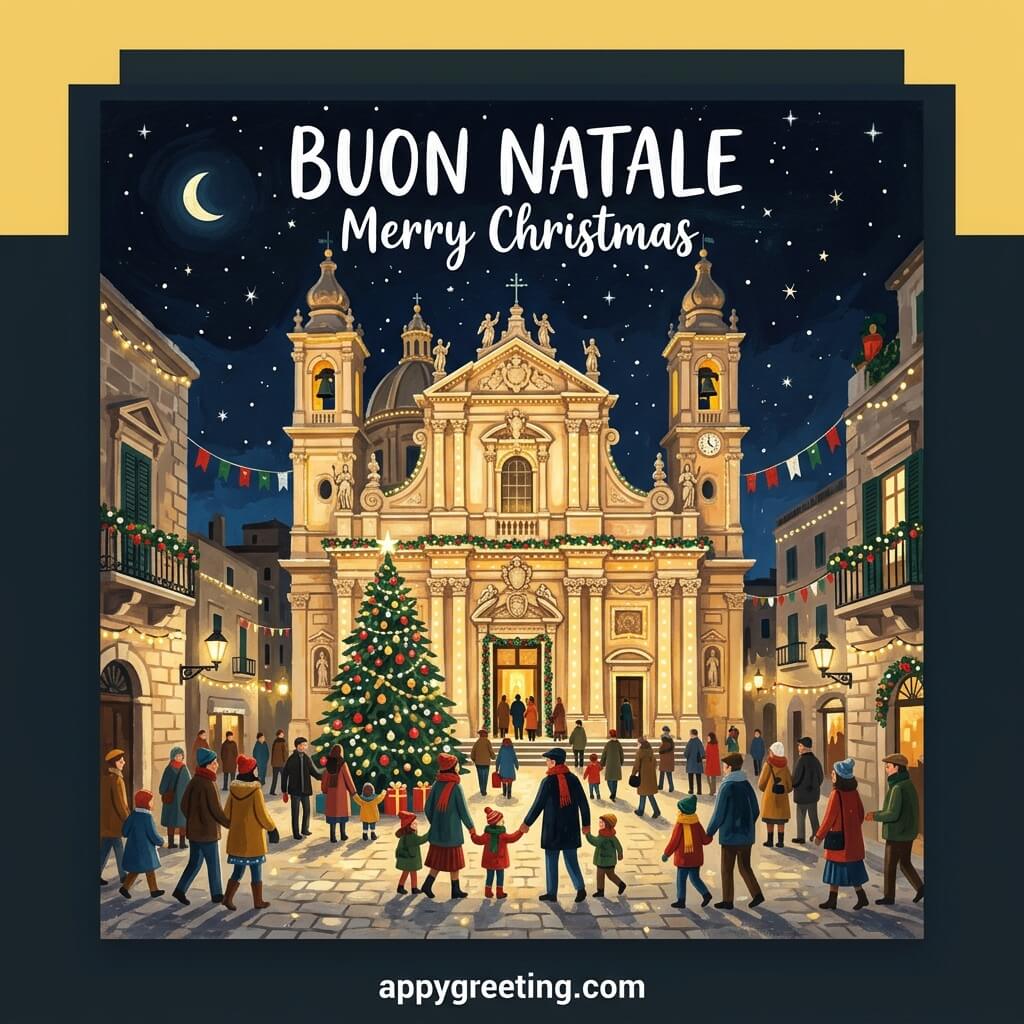

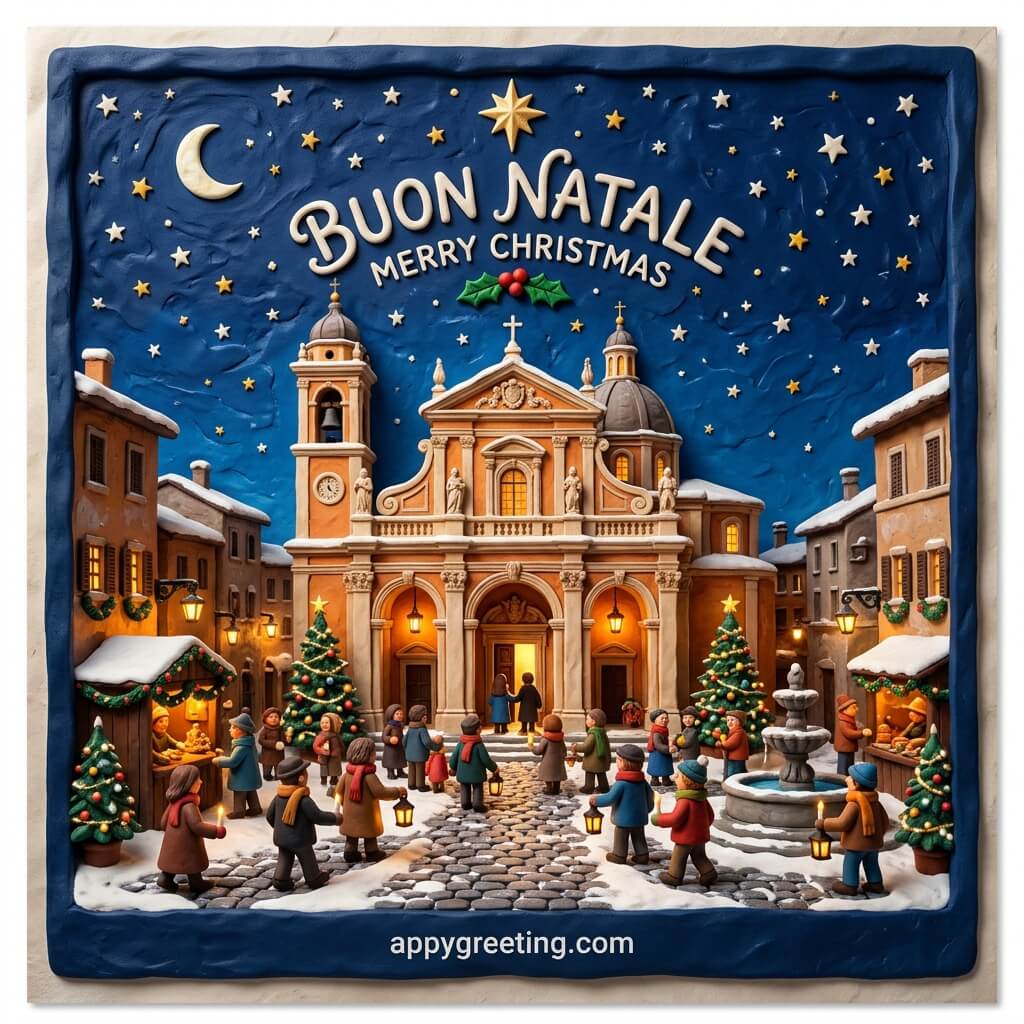
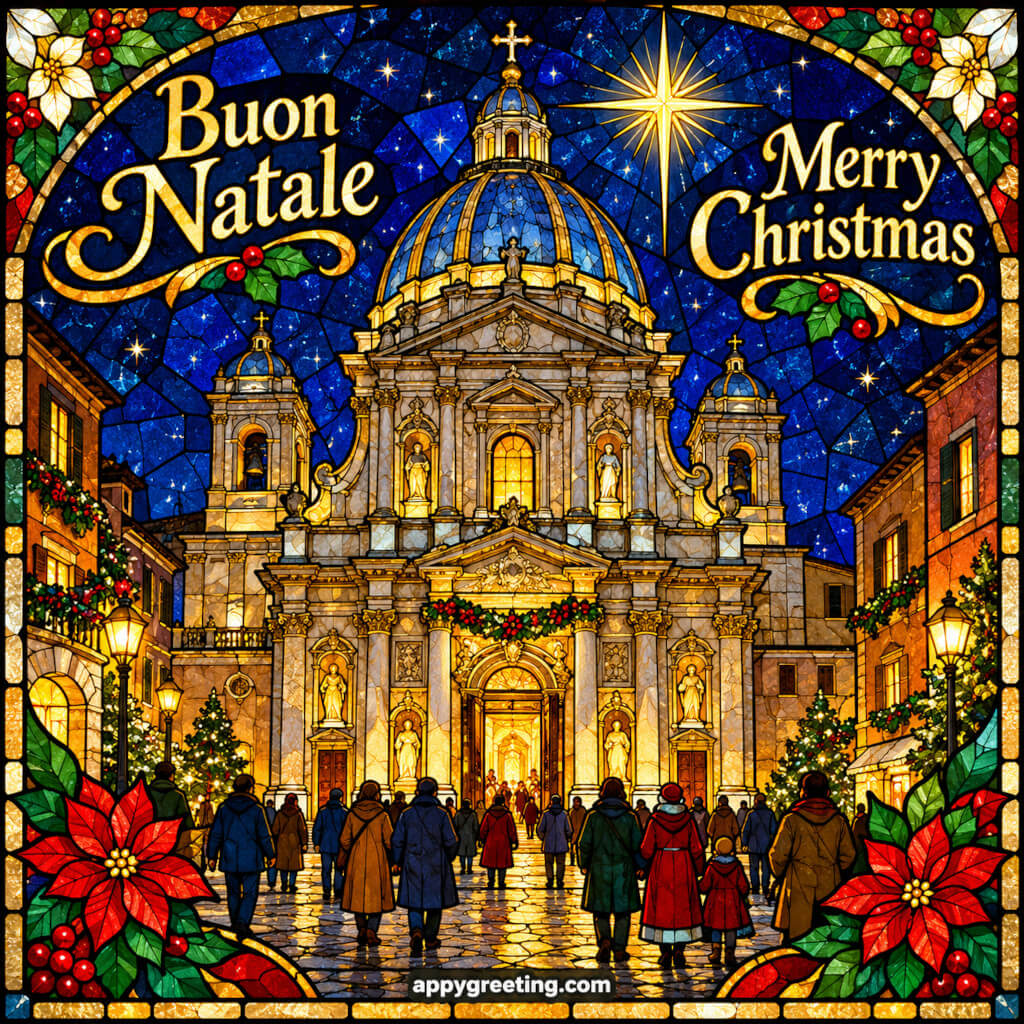
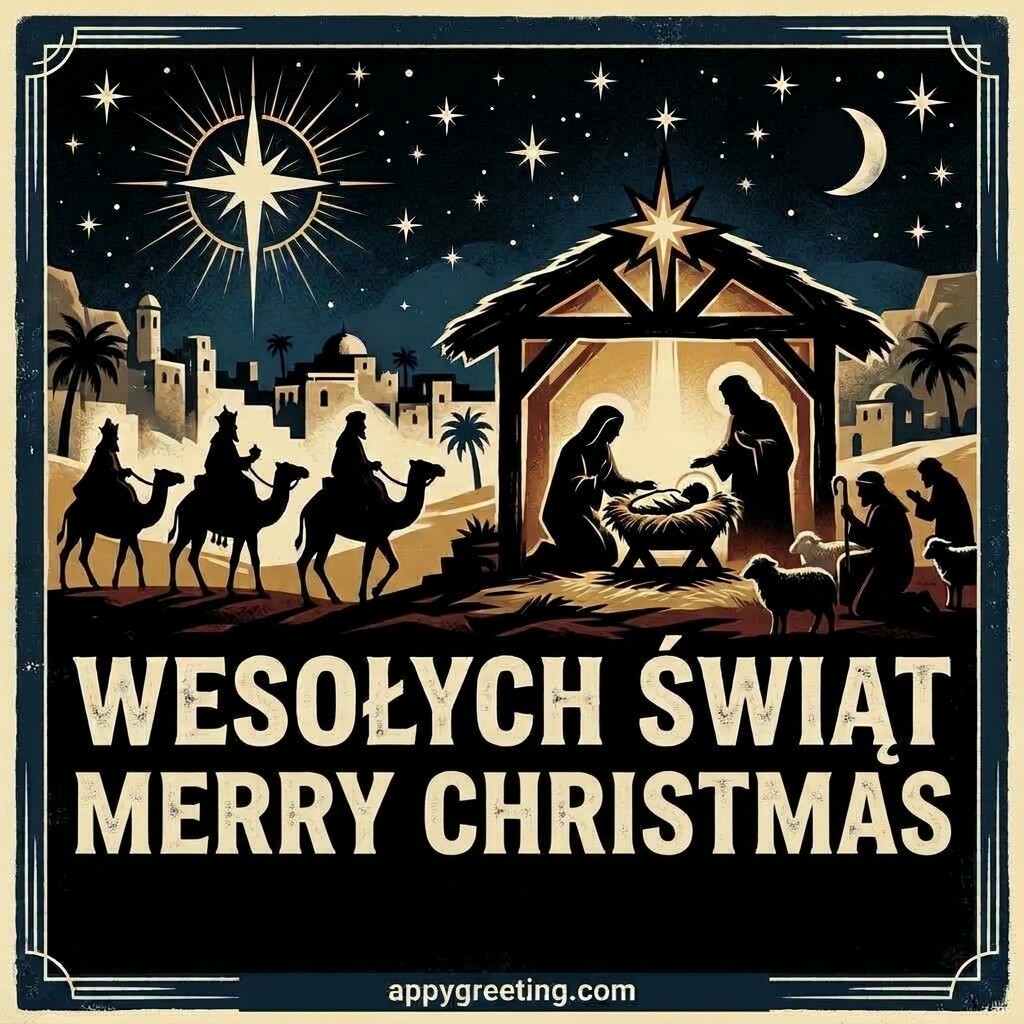
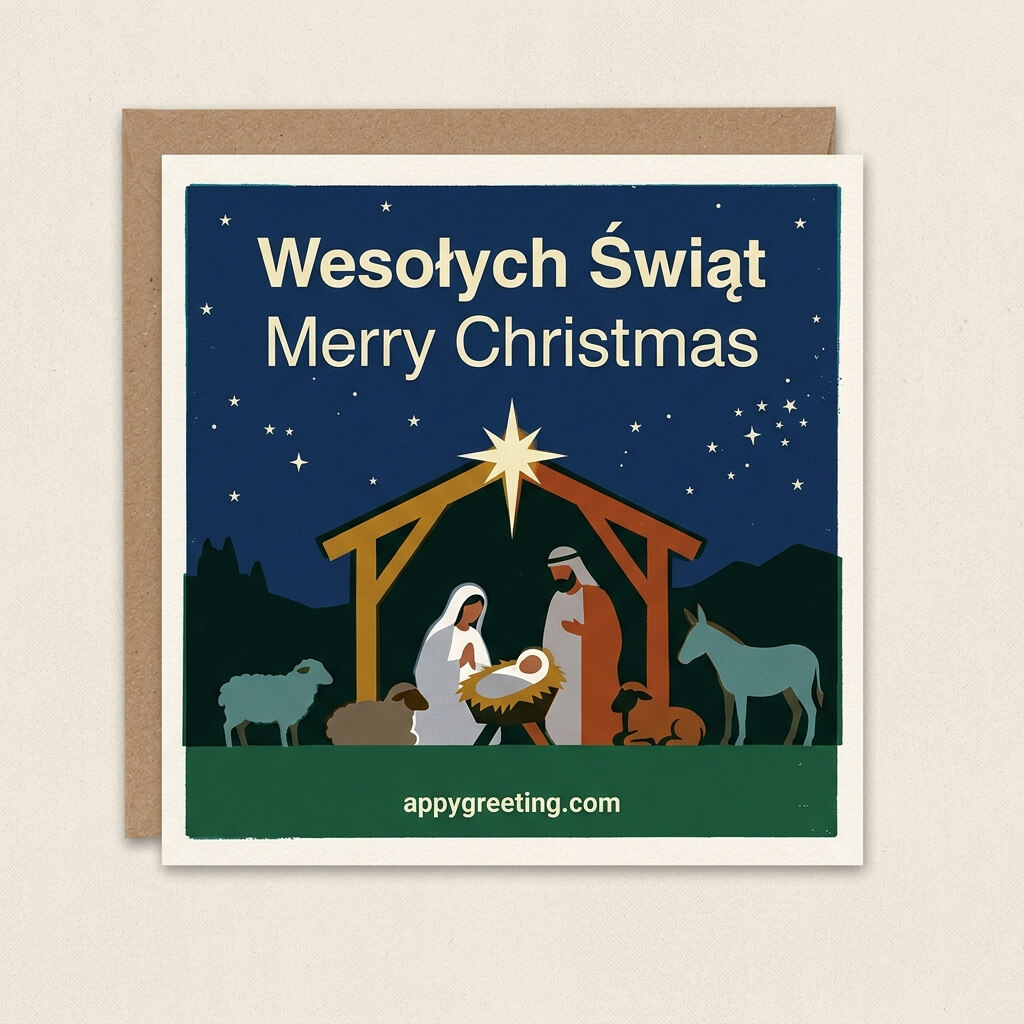
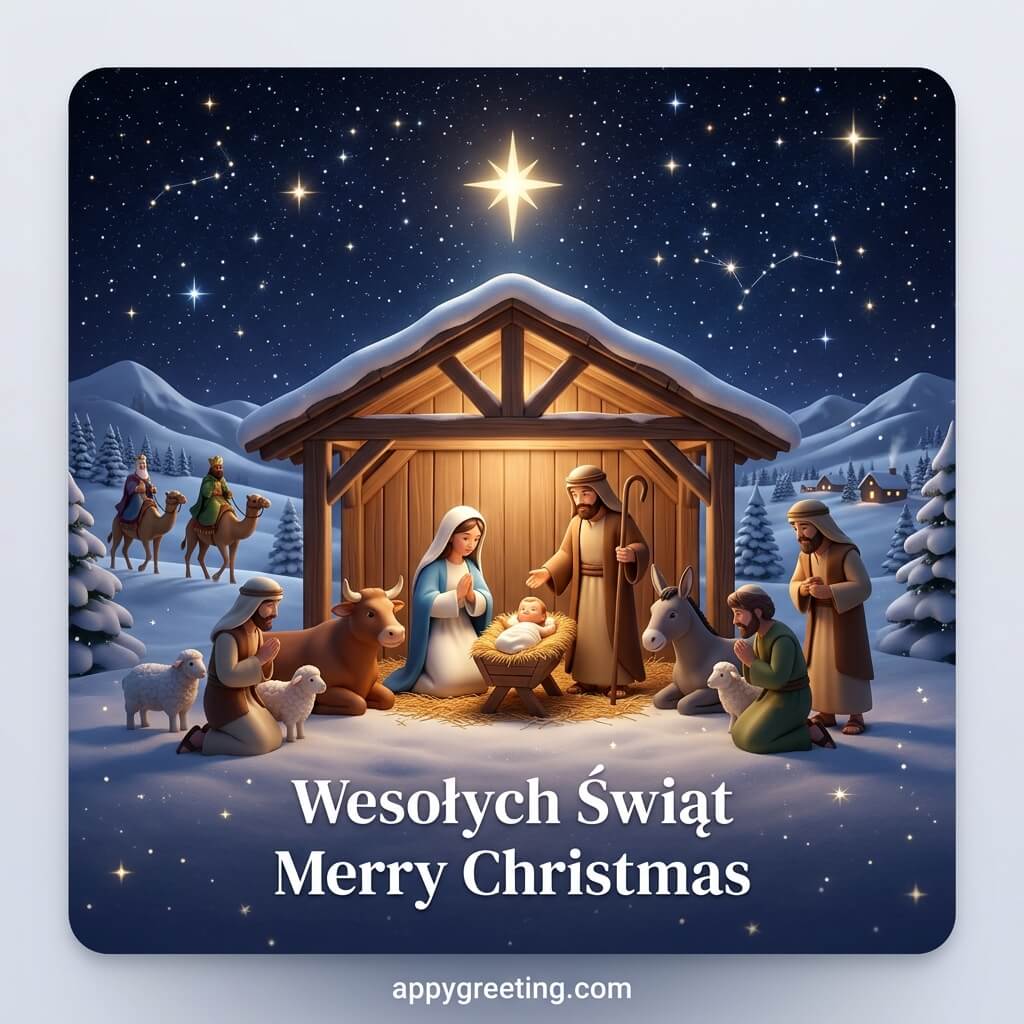
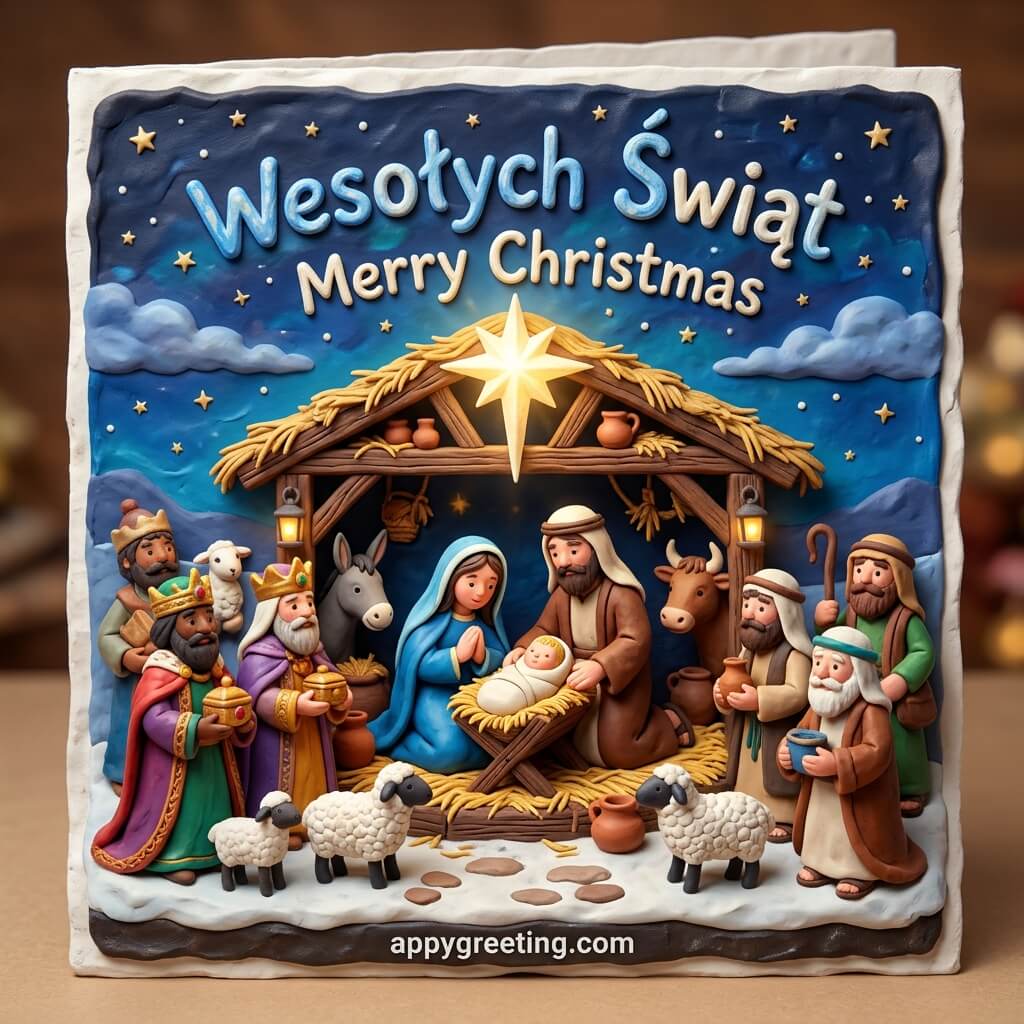
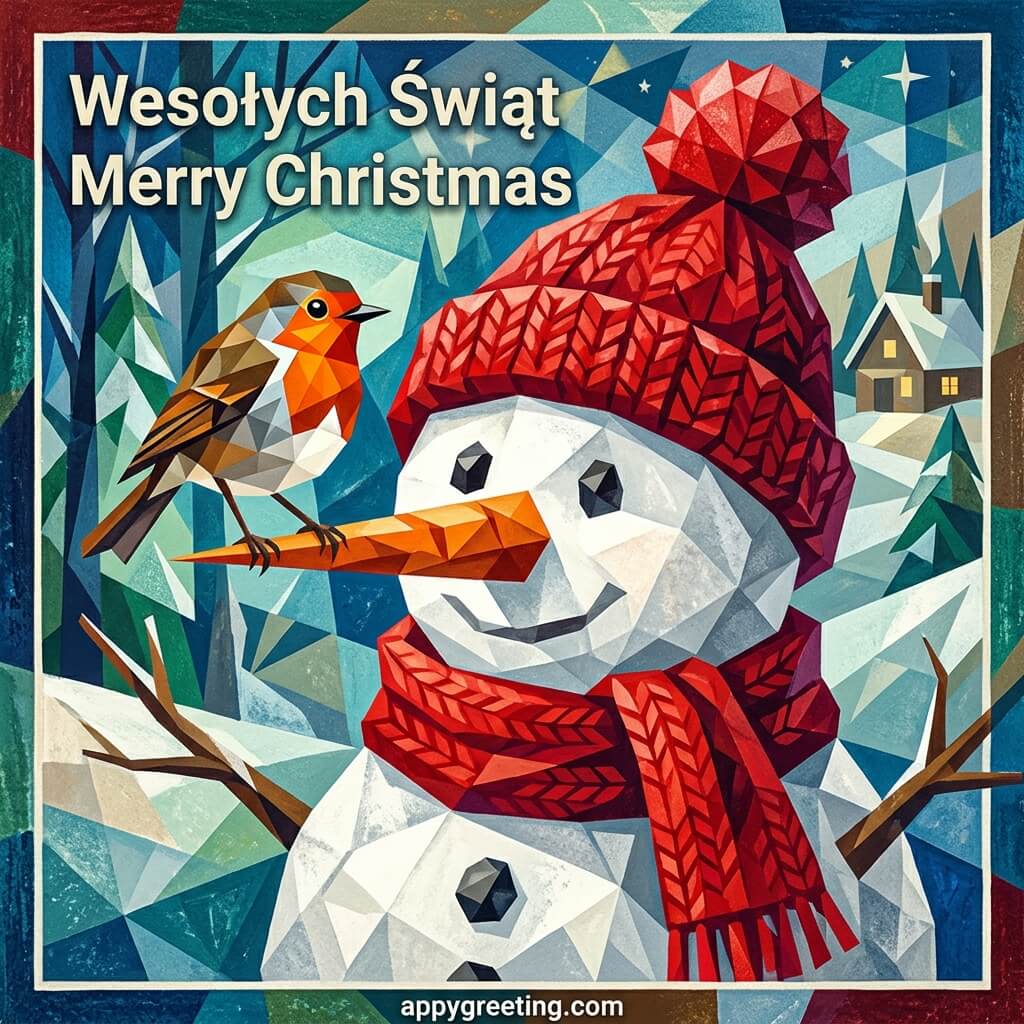
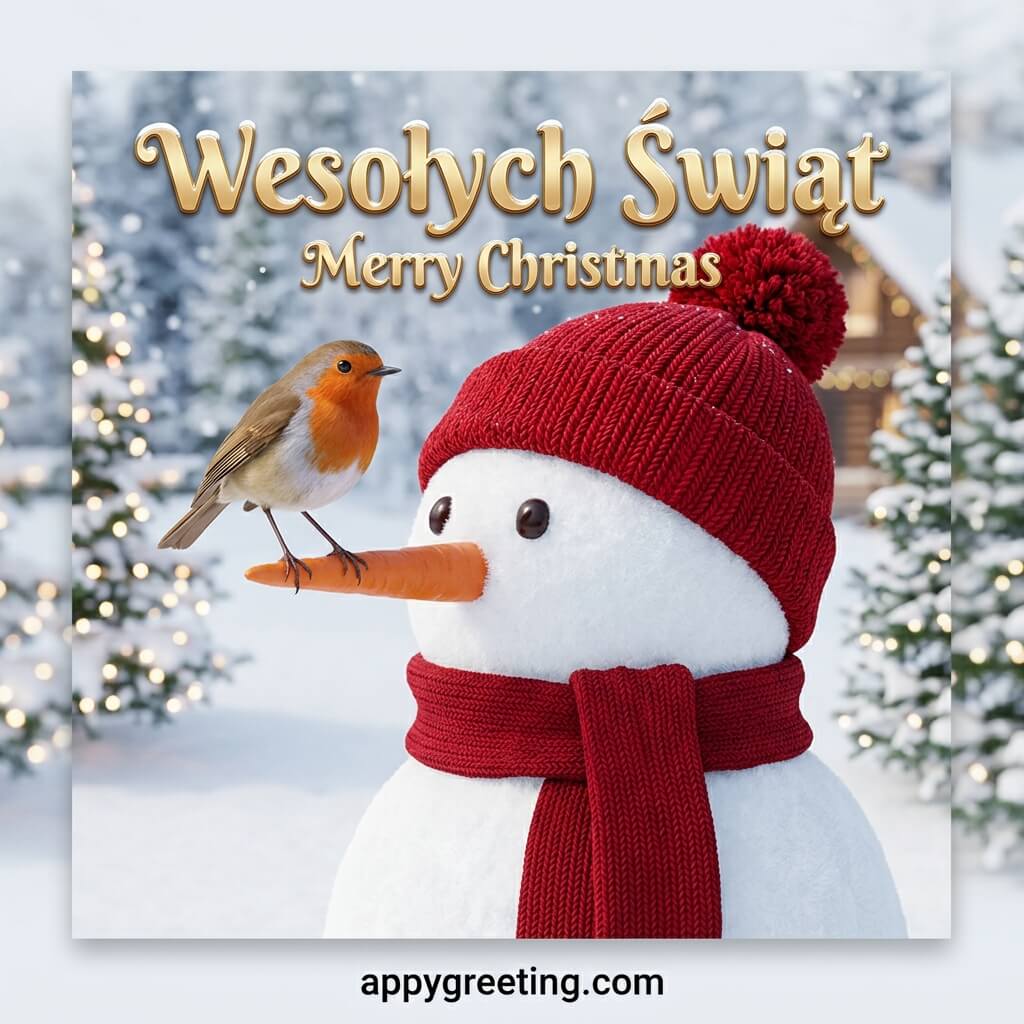
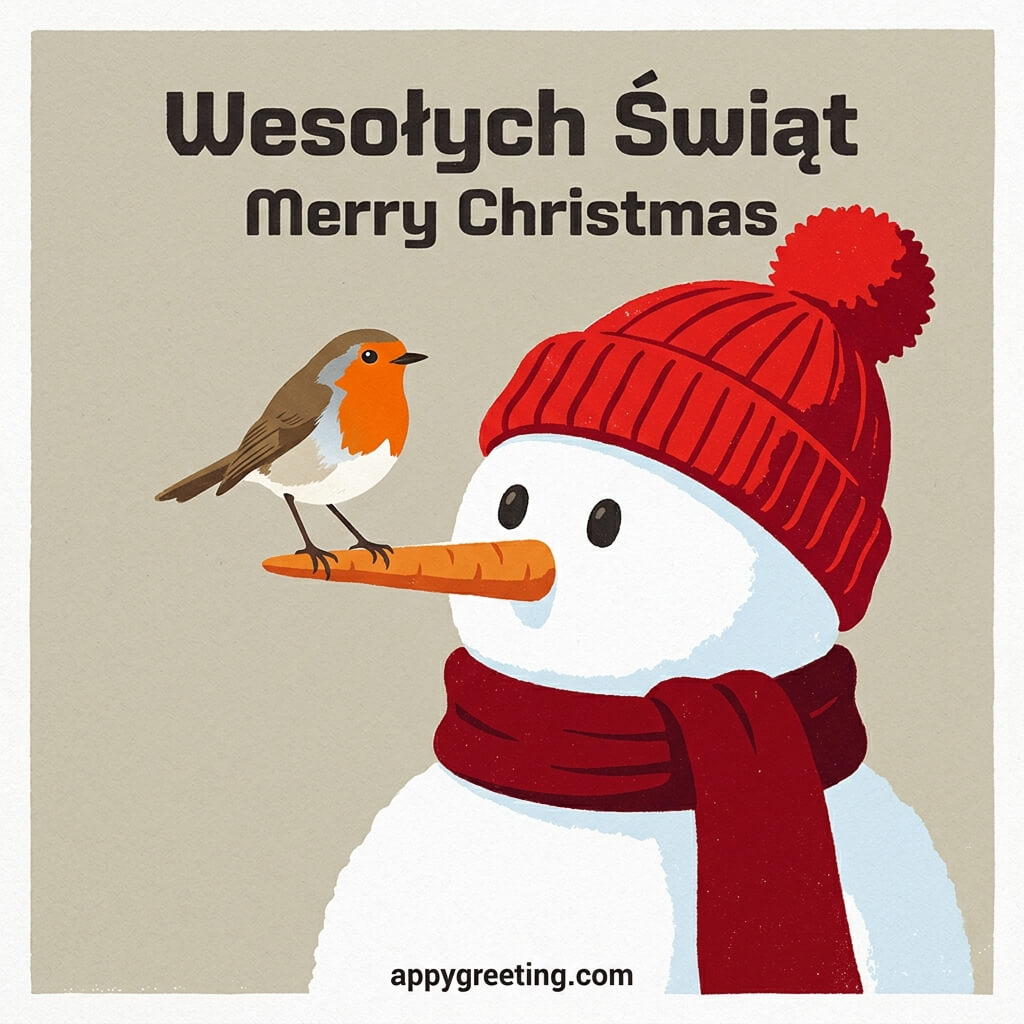
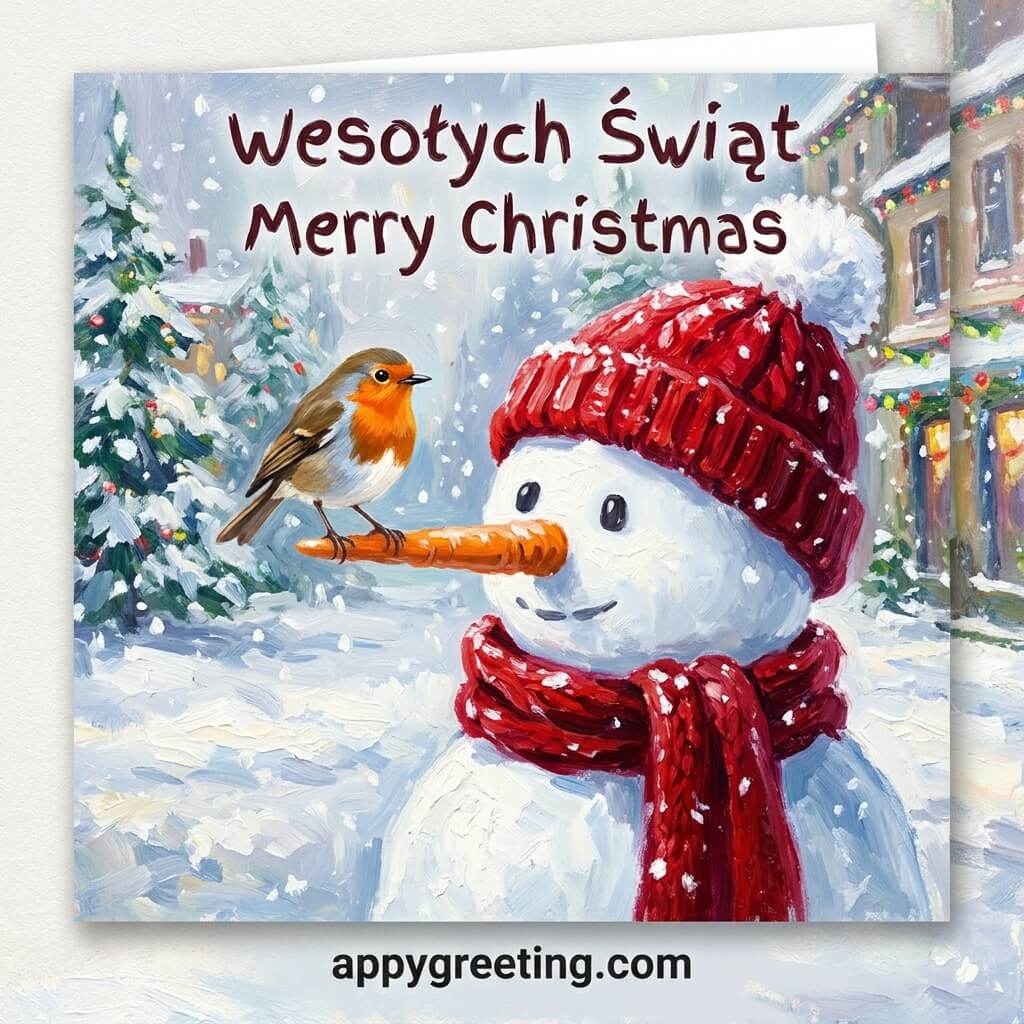
Polish Christmas cards in English and Polish that you can download or share on social media for free.
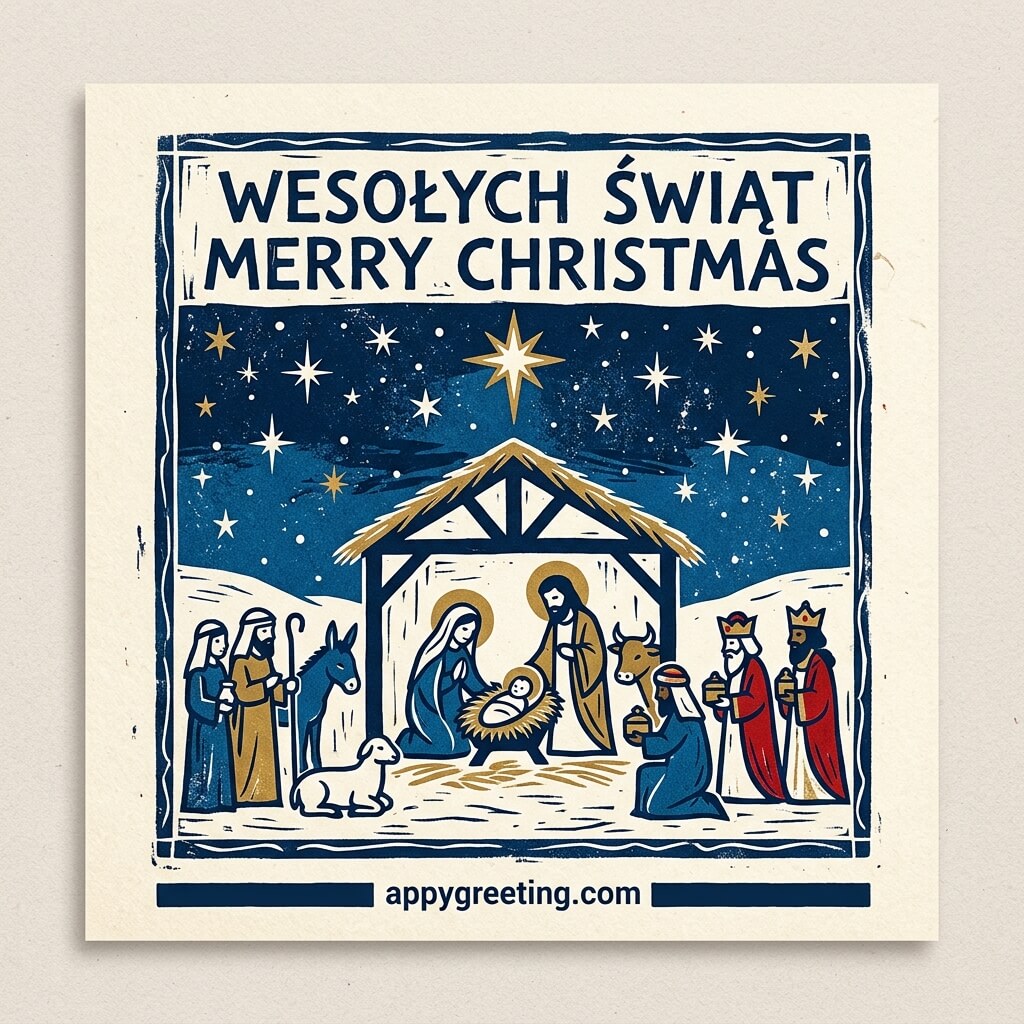
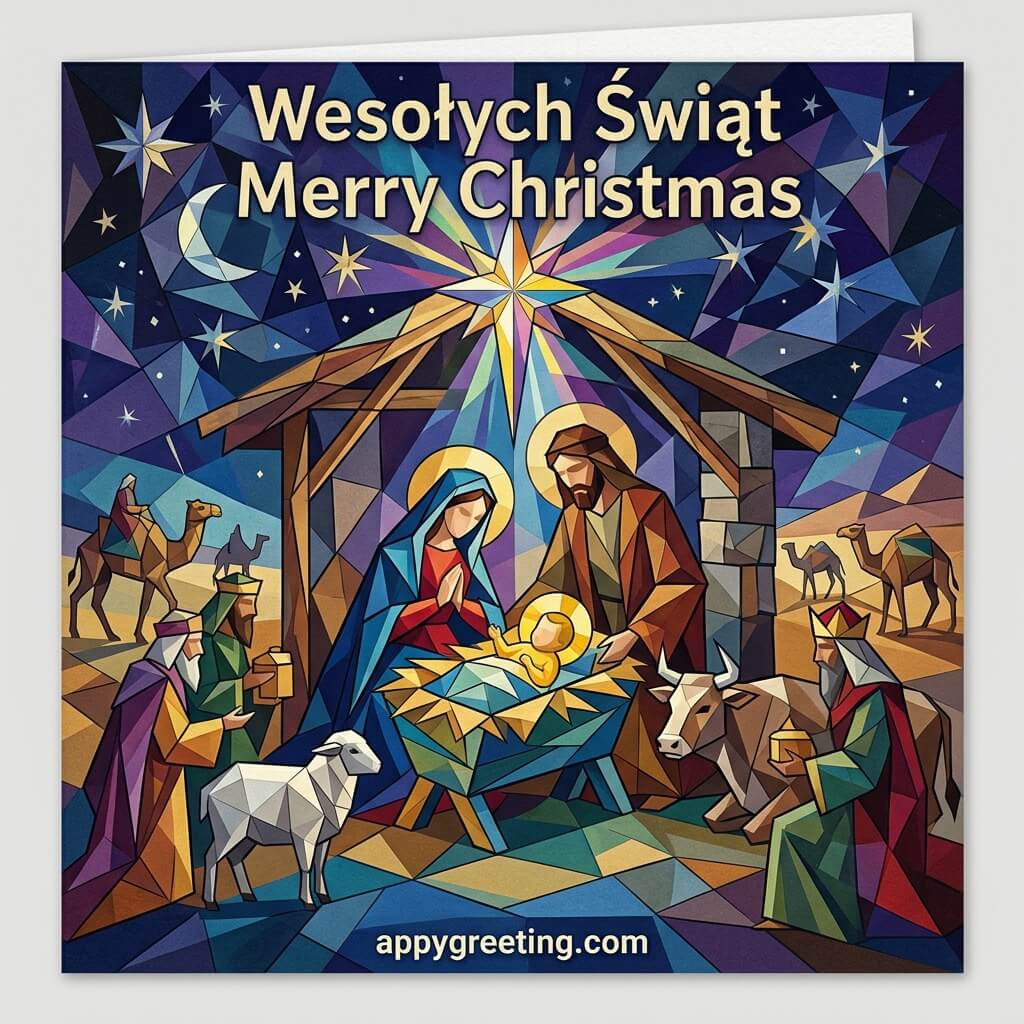
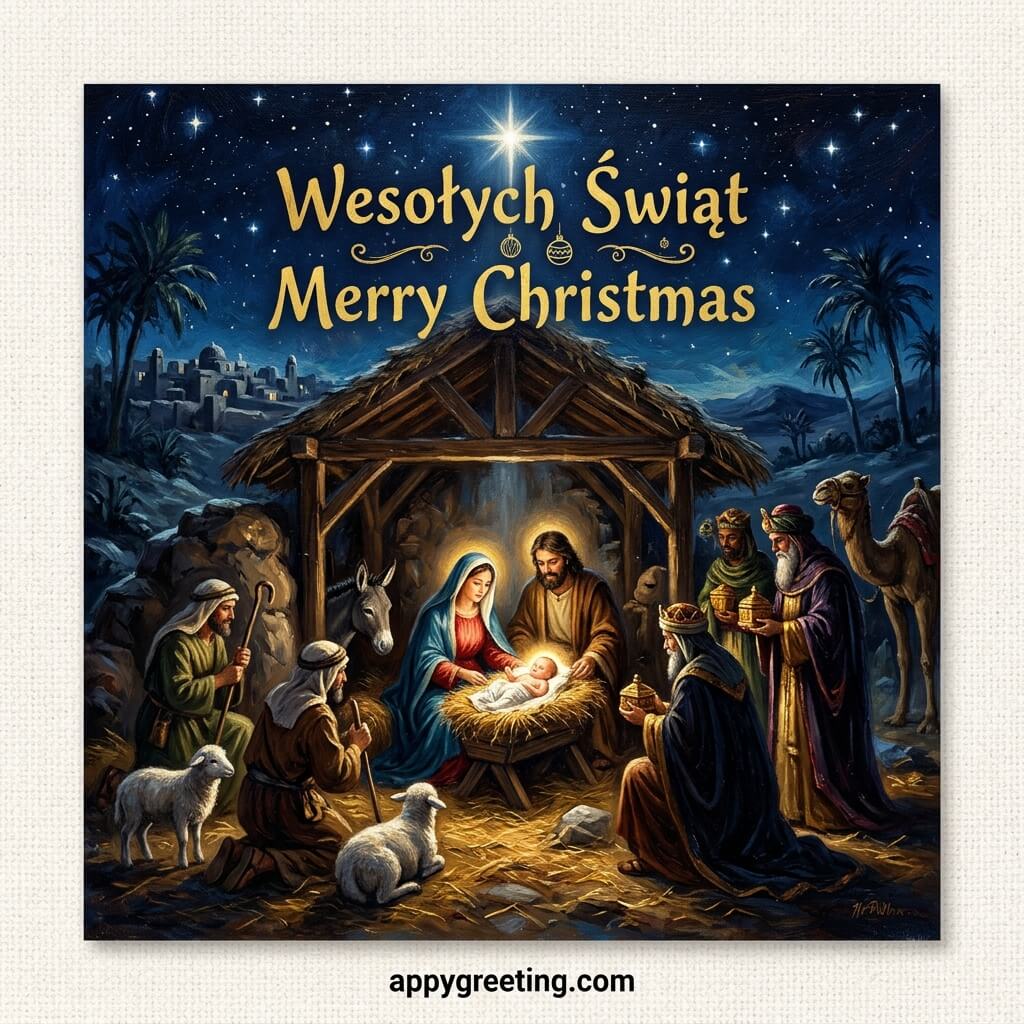
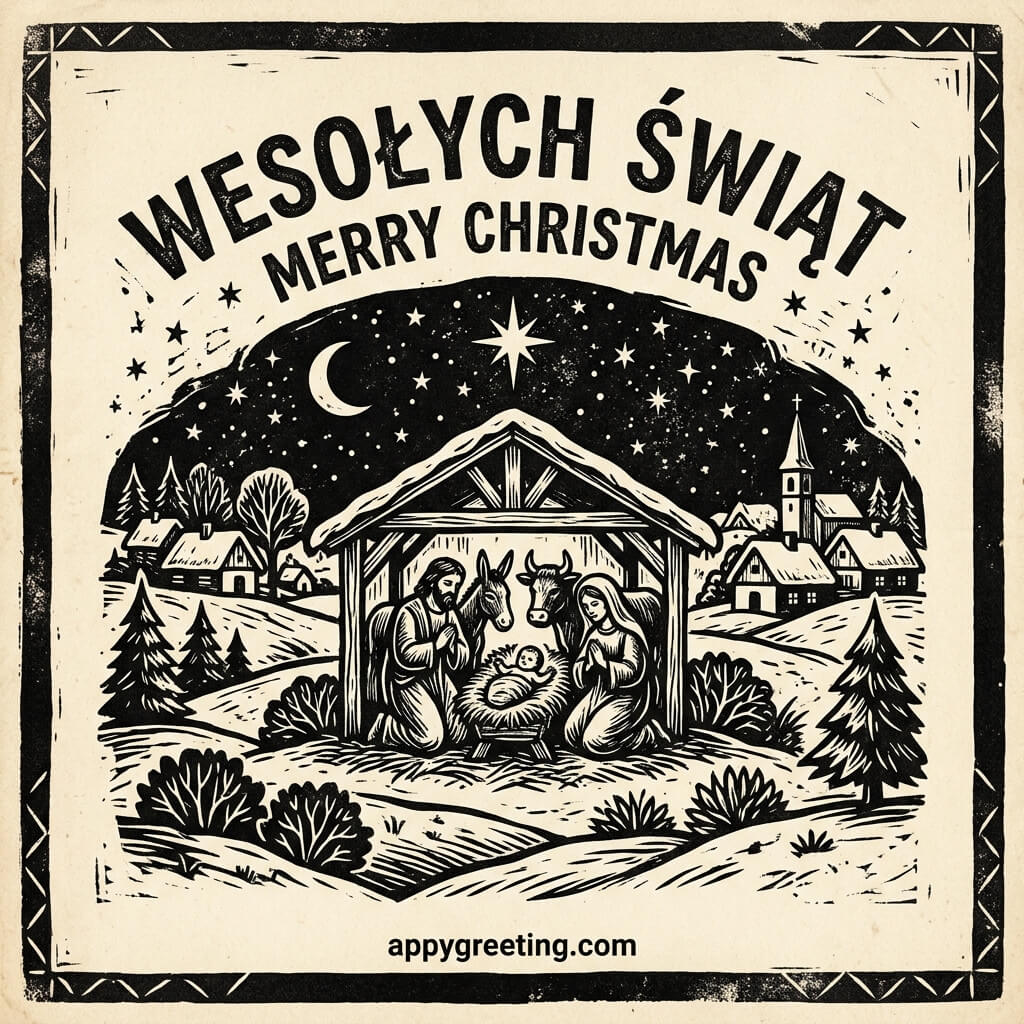
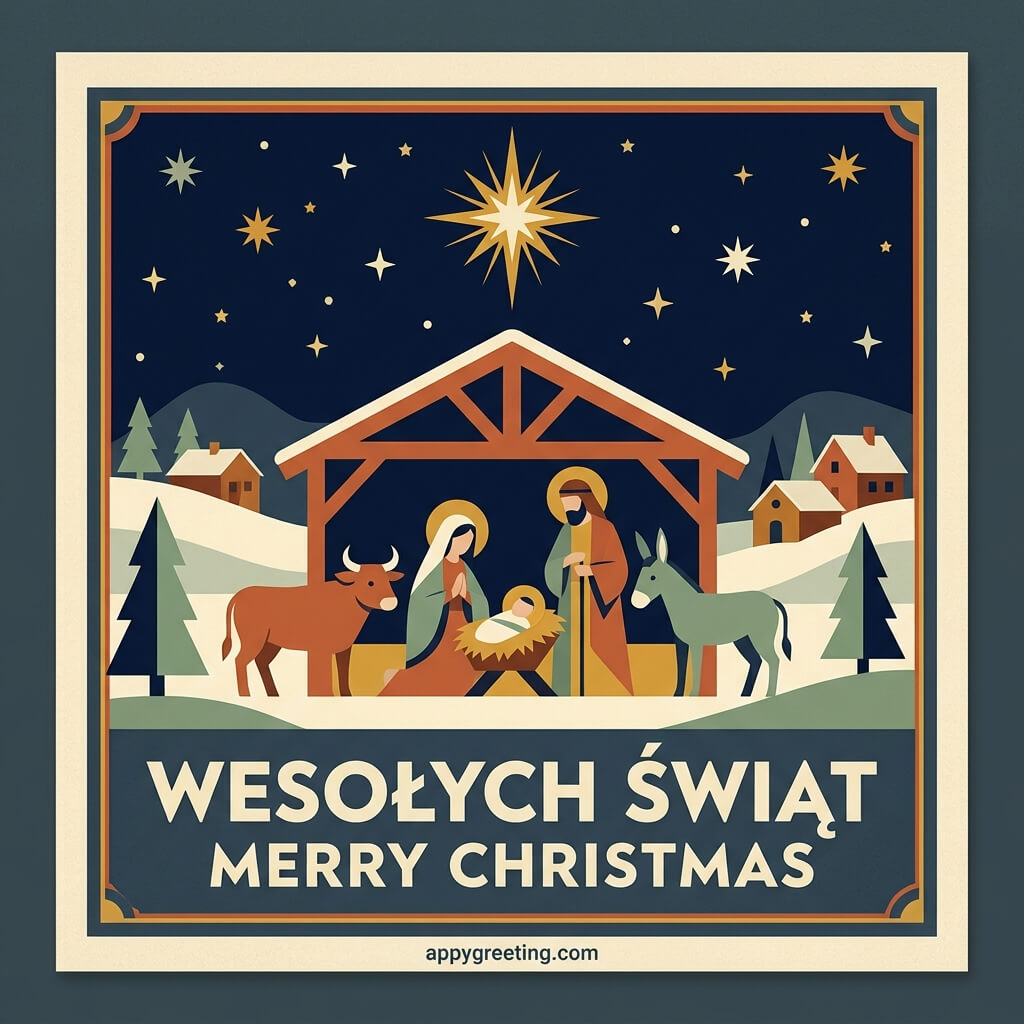
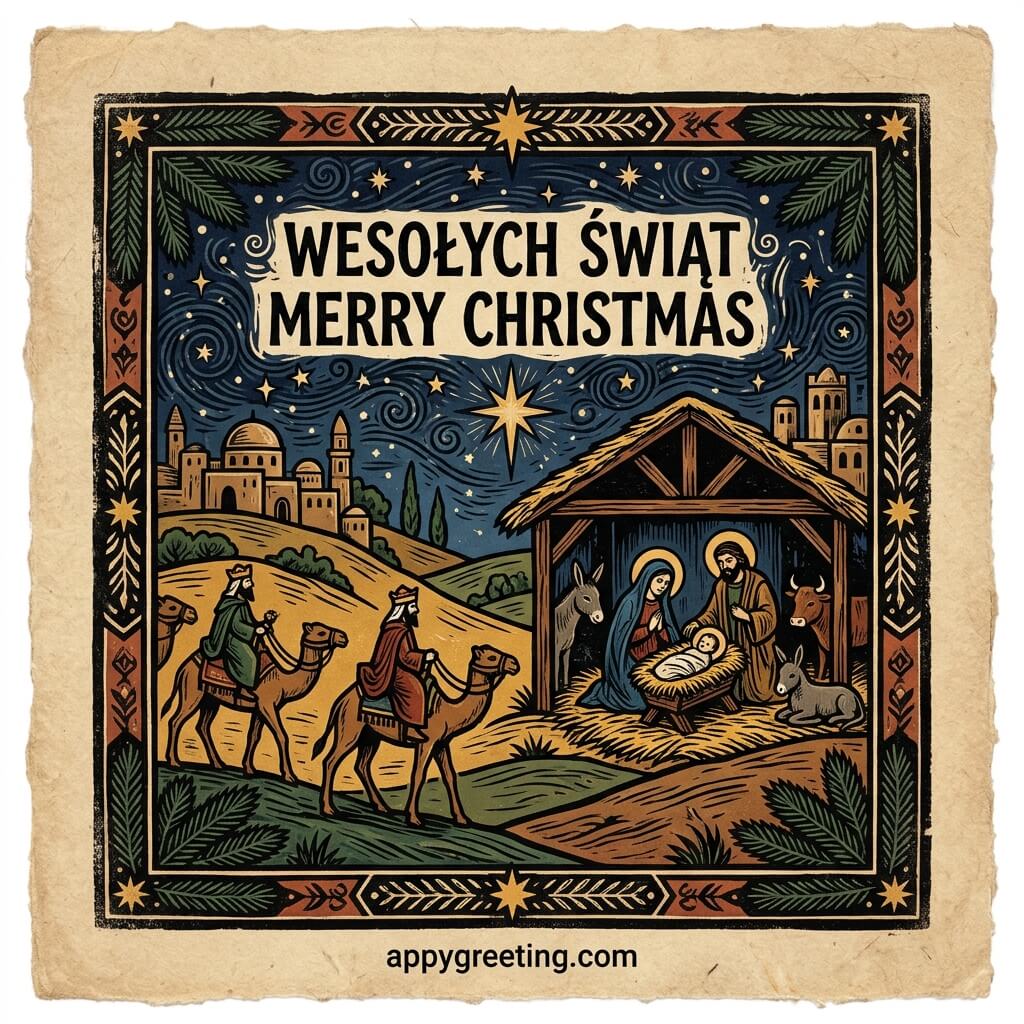
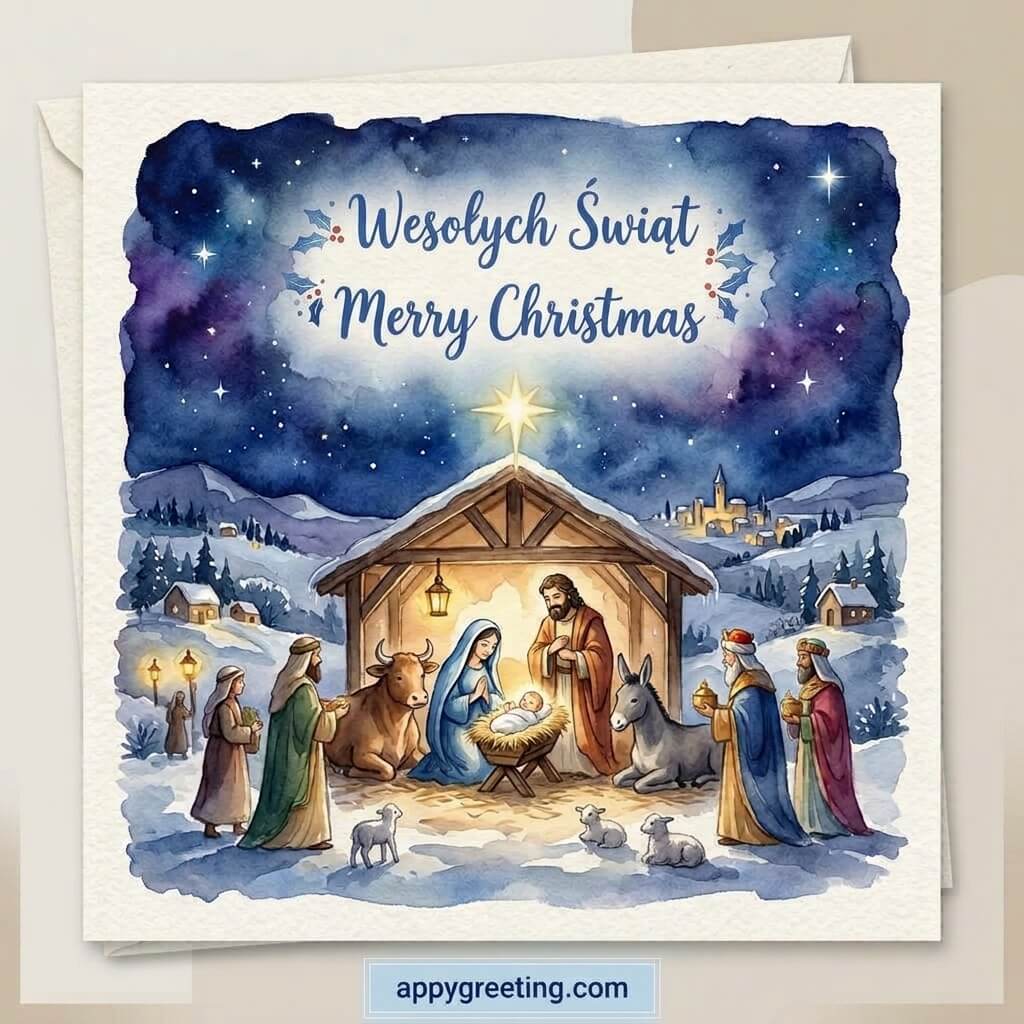
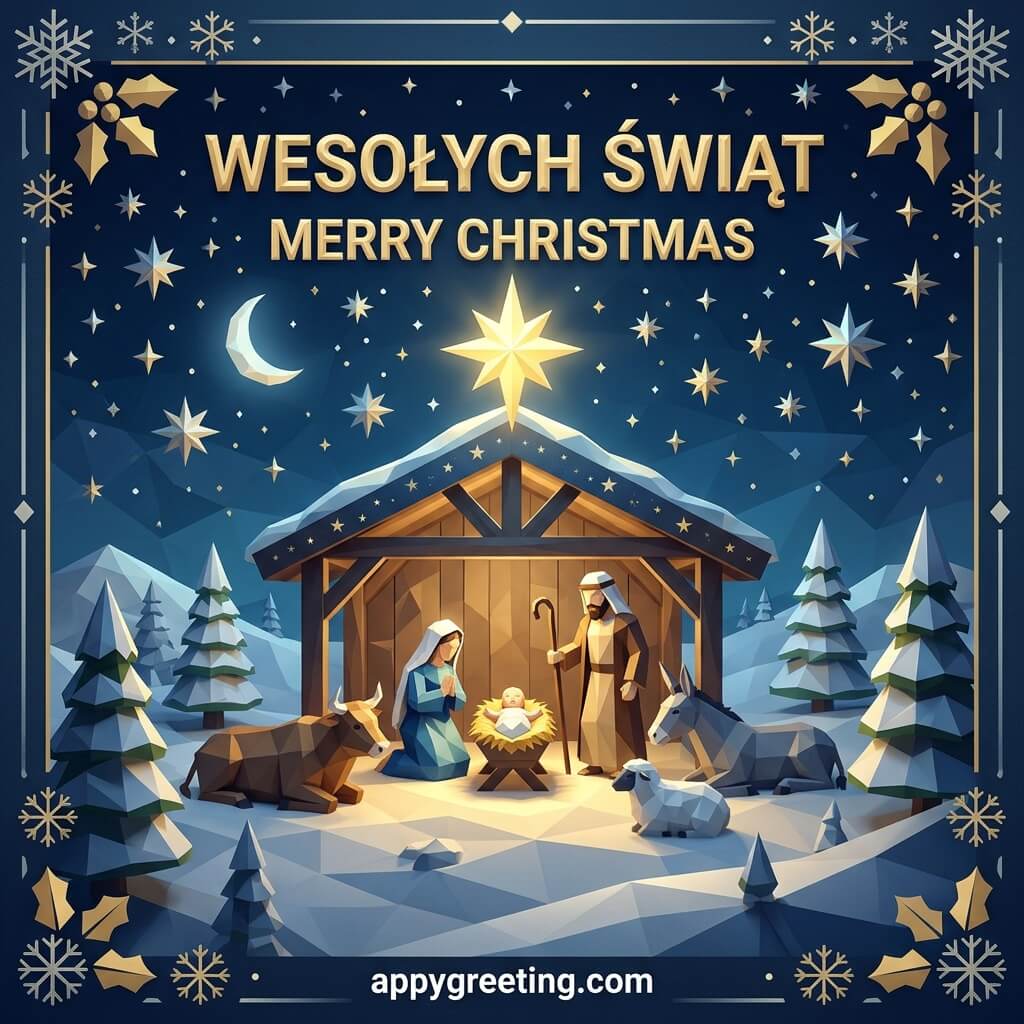
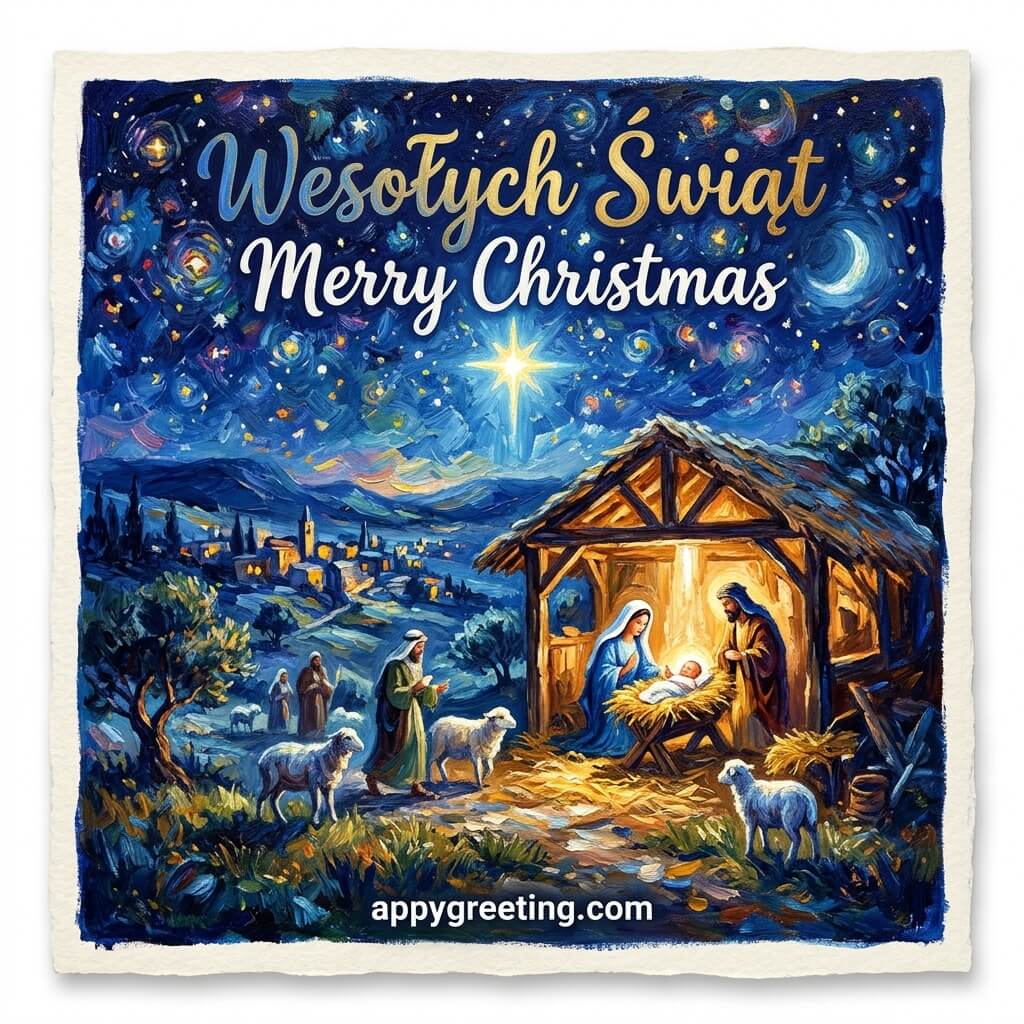
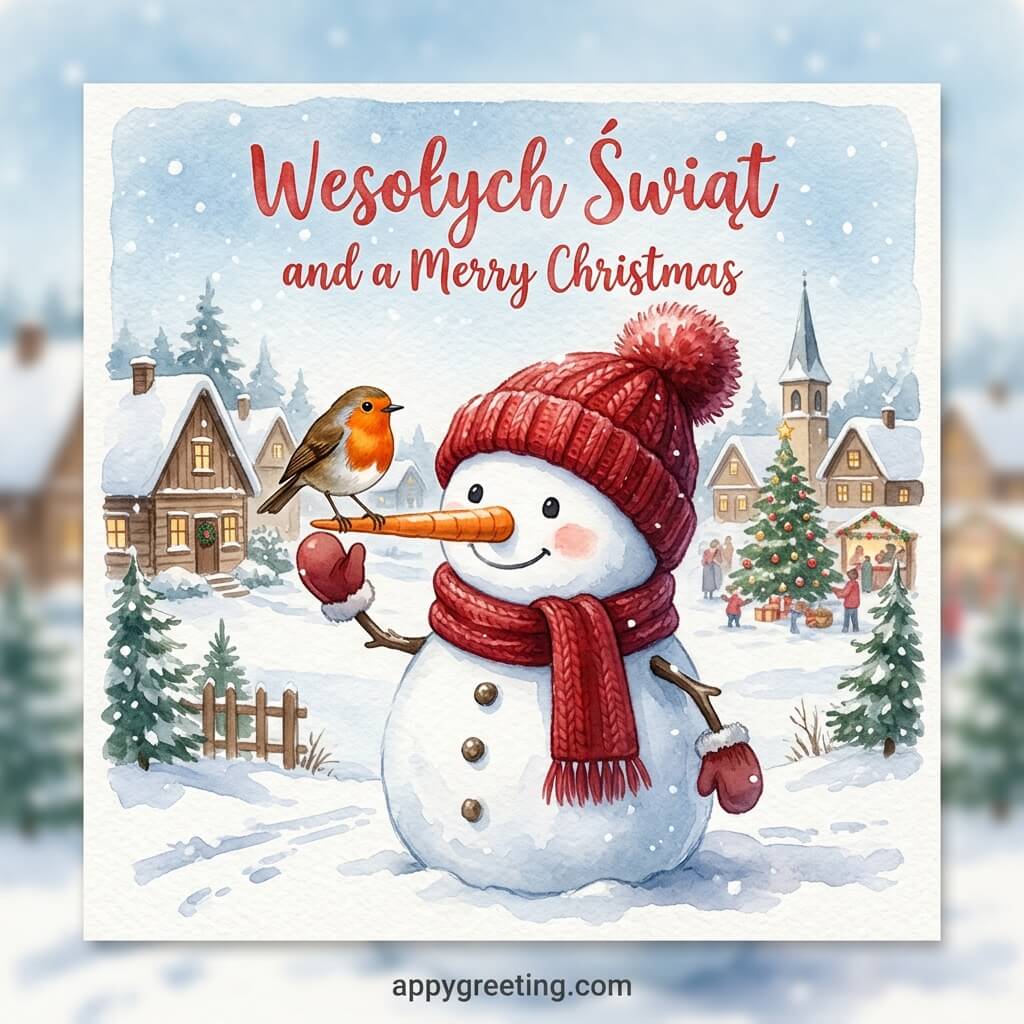
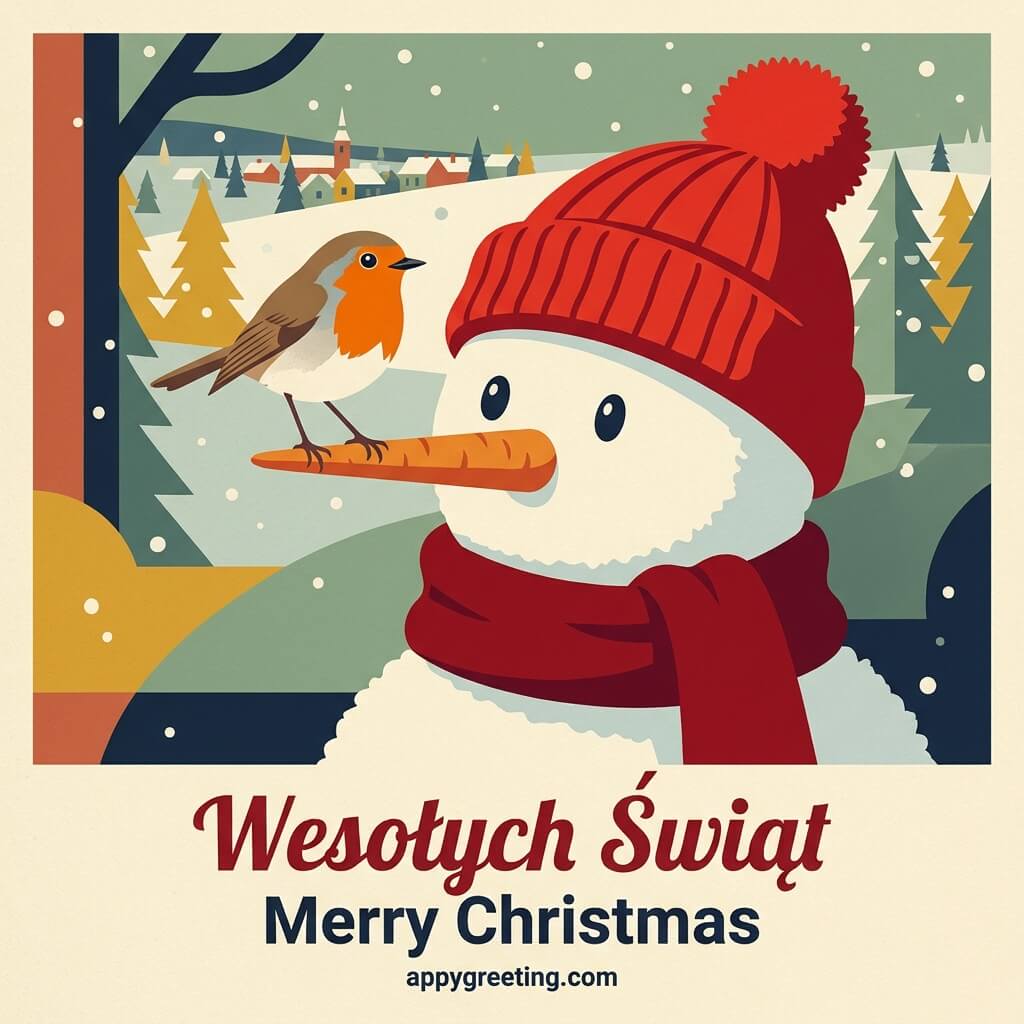
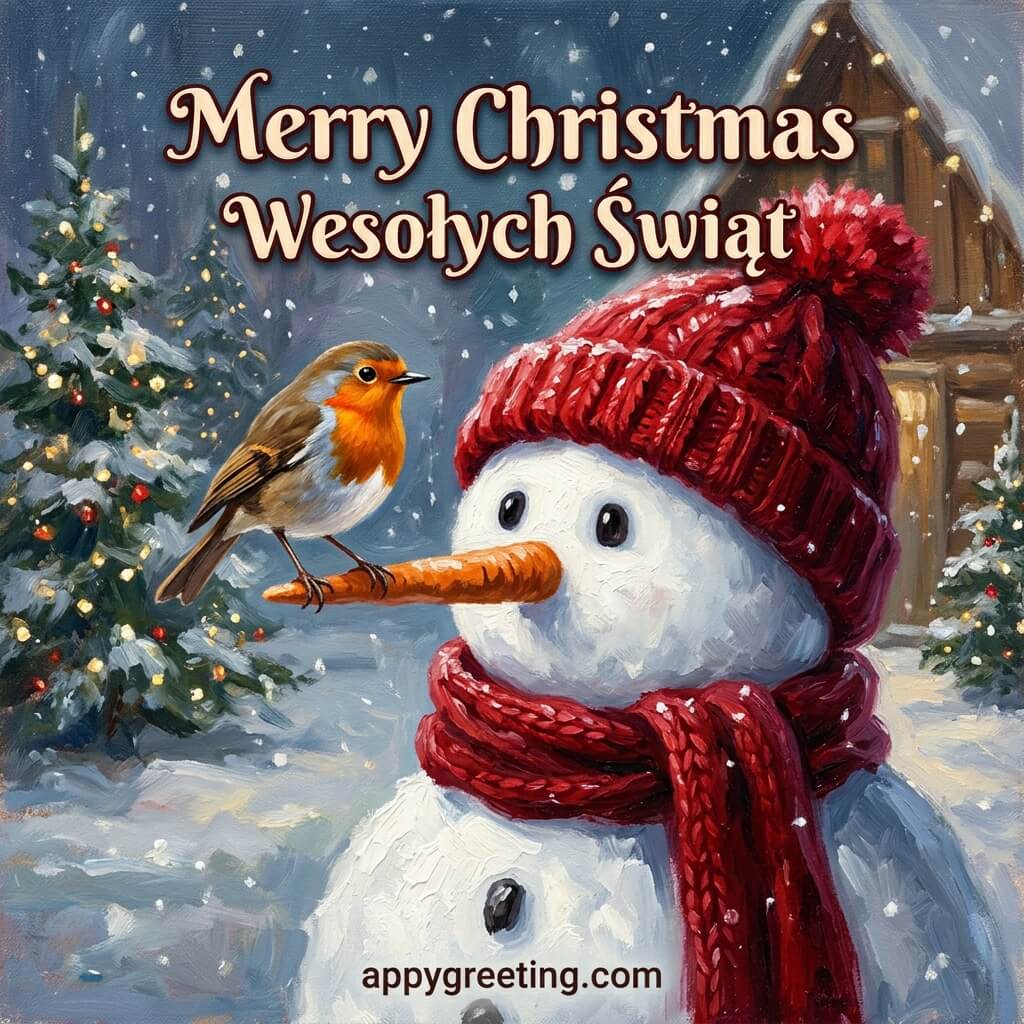
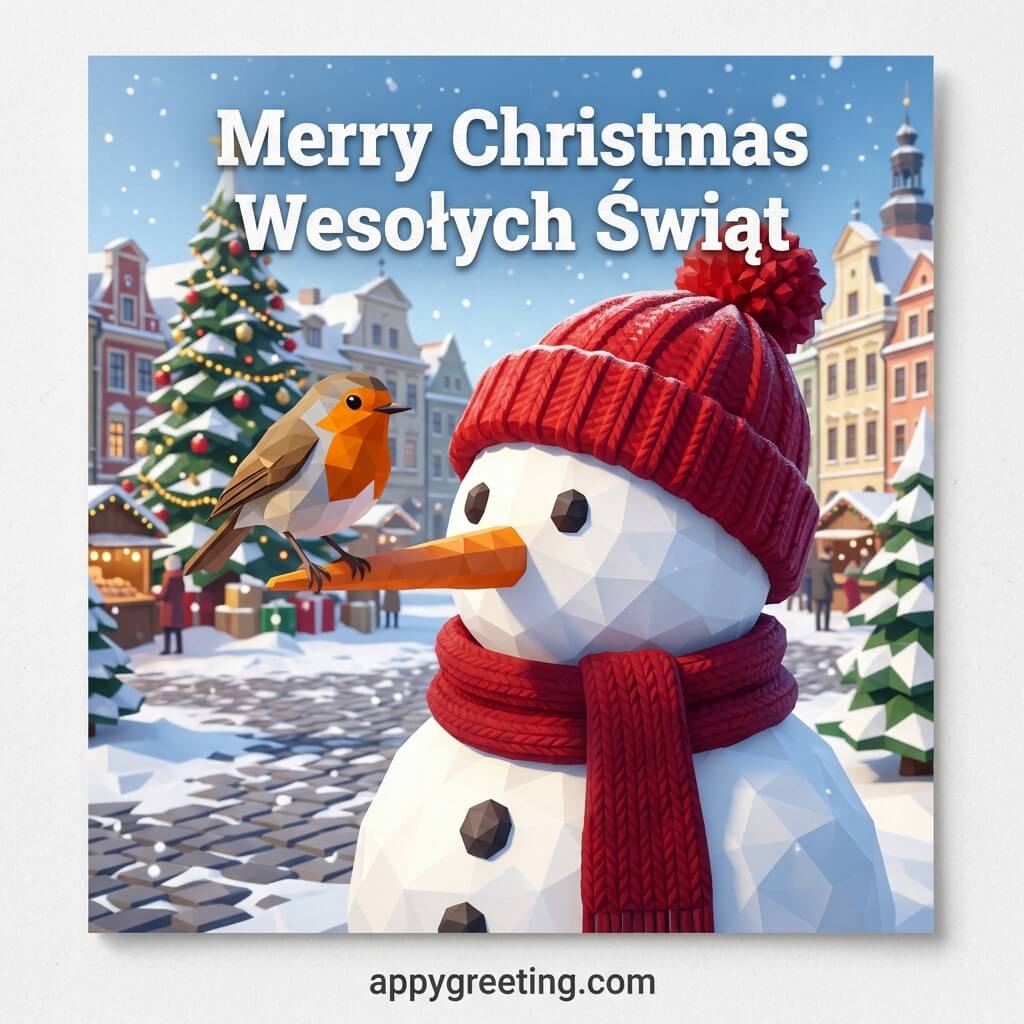
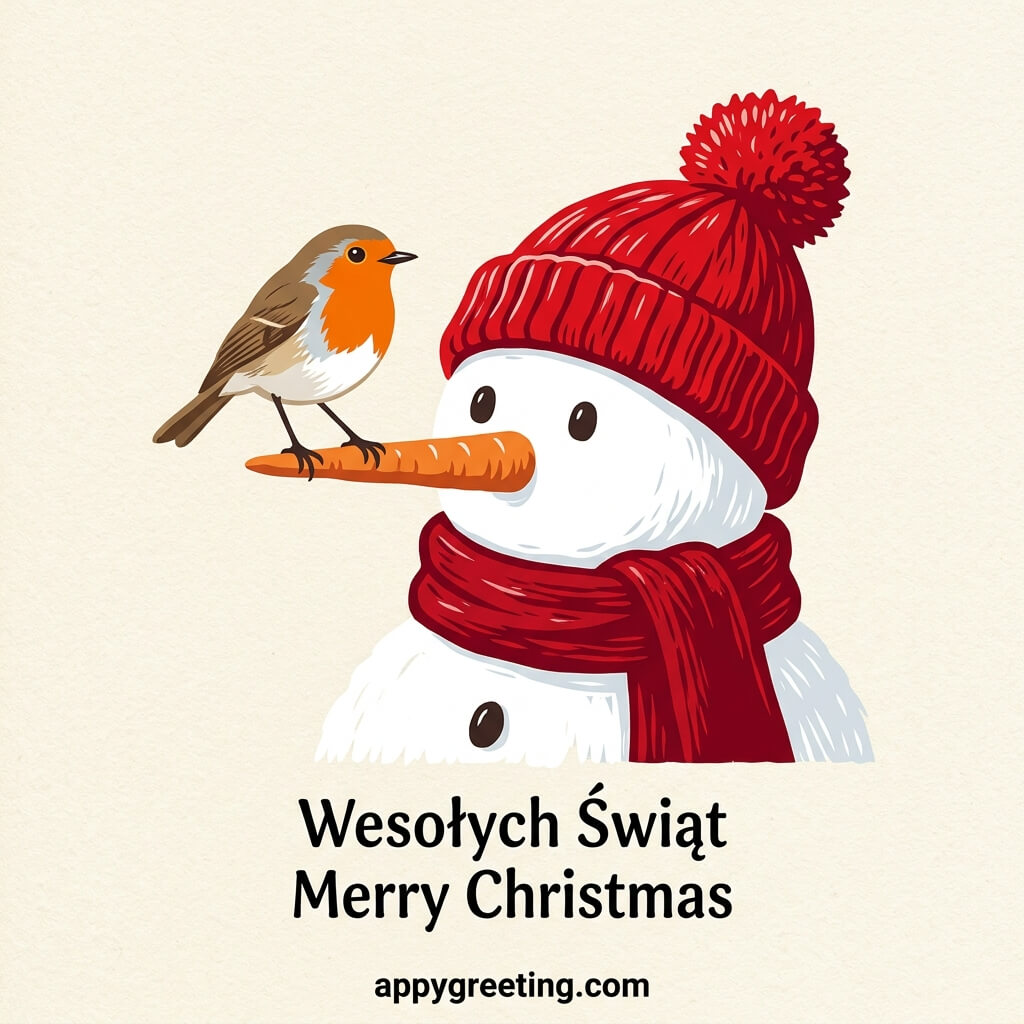
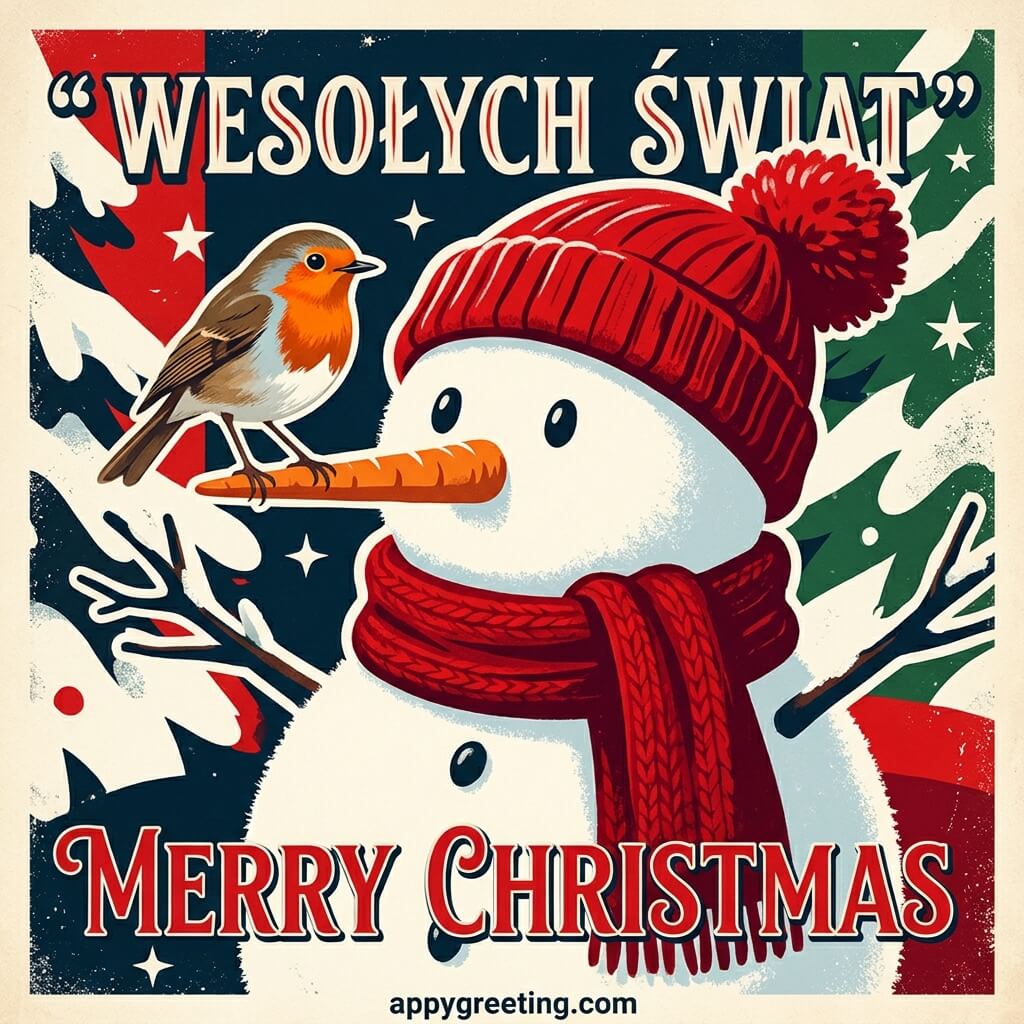
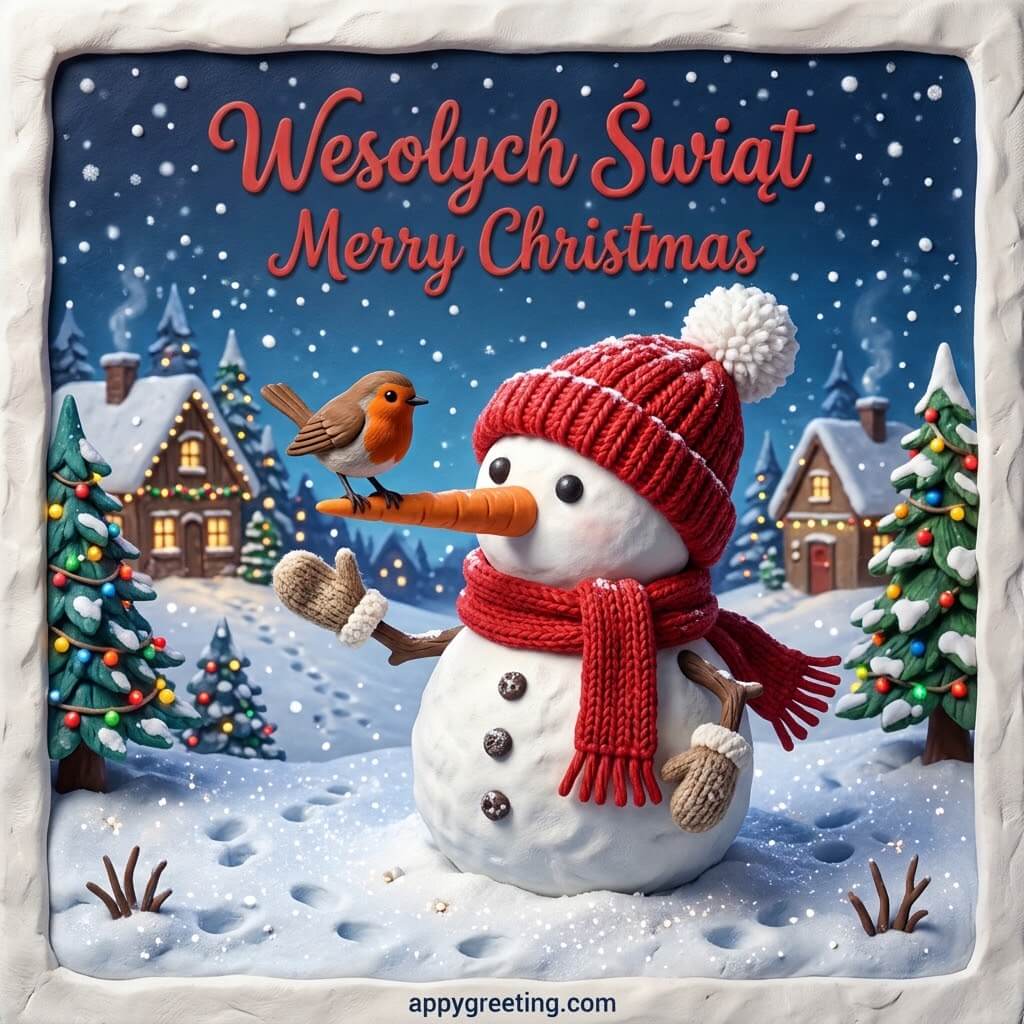
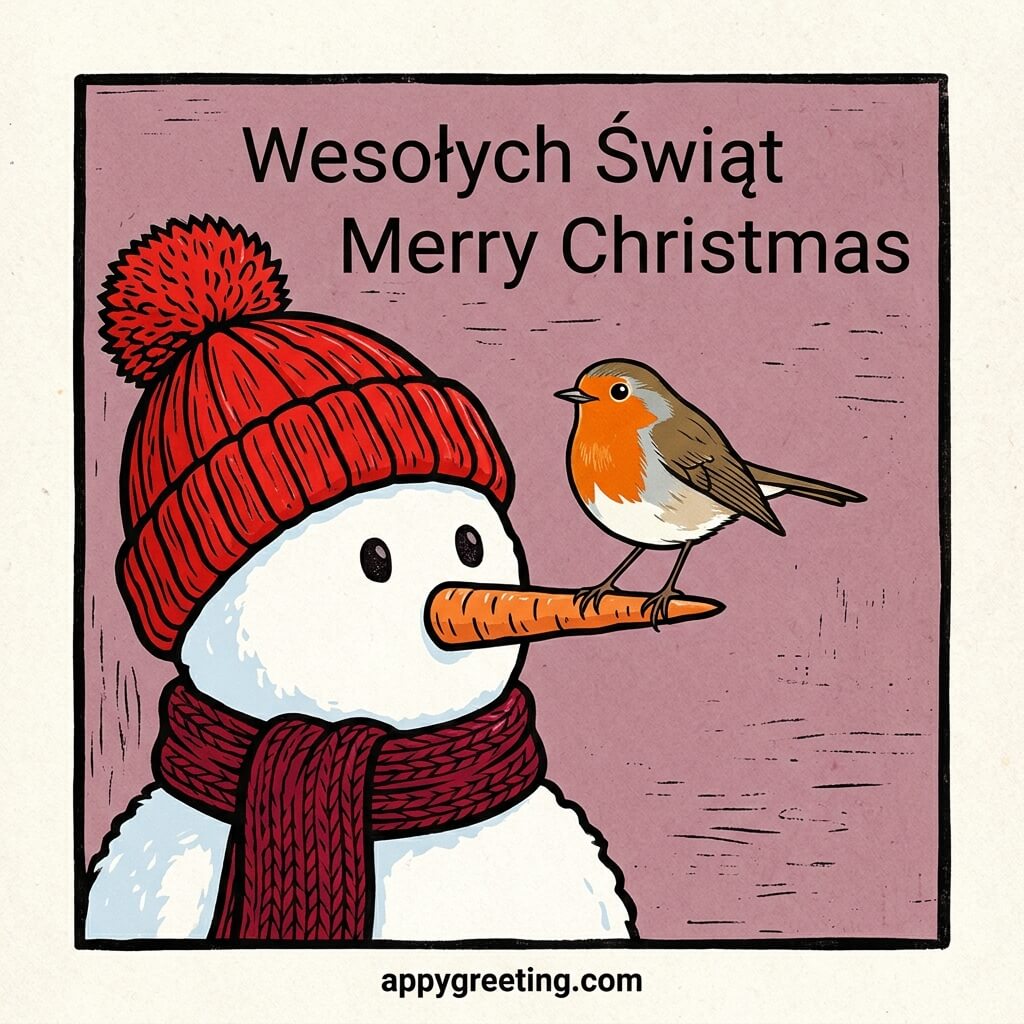

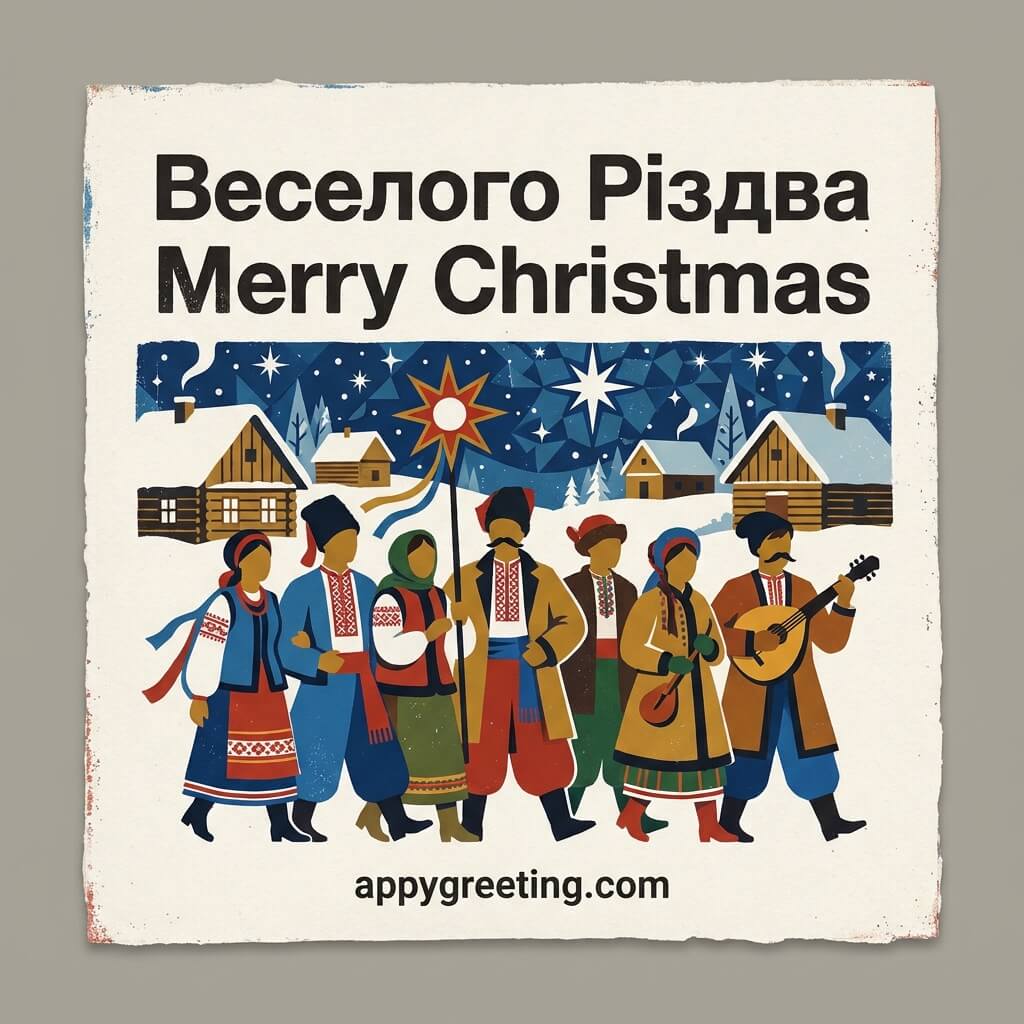
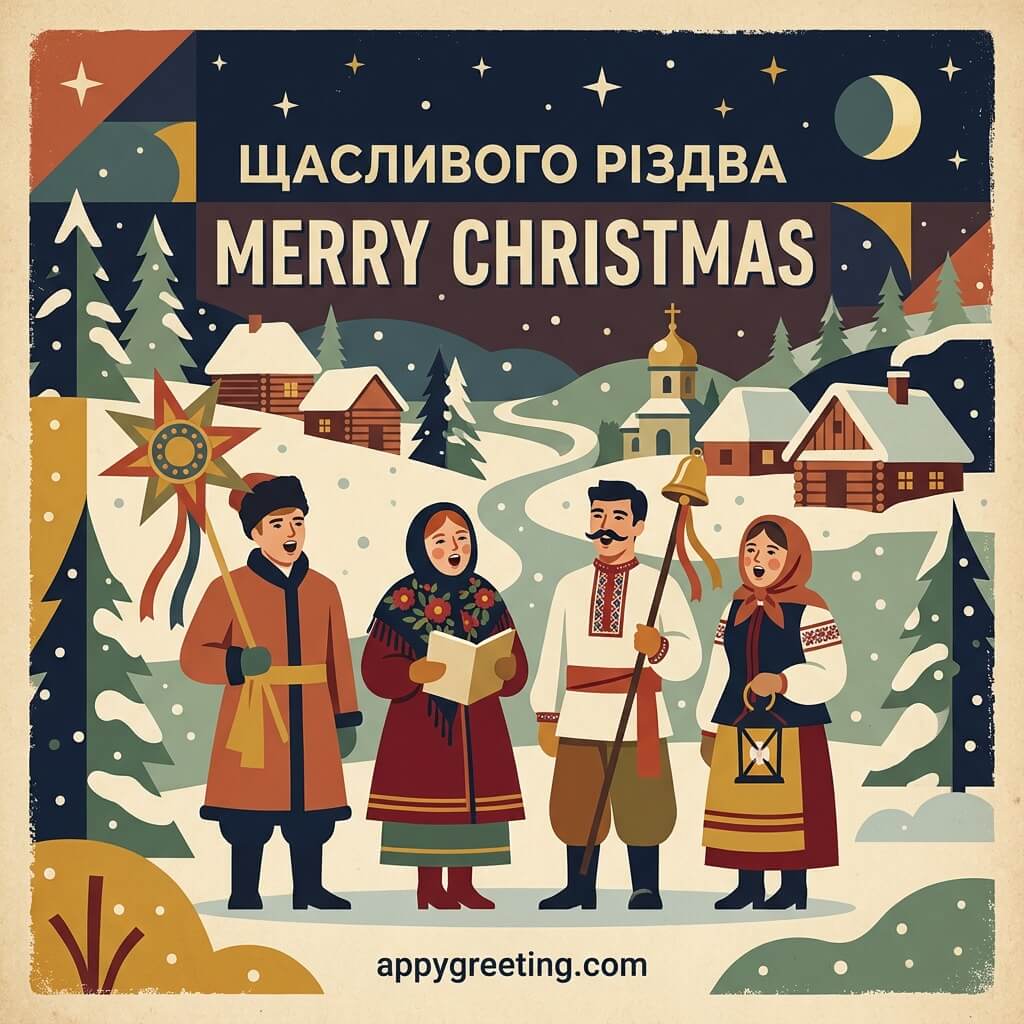
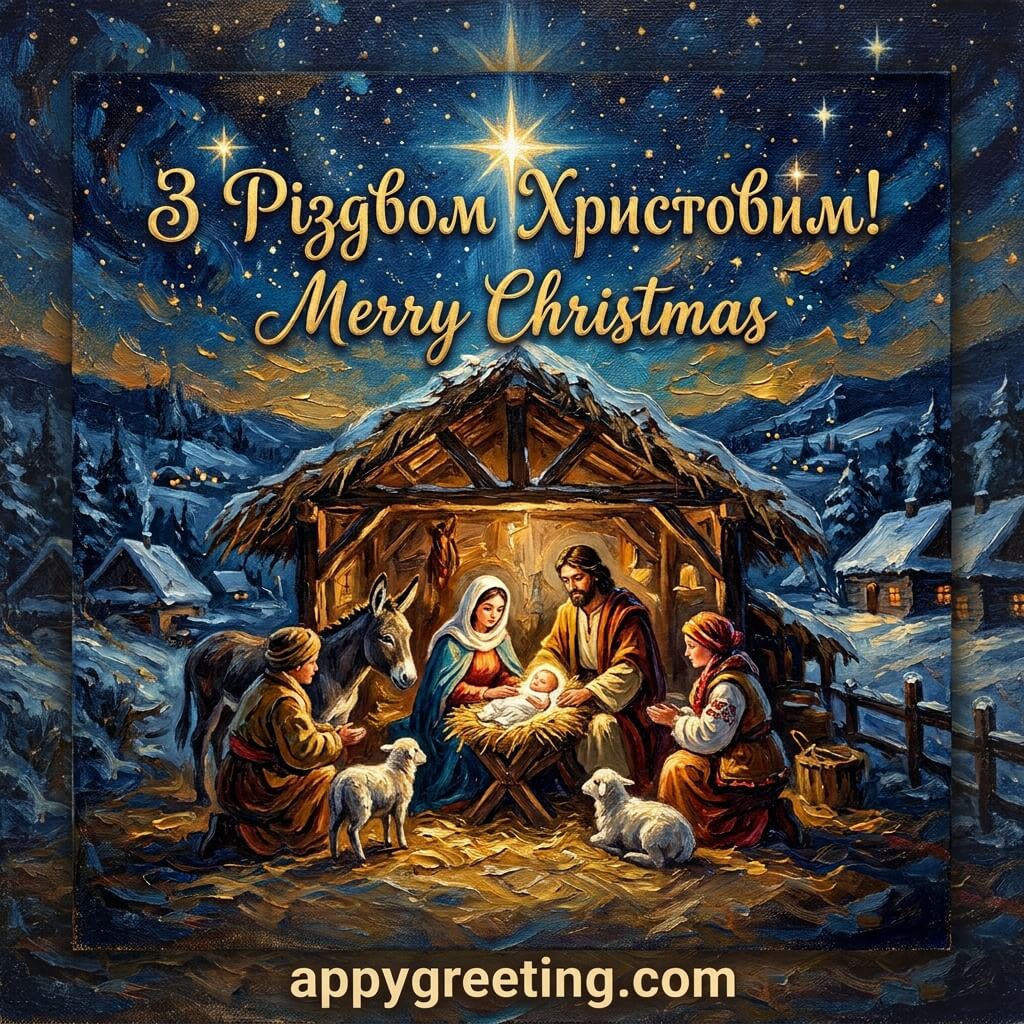
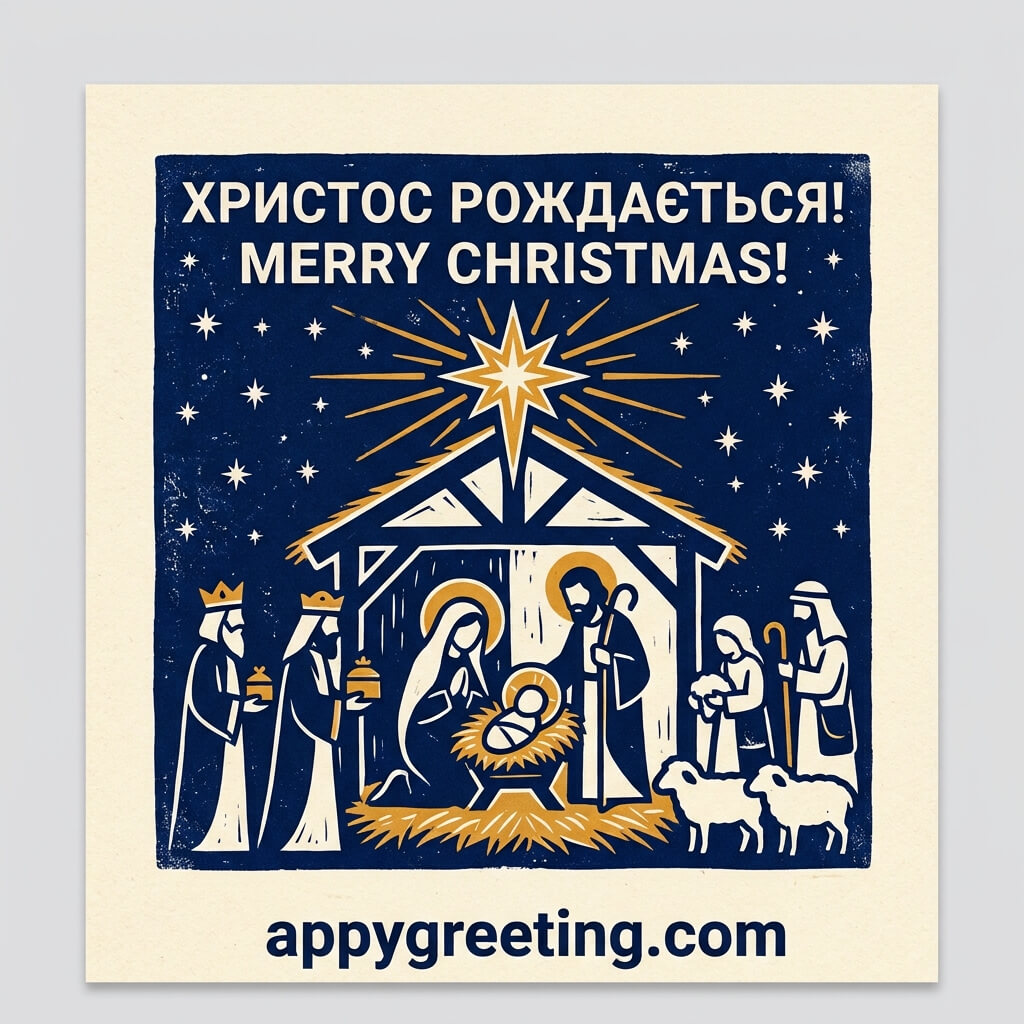
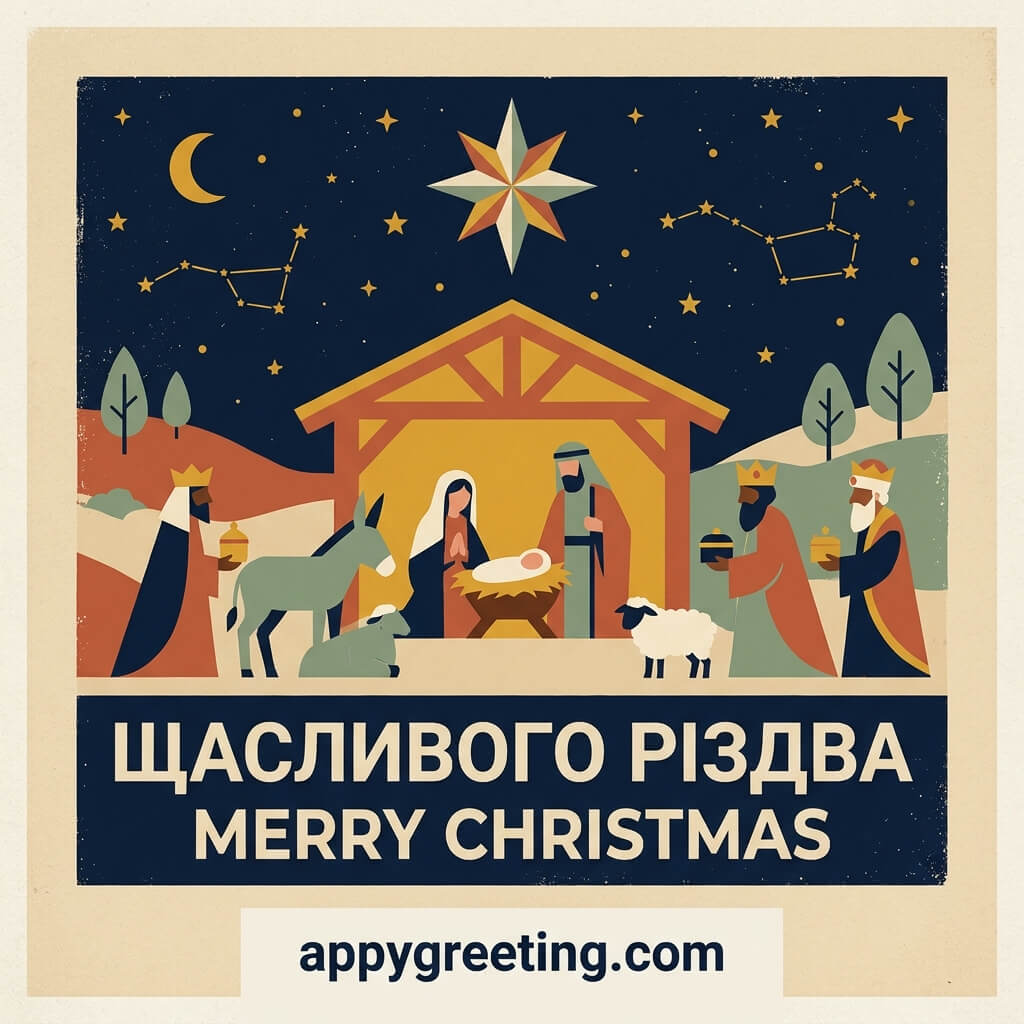
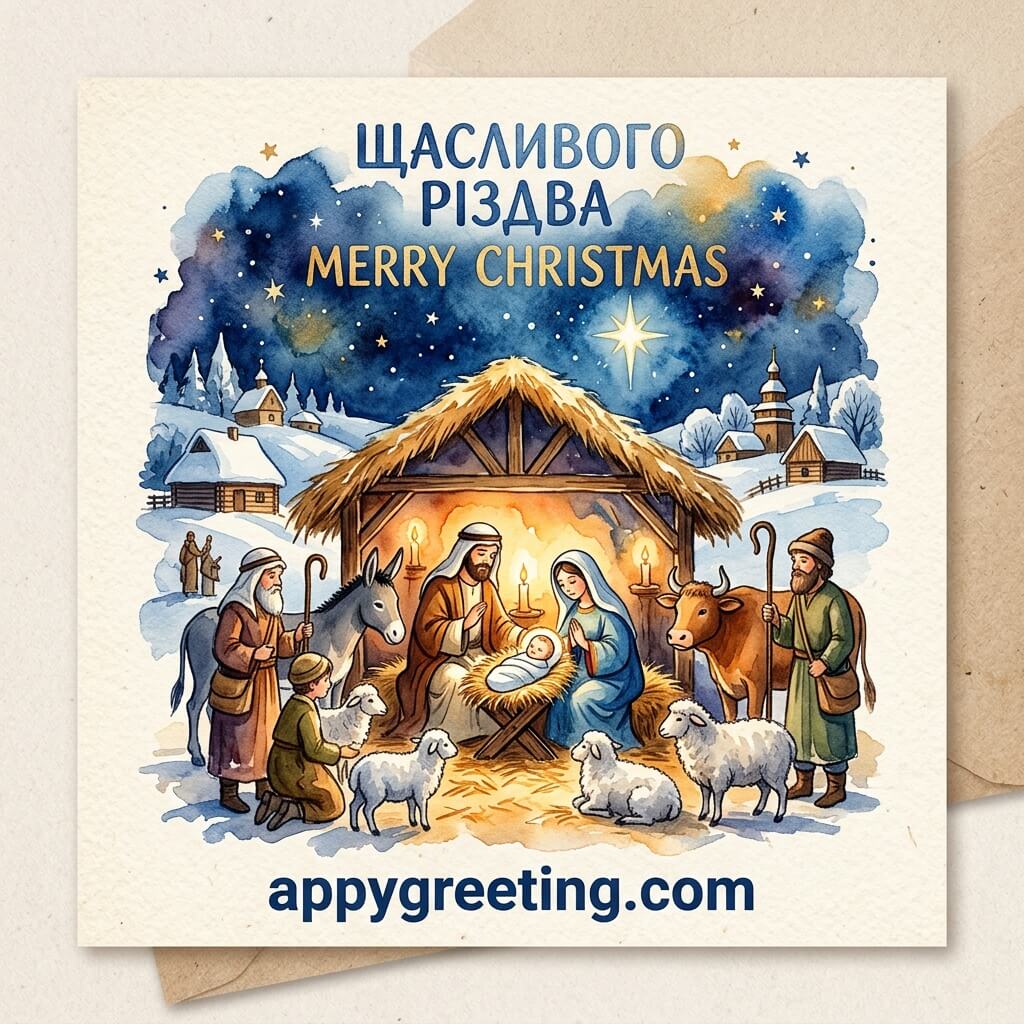
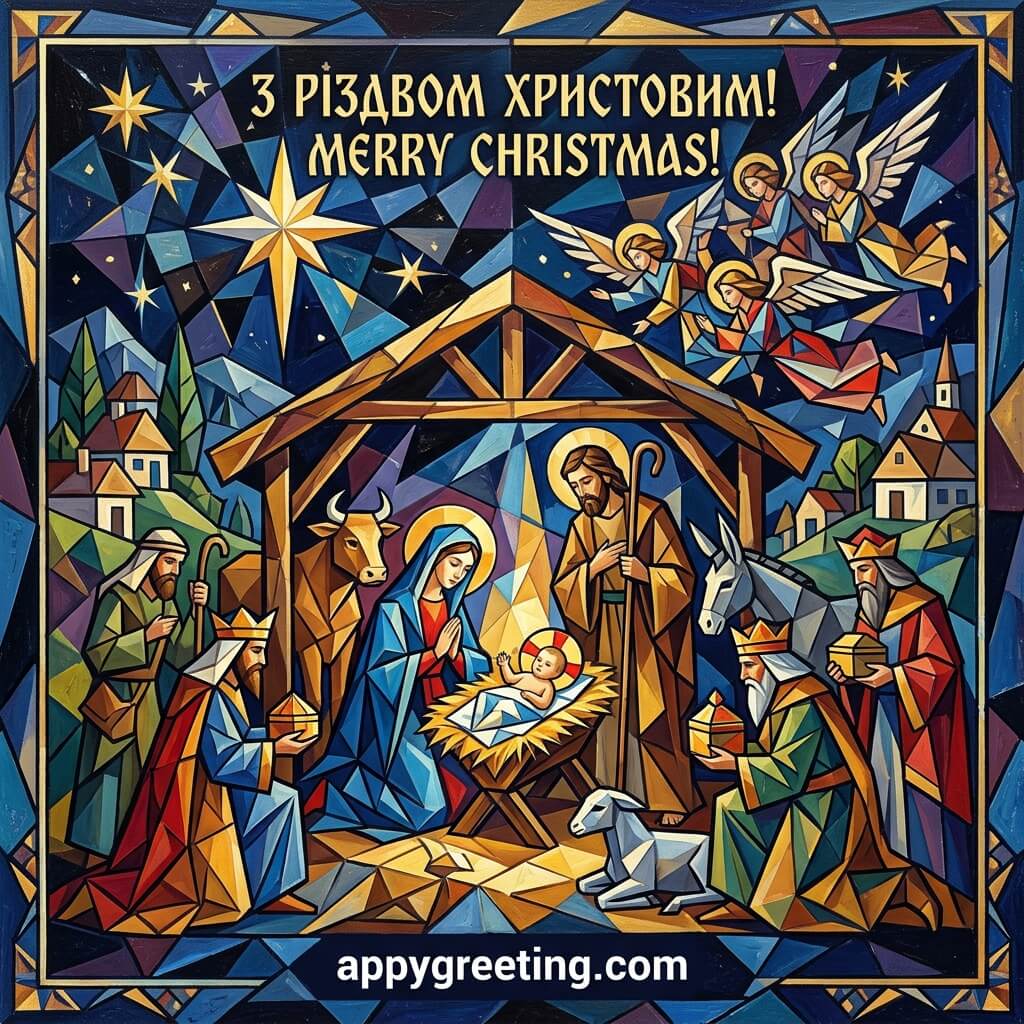
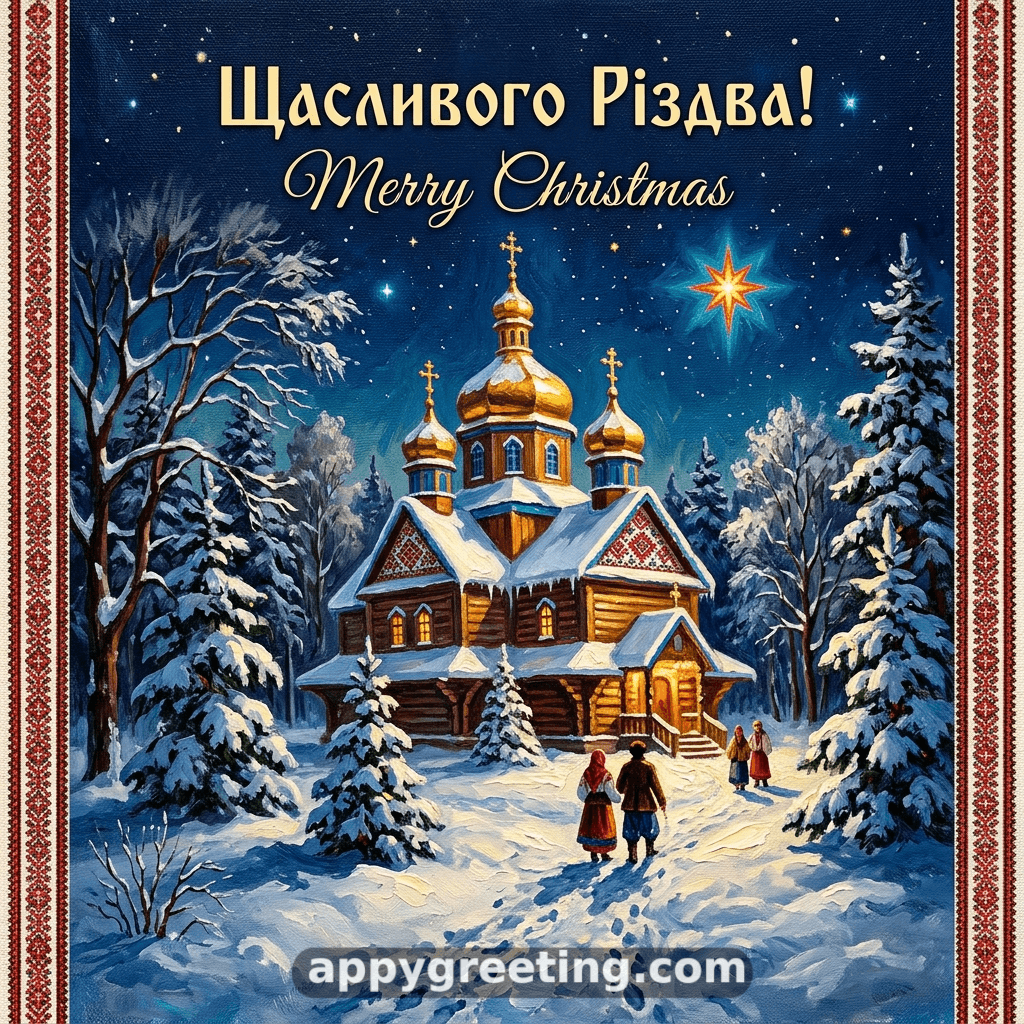
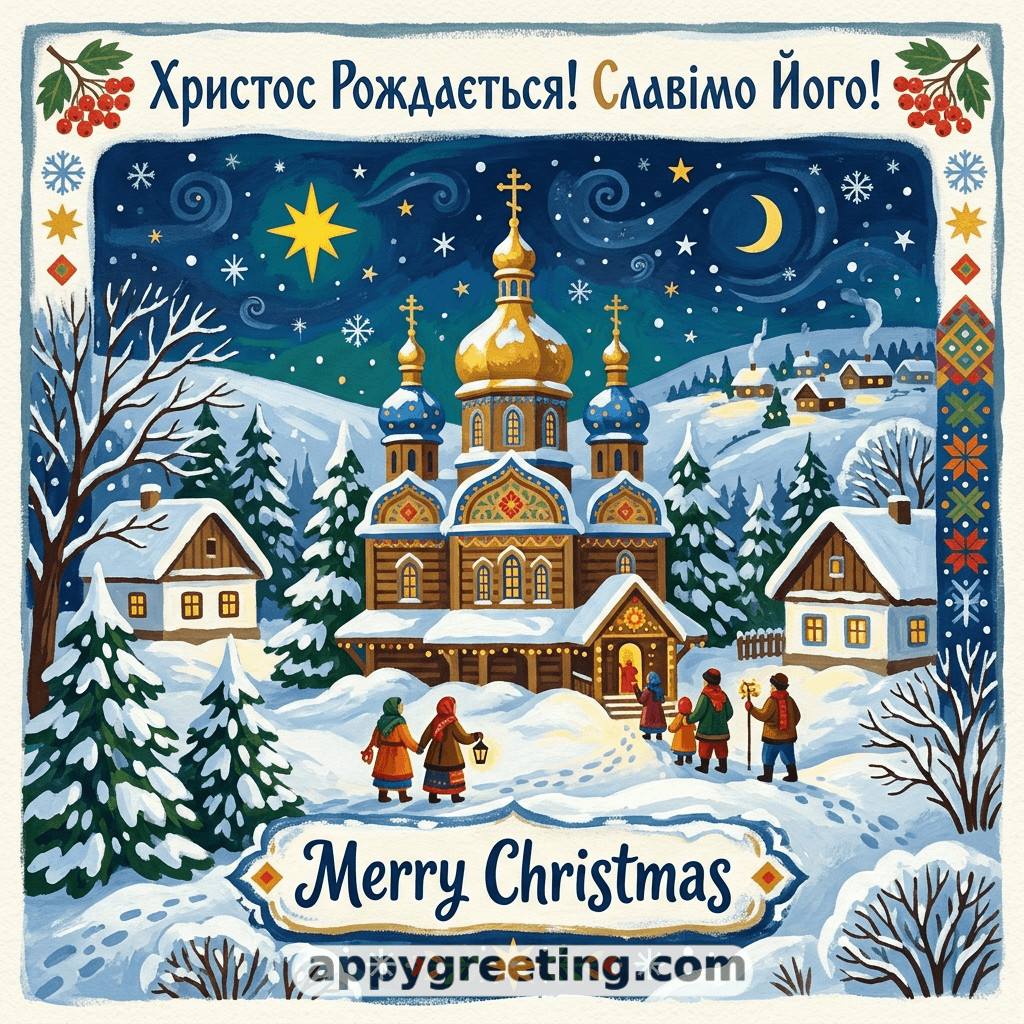
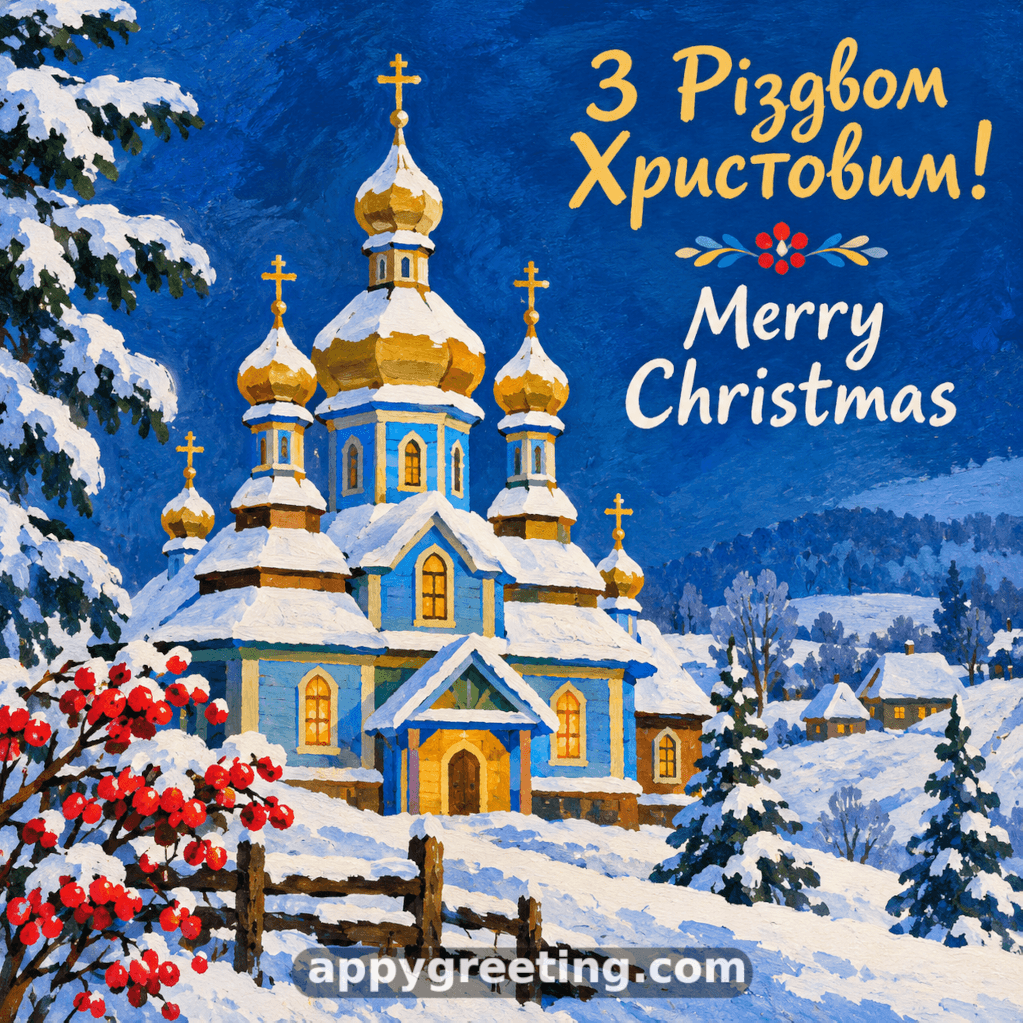
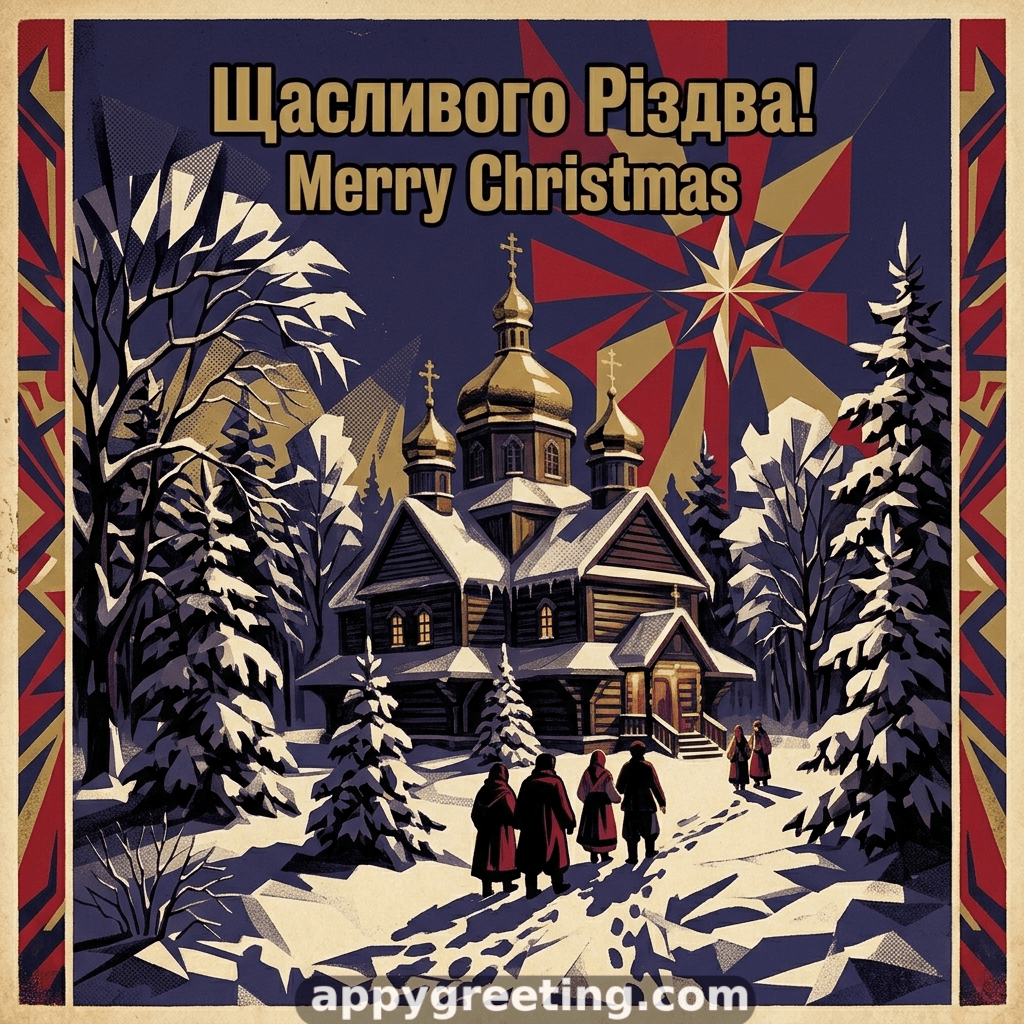
Ukrainian Christmas cards in English and Ukrainian that you can download or share on social media for free.
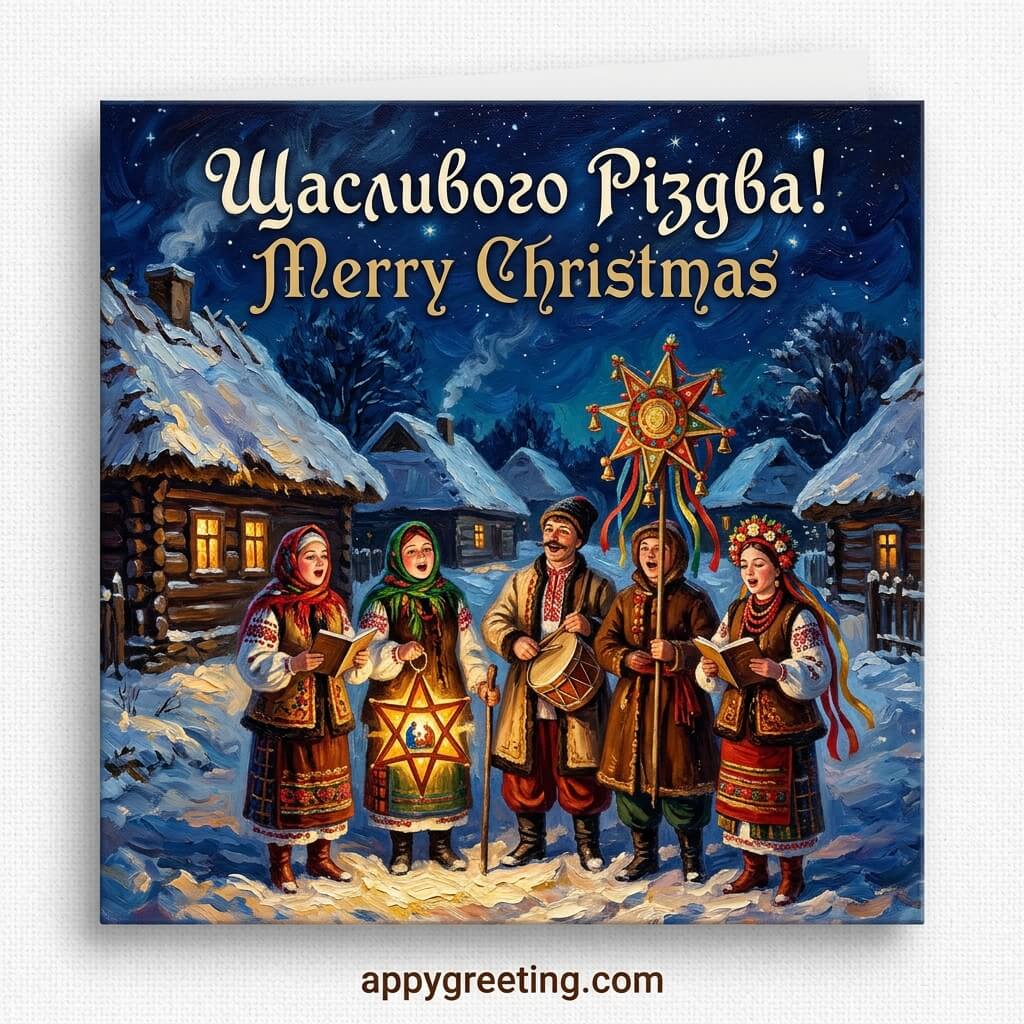
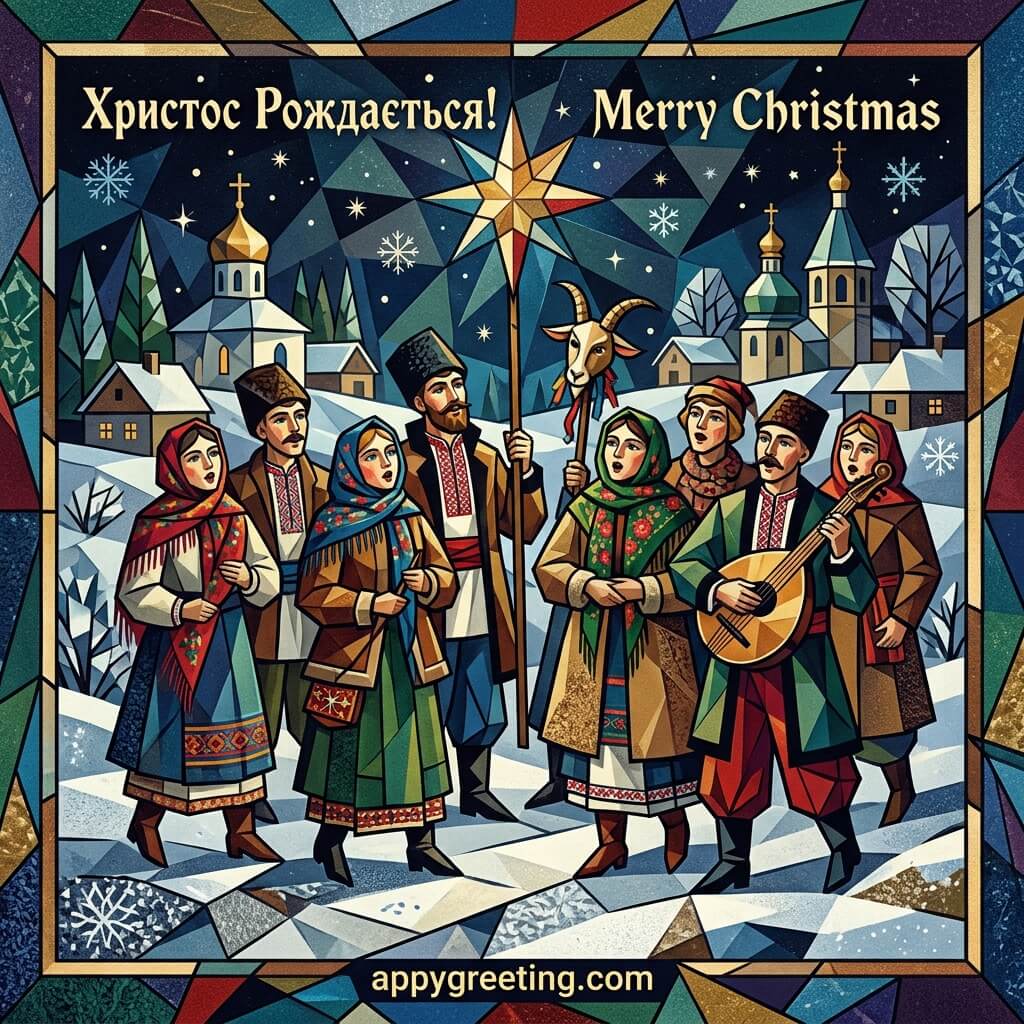
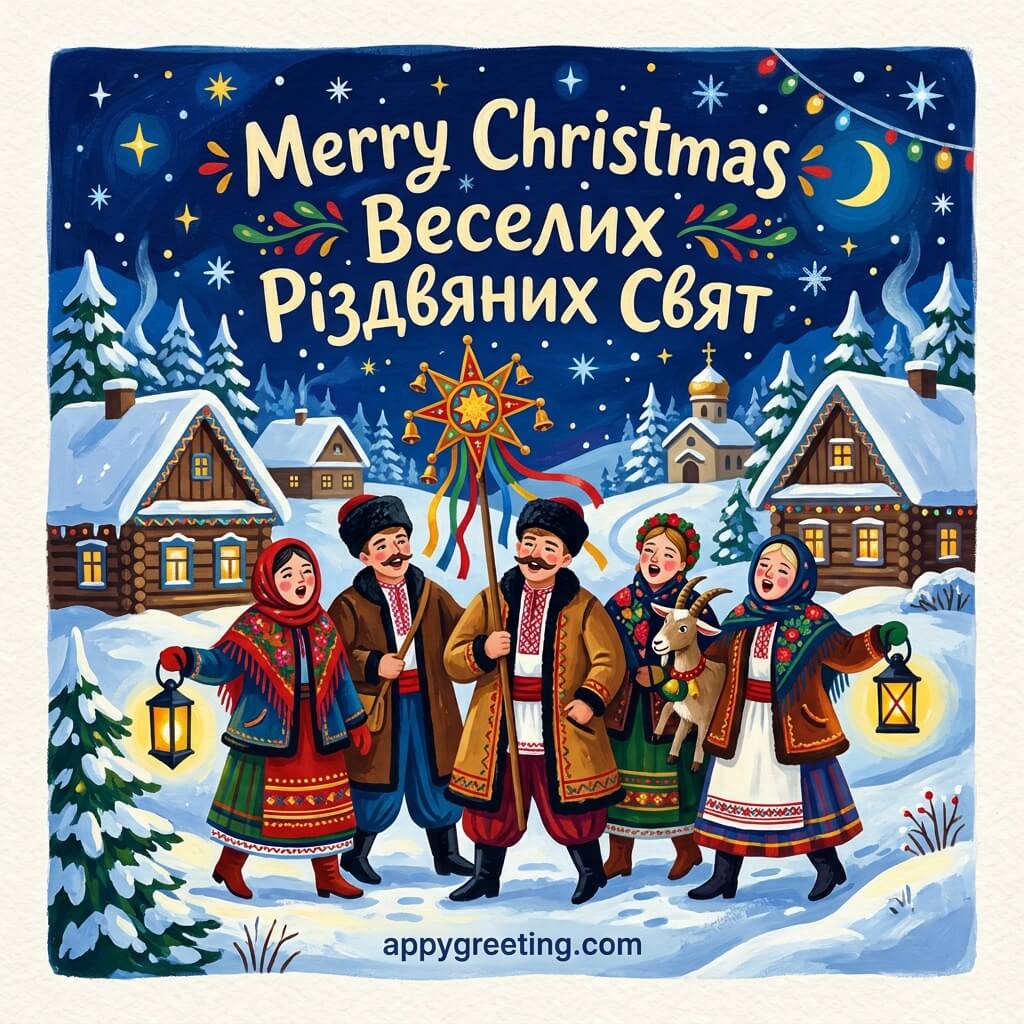
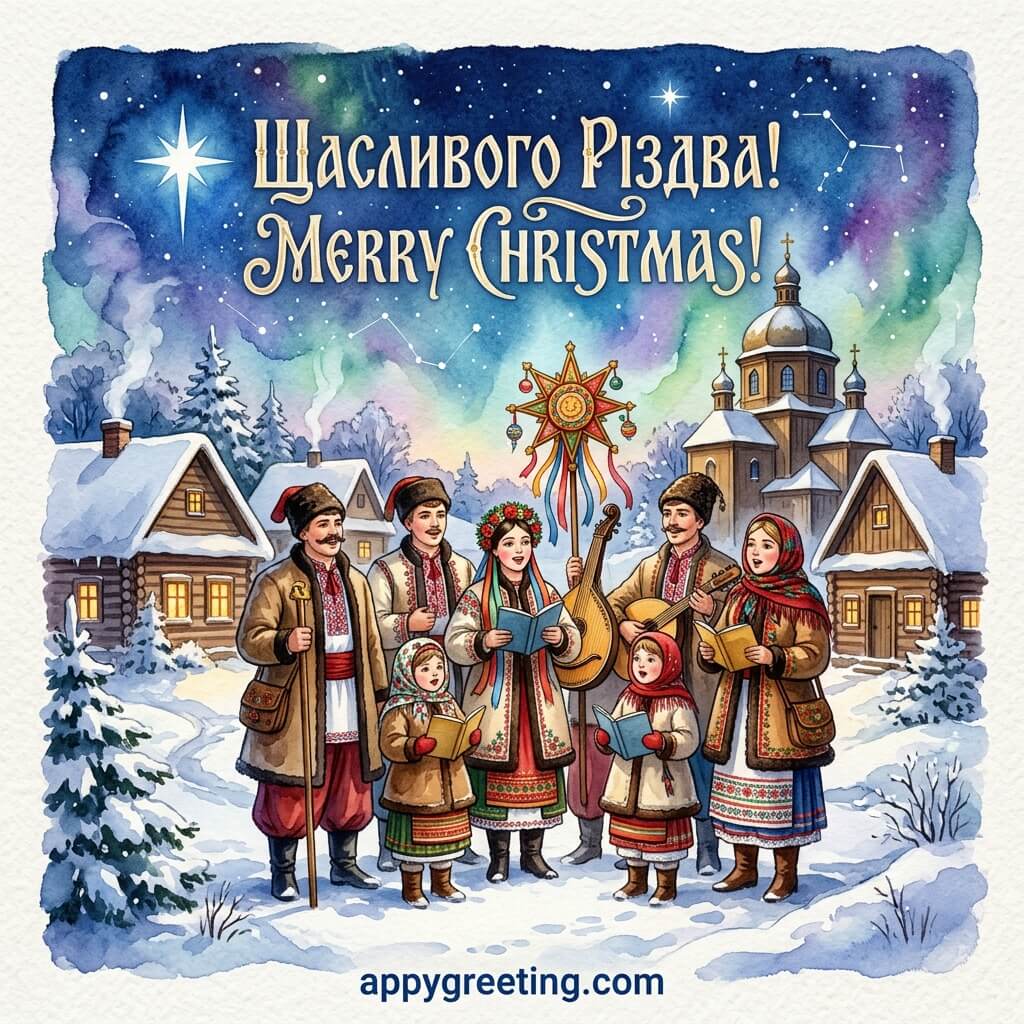



On any phone you can download the GIF to your gallery or folder then find and tap on the GIF you want to send and tap the share icon on your phone then choose which app you want to share the image onto.

Android users can long-press the GIF image directly from your browser and select “Share image” then choose which app you want to share the image onto.

You can share an image or a link to an image, the best option is to share an image as the person recieving the GIF can see it immediatly rather than having to click on a link to view the image.
“Share Image” is better than “Share Link“
On any phone you can download the GIF then from the gallery click the share icon on your pone then choose which app you want to share the image onto.
Android users can long-press the GIF image directly from your browser and select “Share image” then choose which app you want to share the image onto.