German Christmas cards in English and German that you can download or share on social media for free.












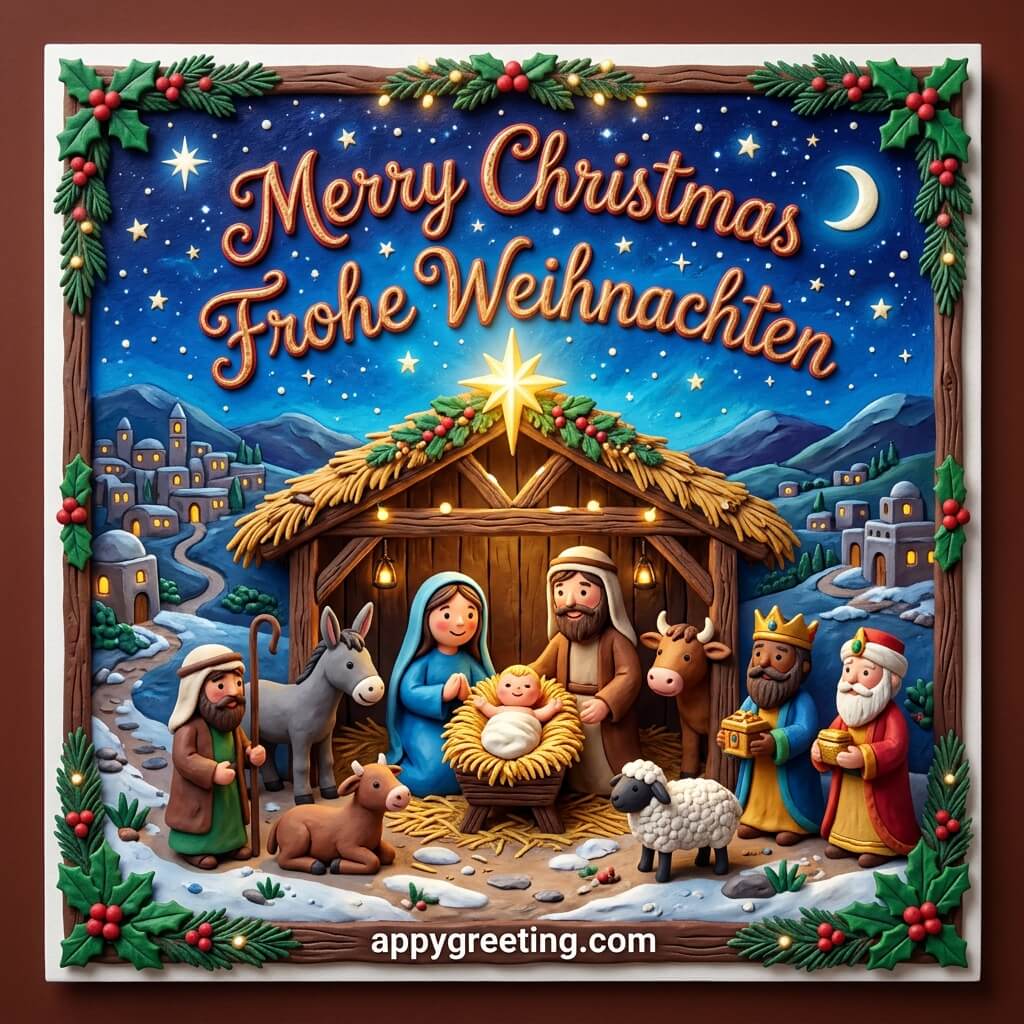





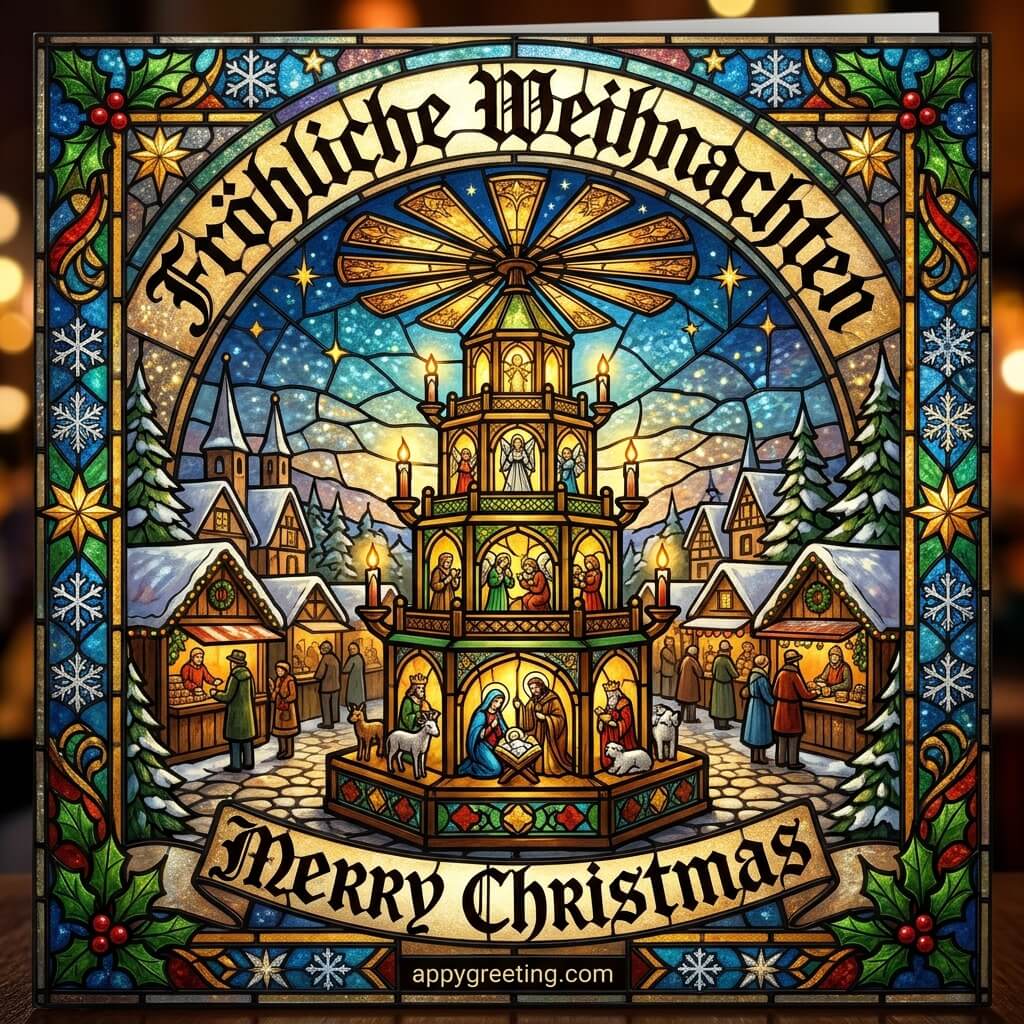










German Christmas cards in English and German that you can download or share on social media for free.
Italian Christmas cards in English and Italian that you can download or share on social media for free.


























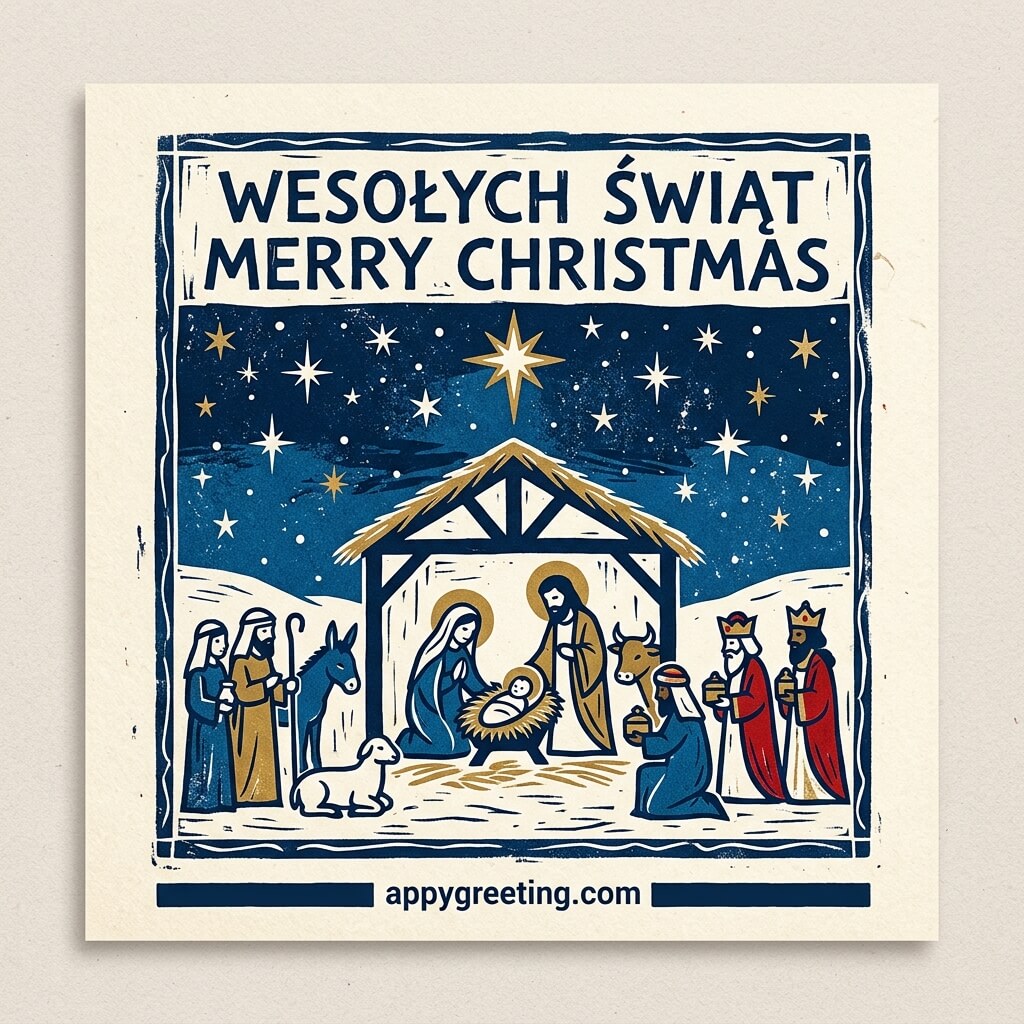
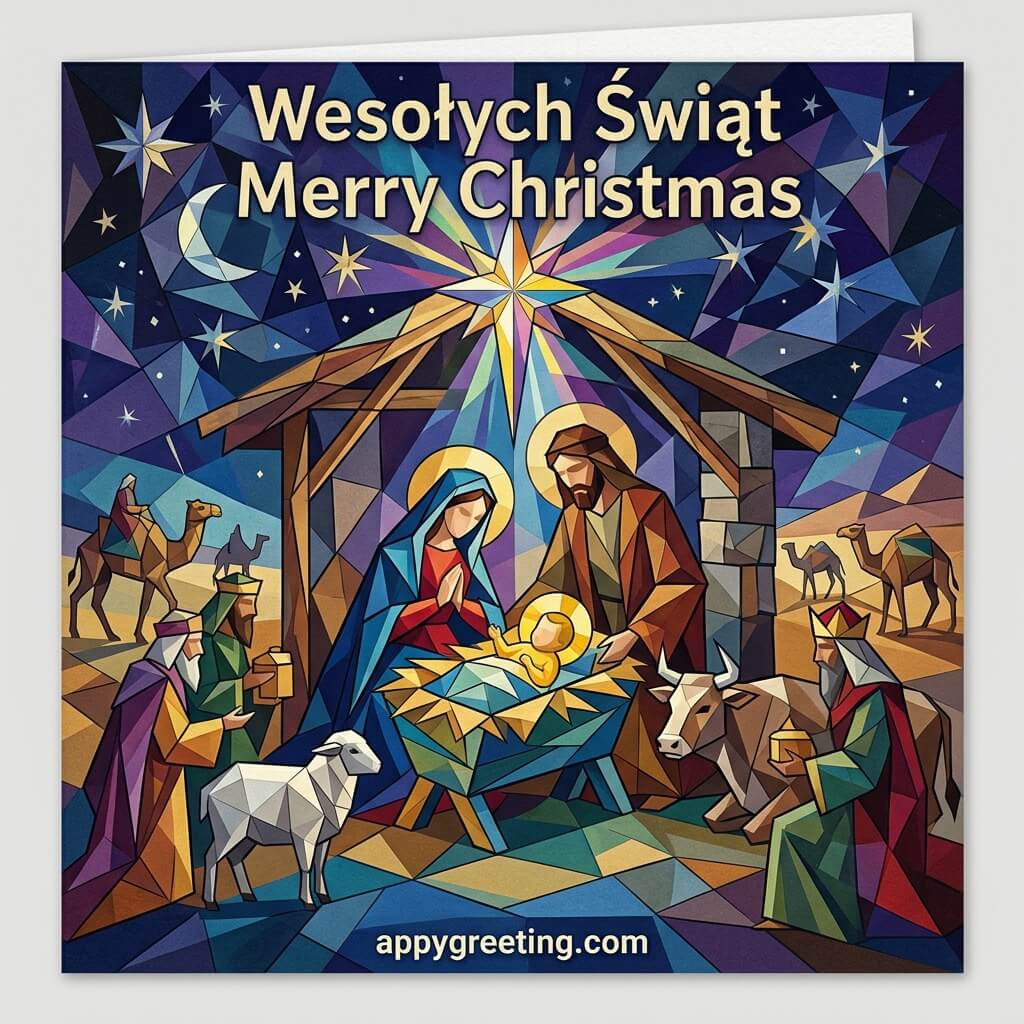
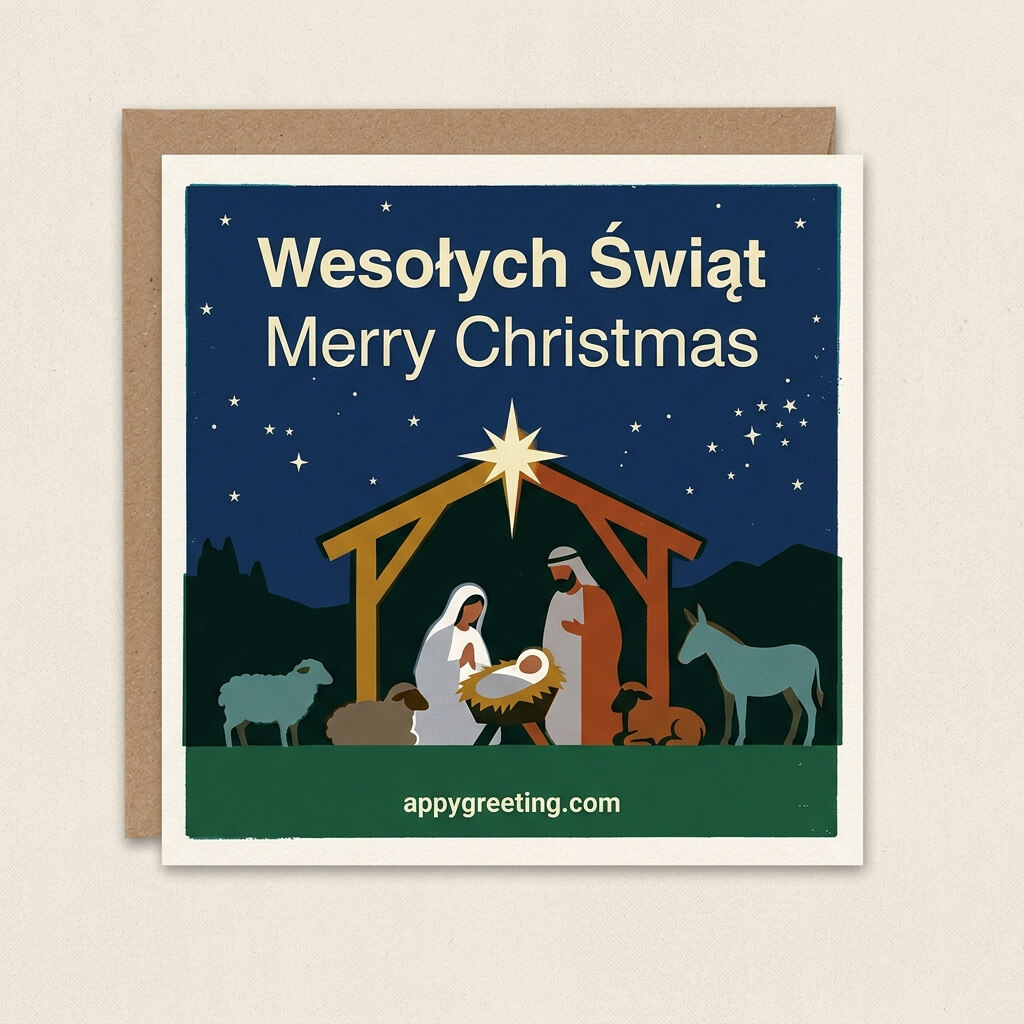
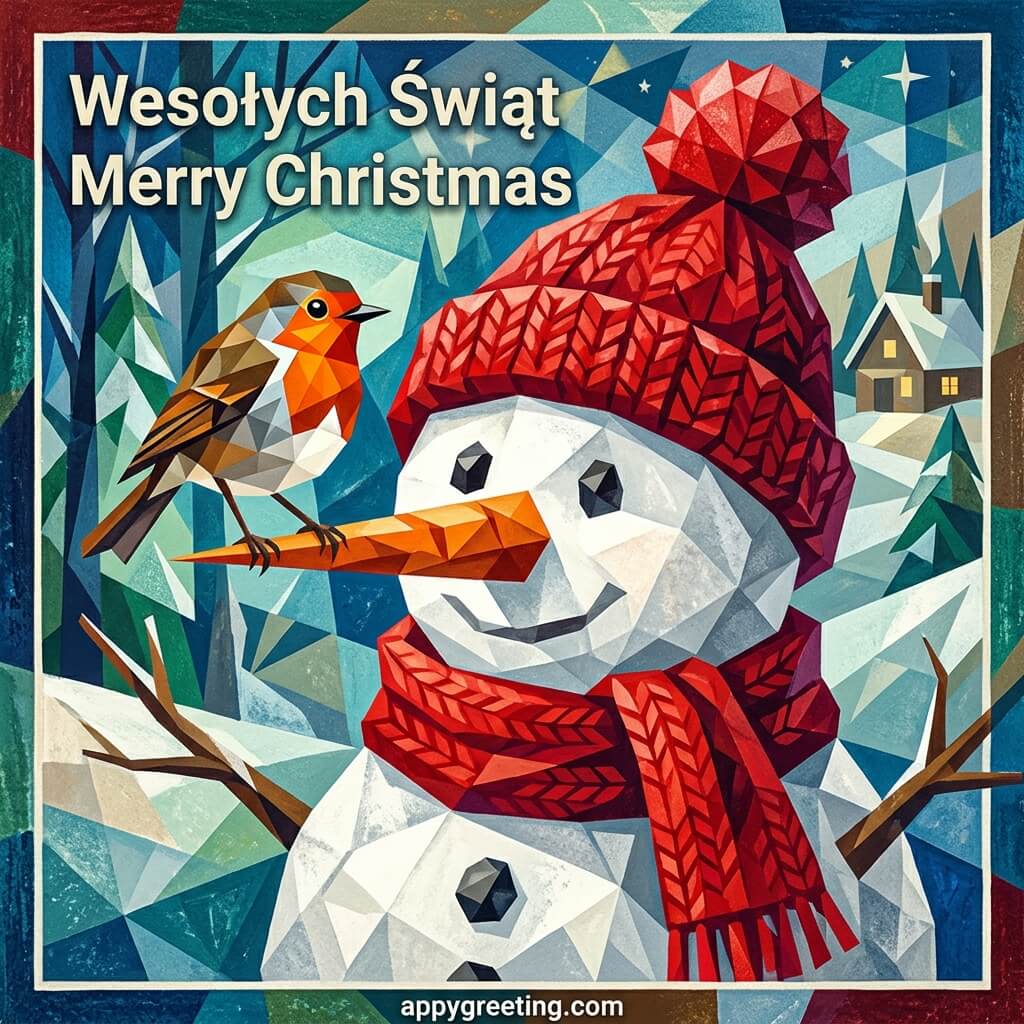
Polish Christmas cards in English and Polish that you can download or share on social media for free.






















Ukrainian Christmas cards in English and Ukrainian that you can download or share on social media for free.


















On any phone you can download the GIF to your gallery or folder then find and tap on the GIF you want to send and tap the share icon on your phone then choose which app you want to share the image onto.

Android users can long-press the GIF image directly from your browser and select “Share image” then choose which app you want to share the image onto.

You can share an image or a link to an image, the best option is to share an image as the person recieving the GIF can see it immediatly rather than having to click on a link to view the image.
“Share Image” is better than “Share Link“
On any phone you can download the GIF then from the gallery click the share icon on your pone then choose which app you want to share the image onto.
Android users can long-press the GIF image directly from your browser and select “Share image” then choose which app you want to share the image onto.
To send a gif to Viber from any phone just follow these 5 simple steps.
Long-press the GIF image in your browser and select “Share > Viber” (if available). This option might not be present on all browsers or devices.
To send a gif to Telegram from any phone just follow these 6 simple steps.
Some browsers like “Chrome” offer a direct “Share image to Telegram” option when you long-press the GIF.
To send a gif to Facebook Messenger from any phone just follow these 4 simple steps.
Some browsers like “Chrome” offer a direct “Share image to Facebook Messenger” option when you long-press the GIF.
To send a gif to WeChat from any phone just follow these 4 simple steps.
Some browsers like “Chrome” offer a direct “Share image to WeChat” option when you long-press the GIF.